

Make your Android as a Tool Box Using Smart Tools for Android
Android mobiles are turning out to be a lot more flexible than any other gadgets available. Of course, that is the reason why Smartphones are the number #1 consumer electronics product. While we know of its functionality, why just use the Android device as if it is something worth a couple of bucks? Even if…

Android mobiles are turning out to be a lot more flexible than any other gadgets available. Of course, that is the reason why Smartphones are the number #1 consumer electronics product. While we know of its functionality, why just use the Android device as if it is something worth a couple of bucks?
Even if it’s an Android device worth 50 USD, you can achieve a lot more than it by utilizing it in the correct way. Neverthless, with flexibility comes the risk of reliability and performance. The more things you can get done, the more conflicts are likely to occur. And, the most common of all of them is the performance. You loose the perk when you try to make the most out of your Android device.
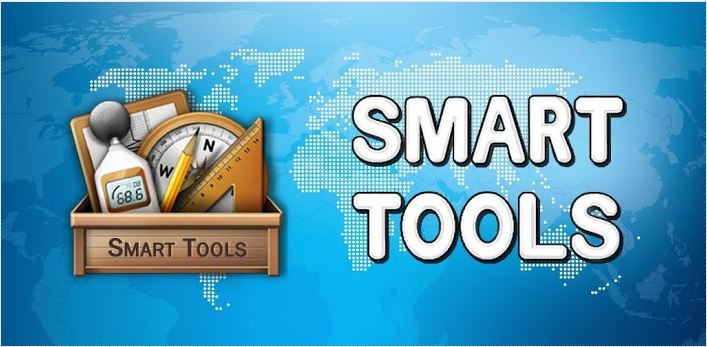
So, here, we picked an app for you which can replace multiple apps with just a single installation i.e – Smart Tool.
Make your Android as a Tool Box Using Smart Tools for Android: Smart Tool is an Android app that turns your Android phone into a tool box for Tape measure,
Compass, Ruler, Protractor, and Flashlight. Smart Tools is a combination of independent apps of same developer.
- Ruler Pro (Incl length, angle, slope, and level.)
- Smart Measure Pro (distance, height, width and area.)
- Compass Pro (compass, metal detector, and GPS)
- Sound Meter Pro (Sound level and Vibrations)
- and a Flashlight.


All individual apps are available in two version free and paid. Smart Tool is a combination of all paid apps in a single pack. Using Smart Tools you can easily calculate distances, lengths, height measures, vibrations, Level gauge, Sound level and Magnetic fields. The Smart Tools work well and is designed in such a way so that it looks good and works simply. Overall it is very good and must have app for Android.
You might also like
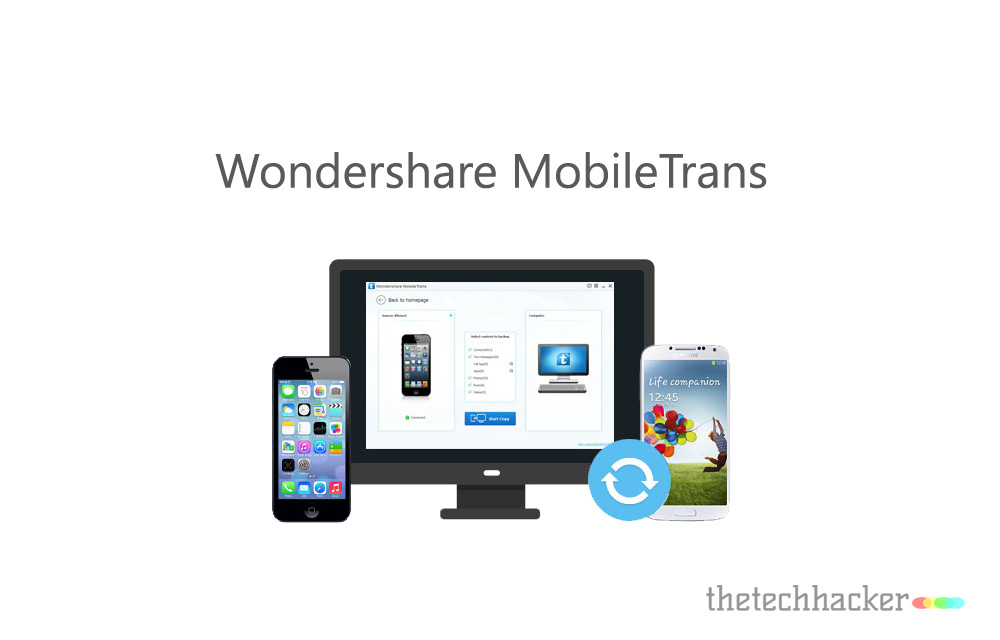
Switch Files From Android To iPhone Easily With Wondershare MobileTrans-Review
One of the major problem facing by any smartphone user after buying a new device is difficulty in transferring old data apps, contacts, media and text messages. Whether it is an iPhone or Android, the most troublesome thing for users is the lack of a perfect and decent PC-Phone management tool. Syncing and transferring data…
Dr.Fone – Android Full Suite: Your Complete Mobile Pit Stop
Wondershare Dr.Fone is a complete android power suite where many useful functions like Android data recovery, Data extraction (from damaged devices), Lock screen removal, Screen Recorder and Phone transfer packed inside. As many other Wondershare products, the Dr.Fone also true the name by being a true doctor of your Android smartphones with a bunch of…

CCleaner For Android-Review
CCleaner is a very popular cleaning tool available for Windows and Mac. Recently the company developed the CCleaner app for Android users. The app functions are similar like PC and MAC. The aim is to clean your Android system like never before. We have very popular apps available for Android cleaning purpose in Google Play Store. So,…
The week in tech, minus the noise.
New reviews, fixes and the stories that matter — once a week, straight to your inbox.
We only use your email to send the newsletter. Unsubscribe any time. See our privacy policy.
Comments