

Rahul Vithala

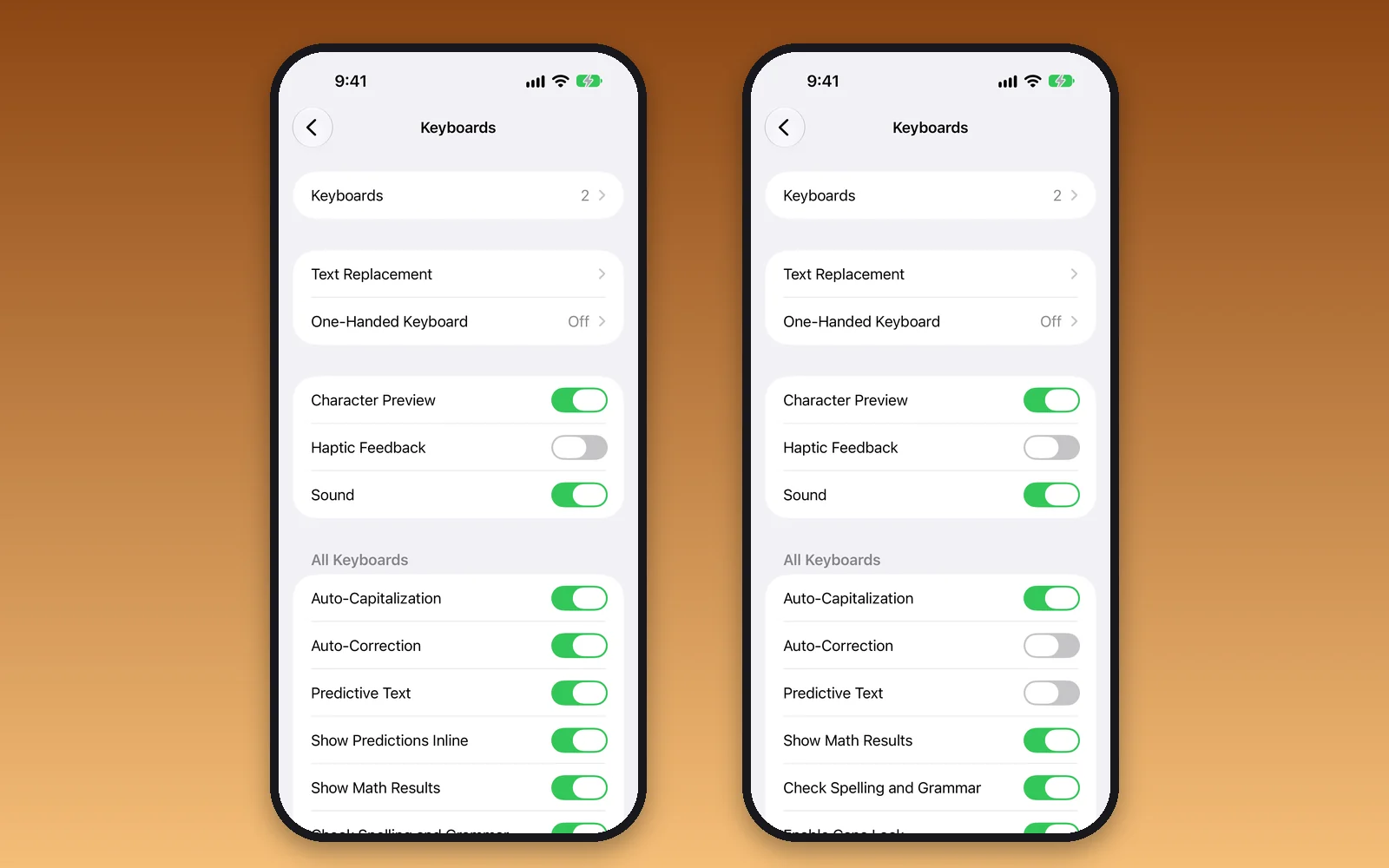
How to Turn Off Auto-Correction and Predictive Text on iPhone in iOS 27
Every iPhone comes with auto-correction turned on. It fixes your spelling mistakes while you type, and most of the time it works well. But it also changes names, slang and words from other languages into something you never wanted to say. Predictive text is another feature that shows word suggestions while you type. Some people…

OnePlus ColorOS 17 Update: Missing Features and What Owners Can Do
OnePlus phones are switching from OxygenOS to Oppo’s ColorOS 17, and many long-time OnePlus fans aren’t happy. Some favorite features are missing or only available in certain regions, and the rollout is slower than expected. If you own a OnePlus phone in the US, here’s what’s changing and what you can do. Quick answer: With…
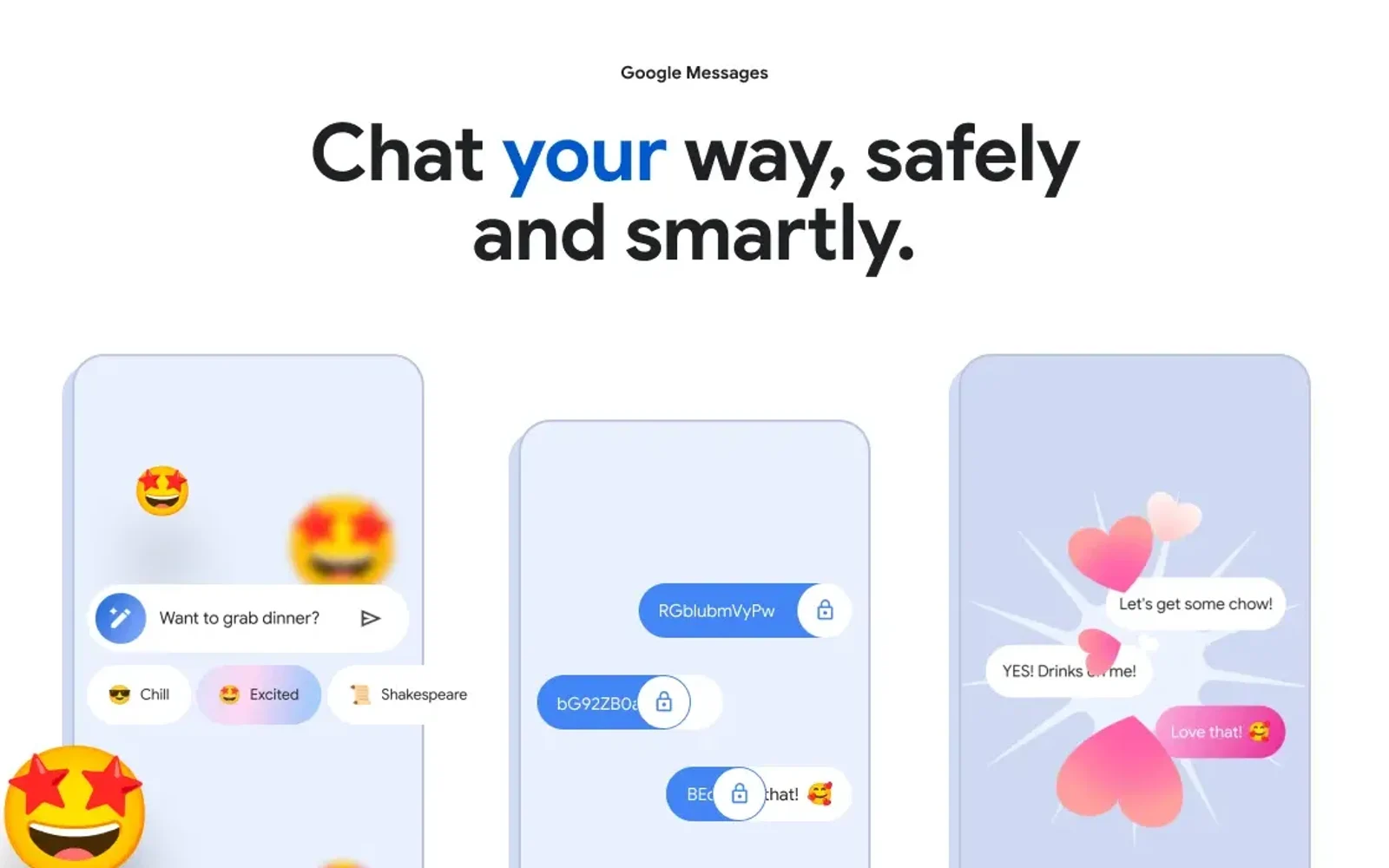
New Google Messages Features in November 2026 and How to Use Them
Google Messages gets new features almost every month, but many roll out slowly through tests, so it’s hard to know what you actually have. This month brings a new homepage design, stronger scam protection, a new swipe gesture and a way to text with Gemini. Now in this article, I will show what’s new in…

How to Get the Best GTA 6 Performance on PS5 and Xbox Series X|S
GTA 6 runs at 30 frames per second on PS5, PS5 Pro and Xbox Series X|S, and Rockstar has said even the PS5 Pro isn’t powerful enough for 60 fps. You can’t unlock more performance, but you can make sure your console isn’t running worse than it should. Stutter outside of big fights usually means…

WhatsApp Travel eSIMs: How They’ll Work and How to Use a Travel eSIM Now
WhatsApp will soon let you buy a travel data eSIM right inside the app. The idea is simple: land in another country, tap a few times, and keep using WhatsApp on your normal number without roaming charges or hunting for a local SIM card. It isn’t live yet, but you can already use travel eSIMs…

How to Fix Gemini Using Too Much RAM in Chrome
Some Chrome users noticed Gemini using several gigabytes of memory, slowing their computers down. Google says it has fixed the problem. If Chrome still feels heavy, a few quick checks will show whether Gemini or something else is using your RAM. Quick answer: Google says it fixed a bug that made Gemini use excessive RAM…
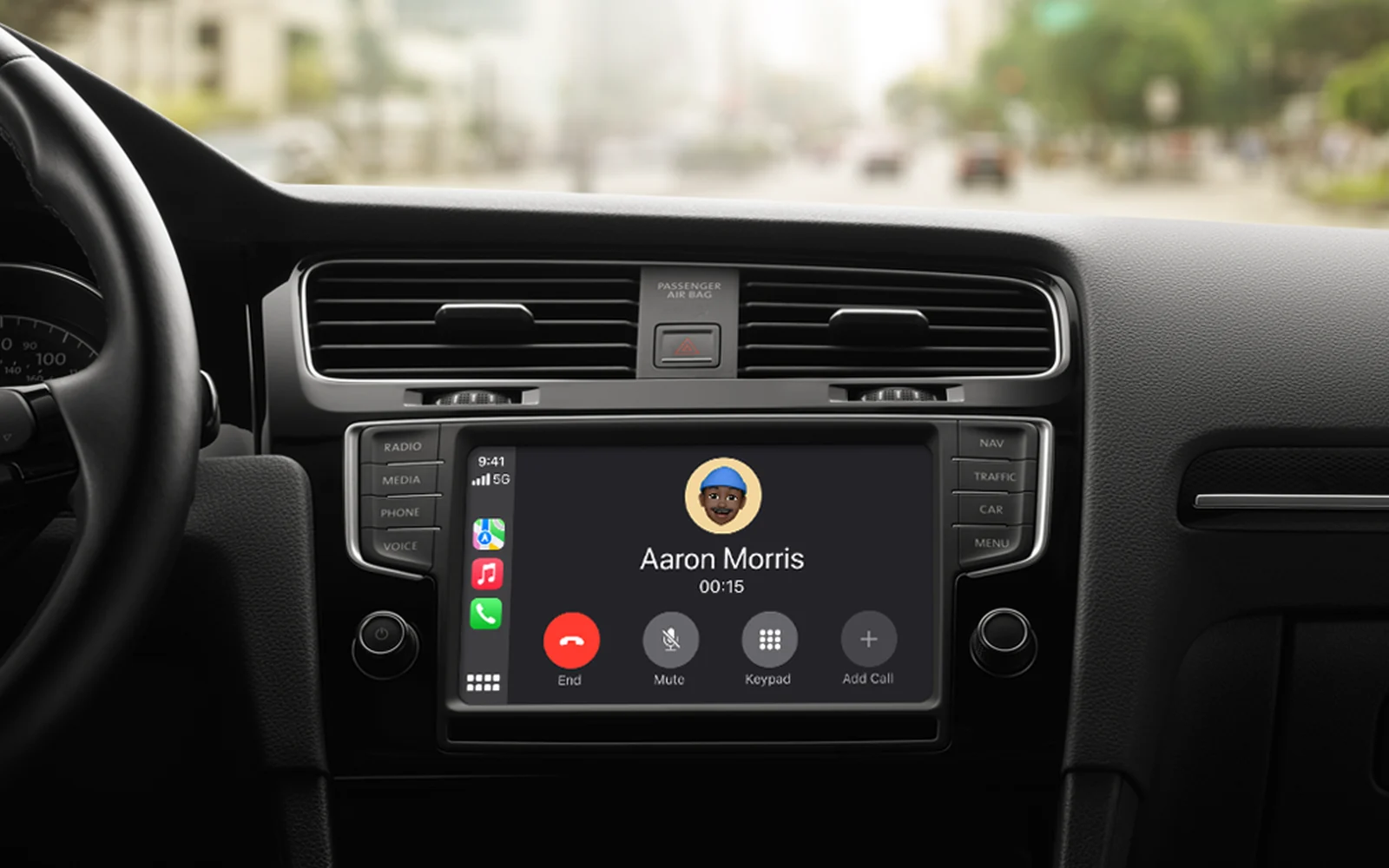
What’s New in CarPlay With iOS 27.2 and How to Use It
iOS 27.2 brings a few changes you’ll notice in the car. Apple Podcasts has new sections that make it easier to pick up where you left off, Siri AI is smarter in CarPlay, and a long-standing Apple Music playlist bug is reportedly fixed. Now in this article, I will show what’s new and how to…

GTA 6 Cheat Codes for PS5 and Xbox: How to Unlock and Use Them
GTA 6 has cheat codes, but they work differently from older GTA games. You can’t use them right away: most unlock only after you finish the main story or complete challenges. And once you use one, you can’t save and you won’t earn trophies or achievements. Quick answer: To use GTA 6 cheats, finish the…
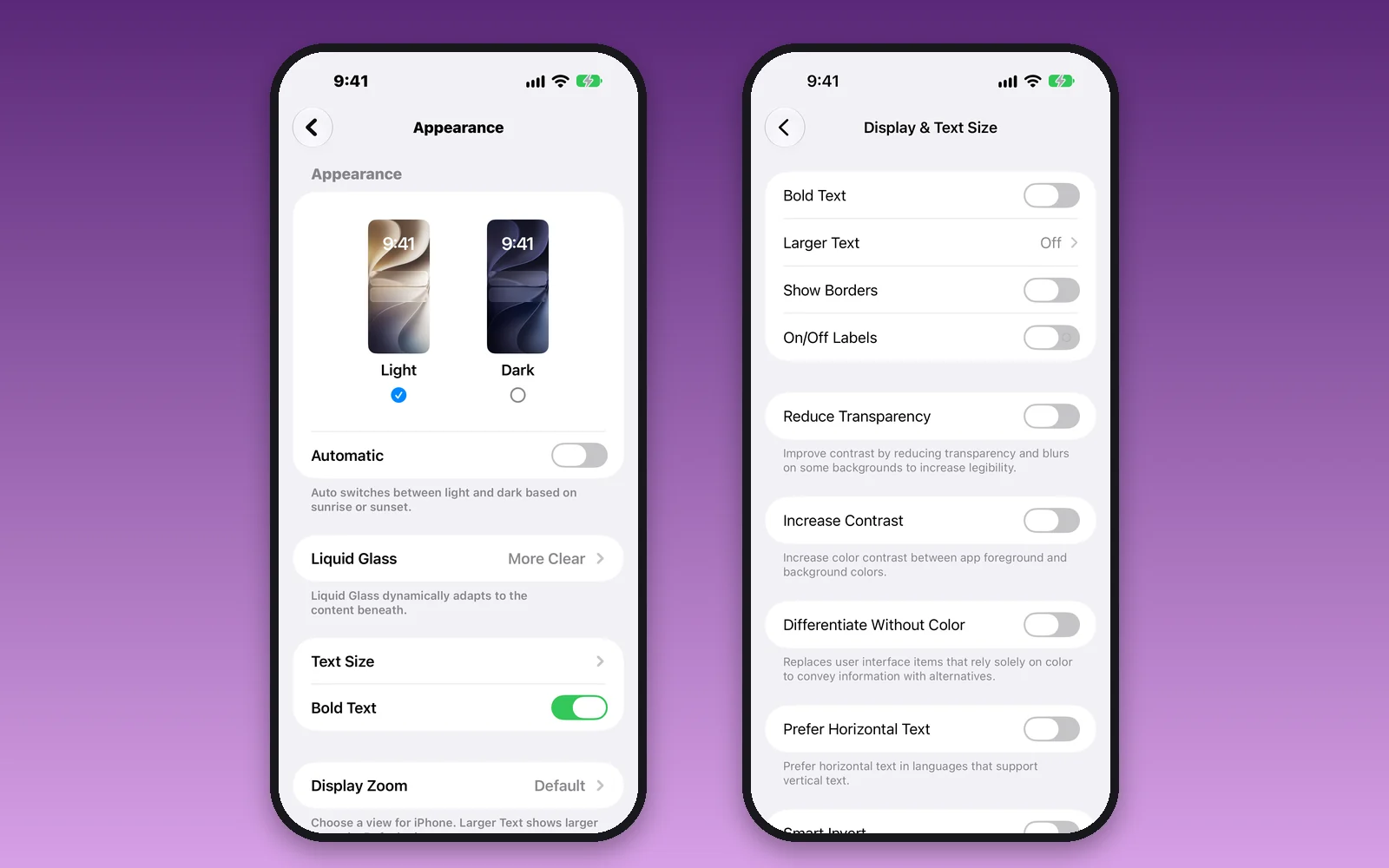
How to Make Text Bigger and Bolder on iPhone in iOS 27
iPhone screens are getting bigger, but the text on them is not. Reading a long message or an email on a small font is tiring, mainly at night or when you don’t have your glasses nearby. Many people pinch and zoom each page without knowing that the iPhone has three different settings for this. You…

How to Set Up X Parental Controls for Your Teen (and What You Can’t See)
X now has parental controls for the first time. Parents and guardians of teens aged 13 to 17 can set a daily time limit, approve new followers, filter words and see who their teen chats with. There’s one catch: the teen has to agree before any of it works. Quick answer: To set up X…
How to Check Chrome for a Fake Extension Stealing Your Gmail (Remus and SYS010)
Two new malware campaigns are stealing Gmail messages through fake browser extensions. One installs a Chrome extension named “Google Sheets.” The other takes control of your browser settings so you can’t remove its extension. Changing your password doesn’t stop either one, because the extension stays in the browser. Quick answer: Open chrome://extensions and remove anything…
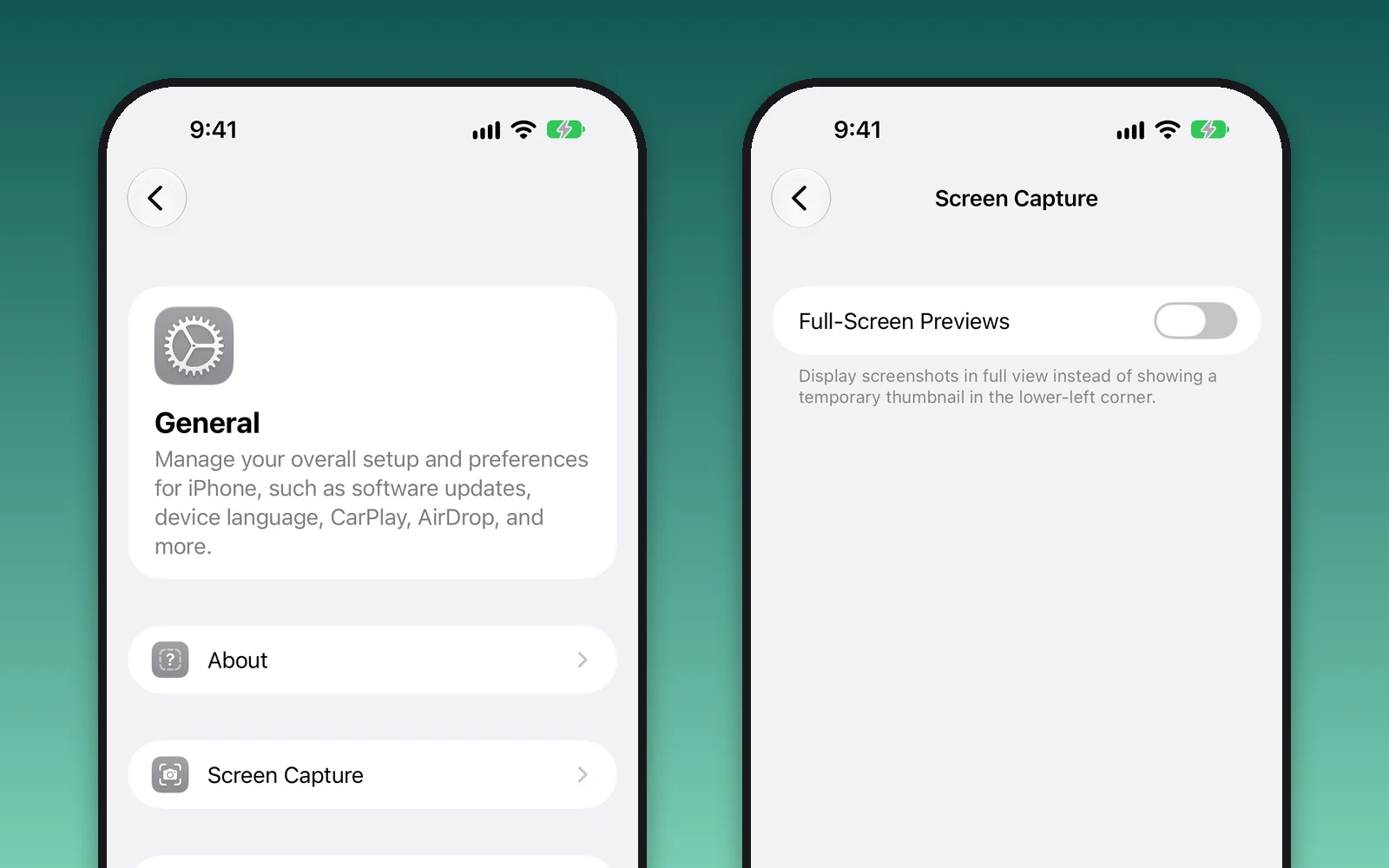
How to Get the Old Screenshot Thumbnail Back on iPhone in iOS 27
Taking a screenshot on iPhone used to be simple. You press the buttons, a small thumbnail appears in the corner, and you swipe it away or tap to edit it. iOS 26 changed this habit by opening every screenshot in a full-screen view. It’s useful for people who crop or mark up their screenshots. If…