

Thetechhacker - Tech How-To Guides, Reviews & News
Latest stories
How to Fix Microsoft Edge Crashing When Printing on Windows
If Microsoft Edge crashes, freezes or stops responding when you try to print, the quickest fix is to press Ctrl + Shift + P to print with the Windows system dialog instead of Edge’s own print preview. If that works, the problem is Edge’s print preview, and the fixes below will sort it out for…

OnePlus Pad 3 launches in India: Snapdragon 8 Elite power, 13.2-inch 144Hz display, prices from Rs 42,999
OnePlus has launched the Pad 3 in India, confirming pricing, sale date, and limited‑time offers after its global debut in June. The flagship

Instagram DM Not Working? 9 Fixes That Actually Work
If your Instagram DMs are not working, first check whether Instagram itself is down, then force-close the app, update it, and switch between Wi-Fi and mobile data. If messages still will not send or load, clear the app’s cache (Android) or reinstall it (iPhone), and check your Account Status for a messaging restriction. DM problems…
How to fix application was unable to start correctly 0xc0000018 error in Windows
This application was unable to start correctly 0xc0000018 error in Windows error appears when launching an app and usually closes the program with only an OK button. In most cases it is fixable with a few steps. Follow the sequence below from simple to advanced, and stop once the error disappears. Always reboot and test…

How to fix Windows 10/11 users report “can’t create new folder” bug
A number of Windows 10 and 11 users are seeing a strange issue where the “New > Folder” option disappears, stopping fresh folders from being created. The glitch is usually fixable with a few quick steps. Below are seven practical solutions, arranged from simplest to advanced, along with a registry repair that restores the missing…

Best upcoming smartphones for 2025
Are you looking to upgrade your current smartphone to the latest one? This guide highlights five upcoming smartphones that deserve attention in 2025, focusing on improvements that affect daily use: battery life, camera systems, performance, and mainly form factor. We have gone through depths, and we have five clear picks that cover mainstream, pro, foldable,…

Best email platforms for ecommerce in 2025
Email is an evergreen way to talk to customers. It reaches the inbox, carries the brand voice, and doubles as an authenticator for sign‑ups, order alerts, and password resets. For e-commerce, email is not just a way of communication; it is the central system that connects browsing, buying, service, and loyalty. The right platform helps…

Google Pixel 10 review: a new baseline for 2025
Google Pixel 10 review: Many phones are coming and going. Nothing truly innovative has been visible in recent years. We mostly see RAM, storage, and processor upgrades. For the iPhone, camera positions change every year, but there is no major shift. Now Google arrives with a new standard-setting device. With thoughtful improvements and strong execution,…

How to choose the right iPad storage size in 2025?
Choosing an iPad storage in 2025 depends on real use, not just price or hype. Apple sells iPads from basic capacities to huge 2TB models, and the right choice varies by work, study, entertainment, and creative needs. Bigger storage often comes with higher RAM and extra performance on Pro models, so storage is also a…

Google to roll out enhanced Play Games profiles from September
Google has announced enhanced gaming profiles for Google Play, with a global rollout starting on 23 September 2025 and a one-week delay for
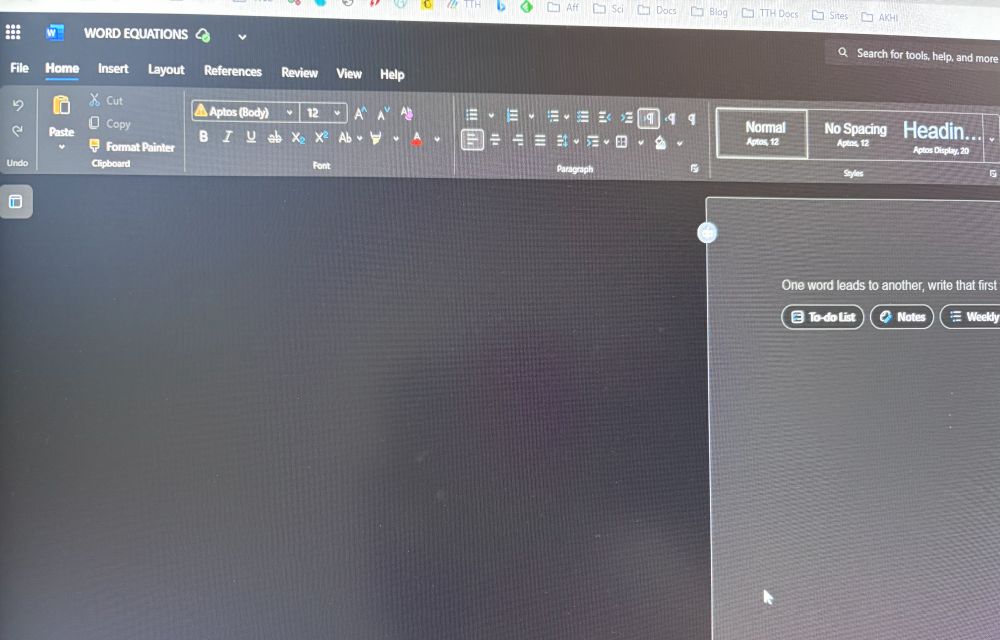
Microsoft Word Not Converting Equations? Here Are The Fixes.
If equations in Microsoft Word aren’t switching to the professional math layout, it’s usually a formatting mismatch or a temporary glitch. Follow these quick, safe steps in order, and stop when the issue is resolved. Before starting Close other Word files. Note whether equations were pasted from outside sources. Mixed formats often block conversion. Step…

WhatsApp adds ‘Writing Help’ to polish message tone with privacy-first AI
Meta is rolling out a new AI feature called Writing Help inside WhatsApp, targetted at helping people find the right words and tone