

Play High End Games On Low End Android Devices Smoothly Using GLTools
Budget friendly Android devices don’t support high-end games. The reason is simple, budget-friendly or low-end Android devices comes with low-end Hardware. The companies compromise on the price and they come up with mediocre processors and 1 or 2GB RAM support. But the developers develop new apps suitable for the latest high-end smartphones and tablets. What would you…

Budget friendly Android devices don’t support high-end games. The reason is simple, budget-friendly or low-end Android devices comes with low-end Hardware. The companies compromise on the price and they come up with mediocre processors and 1 or 2GB RAM support. But the developers develop new apps suitable for the latest high-end smartphones and tablets. What would you do if you want to play the latest high resource intensive game on a low-end device?
With the growing times, we can see that games are becoming resource dependent, earlier the games used to run smoothly on all the devices, but as the device are growing powerful the games are also becoming power hungry. Mostly a game is dependent on four different factors of hardware which are RAM, Storage Access Speed, Processor, and GPU.
All the four factors work together and result into the game, RAM is used to store all the data inside it while the Processor processes the mathematical calculations, and then gives to GPU to render it onto the screen. Suppose you are playing a third party shooter game, here you will press a button to move, the CPU will calculate the new location with respect to the previous one, will fetch the graphics from the internal storage, then save the new values in the RAM, send in commands to the GPU to render, and finally you will get to see the images.
Whenever these things happen you play the game, and if there is anything which lacks behind in giving a timely result to the other, you get to see the thermal throttling or lags in the game. This happens to be the main reason for your devices do not perform great particularly if you own a low – end device because we don’t get to see some great specification on to those devices.
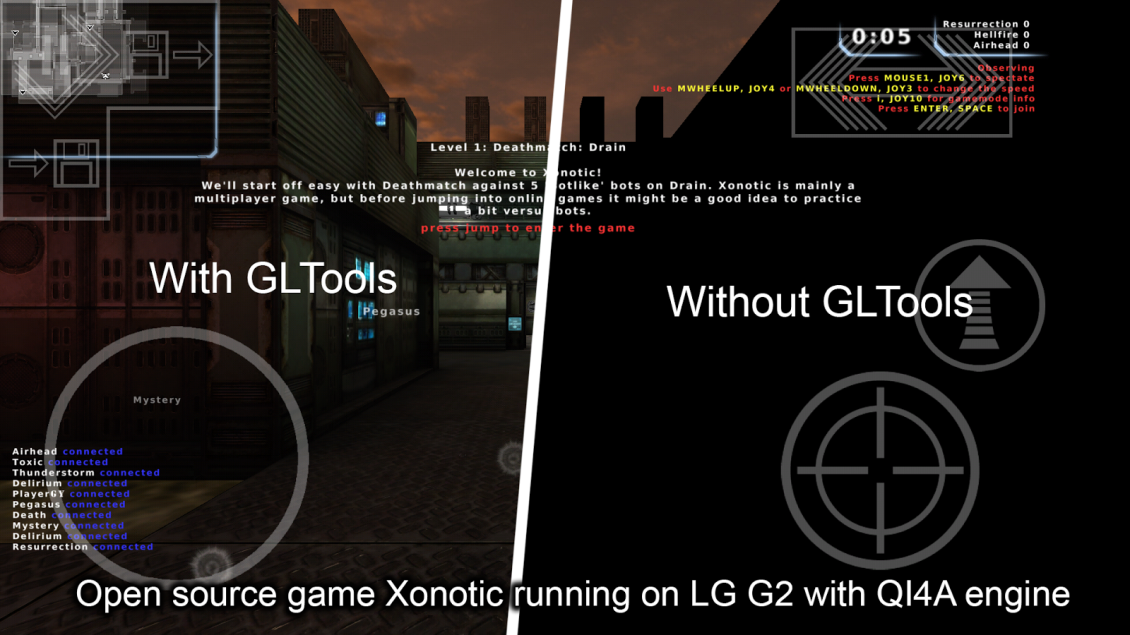
Simply install GLTools on your low-end device. GLTools lets you play all latest games on low-end Android devices. Using this tool you can set a custom resolution and rendering mode on a per-app basis. Not only this it also allows you to change the GPU name for unsuitable Games. GLTools is a must have app for budget-friendly phones to handle the newest games with decent graphics quality. The app requires rooted devices in order to work. GLTools is available for both free and premium versions.
How to use GL Tools
We hope you must have installed the GLTools on your budget device, do note that your phone should be rooted, and you must have a custom recovery installed on the same. Follow the steps:
- Once you have the apk installed on your phone, open the GLTools, before that please turn off the internet on your device, both from WIFI and Mobile Data.
- Now confirm all the three checkboxes and click on Install using recovery. Once done you will get a pop-up and ask you to reboot, you can either choose manual or can click on Auto. Once you click on Auto you will be required to provide SuperSU access, once done your phone will reboot in recovery mode.
- Now tap on install and search for the file which was automatically created in your internal storage, it must be named “install_gtools.zip”
- As your install/flashing is finished, reboot your device.
- As your device reboots, open GLTools, make sure you don’t have an internet connection while using GLTools, otherwise it can fail to work.
- You will get a list of applications, select the game you want to customize the settings.
- The settings for the particular app will open, now tap the Enable Custom settings for this app, and change the settings such as Anti-Aliasing, and other settings.
- Here you even get an option to use fake GPU info where you can use any template given.
Once done you can easily play any game on any device, the game will work with better graphics, and with better FPS, do note that it will just fake the GPU and hence much better graphics will be used, this will be using the original CPU and GPU power of your device.
That’s all for now. Please do share your views and feedback in the comment box below. Also, please don’t forget to share the article on your social media platforms.
More in Mobile
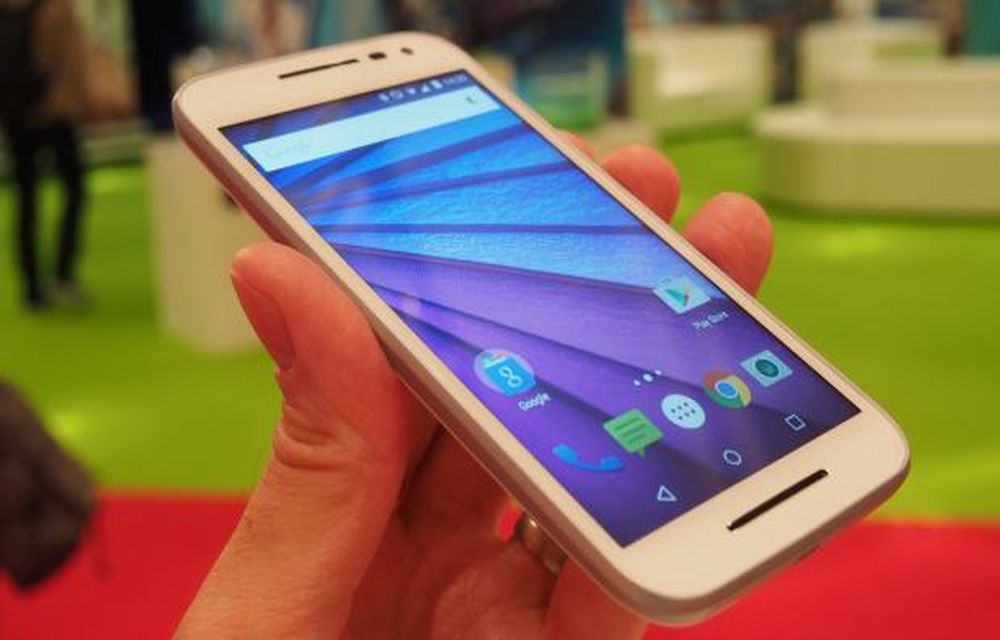
Moto G 3rd Generation Pros and Cons
Motorola Moto G 3rd Generation was recently made a flood over the smartphone market. The water resistant device was powered by the Qualcomm Snapdragon 410 CPU alongside the 5 inch HD display that output good visuals especially when playing high FPS games. There is a 1GB RAM to power the multi-tasking capabilities of the Moto G3. As…

Mlais MX Base vs Oukitel U8 Universe Tap – A Detailed Comparison
Today we found two Smartphones, Mlais MX Base and Oukitel U8, currently trending among the Chinese Smartphone Industry. Both the Smartphones fighting with each other for their place in the low price category.
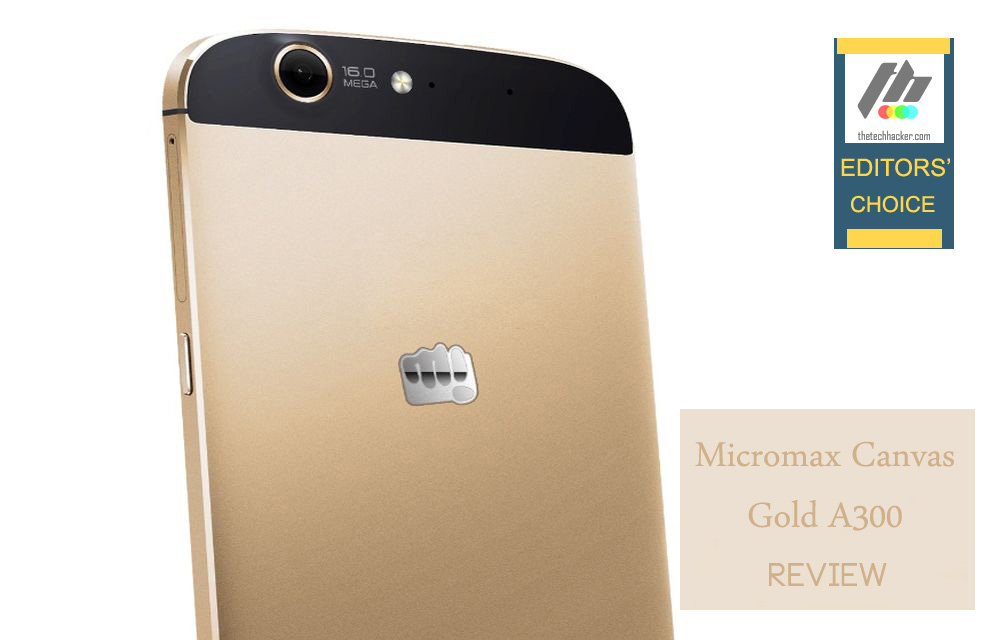
Micromax Canvas Gold A300 Review-Search Ended For A Real Micromax Flagship Smartphone
Better looks can really make a good smartphone? it is a common question whenever we see a great looking phone. It’s difficult to make a big deal out of a smartphone these days.
The week in tech, minus the noise.
New reviews, fixes and the stories that matter — once a week, straight to your inbox.
We only use your email to send the newsletter. Unsubscribe any time. See our privacy policy.
Comments