

HandyCall-Android App Review
We all know floating buttons usage on Android device, it simplifies the notifications and user can easy respond to it. We already reviewed Floating Equalizer and Snapy floating camera app for Android on thetechhacker.
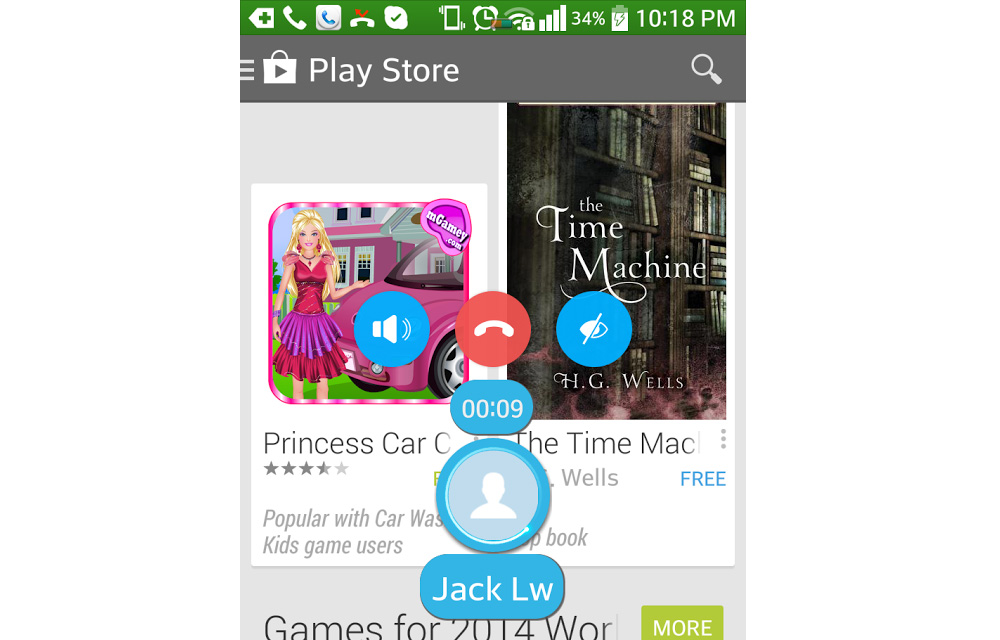
We all know floating buttons usage on Android device, it simplifies the notifications and user can easy respond to it. We already reviewed Floating Equalizer and Snapy floating camera app for Android on thetechhacker.
Must read: Adjust Sound Settings On Android With Floating Equalizer App
Facebook is the father of floating buttons concept, he introduced the chat heads to the Android for easy chatting on the go. Now the most of the developers has adopted this concept and adding simple functions to our phones. Now it is the time for floating call answer, reject or mute button on Android lock screen.
HandyCall is an Android app that adds a floating head to your screen when you receive an incoming call. The user can answer, reject or mute the incoming call easily using floating button.

After the installation of the app it starts the service, you can customize all the settings like language selection, floating button location on the screen and look of the popup button. The app has scheduler feature which lets you set when the app should be active if you don’t want to use the floating head all the time. Means if you want the default phone app to take over you can hide the app for some time.
Where It Excels
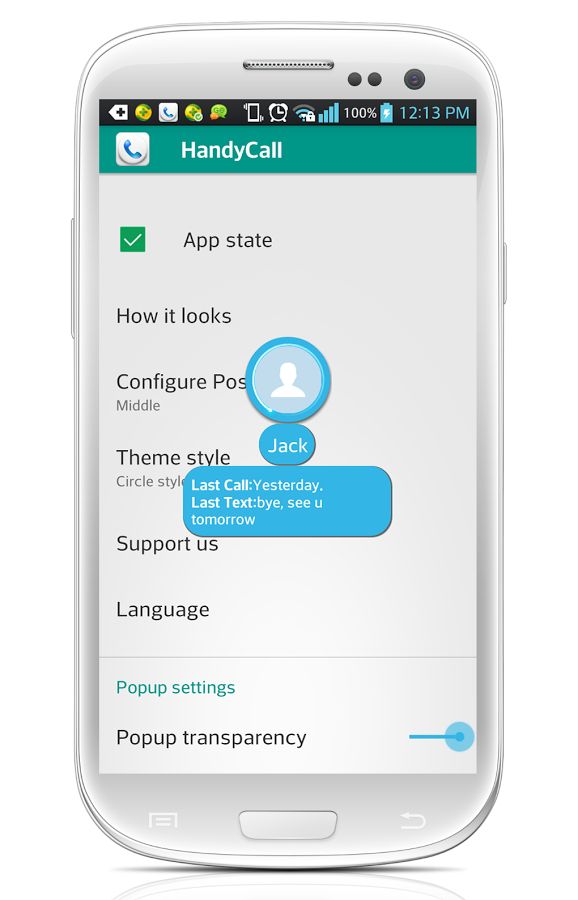
The app excels in design part, it is designed well and clean. The scheduling feature also comes handy when don’t want to use this app. A brief call history feature is a very useful to check when was the last time this contact called you.
Where It Falls Short
Nothing found any shortcomings in this app.
Features of HandyCall
- Ability to configure popup position.
- Settings to use default phone app or handy call in different contexts.
- Apply new Android L style.
- Ability to change the transparency of popup.
- Settings to turn off the app in a period of time.
- Ability to show the message and call log history of the incoming call.
Conclusion
Very useful and handy Android app to answer, reject and mute incoming calls on the go.
More in Mobile
Advantages And Disadvantages Of Google Android
Android is the most used mobile platform now and it is followed by iOS. When you go to choose a mobile that runs on Android, iOS, Windows etc… you need to read these.

Inside Mobile App Development: What Developers Should Take Care Of
Along with Apple iOS and Google Android, mobile technology went further than it ever could in the last two decades. These two operating systems have revolutionized the mobile platform, with apps and app stores. Now, each platform has over a million apps and billions of downloads for popular ones. How does the development community fit…
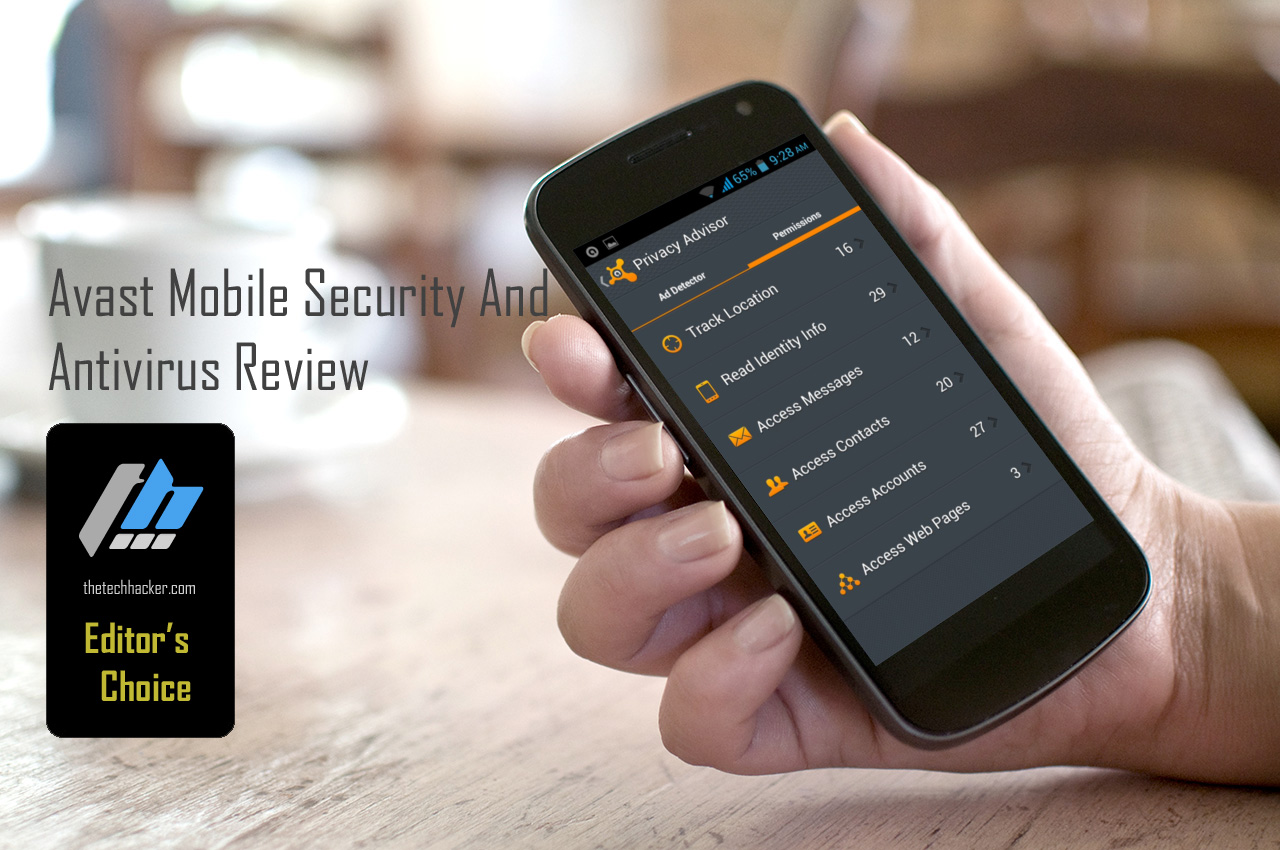
Avast Mobile Security And Antivirus Review
After PC, Android devices need extra protection from thieves and hackers attacks, recent reports state that Android attacks anonymously increased in the recent years.
The week in tech, minus the noise.
New reviews, fixes and the stories that matter — once a week, straight to your inbox.
We only use your email to send the newsletter. Unsubscribe any time. See our privacy policy.
Comments