

EaseUS Partition Master Free 13.0 Review
If you are running Windows, you must be aware of the concept of partitions. Basically, partitions are slots created inside the memory of any computer. For example, if you have a 500GB hard disk then you can create 5 partitions of 100GB on that disk. Same way, the partitions are less if the memory for…

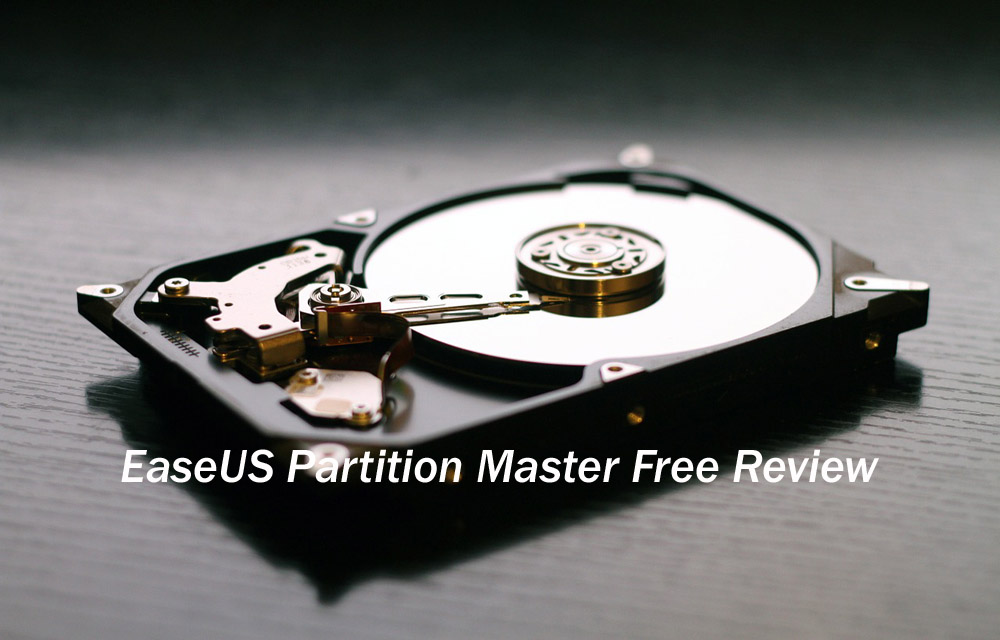
EaseUS Partition Master Free Review
If you are running Windows, you must be aware of the concept of partitions. Basically, partitions are slots created inside the memory of any computer. For example, if you have a 500GB hard disk then you can create 5 partitions of 100GB on that disk. Same way, the partitions are less if the memory for each partition is more and vice-versa.
EaseUS Partition Master Free 13.0 is a completely free partition manager available for Windows users. There are plenty of software’s available to create partitions on Windows, but what makes EaseUS special in the category? Let’s read our comprehensive review.
Now, the partitions are created while you are installing Windows on your PC for the first time. Once that is done, you can change the partition size or even create/delete partition unless you re-install Windows. We are here to solve this problem for you of creating/cloning/resizing/merging and formatting partitions on your current Windows setup. Everything mentioned above can easily be achieved with the help of EaseUS’s Partition Master.
Features
First of all, you would be surprised to know that EaseUS Partition Master is free. It offers you the ability to tinker with your partitions without any data loss. With EaseUS’s Partition Master, you can allocate more storage to your C: drive where Windows is installed. This will make your Windows run faster than before.
This is a very common problem which everyone has at the moment. What happens is that they allocate less space to their C: drives and later need to expand partitions but they cannot do it.
Also, you can create a partition where you copy the other partition’s data with Partition Master which is called Cloning. Along with that, you will be able to Wipe or Format any or all of your partitions (however, that is not recommended). You can also change labels of your partition with this software to remember your partitions properly.
You can also merge partitions as well delete them altogether with Partition Master for free as well. Also, the free version of Partition Master lets you tinker with partitions of hard disks up to 8TB in size.
How to use
- All you need to do is Download EaseUS Partition Master from the official website.
- Open the software on your PC. Choose the desired partition for performing an action and click “Resize/Move Partition”
- Now, Resize the partition by choosing whatever size of the disk that you want.
- Next, click on Confirm and your partitions will be resized.
Conclusion
It must be hard for someone with less technical knowledge to perform operations such as resizing partitions. Therefore, EaseUS Partition Master helps you resize or tinker with the partitions with ease and much less effort. Also, it is completely free which makes it the best partition manager available on Windows PCs at the moment.
Get 50% discount on the Pro version here.
More in Featured
How to Create a Professional Video easily with Wondershare Filmora
Creating professional videos to entertain or educate others is not an easy task. No one likes videos that are low-quality, don’t entertain them, and most importantly, poorly edited. You can add as much info as you want in an educational video, and still get backlashes for its quality and editing. A professional video editor will…
Managed VPS Hosting: Benefits and Best Security Practices
Managed VPS hosting emerges as a great solution for ensuring the safety and reliability of your server infrastructure. This article delves into the reasons behind selecting managed hosting, essential security measures, and the significance of protocols and certificates in safeguarding your server. But first, let’s answer some important questions about managed VPS hosting. Why Managed…
X-Raptors Hackathon 2025: When Random Domain Collisions Spark Breakthrough Solutions
In Silicon Valley’s hypercompetitive landscape, where unicorn startups are born and die within quarterly earnings cycles, most hackathons follow predictable patterns: build the next social media app, create another AI chatbot, or solve world hunger with blockchain. But what happens when you deliberately force developers into unfamiliar territory, making them combine domains they’ve never considered…
The week in tech, minus the noise.
New reviews, fixes and the stories that matter — once a week, straight to your inbox.
We only use your email to send the newsletter. Unsubscribe any time. See our privacy policy.
Comments