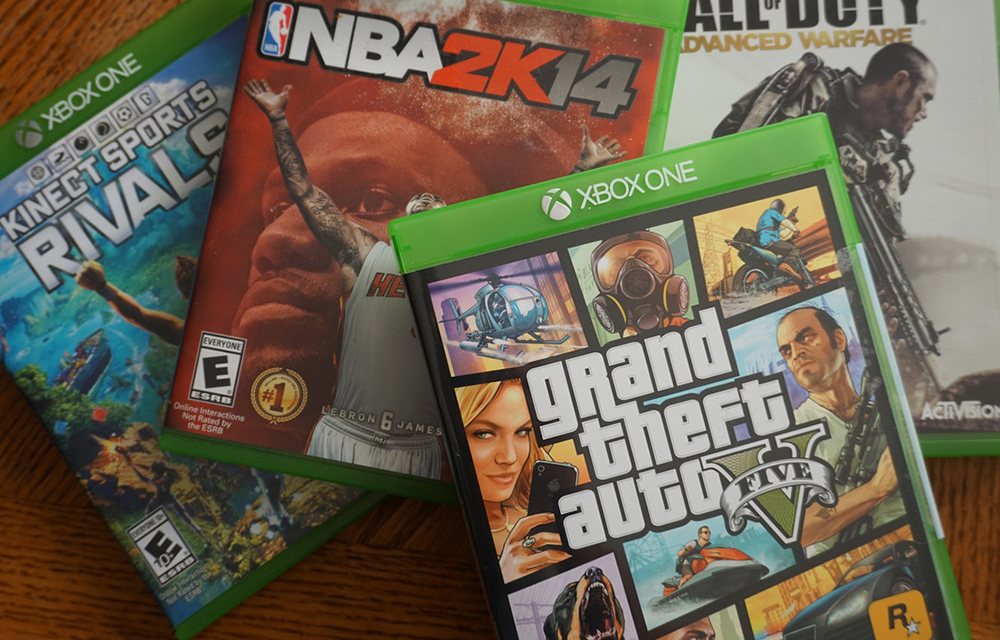
Xbox One is a good device that can provide seamless enjoyment on games. If you own one, you might already be enjoyed the ease of gaming and the enjoyment on Xbox. It is necessary to buy some games for playing on the Xbox one console. So, you should spend some amount of money to purchase the games from the online stores like Amazon. But, what about the price? Most of the games are coming with a large pricing which is even more that $50 for a single game.
It is a fact the price of the games varies region to region. The price in India will vary with the price in the US. So, we’ve found a trick to get your favorite games for the lowest available price. We use a geo-based trick to avail the games. Before we starting the process, visit DigitalGamesPrices website and find the game that you wanted. Then research which country is offering the lowest rate for that specific game and note it down. After doing this, follow the simple steps given below to get Xbox one games for the cheapest price.
How to Get Xbox One Games for Cheap Prices
- Change the Geo location of your Xbox One by going to the Settings app and choosing System and select Language & Location.
- Now, choose a location that you’ve found the game is available at the cheapest price. Most probably, the locations like Canada, Hong Kong, and Singapore has the cheapest prices for games.
- After this, the console will prompt to reboot your Xbox one.
- After the reboot, it will show the prices in the currency of the location that you’ve just selected.
- Now, go to amazon.com and login to your account. If you don’t have an account in Amazon, just create one and provide the US/ (the location you have selected) shipping address. You can provide a random location as there are no problems with digital products.
- Now, Head over to the Xbox section of Amazon’s digital games (of the country that you’ve selected. for example amazon.com for US and amazon.co.uk for the UK), and choose the games you want. Now, you will receive your confirmation code. Claim the code on your console via the store section or on your browser.
Note: For Regions other than the US, you can get prepaid cards via PlayAsia for countries like Canada, Hong Kong, Singapore, UK and you can use your Indian address without any problems. If you want to switch to the previous location, you can always do that from the Xbox settings as we done previously.
We think this method might help you to get the Xbox One games for a cheaper price. If not, let us know the problem you are facing. We will be happy to answer you.
Leave a Reply