

Why you should Switch from Mac to Windows
Beef or fish, rye or bourbon, Clinton or Trump? The choice is indeed yours and definitely limitless. That helps in not needing a credible excuse to regularly spoil yourself silly and splurge on expensive items. So, you like your big Mac or cheesy Windows baked, broiled or fried in artery-hogging bacon fat? Battles and wars…
Beef or fish, rye or bourbon, Clinton or Trump? The choice is indeed yours and definitely limitless. That helps in not needing a credible excuse to regularly spoil yourself silly and splurge on expensive items.
So, you like your big Mac or cheesy Windows baked, broiled or fried in artery-hogging bacon fat? Battles and wars have endlessly been fought over this very issue. Fortunes wagered and lost. Empires also. Gods overthrown from Olympus for supporting one side of the issue or another. And here we are about to hash over the same topic again. Sighs. Good thing I got a 4-inch thick bulletproof vest on and a Kalashnikov in my breast pocket! So let’s begin, but kindly keep the 991 line on speed dial and your membership in the local Krav Maga club active.
So, let’s finally begin. Both are undoubtedly excellent designs, packing features your grandfather from the 80’s would definitely think as science fiction and are Salem witch trials worthy. While both provide relatively similar capabilities, the design philosophy are different as apples and orange windows. The Mac is the perennially overachieving honor student, ivy league graduate who is expected to leave a mark akin to Mount Washington on history. While the Windows is the guy who went to trade school and fixes your plumbing like a boss. But for that, it’s still magnificently effective and we think superior at what it does. Here’s why we think so.
- Gaming: A subject very dear to my heart, liver, spleen and sadly my savings! The Windows OS quite simply wins the triple Olympic gold and a golden handshake into the bargain on this one. It packs all the blockbusters, the little the great and the wondrously awesome. Its simply the Eden and Valhalla of gaming rolled into one glorious orgasm-inducing package.
The Mac on the other hand packs a few little itty bitty games only a visually impaired and arthritic Johnny Appleseed can love. Yes, it’s that gut-wrenching and diarrhea-inducing bad.
- Price: The Windows can effortlessly be the poor man’s or company CEO tool of choice depending on pocket length, depth, and breadth combined with personal preference. There’s quite simply something for everyone of all means. Prices range from a little over $100 to exotic configurations featuring multi-screen, multi-storage and multi-graphic cards combos that might cost enough to pay off that particularly gruesome debt Greece owes to the galactic emperor EU.
The Mac comes expensive as sin and about as palatable. For the price of the cheapest Mac bundle, you can easily get a mid-range spec Windows PC with most of the bells and whistles not even available on the Mac.
- Variety: Apple only produces the Mac in a peanut variety of types. A pretty bare bread-basket to choose from. Windows devices come in an eye-wateringly array of choices from laptops to desktops to hybrids to phones to this to that. The cornucopia is pretty extensive for all. With additionally different specs and configurations to suit your needs, however odd or particular tasking it might be.
- Support: the Mac indeed has excellent support. Except that costs an arm, leg and kidney. Plus its product warranty is pretty limited. Windows devices come sporting a year to 3 years product warranty. Beat that apple!
- Apps: The Windows ecosystem packs apps and software like a chipmunk storing seeds for a particularly long winter. You could scroll through the delish listings all day without coming close to exhausting it. The Mac cupboard on the other hand is pretty icky bare and dull.
So, all these and more show the Windows platform superiority over the Mac. Should you switch over. Absolutely like a bullet train on NOS.
You might also like
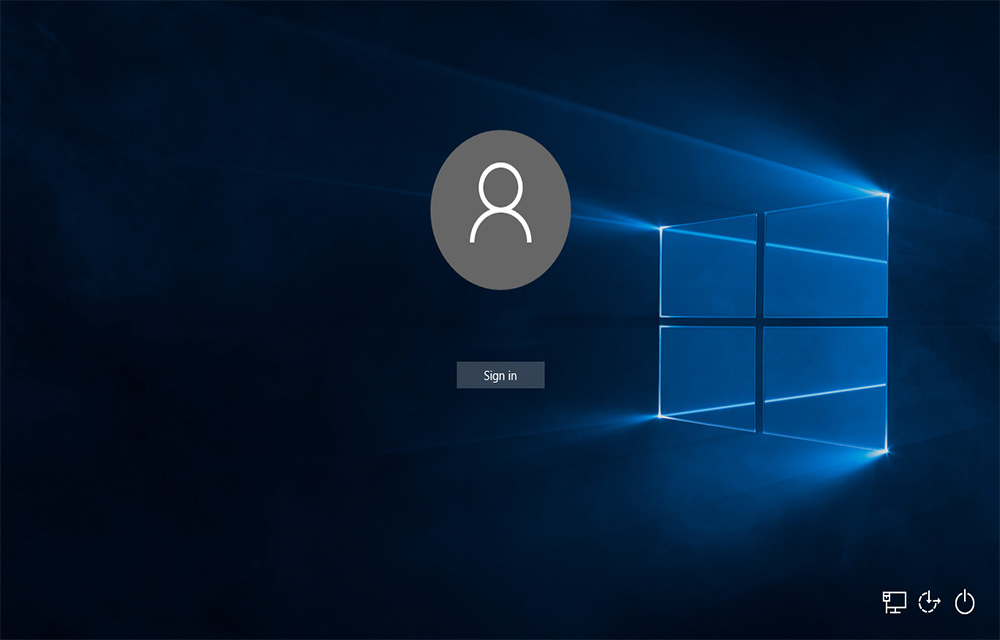
How to Disable Fast User Switching in Windows 10
The Fast User Switching in Windows 10 is a good feature that allows switching users without interrupting the operations of the current user. The user will stay logged in, and all running applications will keep running even if the new user is working on the same computer. This allows to use the PC for multiple…
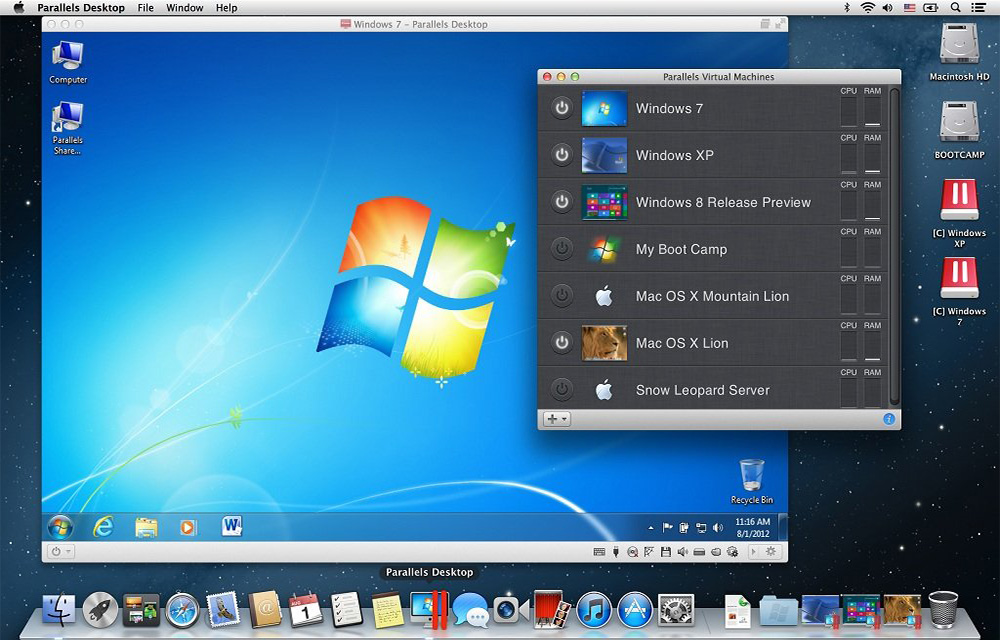
Parallels Desktop for Mac Review: Run Windows on Mac
Parallels Desktop is a Mac application that allows virtualizing the Windows OS on any Mac. Like the VirtualBox for Windows, the Parallels Desktop also is a virtualization software where you could install the Windows or its applications seamlessly. It supports almost any Windows applications to run on your Mac. You don’t have reboot the Mac…
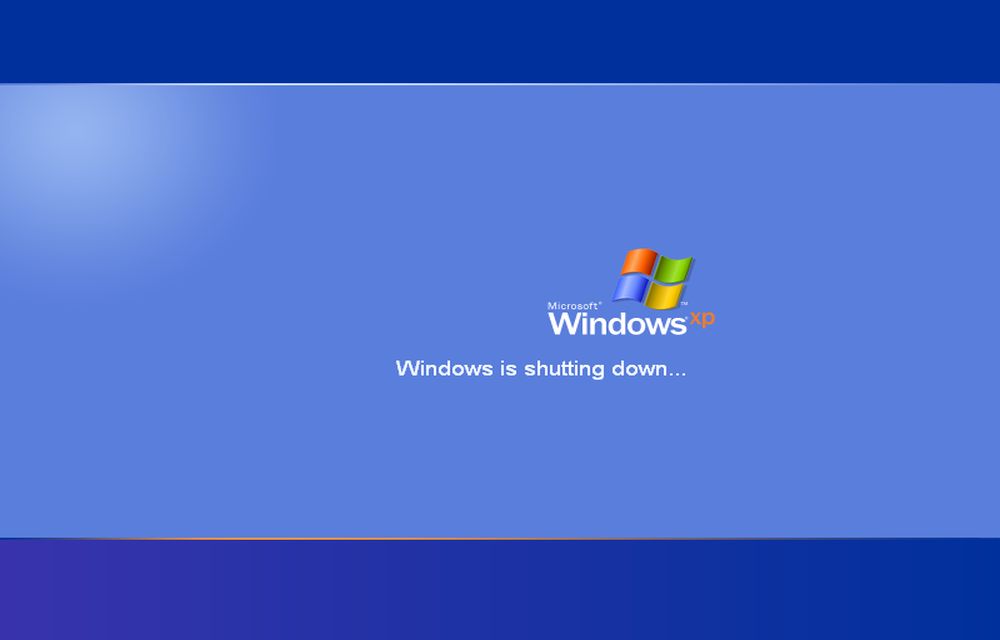
Microsoft Ended Vending Support For Windows XP: Have You Switched?
Windows XP, undoubtedly, has been serving the users globally for so many years. In fact, people across the globe still use this obsolete version of Windows, as it has been incredibly faster, user-friendly, and most importantly, occupying lesser drive space, but offering high performance when it comes to install and run large applications. If we…
The week in tech, minus the noise.
New reviews, fixes and the stories that matter — once a week, straight to your inbox.
We only use your email to send the newsletter. Unsubscribe any time. See our privacy policy.
Comments