

What does it Mean to Archive an Email
Ever doubted what is the meaning of archiving an Email? Is it deleting the Email as we usually do? Or something else? In this article, we are going to solve all your doubts regarding the archived Emails. To be simple, archiving mail means moving it from the inbox and putting it in a safer section…

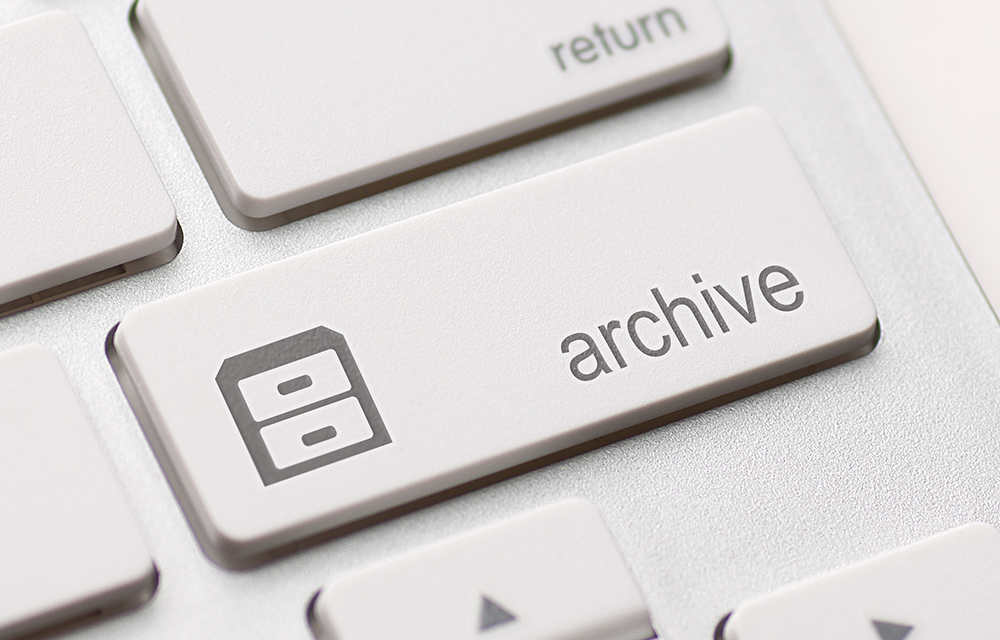
Ever doubted what is the meaning of archiving an Email? Is it deleting the Email as we usually do? Or something else? In this article, we are going to solve all your doubts regarding the archived Emails.
To be simple, archiving mail means moving it from the inbox and putting it in a safer section of the email service. It helps to keep the inbox clean. This is very helpful to not read the same email many times or to not get confused on similar emails. Rather than putting it in the trash, archiving makes it possible to both clean the inbox and put the read emails in a safe section.
The archived emails can be seen by clicking on the “All Mails” link on the left panel (in Gmail.) Archiving makes it easier to get notified on replies to the archived emails. So that you don’t have to search for the reply among thousands of other emails in your account.
What is the difference between Archiving and Deleting an Email
Now, you’ve got a basic idea about archiving emails. Now, what is the difference between deleting an Email and archiving it?
It is quite simple as deleting a mail put it into a trash can which is probably never again visited for reading it. Neither you will not receive any replies for the deleted email.
In other hand, archiving an email giving extra importance to it and also helps to keep the inbox clean by moving it to a better place. Any replies to that mail will be received to your inbox so that you will never miss an important notification.
While both deleting and archiving help to clear the inbox, the archiving does a difference by putting it in a safe zone while deleting moves it to a waste bin which may not be recovered easily.
How to Archive Emails
If you chose archiving over deleting them to keep your inbox tidy, here are the steps how yo archive emails.
- Login to your email account (we are talking about Gmail now.)
- Once you are in the inbox, select the emails that you want to archive (check the checkboxes on the left of the mail.)
- Click the “Archive” button in the toolbar above the message.
How to move archived Emails back to Inbox
Once you wanted to redo your action and wanted to put the archived emails back in the inbox, these are the steps to do so.
- Navigate to the “All Mail” section on the left pane. You may need to click the “More” in order to show this.
- Select the emails that you want to move back to the Inbox.
- Click the Move to Inbox button on the top.
How to automatically archive Emails after you’ve replied it
If you need to automatically keep your inbox clean by moving all replied emails to the archive section, following are the steps.
- In your Gmail dashboard, click the gear icon and choose “Settings.”
- Scroll down to the “Send and Archive” section.
- Now, change the radio button to whatever you prefer.
- After that, click “Save Changes.”
Now, that’s all the answer for your question ‘What does it Mean to Archive an Email.’
More in Internet

The All in One Email Marketing Solution – GetResponse
Email Marketing has been there just after the “Internet” was born. And there are nearly a thousand Email marketing tools to help you effectively do that, they all do the same thing: – Email Marketing. So how would you choose the one that you should go with? Every Email Marketing tool would leave no stone…
How to stop Email tracking activity- Detailed guide
The use of email tracking is increased in recent years. Companies and spammers want to know when you are exactly opening the email. Many people, corporates, marketers and even spammers using a tracking code inside the email which intimates when the receiver opens it. It is a quite annoying technique used by senders and not…

Where to Host your Images for an HTML Email?
Sending an HTML email is quite easy using the abundance of email services out there. However, hosting the images to be used in those HTML emails is not that easy, or at least most of you are confused about it. This can be critical for those who frequently send newsletters to their audience or targetted…
The week in tech, minus the noise.
New reviews, fixes and the stories that matter — once a week, straight to your inbox.
We only use your email to send the newsletter. Unsubscribe any time. See our privacy policy.
Comments