

Chrome URLs that you Should Know
Chrome URLs are the short URLs used to access different functions of the Google Chrome web browser. Typing them on the URL bar and pressing enter will bring specific functions such as Chrome settings, History, Downloads list, Installed Extensions, etc. You don’t have to navigate using your mouse to access these functions if you know…

Chrome URLs are the short URLs used to access different functions of the Google Chrome web browser. Typing them on the URL bar and pressing enter will bring specific functions such as Chrome settings, History, Downloads list, Installed Extensions, etc. You don’t have to navigate using your mouse to access these functions if you know the Chrome URLs. So, here we are sharing some of the I mean most of such short URLs to help you in the process. So, have a look.
List of Chrome URLs
We categorized the URLs in different sections to help you better in finding the desired ones quickly. So, have a look at this list.
Basic Chrome URLs
These are the basic URLs in Google Chrome which could be used for accessing simple functions like Settings, Plugins, Extensions, Downloads, etc.
- chrome://about/
- chrome://settings
- chrome://flags
- chrome://plugins
- chrome://downloads
- chrome://extensions
- chrome://history
About function Chrome URLs
These Chrome URLs can be used for knowing and analyzing different functions and processes inside the browser.
- about:memory
- about:stats
- about:network
- about:histograms
- about:dns
- about:cache
- about:crash
- about:plugins
- about:version
Chrome URLs for Debugging Purposes
These Chrome URLs can help you debug errors or problems in case your browser crashed or not responding for a while.
- chrome://badcastcrash
- chrome://crash
- chrome://crashdump
- chrome://kill
- chrome://hang
- chrome://shorthang
- chrome://gpuclean
- chrome://gpucrash
- chrome://gpuhang
- chrome://ppapiflashcrash
- chrome://ppapiflashhang
- chrome://quit/
- chrome://restart/
Other Chrome URLs
- chrome://appcache-internals
- chrome://blob-internals
- chrome://bookmarks
- chrome://cache
- chrome://chrome-urls
- chrome://crashes
- chrome://credits
- chrome://dns
- chrome://flash
- chrome://gpu-internals
- chrome://histograms
- chrome://history
- chrome://ipc
- chrome://inspect
- chrome://media-internals
- chrome://memory
- chrome://net-internals
- chrome://view-http-cache
- chrome://newtab
- chrome://omnibox
- chrome://policy
- chrome://predictors
- chrome://print
- chrome://profiler
- chrome://quota-internals
- chrome://sessions
- chrome://stats
- chrome://sync-internals
- chrome://tasks
- chrome://terms
- chrome://tracing
- chrome://tcmalloc
- chrome://version
- chrome://conflicts
- chrome://workers
Use them after completely knowing what they do on your browser. Incorrect use of these functions may lead to some problems in your browser as well as in your computer. You can find many resources on the internet stating each function thoroughly. So, in case you wanted to use them, always analyze those sources. Alternatively, you can find them directly from Chrome by accessing chrome://chrome-urls/.
More in Internet
How to Search By Image in Google
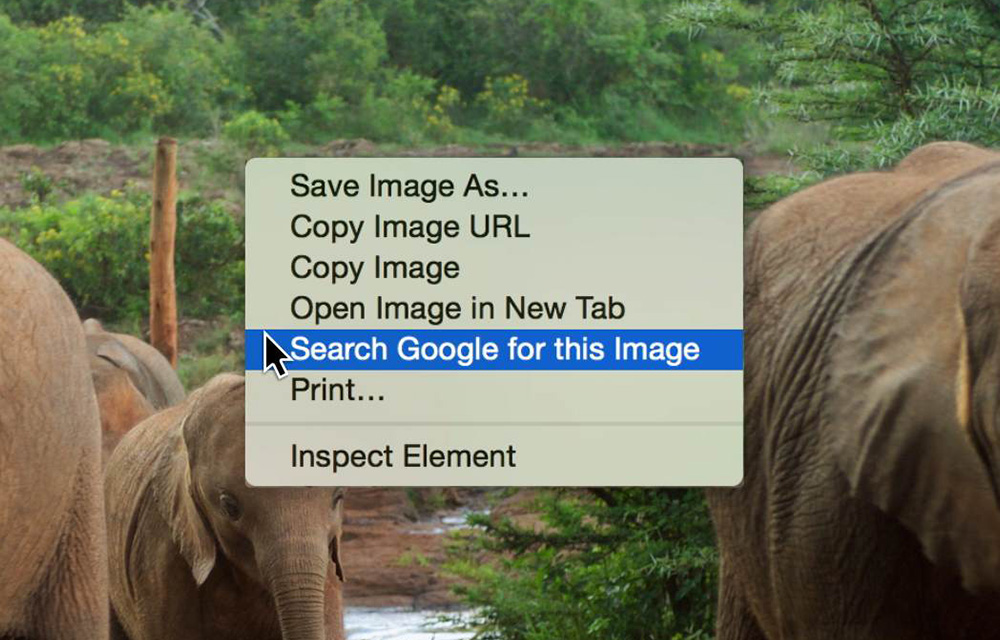
Searching by image in Google is so easy. Exploring the web with the use of images will be a breeze once you know the steps. In this post, we will teach you how to do this. Here are four ways on how you can search by image in Google. Let’s all explore each one. Let’s…

Boost Chrome Browser Security with these 5 Add-Ons
Google Chrome is the world’s favorite browser, and for a good reason. It’s intuitive and user-friendly. When browsing the world wide web, it’s important to do so in a safe and secure manner. Fortunately, there are several Chrome add-ons that you can download to enhance the security of your browser.

Get Enhanced Internet Speed Using DNS Hack
Nowadays, the Internet is being used by several people across the world. Hence, the traffic speed is a matter of concern. If you experience slow connectivity, it could be due to several factors such as DNS, provider problem and much more. However, you can achieve enhanced Internet speed by employing a simple DNS hack. You…
The week in tech, minus the noise.
New reviews, fixes and the stories that matter — once a week, straight to your inbox.
We only use your email to send the newsletter. Unsubscribe any time. See our privacy policy.
Comments