

3 Best Addons To Turn Mozilla Firefox As a Secured Browser
Security is everyone’s concern. As the increase in cyber crimes every day, we have to take care of our online identity to secure our browsing sessions. Mozilla Firefox is a very popular browser, if you are a fan of Firefox like me and looking to convert it as a robust security browser, here are the…

3 Best Addons To Turn Mozilla Firefox As a Secured Browser
Security is everyone’s concern. As the increase in cyber crimes every day, we have to take care of our online identity to secure our browsing sessions. Mozilla Firefox is a very popular browser, if you are a fan of Firefox like me and looking to convert it as a robust security browser, here are the tips to follow.
Tools To Turn Mozilla Firefox As a Secured Browser

Disable WebRTC
When it comes to cyber attacks, the leak of our IP address is the main reason. When you surf on your browser, your personal information could be leaked by some attacks. Hacker uses your IP address to steal your information. WebRTC is our first suggestion to stop the leak of your IP address from Firefox. It is a basic step to curb the leak of your information in your browsing session.
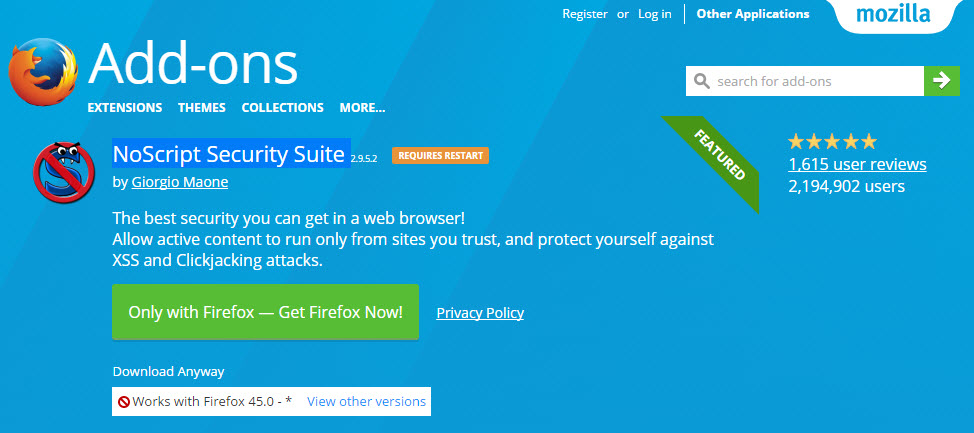
NoScript Security Suite
NoScript Security Suite is a very popular tool to secure your Firefox browsing. This tool allows Javascript and other executable scripts only from trusted domains of your choice. The user can allow or stop a particular website to run Javascript. It prevents the malicious attacks from a hacker who uses Javascript as their tool to steal your information.
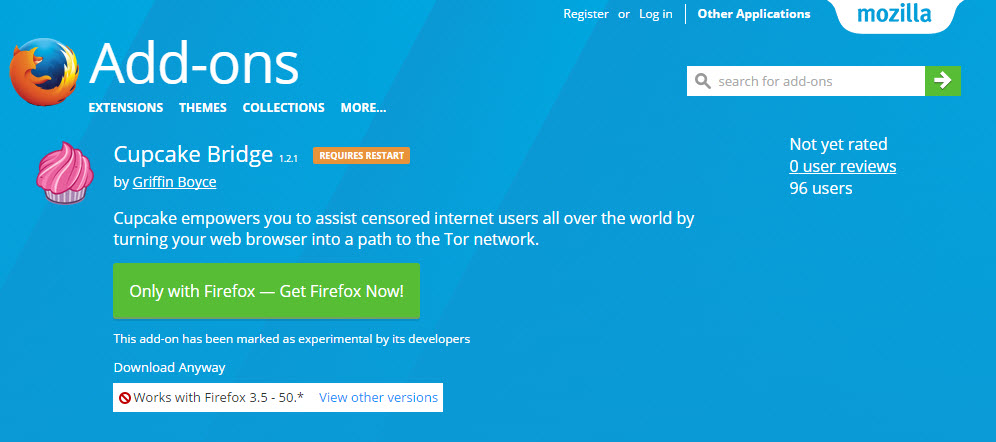
Cupcake Bridge
You may hear of Tor Network name when coming to the anonymous browsing. Tor is a very popular web browser for secured web browsing. But unfortunately, the Tor is very slow. If you are looking for Tor like features on Firefox Cupcake Bridge is our suggestion.
It allows users to avoid network surveillance, which threatens their privacy and freedom.
Conclusion
There are some add-ons available for Firefox to turn it as a most secure browser. When it comes to privacy and security, every tool plays a major role to secure your online identity. Please share your valuable suggestions and essential add-ons for Firefox to share.
More in Internet

10 Best Mozilla Add Ons
One of the prominent reasons why users love Mozilla Firefox is its huge collection of Add-Ons. In comparison, Firefox does not each much RAM, either. We think these are enough for any user to shift from Google Chrome or Edge to Firefox, which is available for Windows, Mac, and Linux. Plus, you have all the…

How to Install Chrome Extensions in Firefox
Google Chrome has a ton of great extensions support to improve your browsing performance. Each Chrome Extension has its unique functionality and set of features to improve the productivity of Chrome browser. We all know Chrome is power hungry. Sometimes it uses all your system resources to serve you with maximum performance. Due to this…
How to Browse in Private Browsing or Incognito Mode on Any Web Browser
Private Mode is developed in browsers for security purpose. Every browser comes with normal mode and as well as Private Mode or Incognito mode. This mode allows you to surf the Internet without saving your browsing data like history and cookies.
The week in tech, minus the noise.
New reviews, fixes and the stories that matter — once a week, straight to your inbox.
We only use your email to send the newsletter. Unsubscribe any time. See our privacy policy.
Comments