

iOS
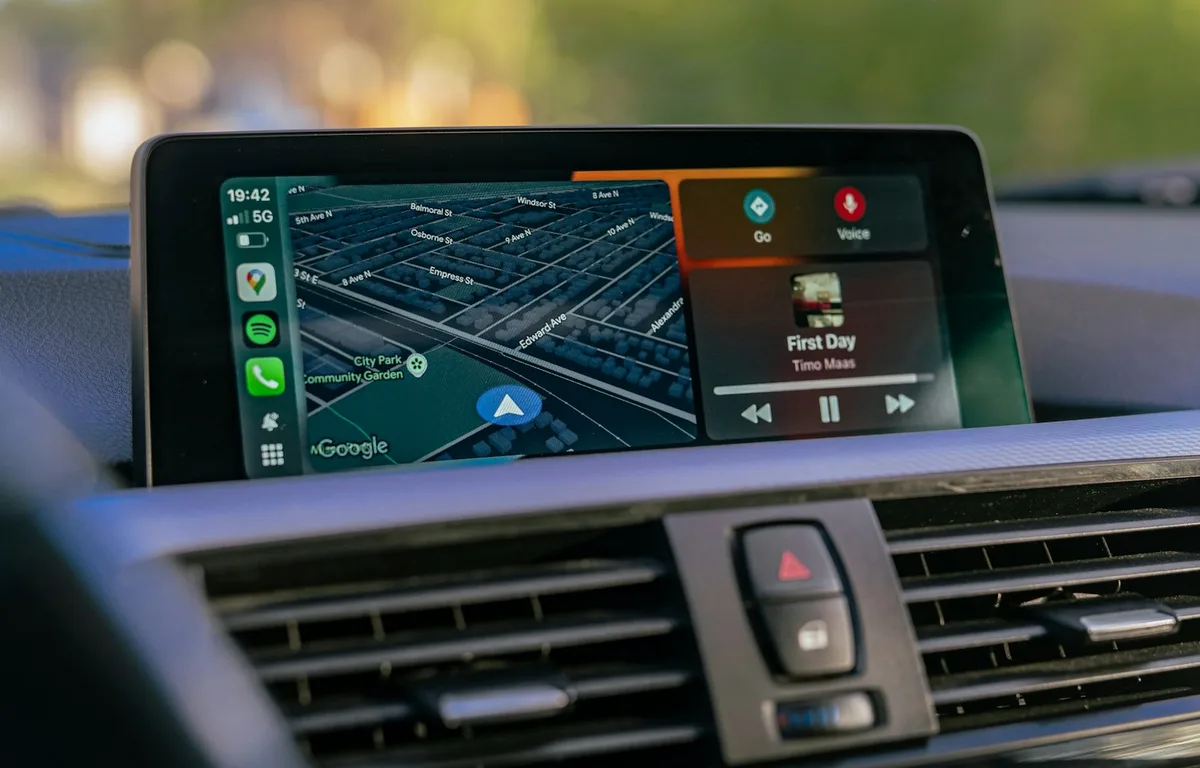
How to Fix Gemini Not Showing on Apple CarPlay: 8 Fixes That Work
Google started rolling out the Gemini app to Apple CarPlay on November 11, and plenty of iPhone owners got into their cars this week expecting a new icon that simply wasn’t there. If that’s you, the fix is usually quick. Google’s setup has a couple of steps that are easy to miss, and CarPlay itself…
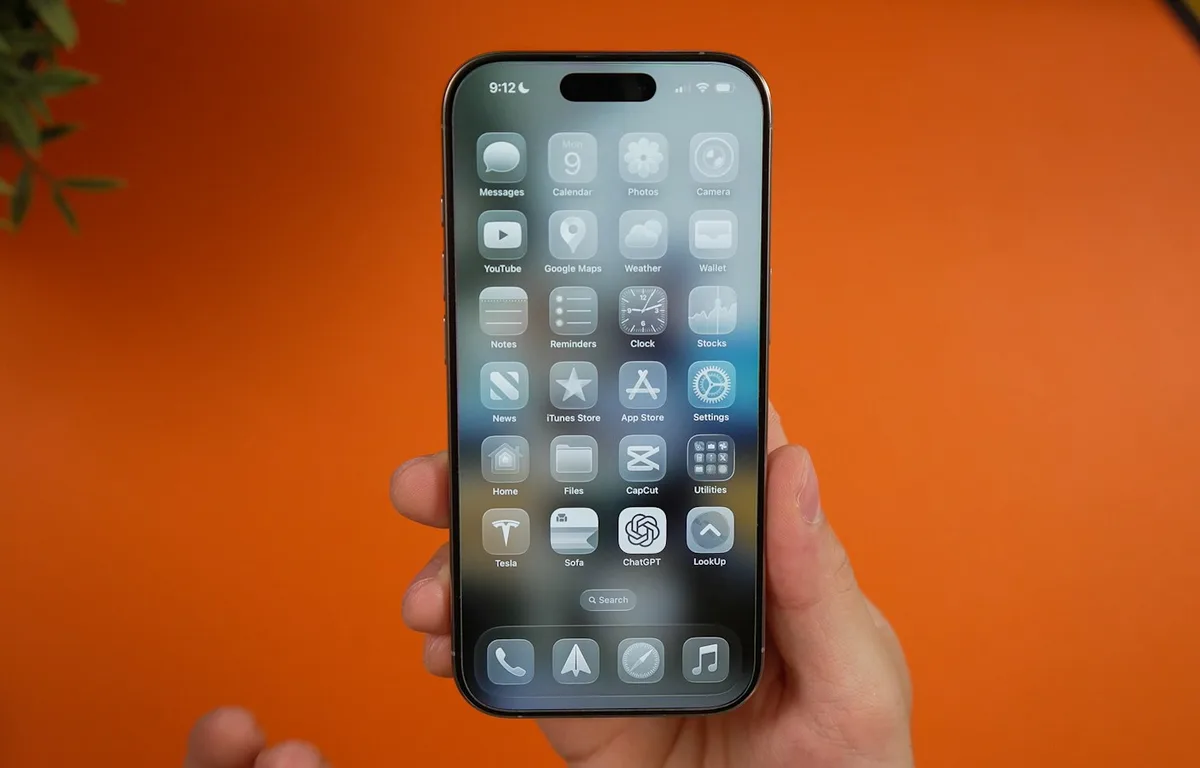
iOS 27.2.1 Is Out: What the Bluetooth and iMessage Security Fixes Mean for Your iPhone
Apple pushed iOS 27.2.1 out on November 9, only two weeks after iOS 27.2, and if you glanced at the update screen you probably saw the usual one-liner about “bug fixes and security updates” and moved on. I’d actually tap Download on this one, because when you open Apple’s security notes, most of what got…
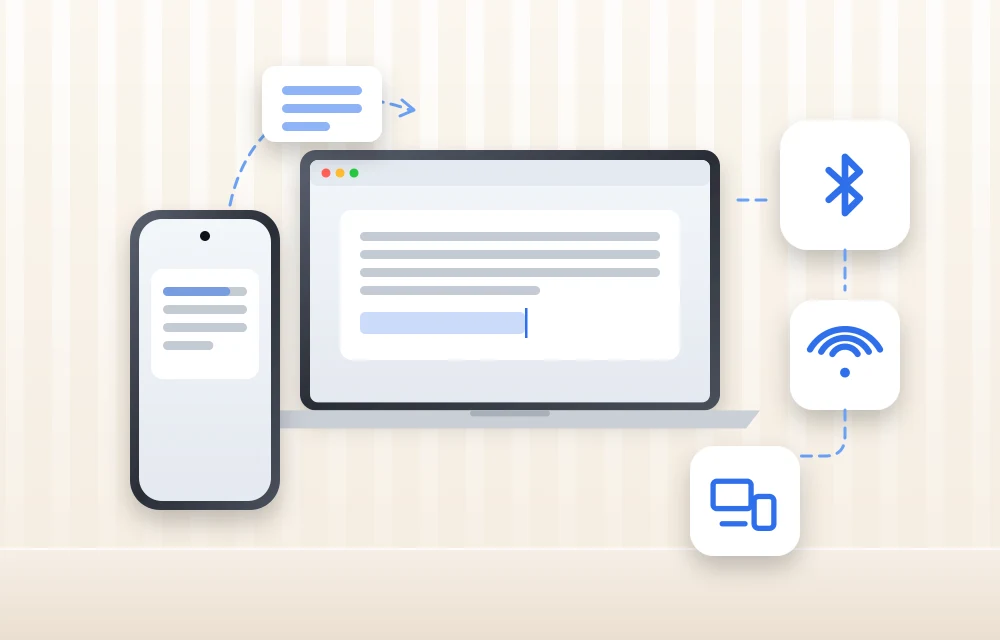
Copy and Paste Between iPhone and Mac Not Working? 9 Fixes for Universal Clipboard
You copy a link on your iPhone, walk over to the Mac, press Command + V, and… nothing. Or worse, it pastes something you copied an hour ago. If that sounds like your day, you’re dealing with Universal Clipboard, the Apple feature that’s supposed to make copy and paste between iPhone and Mac feel like…
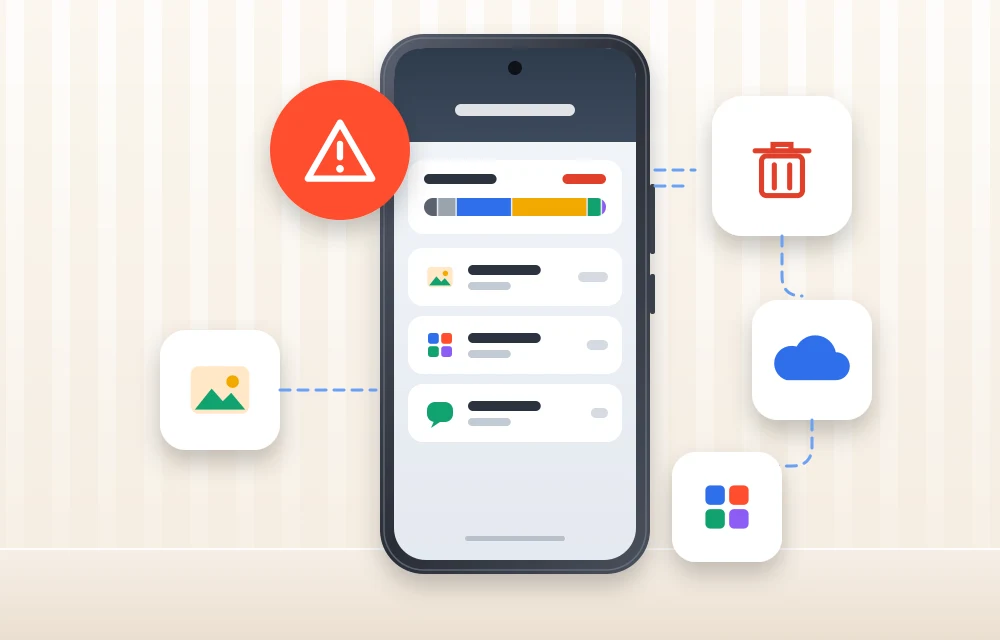
What Does “Low Disk Space” Mean on iPhone? (And How to Clear It)
You try to take a photo, and the camera refuses. You try to update iOS, and it says there’s not enough space. Somewhere in between, you see a warning about storage and start wondering: what does low disk space mean on iPhone, and how serious is it? Don’t worry, it is one of the most…
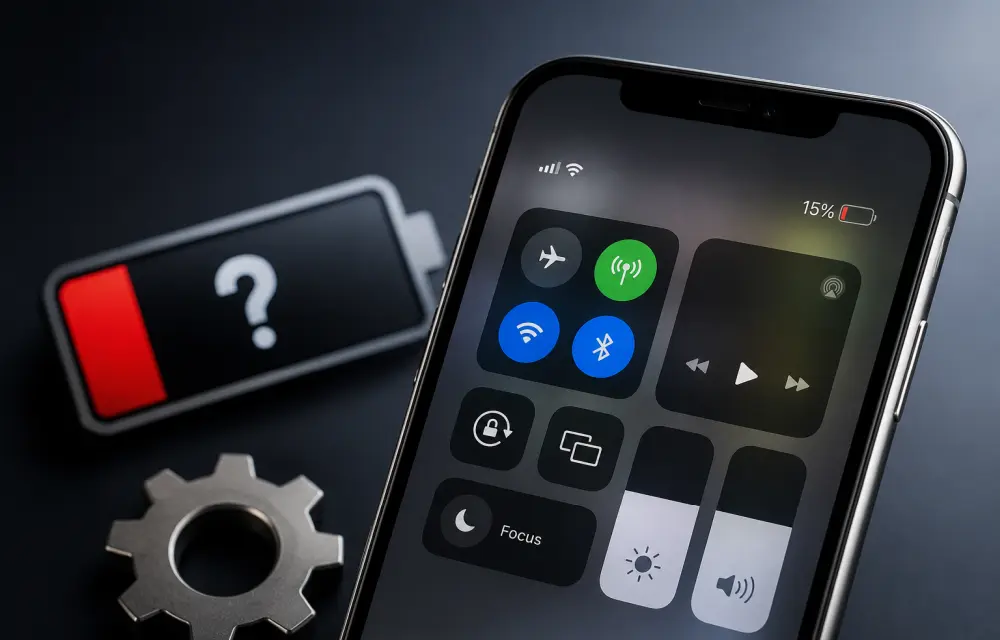
How to Fix Wrong or Missing Battery Percentage on iPhone
If your iPhone battery percentage is missing, showing the wrong level, or behaving inconsistently, it is usually a settings issue or a temporary iOS glitch. In some cases, the battery indicator can also become inaccurate after an update, especially when the system has not fully stabilized yet. The good news is that this problem is…
How to Fix Wi-Fi or Cellular Connectivity Drops After iOS 26 Update
After updating to iOS 26, some iPhone users have reported weak Wi-Fi, unstable mobile data, or random cellular drops. In most cases, this is not a permanent hardware issue. It is usually caused by a network settings conflict, a temporary software glitch, or a carrier profile that needs refreshing after the update. The good news…
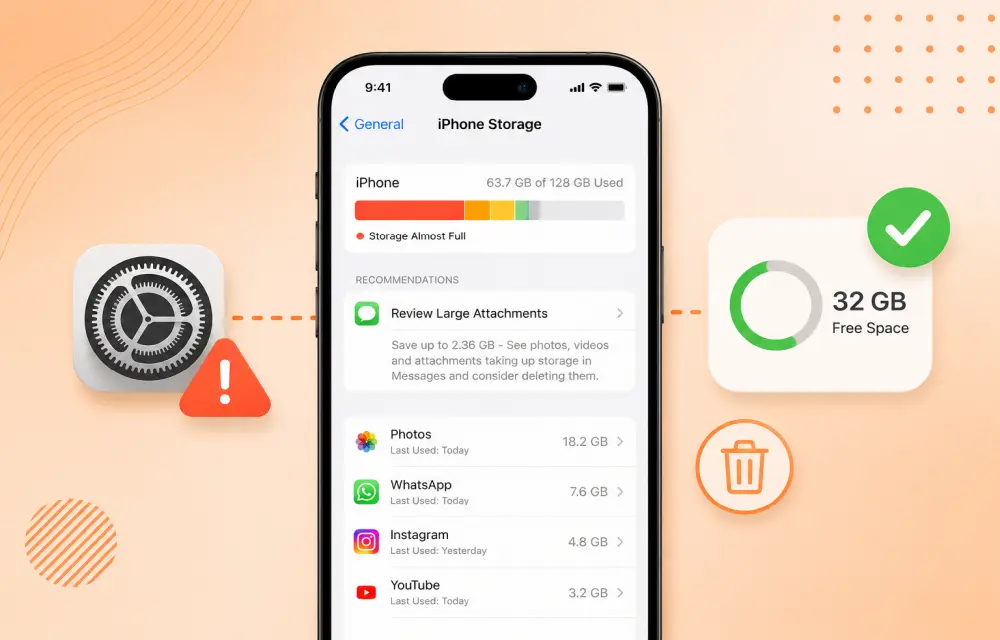
How to Fix iPhone Showing Low Storage Space When You Still Have Free Space
If your iPhone keeps showing a Low Storage Space warning even though you clearly have enough free space, the issue is usually caused by an iOS storage indexing glitch, cached files, or a software bug rather than a real storage shortage. In many cases, the warning appears while the phone is still calculating storage or misreading how…

How to fix iPhone Emoji Search Not Working in Keyboard on iOS 26
If you can’t find your favorite emojis, stickers, or GIFs from the iPhone keyboard search, you’re not alone. This issue has been reported by users on iOS 26 and later, where the emoji search bar either shows no results, behaves strangely, or fails to return the right stickers and emojis even though the keyboard itself…
How to fix iPhone Copy-Paste Not Working Between Apps on iOS 26
Universal Clipboard is one of Apple’s most useful Continuity features, but it does not always work perfectly. On iOS 26, some users have reported a copy-paste failure where the iPhone still copies content, but the Paste option does not appear across apps or devices. In many cases, the issue appears to be linked to a privacy permission…
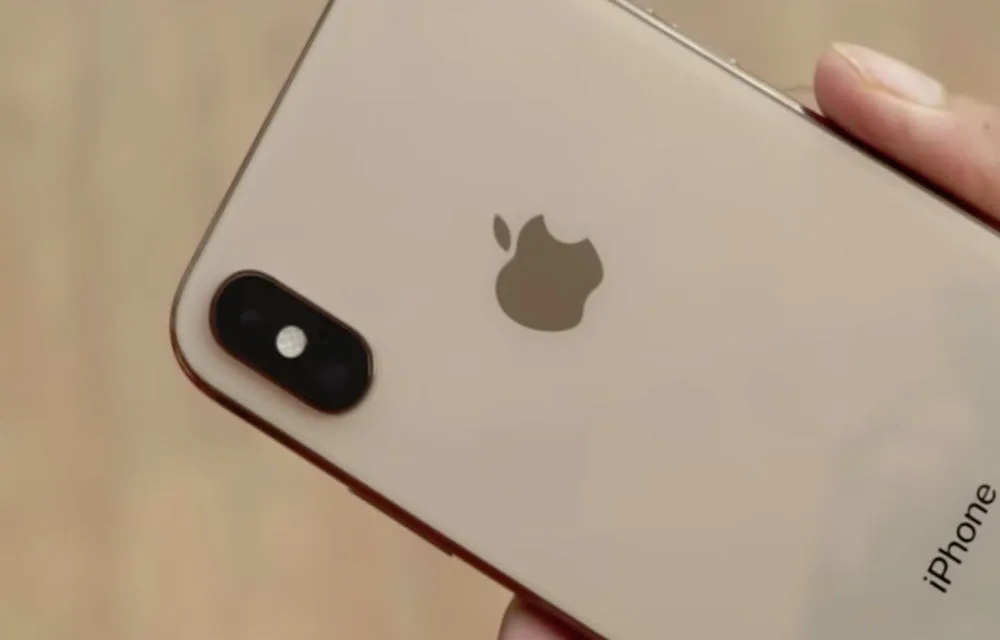
How to fix iPhone not turning on issue?
If your iPhone won’t turn on, it can feel like the device is completely dead. Sometimes the screen stays black, sometimes the Apple logo never appears, and sometimes the phone just refuses to respond no matter what you do. The good news is that this problem is often caused by a charging issue, a software…
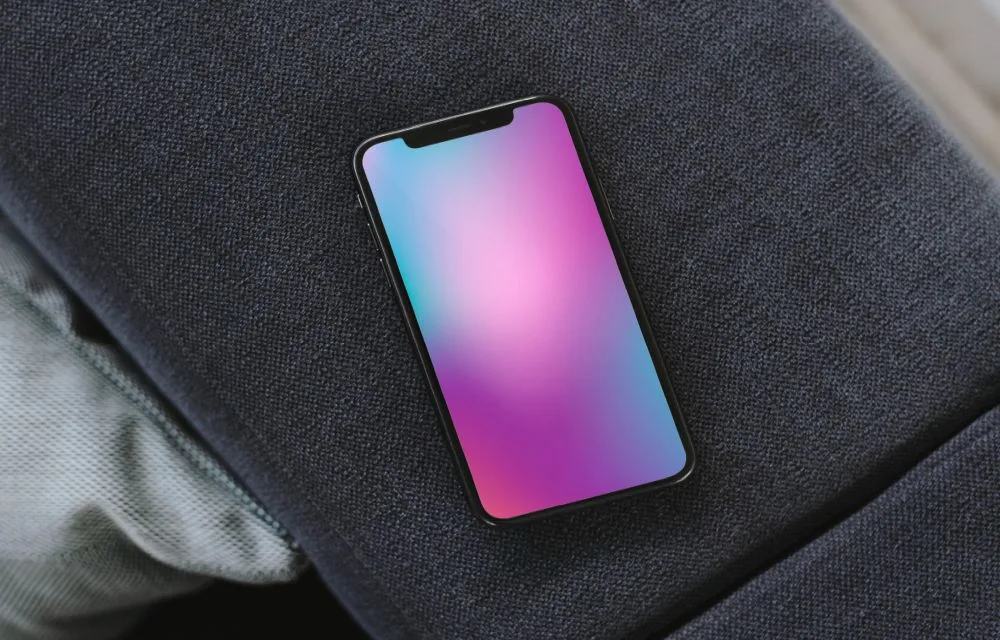
How to fix iPhone Always-On Display Turning Off Unexpectedly on iOS 26
If your iPhone’s Always-On Display is turning off by itself on iOS 26, you are not alone. Some users have noticed that the screen goes dark unexpectedly even when AOD is supposed to stay visible, and the issue often points to power settings, attention-aware behavior, or sensor-related glitches. The good news is that this problem…
How to fix iPhone Files App Not Showing Recent Downloads?
If your recent downloads are missing from the iPhone Files app, the issue is usually not serious. In most cases, it comes down to a wrong download location, a temporary indexing glitch, an iCloud sync problem, or a minor iOS bug. The good news is that this is usually fixable in a few minutes. Quick…