

7 Best Anonymous File Sharing Sites That Still Work
Need to share a file without creating an account? For anonymous file sharing that still works today, the best options are Wormhole (end-to-end encrypted, files up to 10 GB), File.io (the file deletes itself after one download), SwissTransfer (up to 50 GB, no account) and OnionShare (shares files over the Tor network). Ufile.io and Send…

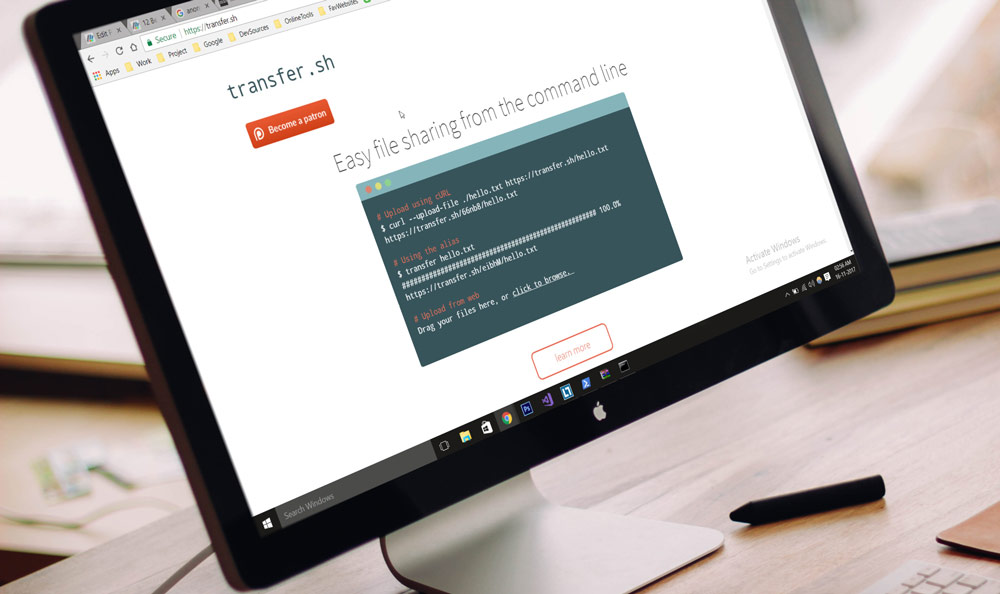
Need to share a file without creating an account? For anonymous file sharing that still works today, the best options are Wormhole (end-to-end encrypted, files up to 10 GB), File.io (the file deletes itself after one download), SwissTransfer (up to 50 GB, no account) and OnionShare (shares files over the Tor network). Ufile.io and Send Space also let you upload without signing up.
We have to be honest here: most of the sites from our older list are gone. Firefox Send, Zippyshare, Ge.tt, Tiny Upload and others have shut down, and AnonFiles, the best-known anonymous file host, closed in 2023 after its owners said they could no longer handle the abuse. Anonymous upload sites get misused for malware and stolen data, so many of them do not last. Below are the services that are still working, plus some tips to keep yourself safe.
Quick Comparison of Anonymous File Sharing Sites
| Service | Type | Key feature | Free? |
|---|---|---|---|
| Wormhole | Website | End-to-end encrypted, up to 10 GB, links expire in 24 hours | Yes |
| File.io | Website and API | File is deleted after it is downloaded | Yes (paid plans available) |
| SwissTransfer | Website | Up to 50 GB per transfer, free password protection | Yes |
| OnionShare | App (Windows, Mac, Linux, Android, iOS) | Shares directly from your device over Tor | Yes, open source |
| Ufile.io | Website | 5 GB per file, kept up to 30 days for guests | Yes (paid plans available) |
| Send Space | Website | 300 MB uploads with a delete link | Yes (paid plans available) |
| Dropbox File Requests | Cloud feature | Let others upload files to you without a Dropbox account | Yes with a Dropbox account |
1. Wormhole
Wormhole is one of the best ways to share a file privately right now. Your files are encrypted in your browser before they are uploaded, so the service cannot read them. You can send up to 10 GB, no account is needed, and the link expires on its own. Files up to 5 GB are stored on Wormhole’s servers for 24 hours. Larger files are sent directly from your browser to the other person, so you need to keep the page open until they finish downloading.
Best for: sending private files that should disappear after a day.
2. File.io
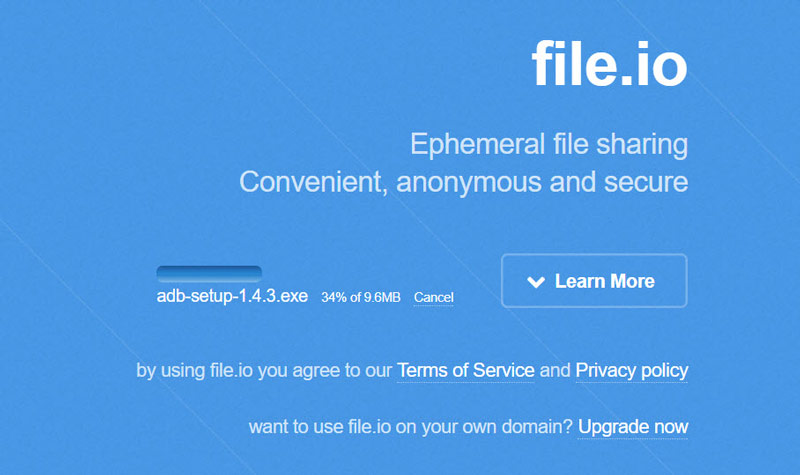
You can think of File.io as Snapchat for files. Upload a file, share the link, and once the other person downloads it, the file is deleted from the server. No account or personal information is needed to upload or download. Free transfers are limited to a total of 4 GB, and files that are never downloaded expire after 14 days by default.
Developers can also use the File.io API to upload files and set a custom expiry time. Just remember that the link works only once, so if the download fails the other person cannot try again.
Best for: one-time sharing, like sending a PDF that should not stay online.
3. SwissTransfer
SwissTransfer is run by Infomaniak, a Swiss hosting company. You can send up to 50 GB per transfer for free, without creating an account, and the files are stored in Switzerland. You choose how long the link stays valid, and you can add a password for free. There is no limit on how many transfers you can send each month.
Best for: very large files, such as videos or project folders.
4. OnionShare
OnionShare is a free, open-source app that shares files straight from your own computer or phone over the Tor network. The file never sits on a company’s server. The person you share with opens the link in Tor Browser. It is available for Windows, Mac, Linux, Android and iOS, and it also lets you set up a private “drop box” where other people can send files to you anonymously.
Best for: people who need strong anonymity, like journalists and their sources. It takes a bit more setup than a website.
5. Ufile.io (formerly Uploadfiles.io)
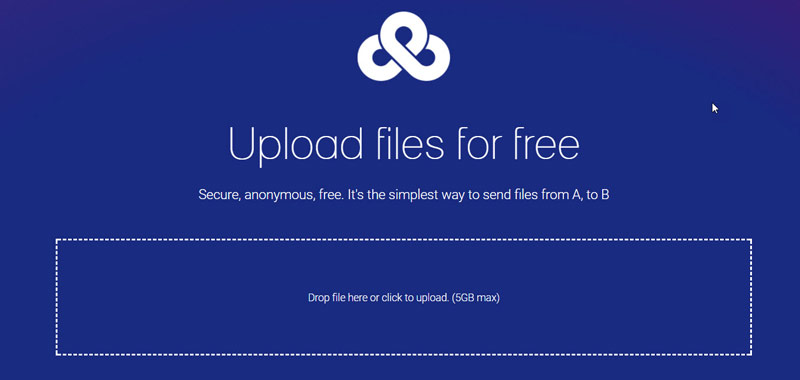
Uploadfiles.io is now called Ufile.io, and the old uploadfiles.io address no longer loads. You can upload up to 10 files at a time, with a 5 GB limit per file, and you do not need to register. As a guest, your files are kept for up to 30 days. A premium plan removes some limits and gives you more control over your files.
Best for: quick uploads you want to share on a forum or in a chat.
6. Send Space
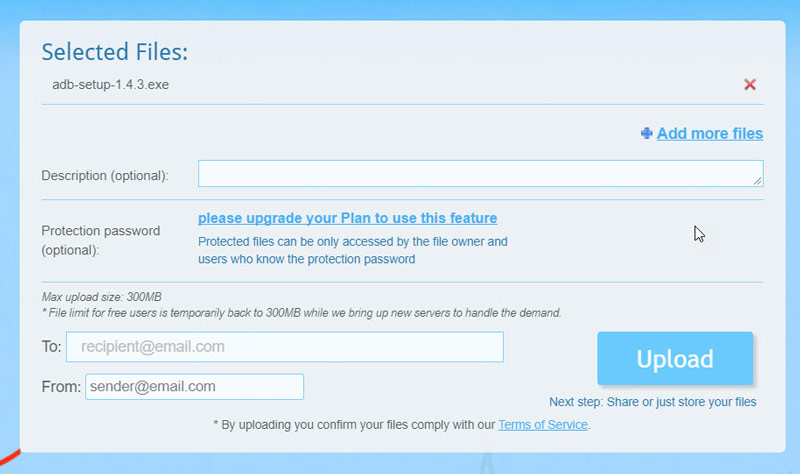
Send Space is one of the oldest file sharing sites that is still running. You can upload without an account, and the current limit for free uploads is 300 MB. After the upload, you get a download link and a separate delete link, so you can remove the file when you are done. Password protection needs a paid plan.
Keep in mind that Send Space uses cookies and shows ads, so it is less private than Wormhole or OnionShare.
Best for: small files when you just need a simple link.
7. Anonymous File Upload with Dropbox and Google Drive
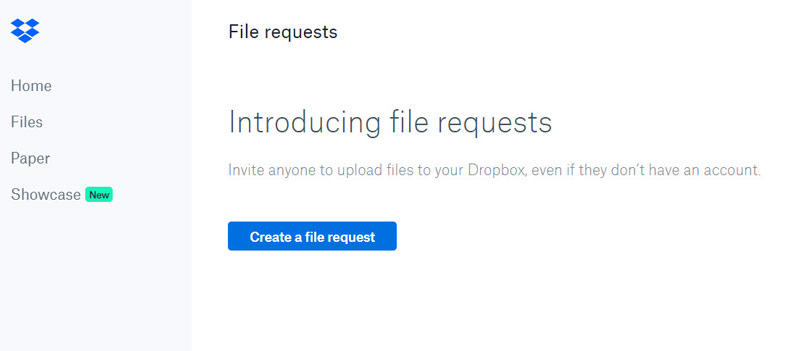
This one works the other way around: it lets other people send files to you. Dropbox has a feature called ‘File Request‘. You create a request, pick a folder, and share the link. People can then upload files to that folder without a Dropbox account, and they cannot see anything else in your Dropbox. You can also add a password.
It is useful for teachers collecting assignments, designers getting files from clients, or friends sharing party photos. Just note that the uploader may be asked for a name and email address, so it is not fully anonymous for them.
You can do something similar in Google Drive with a Google Form that has a file upload question. Check out here for more details. Keep in mind that Google Forms asks people to sign in to a Google account before they can upload a file.
How to Share Files Anonymously and Safely
- Do not upload anything illegal. Anonymous does not mean untraceable. Services keep logs, and they work with the police when they receive legal requests. Sharing pirated, stolen or harmful content can get you into serious trouble.
- Encrypt sensitive files before you upload. If a service does not offer end-to-end encryption, put the file in a password-protected ZIP or 7-Zip archive with AES-256 encryption first. Send the password through a different app than the link.
- Use expiring links. Pick services that delete the file after a set time or after one download, so the file does not stay online forever.
- Remove hidden data. PDFs, Word files and photos can contain your name, location or device details. Remove the metadata before you share.
- Be careful when downloading. Anonymous file hosts are often used to spread malware. Never open files from people you do not know, and scan downloads with your antivirus.
- Hide your IP address if needed. Most sites can still see your IP address. For more privacy, use a trusted VPN or Tor Browser.
Frequently Asked Questions
How can I upload a PDF anonymously?
Use Wormhole or File.io. Both let you upload a PDF without an account and give you a link that expires. Before you upload, remove your name from the PDF properties, since many PDFs save the author’s name automatically.
What happened to AnonFiles?
AnonFiles shut down in August 2023. Its owners said there was too much abuse of the service, including malware and stolen data. Its sister site BayFiles went offline too. Be careful with sites that use the AnonFiles name now, because they are not the original service.
Is anonymous file sharing legal?
Yes, sharing your own files anonymously is legal in most countries. What matters is the content. Sharing copyrighted material without permission, stolen data or illegal content is against the law, whether or not you are anonymous.
Which sites from the old list no longer work?
Firefox Send (closed by Mozilla in 2020), Ge.tt (closed in 2021), Zippyshare (closed in 2023), Tiny Upload, Transfer.sh’s public site, Expire Box, File Dropper and Drop Canvas no longer work, so we removed them from this list.
That’s it! These anonymous file sharing sites should help you send files privately without giving away who you are. If you know another service that still works, let us know in the comments.
Also Read: 12 Best Free Image Hosting Websites
Also Read: 10 Best Image Sharing Sites
More in Best Websites

12 Best Free Image Hosting Websites
Free image hosting websites let you store your images on their servers for free. Some of them will store your images permanently and let you link, or use those stored images whenever you want. But few of them will remove your images after a particular period or after a certain number of uses. But today,…

Are ROM Sites Safe? Legal Ways to Play Retro Games
If you have been searching for “safe ROM sites”, you probably want two things: classic games to play, and a download that won’t infect your computer. We get it. Retro games are fun, and many of them are hard to find on modern hardware. In this guide, we give you the honest answer about ROM…
10 Best Image Sharing Websites
Sharing images online is a hobby for some people, and it is a necessity for some others. Either way, there are plenty of image sharing websites on the internet. There is no introduction needed for the Pinterest and Instagram, but there are still a lot of unknown image sharing sites which are actually better than…
The week in tech, minus the noise.
New reviews, fixes and the stories that matter — once a week, straight to your inbox.
We only use your email to send the newsletter. Unsubscribe any time. See our privacy policy.
2 comments
My favourite service out there is MyAirBridge (www.myairbridge.com). With this online service I can send up to 20 GB for free, without any registration and with the highest possible encryption during the transfer. If I want to send more, have better speed or own storage, I can purchase one of their affordable plans.
you missed anonymousfiles.io!