

How to send anonymous Emails with Guerrilla mail
Anonymous email service has a lot of use these days. With the increase in spam, it is always advisable to use the fake email address to signup free and testing services. To combat the spam problem there is no straightforward way. Many people are not using their primary email address to signup new services. Don’t…
How to send anonymous Email with Guerrilla mail
Anonymous email service has a lot of use these days. With the increase in spam, it is always advisable to use the fake email address to signup free and testing services.
To combat the spam problem there is no straightforward way. Many people are not using their primary email address to signup new services. Don’t give your primary email ID unless you have trust in the web service you want to use.
Using a fake or temporary email address is the best option to signup anonymously. Also, you can use them for creating new accounts without revealing your primary email address.
There are several temporary email services available that provide you with use and throw emails to avoid spam.
What is Guerrilla mail?
Guerrilla mail is one of the popular email services which offers a temporary email address that works for one hour. The service is useful for signing up many services, web apps without revealing your main email address. It is a temporary email service that has the ability to send and receive emails.
How to send anonymous Emails with Guerrilla mail?
To send and receive emails in Guerrilla mail follow the procedure.
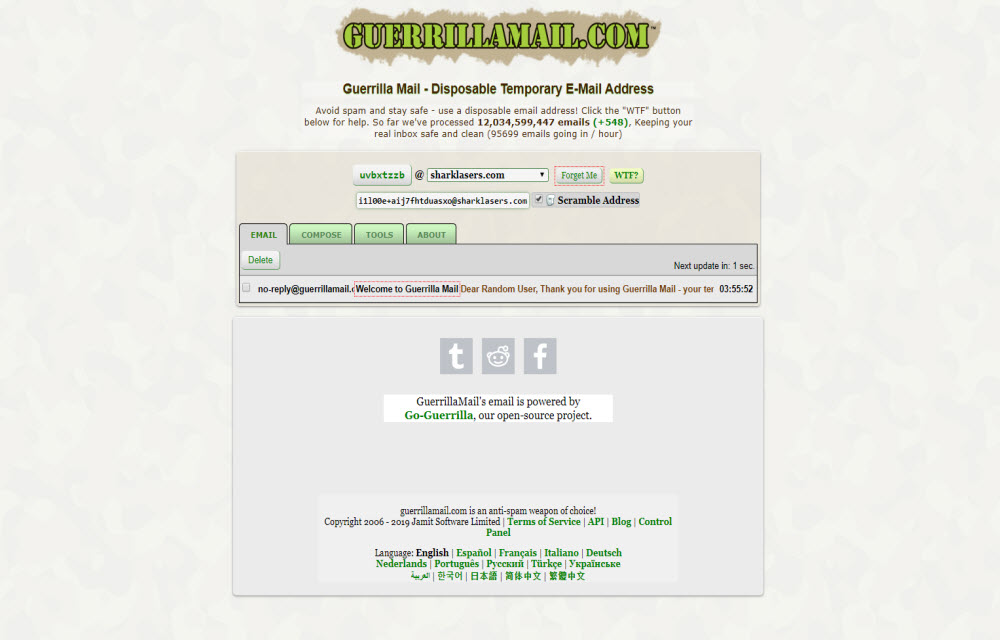
When you open the guerrilla mail website, you will a simple user interface to send and receive emails. Very first it shows a temporary email address that can be useful for sending and receiving emails.
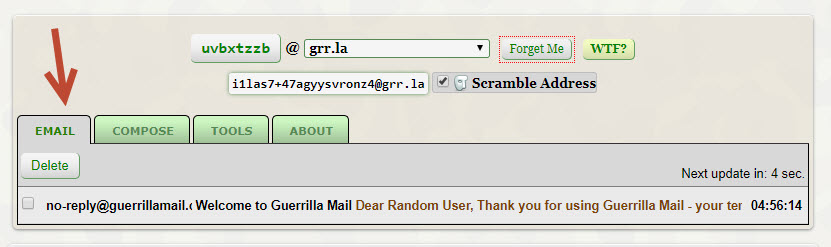
After that, it has 4 tabs for email, compose, tools, and about. In the email tab, you can check the emails and it works as an Inbox for the above email address. The compose tab lets you send a new email to your desired sender. The tools section contains a password manager to save the domains with the Guerilla email used. The about section shows the complete details of the Guerilla mail details.
Sending an anonymous email with Guerilla mail is a simple process. Just follow the above guide to use Guerrilla mail to reduce the spam problem.
More in Tech Stories
Send Confidential Emails to your Colleagues on Gmail from your Smartphone in this way
Gmail is by far the best email service that has come out in a long time. Yes, there are alternatives such as Yahoo and Hotmail which are also popular but Gmail is the most popular among them. Moreover, it is developed by Google so it is offered for free without any hidden costs. It was…
Volafile.org is a chat room service with anonymous file sharing
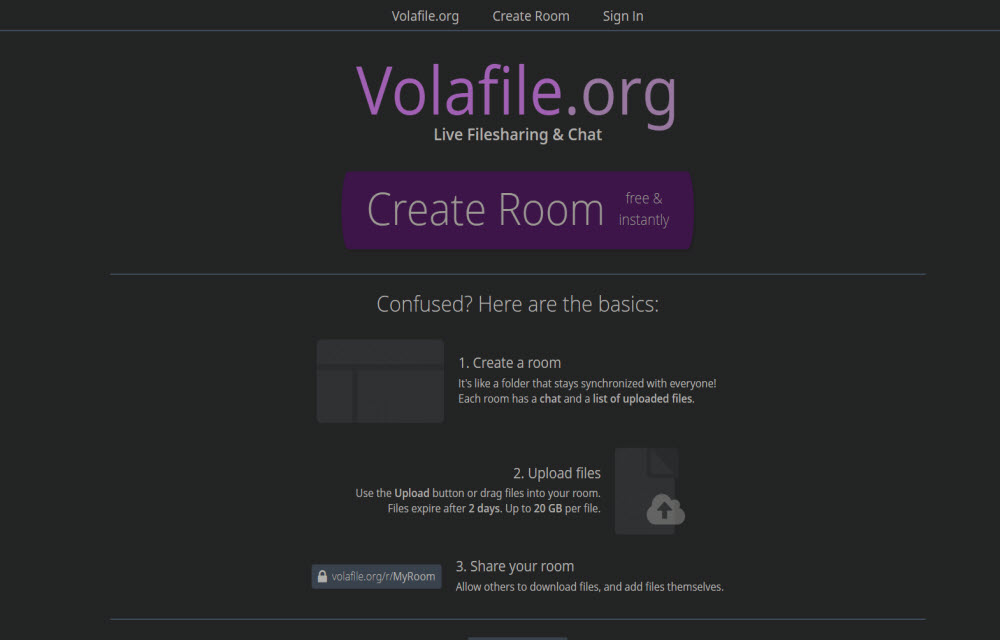
What it is about?: The article is about Volafile which is a chat room based service that offers anonymous file sharing. There are plenty of file-sharing services available online including Torrents. But many of those services don’t offer anonymous file sharing features. Many services including Dropbox, Google Drive and plenty of more services allow file…

You Can Now Create Custom Stickers for Instagram Stories With This App
Instagram has always been a place where people love to share their photos. There are many people are in the world are active Instagram followers, who admire beautiful photos online. Also, it has become a trend nowadays to use the filters on each and every photo that has been posted. And we would agree that…
The week in tech, minus the noise.
New reviews, fixes and the stories that matter — once a week, straight to your inbox.
We only use your email to send the newsletter. Unsubscribe any time. See our privacy policy.
Comments