

How To Securely Transfer Files To Different Devices Using SendAnywhere
SendAnywhere is a Peer to Peer (P2P) file sharing service that allows you to share files instantly with absolutely anyone across the globe. Now you may wonder why even use SendAnywhere when there are multiple other alternatives that you are so familiar with, and you use them on a daily basis. Well, that’s a valid…


How to Securely Transfer Files to Different Devices Using SendAnywhere
SendAnywhere is a Peer to Peer (P2P) file sharing service that allows you to share files instantly with absolutely anyone across the globe. Now you may wonder why even use SendAnywhere when there are multiple other alternatives that you are so familiar with, and you use them on a daily basis.
Well, that’s a valid question, but are those services even secure? With a trend in user tracking and collection of the user data, the question always comes down to privacy. Corporates always share confidential data with clients, partners, and other entities in general. Usually, the problem here lies with the cloud-based solution that is less secure and certainly cannot be trusted anymore.
What is SendAnywhere and why you must use it | Advantages and Features
Like we said earlier, SendAnywhere is a peer to peer file sharing platform. Elaborating it even further, P2P is a more secure way of transferring files if you compare it to standard cloud-based file transfer.
It’s not just safe; usually, you get 40X more speeds when you use P2P to transfer files on the same network. There’s no third party involved. It is your device transferring data directly to another device. Let’s see some more features that SendAnywhere holds up their sleeve.
Easy Cross-platform sharing
You can quickly share files across several devices at once, regardless of the operating system. SendAnywhere offers you a client that you can run on Windows and Mac. It also comes with an iOS and Android app. You can download any of the clients or simply use its website and share files folders and absolutely anything.
Realtime sharing and Download Tracking
Data you share is transferred in realtime. As it is peer to peer, both the devices connected in transfer start the process as soon as you enter the six-digit key on the receiver end. There’s also an option to track downloads and limit them to a certain number of times. Tracking and limiting is an additional feature upgrade, which is discussed in detail later.
Share files with a secure link
If the receiver is not available at the moment, then you can also choose to share the files or folders via a sharable link. Here all the files are uploaded to a server and encrypted. Later, when the receiver is ready for the transfer, data can be downloaded. The free version has a 10GB transfer limit, and you may experience slightly lower speeds while the transfer takes place.
Secure file transfer
You can even choose to password-protect your links. Encrypted and secure file transfer is always assured regardless of the means, i.e., via a link or direct. After the time expires, your files will automatically get deleted from the servers without leaving any trace as if they were never there.
Web extension for email attachments
SendAnywhere comes with a chrome browser extension for you to share big files over emails easily. It’s quite handy when your regular email clients don’t support them as it exceeds the file size sharing limits. You can also install an outlook add-on for the desktop-based client.
Getting started with SendAnywhere
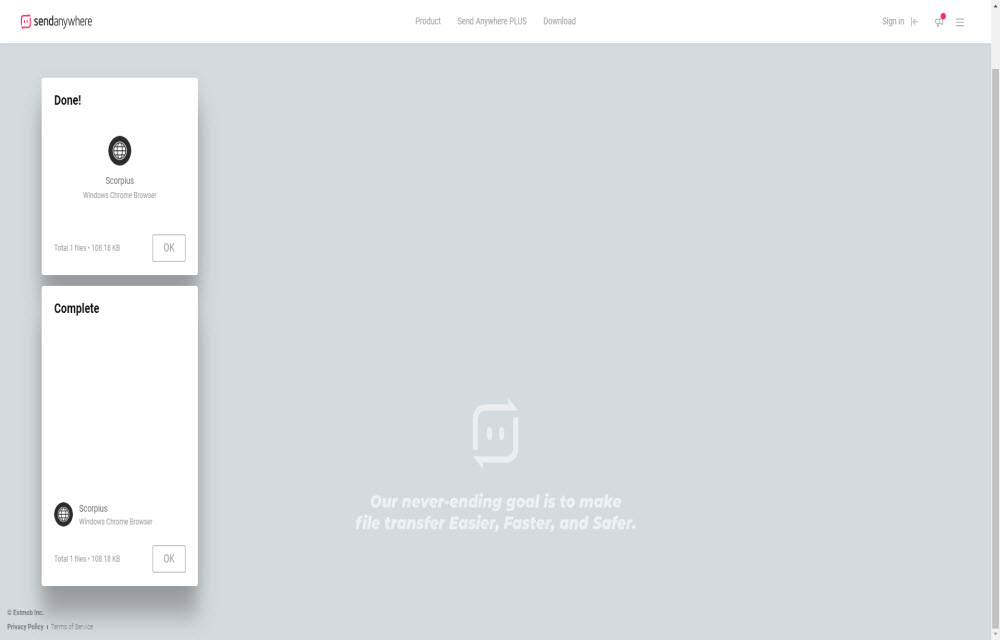
It’s quite easy to get started. Just visit the official website and make an account. If you are in a hurry and in need of an instant transfer, then you can simply upload the file without logging in and send the transfer key to the recipient. Beware there; you get only ten minutes expiry to start the transfer.
With a free SendAnywhere account, you can do a lot of things such as Send files over email. Here, the maximum file size upload limit is capped to 10GB. Also, the link expires in 48 hours. And most importantly, before uploading and downloading, you need to see an advert. Sometimes it can be annoying, but you get to do everything for free, so it’s a win-win situation.
Upgrading to SendAnywhere Plus
If somehow the free version does not meet your daily transfer conquests, then you may choose to upgrade to SendAnywhere Plus for a 5.99 USD/month subscription. You will get,
- An Ad-Free experience while sharing files.
- 1TB storage capacity.
- Max file upload size of 50GB.
- Configurable Link expiry time.
- View Downloads, i.e., see how many times the file has been downloaded.
- Limit the download count and change it at any time.
- Password-protected links.
That’s a decent upgrade to the free plan. As of now, the limits are capped in the plus version as well. They might introduce higher plans and limit upgrades in the future.
Conclusion
SendAnywhere is a decent and secure file sharing service. Its cross-platform availability makes it even more desirable. If you are someone who always deals with sensitive documents and files in general, then you must definitely try this service and get a first-hand experience. You can also subscribe if you are looking for a secure temporary solution for the time being.
More in How-to
How To Fix Slow File Copy Speed In Windows 10
Copying, moving files, and folders on a computer is a regular task. Most of the copying and moving tasks are common between hard disk to another hard disk either internal to external. Recently my friend faced a slow file copying issue and he asked the best suggestion to improve the data transfer speed. He is…
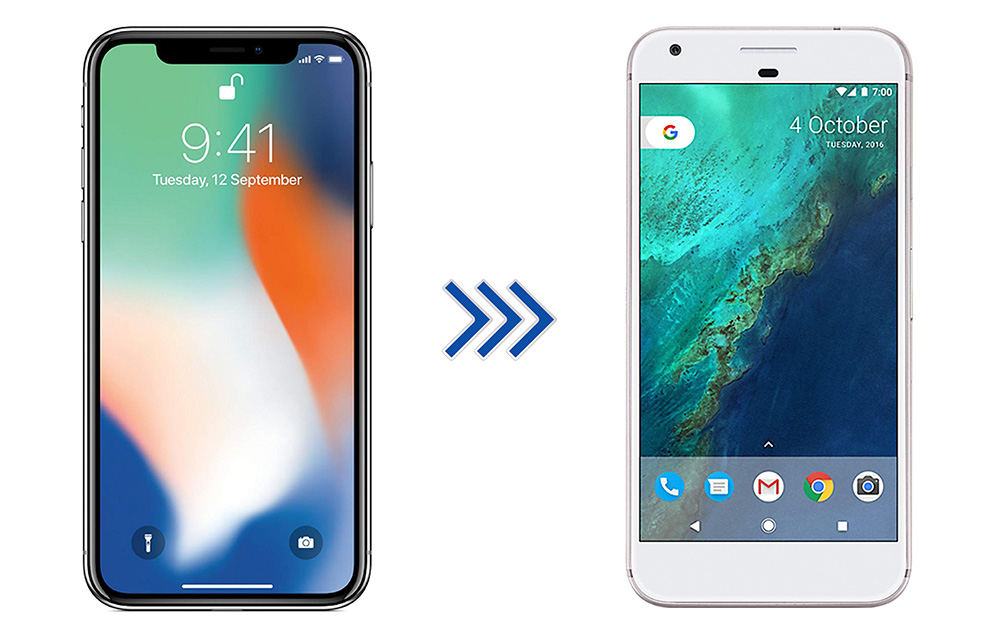
How to Switch from iPhone to Android Smartphone
iPhone is great, it is one of the best devices in terms of quality, it has some unique functions, and everything is perfect. But, then there is Android, which has more features, extremely flexible, various brands to choose from, and a ton of apps to accomplish almost anything that you can do with a smartphone.…
How to speedup Network Sharing in Windows 10
Network Sharing helps an individual to share resources over the network. There are two types of network infrastructures namely wired and wireless. Network infrastructure includes devices such as modems, routers and software programs such as packet tracer. In order to get the most of these resources, one can configure them to be shared among different…
The week in tech, minus the noise.
New reviews, fixes and the stories that matter — once a week, straight to your inbox.
We only use your email to send the newsletter. Unsubscribe any time. See our privacy policy.
Comments