

WonderFox Data Recovery Review: A Clean, Lightweight, and Effective Solution for Data Recovery
Accidentally deleted files or formatted your drive and lost crucial data? It’s a nightmare most of us have faced at some point. Thankfully, recovery tools have become smarter, more intuitive, and accessible even for non-tech-savvy users. One such tool that’s been making its mark quietly in this space is WonderFox Data Recovery. So today I…


WonderFox Data Recovery Review
Accidentally deleted files or formatted your drive and lost crucial data? It’s a nightmare most of us have faced at some point. Thankfully, recovery tools have become smarter, more intuitive, and accessible even for non-tech-savvy users. One such tool that’s been making its mark quietly in this space is WonderFox Data Recovery.
So today I tested the software on my system and found these interesting points.
First Impressions
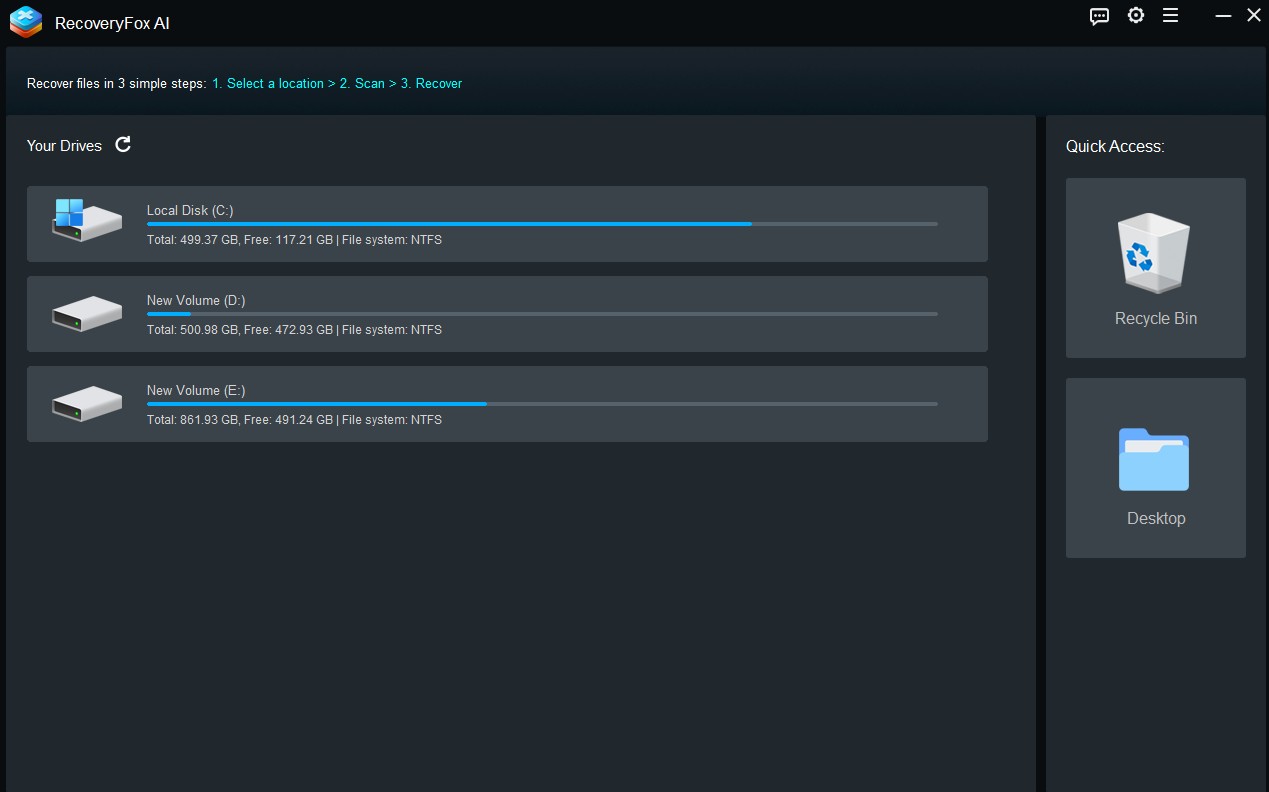
WonderFox has always kept a minimalistic design language in their products, and this one’s no exception. The installation is quick, the interface is clutter-free, and it doesn’t try to push additional software or ads your way a welcome change in today’s bloated software environment.
The main screen is simple: you choose the drive or storage device you want to scan, and you’re good to go. There are no confusing settings or technical jargon. Just a straightforward layout designed for users who want to get things done without getting overwhelmed.
Core Features
Here’s what stood out during testing:
- Supports Common and Rare File Types: Whether it was photos, videos, Word documents, ZIP files, or system files, the software could detect and recover a wide range of formats. I tested it with some .RAW image files and even older .DOC formats both came back fine.
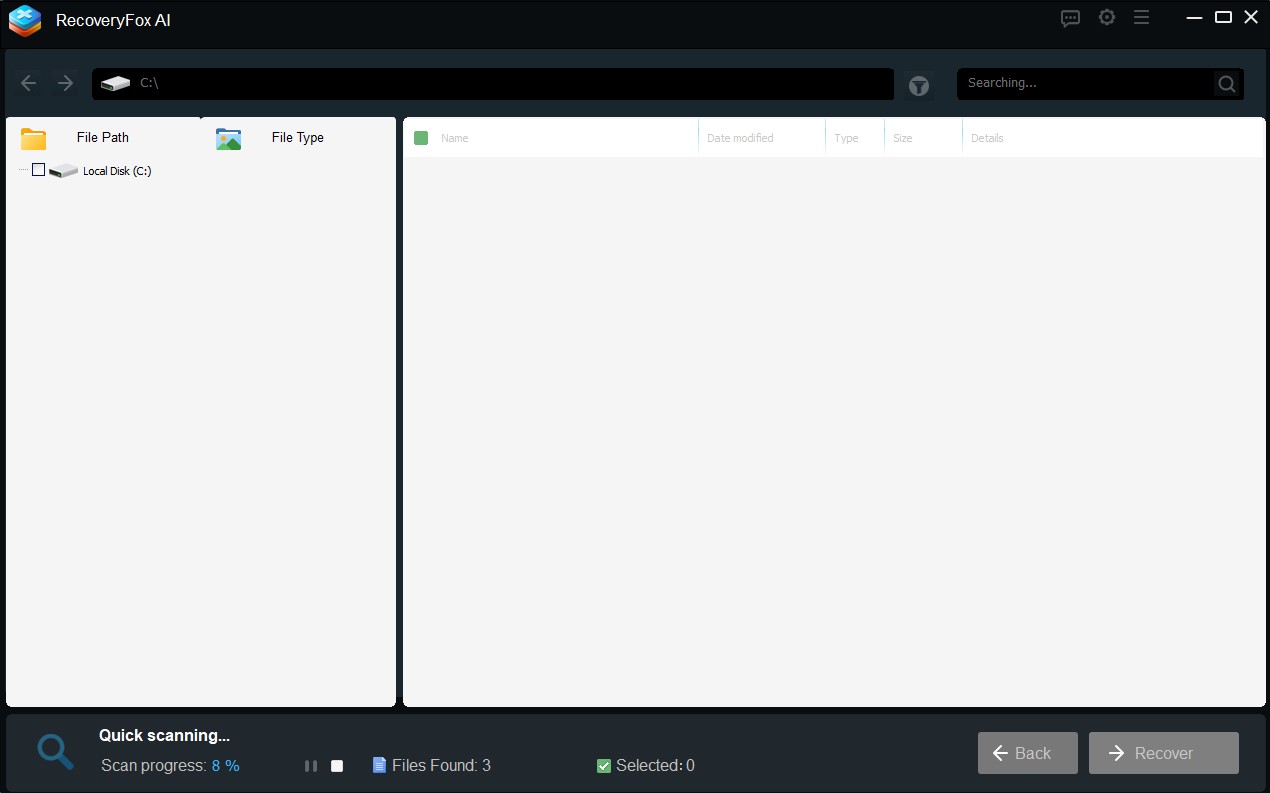
- Multiple Scan Modes: There are both quick and AI scan options. The quick scan is handy if you just deleted a file recently, while the AI scan digs through every corner of the drive to recover older or formatted files.
- Partition Recovery: This one was a surprise. If your drive got accidentally partitioned or became inaccessible, WonderFox gives you a chance to recover that data too a feature usually seen in more premium tools.
- Preview Before Recovery: This is something I always appreciate. It has the ability to preview photos, videos, or documents before recovering, which helps save time and ensures you’re restoring the right files.
Performance
I ran WonderFox on a formatted 32GB USB drive and a 500GB HDD that had some intentionally deleted files. The quick scan on the USB drive took just under 2 minutes and recovered all recent deletions. The AI scan on the HDD took around 45 minutes, which is fairly standard, and it managed to pull out files I deleted weeks ago impressive.
The system Resource usage was minimal, and during testing I didn’t experience any crashes or slowdowns. It also didn’t interfere with other programs, which is a good thing when you are doing multitasking with windows open.
What Could Be Better?
While it gets most things right, here are a couple of areas for improvement we personally feel after testing.
No Mac Support: As of now, WonderFox Data Recovery is Windows-only. That cuts off a sizable chunk of users who rely on macOS.
Simple UI: The UI is clean and functional, but we feel the interface feels a bit too basic in places. A modernly designed UI could elevate the user experience without compromising usability.
Final Verdict
WonderFox Data Recovery is not trying to be everything to everyone, and that’s a good thing. It focuses on the core problem of data loss, solves it effectively, and does so without unnecessary distractions. For Windows users looking for a no-nonsense, trusted tool to recover lost files, this is a solid point.
There are many reasons for data deletion accidentally. Whether you’ve lost data due to accidental deletion, formatting, or a corrupted partition, WonderFox Data Recovery provides a fast, lightweight, and dependable solution worth considering.
More in Software Reviews
WinfrGUI Review – A User-Friendly Data Recovery Solution for Windows Users
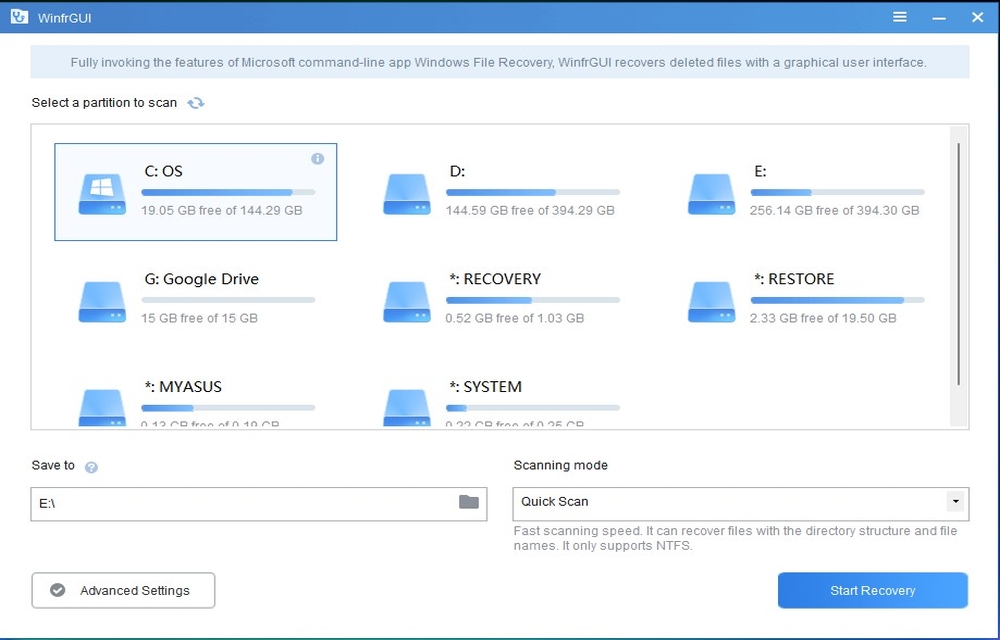
WinfrGUI is a user-friendly Windows file recovery tool designed to make data retrieval from damaged, deleted, or formatted partitions a seamless and stress-free experience. In this comprehensive review, we will explore the features, performance, ease of use, and overall effectiveness of WinfrGUI. Our goal is to help you determine if WinfrGUI is the right file…

Wondershare Data Recovery: An Efficient Data Recovery Software
Data recovery softwares are all around you to help in critical data loss. Too many names might be confusing you in the selection of the best out of them. All of them offer high-end features that are almost similar one another. But the bitter truth is that most of them fail in providing what its…

EaseUS Data Recovery Wizard Free Review
Losing data has never been changed since the invention of the storage devices. A single click on the delete button or an accidental device drop could end up in the loss of important photos or documents. So, there is actually no protection to the digital files in case we have no backup taken. So, the…
The week in tech, minus the noise.
New reviews, fixes and the stories that matter — once a week, straight to your inbox.
We only use your email to send the newsletter. Unsubscribe any time. See our privacy policy.
Comments