

Muhammed Swalih


How to Activate Google Assistant on My Phone
Google Assistant was released in 2016 by Google. This system app is one that serves as a virtual assistant for various mobile and smart devices developed by Google. Before Google Assistant came on board, we had Google Now, a virtual assistant that was unable to engage in two-way conversations – You could only talk to…
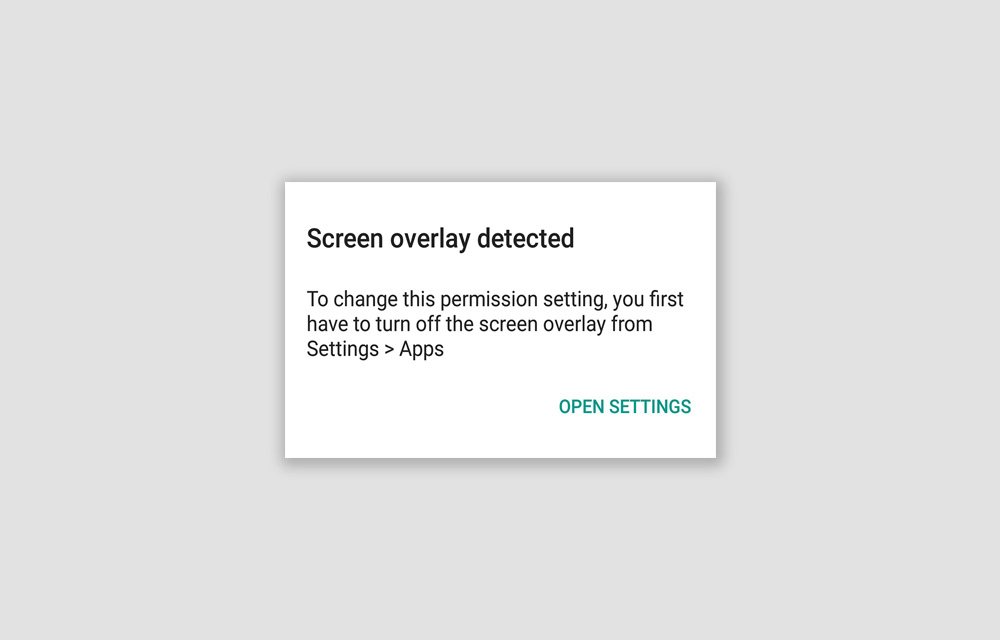
How to Fix the “Screen Overlay Detected” Error on Android Smartphones – Updated 2019
Screen Overlay Detected. An error that prevented you from using certain applications on your Android smartphone. The error will itself show you the solution, “You first have to turn off the screen overlay from Settings > Apps.” So, why don’t you just follow it and fix the issue? We are going to look at this…

10 Best Browsers for Linux
When it comes to choosing web browsers for Linux, it can be extremely difficult because the web browser is no just about its design but also about the ability to leverage the full potential of an extremely flexible platform like Linux. Most of the people are very specific about their browsers and the features they…

10 Most Important Benefits of a Computer
The importance and benefits of a computer can be understood by witnessing the revolution that it has brought in the ways of our working, communication, education, banking and entertainment. Computers have now become an integral part of almost all our daily activities. Today, computers have become a necessity in our lives, owing to the plethora…

Elmedia Player Review: The Best Media Player for Mac
Elmedia Player is a media player for Mac to accomplish the obvious media playing needs of a Mac user. But is it just like any other media players out there that just play some media files and does nothing more? Let’s find out. According to the company, Elmedia can play almost any media file formats…

Shutdown or Restart Windows 10 Using Cortana with your Voice
Shutting down your computer is as simple as pressing a switch or using the traditional way of using your mouse for it. Wanna take it to the next level? What if you can just interact with your computer and even tell it to shut down itself or restart? Cortana makes it possible if you are…
How to Train Cortana in Windows 10
If you don’t know, Cortana is a virtual assistant created by the Microsoft Corporation integrated with the Windows 10 OS. In simple terms, it is just a variation of the Siri on iOS, and Google Assistant on Android smartphones. There are plenty of things you can do with Cortana. For example, you can create reminders, control…

How to Install Linux on Chromebook
Chromebooks are fine but for the simple usage like surfing the web, sending some emails, and often watching some videos. Apart from that, if you want to do something advanced or have complete control over your OS, Chrome OS may not be the best choice out there. So, there is no wonder in that if…
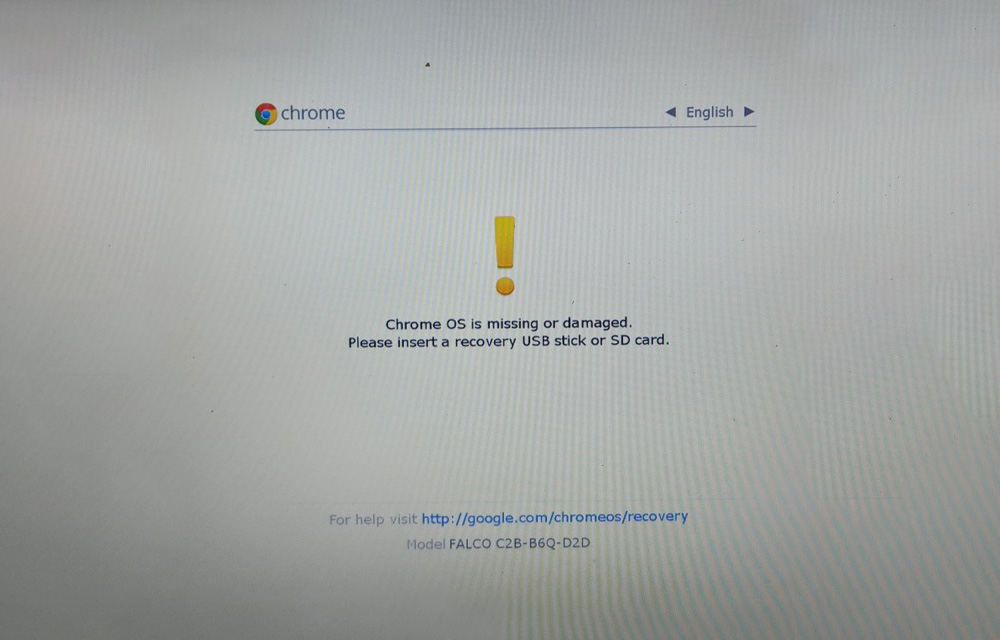
How to Enable Developer Mode in Chrome OS
Developer mode in the Chrome OS opens a door to possibilities like installing restricted applications and operating systems on the Chromebook. In simple terms, it gives you the root access to your Chromebook. You may be already familiar with rooting Android devices that come with a lot of pros and cons. The same applies here…

Best Browsers for MAC
The rapid advancement in technology has brought with it a lot of significant changes. Therefore, with the moving time, they are also moving forward with the internet. The generation today cannot survive without the internet. All they require is social media, shopping, and banking all at their ease with the internet. Therefore, if you want…

Top 10 Browsers for PC
So many things have changed in the past few years. One of the most significant change has been in the aspect of browsers. A well-defined and fast web browser can help in changing your overall browsing experience. The faster, the better. Moreover, the browsers these days are coming with enhanced security and flexibility. So, let…

How to Create 3D Photos on Facebook Using iPhone
Technology is exciting this day and age, there’s no doubt about it. Take our phones, for example. We went from the age of taking low-quality, blurry VGA-resolution photos of 1.3 MP to the excellence that smartphone cameras are now. And you don’t even have to shell out a $1000 or more to get a decent…