

Muhammed Swalih

What is OS (Operating System)
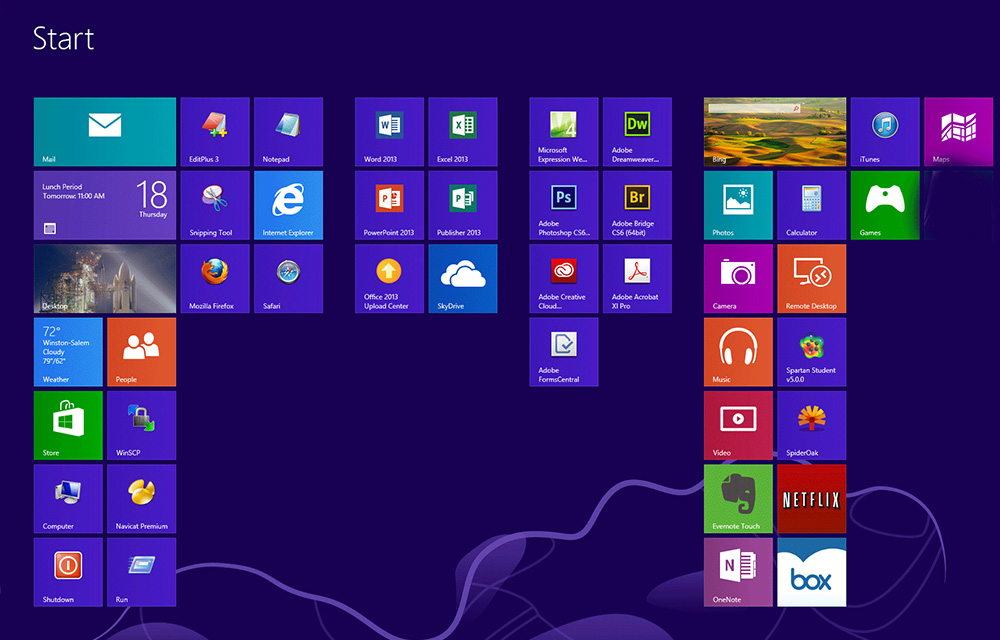
An OS or Operating System is a computer program that makes it possible the communication between the hardware and software. In other words, operating systems act as a mediator between the hardware and software in a computer. When the computer was first brought into the business, it was having a command line interface which might…
What is Hard Disk
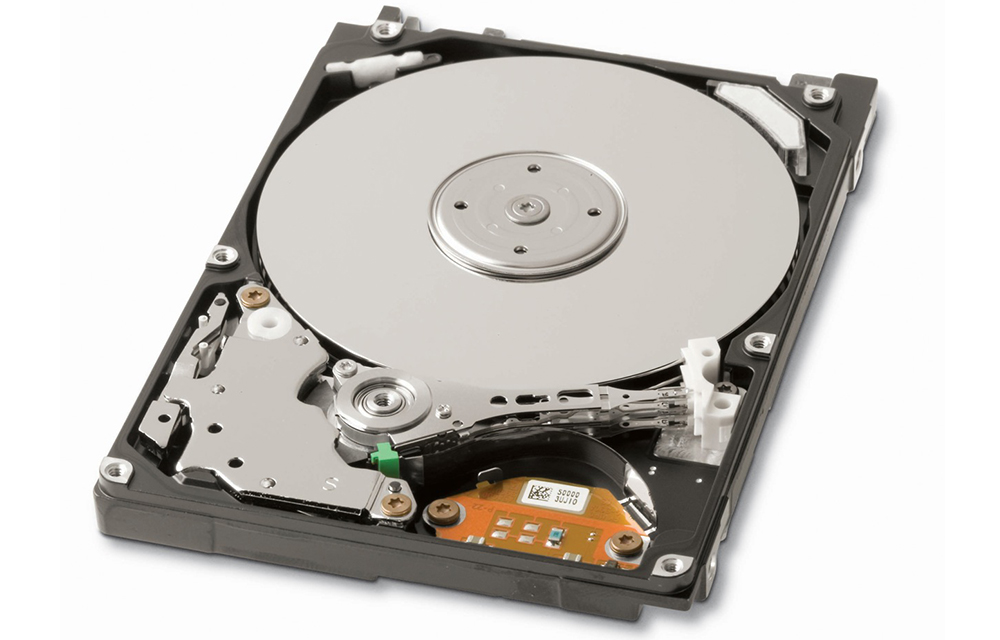
Hard Disk / HDD (abbreviation) / Hard Drive / Fixed Drive / Fixed Disk / Fixed Disk Drive is a storage device used in computers. It is one of the best solutions or probably the most used device for storing data safely. Numerous companies including Seagate, Western Digital, Hitachi, etc. manufacturing hard disks in different forms…

SHAREit – Transfer & Share Review
SHAREit – Transfer & Share is an app developed by SHAREit Technologies Co.Ltd. It is basically a file sharing applications like Xender that let you seamlessly share almost anything without using the internet, Bluetooth technologies. As per the developers, the app will provide a transfer speed of up to 200 times Bluetooth speed! It sounds like something…

SEMRUSH Review
Keyword Research, tracking keyword ranking, checking backlinks, checking competitor ranks, doing a complete SEO audit of the website. Whatever the need, SEMRUSH is a complete tool to help you. As on 14/01/2017, this all in one tool has a massive database of over 302,100,000 keywords and 218,655,591 domains. It is very popular among the bloggers and especially utilized for keyword…

When is Google’s Birthday
When is Google’s Birthday? If you don’t know, this article is for you When will the search engine giant Google celebrate its birthday? As numerous well know companies, Google also has multiple name days which can be considered for celebrating the birthday. But, from the past years, they are officially selected 27th September to cut some…
How to Set Passcode on iPhone, iPad, and iPod Touch
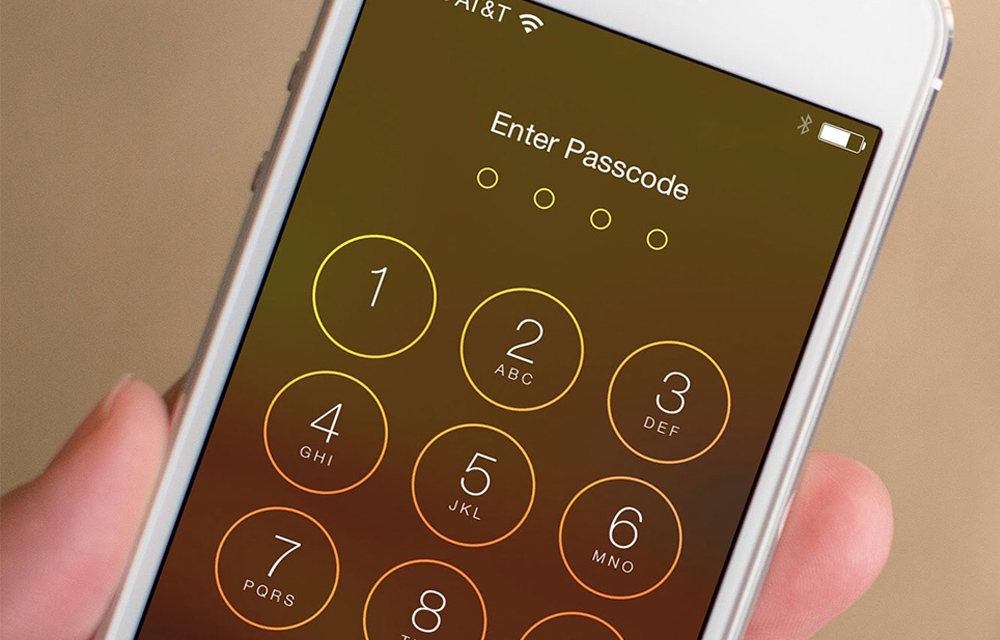
Apple devices are coming with pretty good security features. The Passcode is one such feature that lets users set a specific access number to their iPhone, iPad or iPod Touch devices. If you’ve just purchased a new iPhone and setting it up for the first time, and you missed the passcode part, you can still…
How To Set Up Touch ID Fingerprint Scanner on iPhone
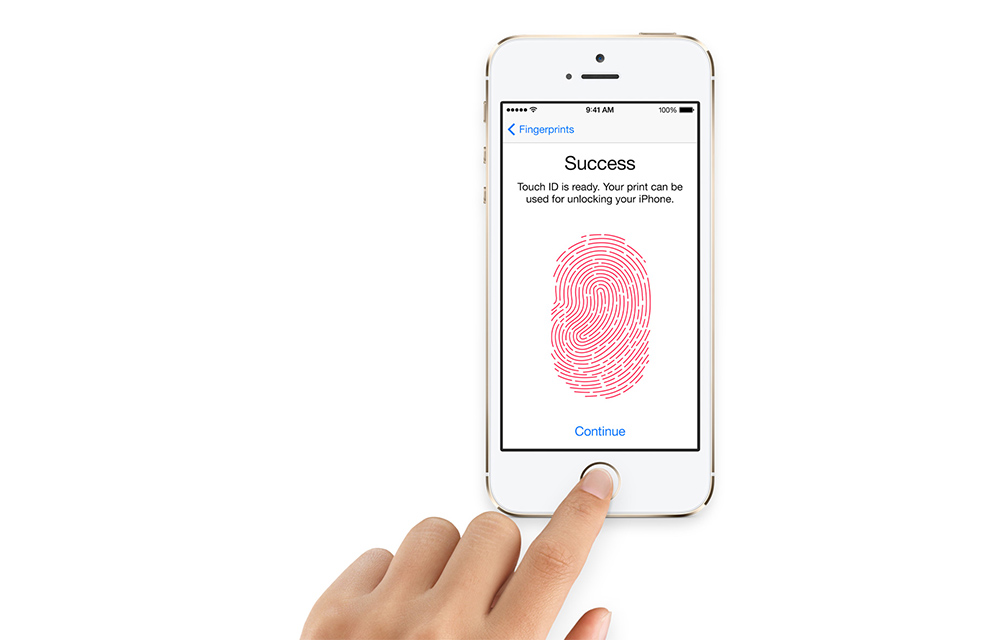
Touch ID in iPhone is one of the most known and secure ways to lock your iPhone from external threats. If you haven’t already set up the Touch ID during the initial iPhone setup, you can do it anytime. It is always easy to use your own fingers to unlock your lovely device. You can use…
How to Change Icons in Windows
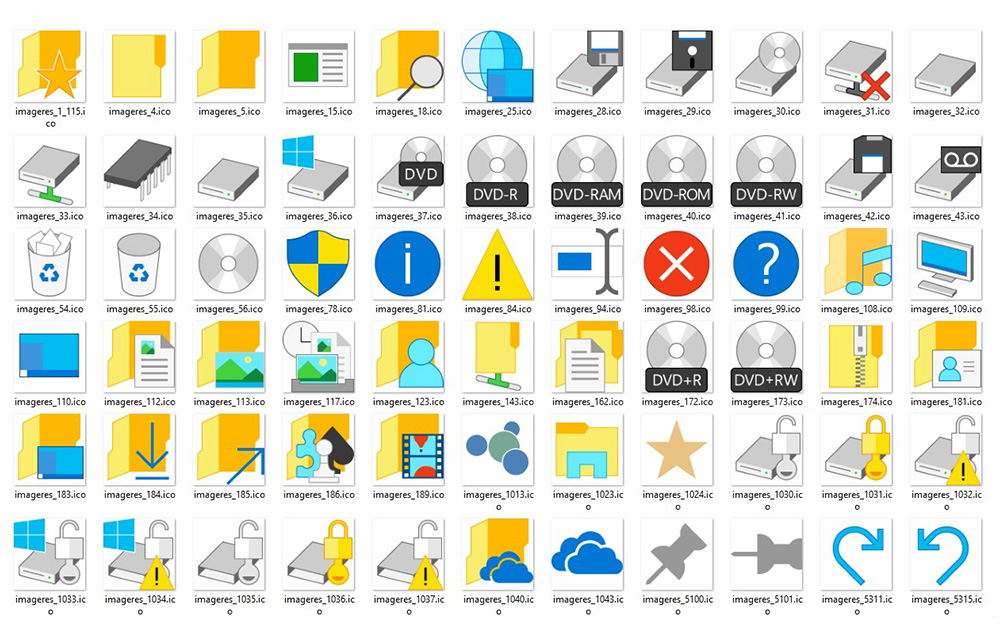
Changing icons can greatly impact the look and feel of your Windows PC. So, everyone trying numerous customization and tweaks on their OS. If you are one of them who gives importance to the design of your windows, you might consider tweaking icons of your OS. Not only the desktop icons can be changed, but…
How to Enable God Mode in Windows
God Mode in Windows, or also called the Windows Master Control Panel shortcut is one of the hidden gems inside the OS. Enabling the God Mode in Windows will provide you the access to almost all administrative tasks which couldn’t be done by normal permissions. It sorts out all the management features of the OS in a…

Top 10 Games Like Slither.io for Android and iOS
Slither.io is currently the in thing when it comes to multiplayer online gaming. It combines snake with agar.io (a game also on this list). The premise of slither.io is pretty simple. You start off a small snake, the objective is to grow by eating orbs. I know that doesn’t sound interesting, but there is a…
How to Launch Chrome Directly in Incognito Mode
Incognito Mode in Google Chrome is very useful in many aspects. It hides all the user browsing data including browsing history, cookies, download history, etc. as well as protecting you from being tracked by websites and services. If you even wanted to turn on the Incognito mode in Chrome, just pressing Control+Shift+N for Windows and Linux, Command+Shift+N…

OLALA 7500mAh Slide Power Bank Review
There are several situations where you need a power bank even more than water. If you ever felt thirsty, you might be able to find some water in a couple of minutes or few hours at the most. But, once your smartphone went thirsty and needed some battery juice to continue running, it is not that…