

Vamsi Krishna

Audials Tunebite Platinum Review
In terms of media consumption, digital music and videos have long become a part of our lives. This is especially true with all the digital devices around us like the computers, smartphones, smart watches, etc.., to stream the digital content. The problem with the digital music and video are that almost all the publishers out…
EaseUS Partition Master Review
When you first install a new system or even every once in a while we need to use a good partition manager to create, delete and manage our hard drive partitions. Though there are several partition managers available on the internet, EaseUS Partition Master is one of the best and here is how you can…
Wondershare PDFelement for Mac Detailed Review
PDFs (Portable Document Format) are one of the most used file formats to create, edit and share documents between users and computers. Since the format is independent of application software, operating system, and the hardware, it has quickly grown in popularity and has become a part of our lives when it comes to online documents.…
Tagged – Chat, Meet, Friend App Review
With the rise of the internet, everyone and everything is connected. In fact, there are several apps that let you stay in contact with friends and family members. Even though there are several apps, literally thousands of them, that let you stay connected, Tagged is one of those special apps that do it the right…
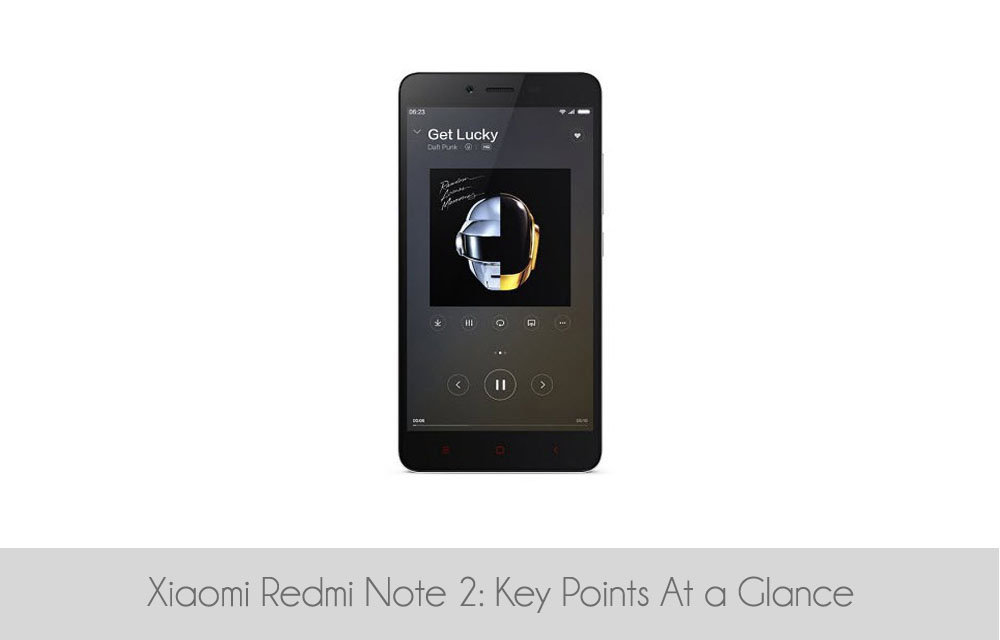
Xiaomi Redmi Note 2: Key Points At a Glance
Xiaomi Redmi Note 2, which was launched a few weeks back has become something like an uncrowned king of all the budget smartphones with totally awesome and impressive specifications.

LEAGOO Elite 4 Android Smartphone Review
Android smartphone world is pretty big and diverse. There are a lot of mobiles with a range of different specs and pricing. Chinese brand Leagoo is one such producer which brings forth the affordable mobile phones with amazing specs and usability. LEAGOO Elite has several iterations over the years and here is a detailed review…
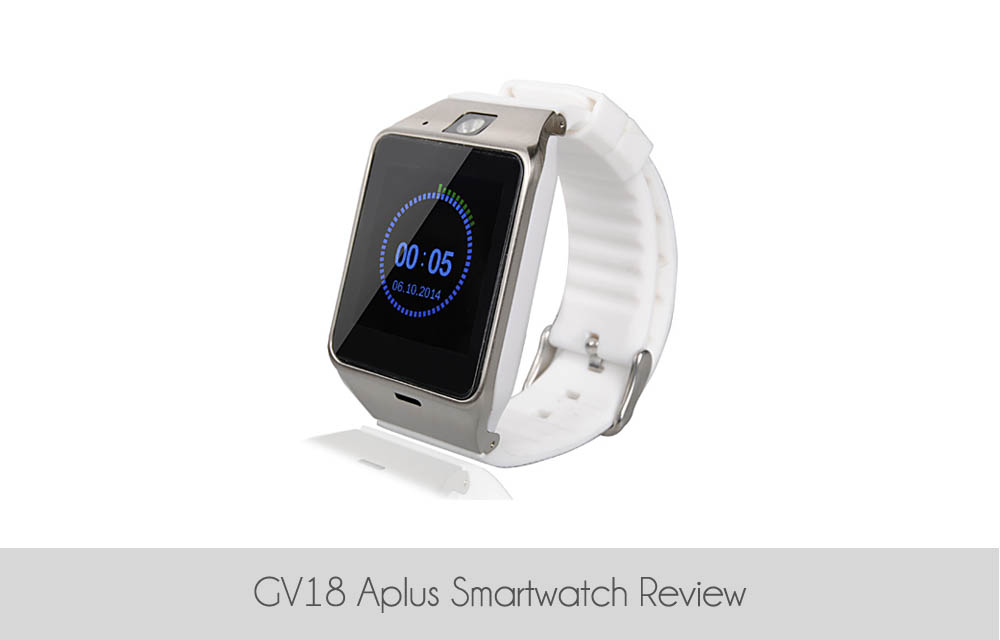
GV18 Aplus Smartwatch Review
Smart watches are the trend now and are quickly becoming a necessity because of the wide range of features and usability packed into a small compact design. Like any new technology, even though the smart watch prices are sky rocketed when first introduced, the prices have come quite a bit with all the manufacturers joining…
Mass Planner Review – Ultimate Social Network Scheduling Tool
For every business and website, be it small, big or even just a startup, social media marketing is one of the most important things to get people to know about you and to turn them into customers. Taking that into account, many of us put a tremendous amount of work to raise our follower and…

Real Apps To Earn Real Money Directly From Your Mobile Device
It doesn’t matter if you are using an Android Device or an iPhone, it is a known fact that there are plentiful mobile apps that are mainly designed to take money to give you fun using the gameplay and stuff.
APUS Android Launcher Review
The good thing about the Android ecosystem is that you can customize it however you want and to your heart’s content. One way of customizing your Android experience is to use custom skins and launchers which come with loads of features, usability, and awesome looks.
How to Change Default Program Files Folder Location in Windows
If you’ve ever installed a Windows program or even if you have used Windows for any part of time, then you will probably know that whenever you install a program on your Windows system, all those installed programs are stored in C:\Program Files or C:\Program Files (x86) folder. In fact, most Windows programs are stored…
How to Configure Windows to Index Encrypted Files
If you’ve ever tried Windows start search or the search bar in the File Explorer, then you will probably know that the Windows uses indexation to index all your files and folders in order to display then in the search results. But the thing with the Windows indexation is that it won’t index encrypted files…