

How-to
Complete Windows 8 Clean Installation Guide
Complete Windows 8 clean installation guide: Windows 8 is a version of the Microsoft Windows operating system, produced by Microsoft for use on personal computers.

How to Use Pendrive as an Extra Virtual RAM
Random-access memory (RAM) is a form of computer data storage. A random-access device allows stored data to be accessed quickly in any random order. Every PC contains RAM to run the process; the speed of the machine is somewhat based on the RAM capacity. Nowadays, many people are using Windows 8 or above version. To…
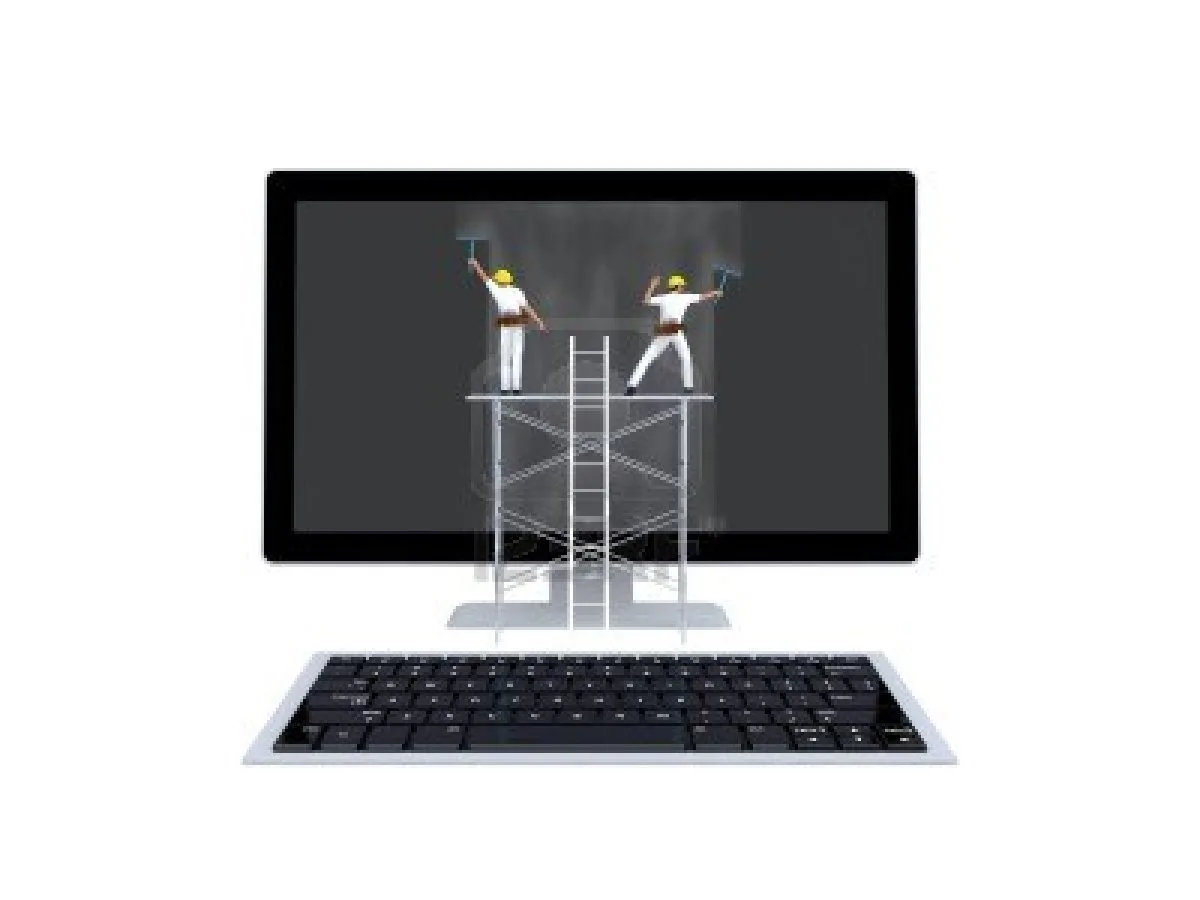
How To Clean Monitor?
Flat-screen monitors and televisions require attention when cleaning. They’re very sensitive to dust, fingerprints, and water drops. Most of us use liquid solutions to clean monitors, but it is strongly not advisable to clean using liquids. Modern monitors, televisions, and other display screens are very sensitive to dust. You can easily notice the soft dust…
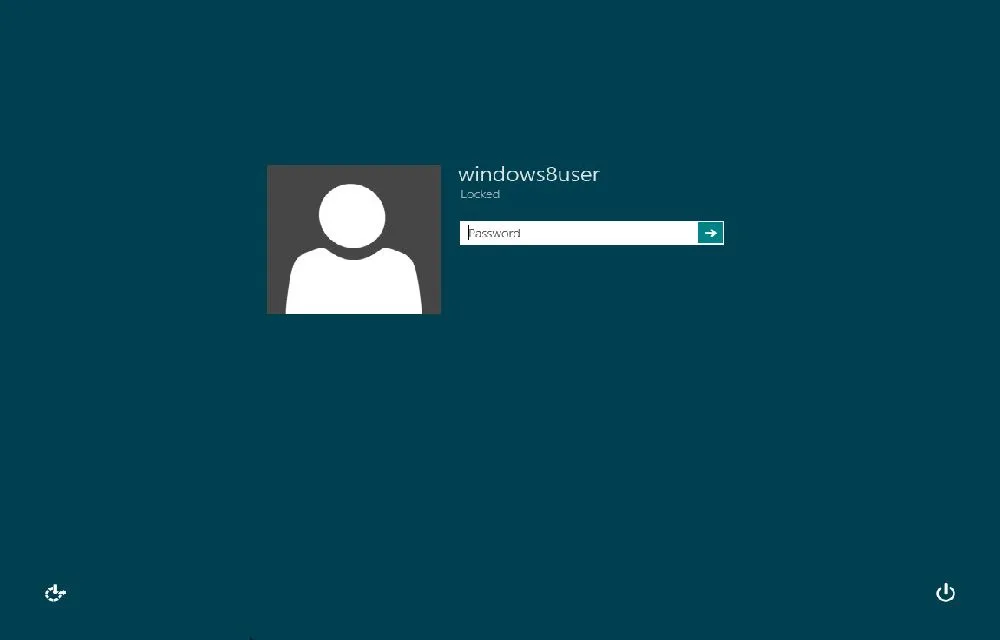
How To Remove or Disable Login Password From Windows 8
Windows 8 is a current-trending operating system from Microsoft. For security and multi-user purposes, Microsoft set password security for Windows 8. The user needs to enter a password whenever he wants to log into the system; practically, it is good for security. Let’s see the easy enable and disable options of this feature. In the…
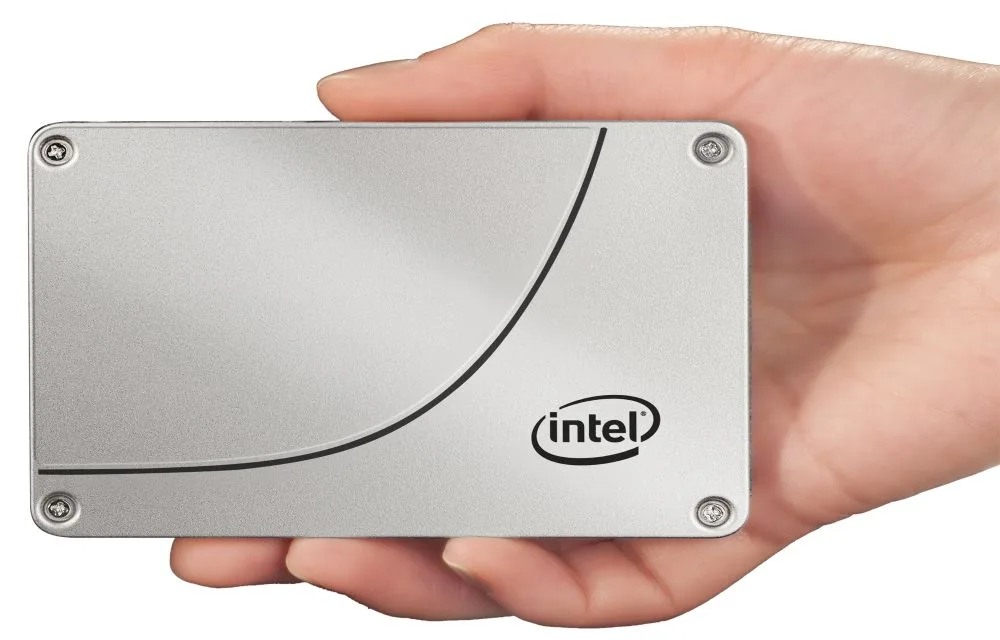
Advantages and Disadvantages of SSD
Solid-state drive or SSD drive uses non-volatile memory as a means of storing and accessing data, like computer RAM. It is a data storage device for your computer. Adding an SSD to your computer is the best upgrade. They are very fast when compared to traditional hard disks. The read and write speeds are top-notch, and…
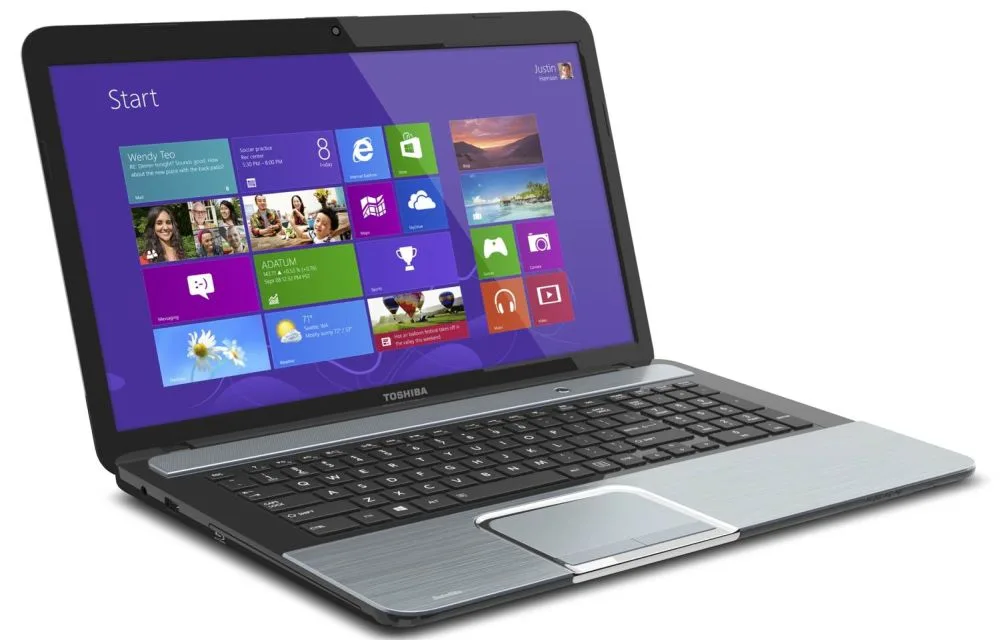
How To Optimize A Laptop For Best Performance?
Laptops are still in demand, even after the launch of tablets. Laptops are portable and capable of any functions a desktop allows. Optimization of a laptop is a core thing to maintain its speed and improve performance. Nowadays, laptops are bundled with higher RAM and good processing speeds. However, after prolonged use, they become slow…

How To Secure Wifi Network?
Surfing the Internet using neighbors WiFi is enjoyable. But if you’re the owner of an unsecured network, you should be aware of the suspicious activity on your network. If the LED of your wireless router is constantly blinking and none of the family members are using the Internet, this might indicate that someone is stealing…