

Five Best Note Taking Applications
Five Best Note Taking Applications: Many of us prefer note taking in traditional paper and pen. Today technology is changed, we can take note on any device ranging from Mobile phone, Tablet to Laptop. Online note-taking applications are very handy for bookmarking sites, or quickly writing ideas. While there are many online note taking applications,…


Five Best Note Taking Applications: Many of us prefer note taking in traditional paper and pen. Today technology is changed, we can take note on any device ranging from Mobile phone, Tablet to Laptop. Online note-taking applications are very handy for bookmarking sites, or quickly writing ideas. While there are many online note taking applications, here is the best of all.

1. Evernote: (Web-based, cross-platform)
Whenever you take a note on your phone and on your computer gets synced to your Evernote account on the Web. Evernote is a good note-taking application. It also automatically uploads your camera snapshots to the Evernote server. Evernote will translate any text in the image so you can search for it as if it was a text note.
Alternatively, you can just manually type in the note yourself. An Evernote web clipper extension for your browser is very handy, which help you to grab anything from the web and copied to Evernote server. You can also email notes to Evernote using a secret email address.

2. Simplenote
Simplenote is a note-taking application. The application works for the iPhone, iPad, Android, the web, PC, Windows Phone, or Mac. There is a premium version with extra features that includes syncing Simplenote with Dropbox. It Keeps notes on the web, your mobile device, and your computer. Supports simple styles, and syncs. You can find notes quickly with instant searching and simple tags.

3. Microsoft One note
One note is a note-taking program with silent features. The program supports input in many forms such as documents, onscreen handwritten notes, and media files. You can take format notes, insert documents files, record audio and video, customizable page templates. You can send the saved notes to e-mail, share a note to shared locations, publish a note to blog.
4. Springpad
Springpad is a free cross-platform app. Springpad is best at automatic guessing. You can easily share your ideas using social features added to the app. As you use the app to create notes, to-do items, or Web clips, you can easily create and organize them into “notebooks” or college boards. Springpad notebooks are the best way to share information and manage projects with other people.
(Stopped the service)

5. Google Docs
Google Docs is Google’s online MS Word like web servers. You can take note using google doc. It will be saved in Google cloud storage Google Drive. You can access Google Docs anywhere in the world. When multiple users are signed up, it is also possible to collaborate with each user able to edit and change the same document via the Web. Offline mode in Google Docs is especially useful while traveling with no Internet connectivity. When you get back online, your changes will be synced to the cloud.
More in Best Apps
Top 5 Note-Taking Apps for Android: Streamline Your Note-taking Like a Pro
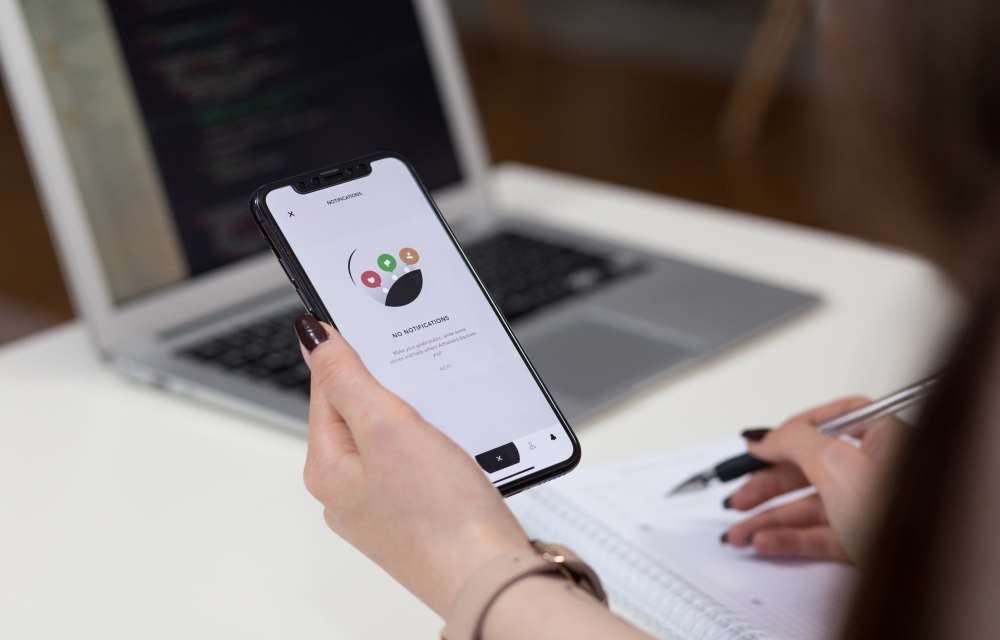
Are you looking for a manageable way to take notes on your Android smartphone? Note-taking has come a long way from the days of pen and paper. Today, our digital world is filled with numerous note-taking apps that not only help us stay organized but also boost our productivity. Whether you’re a student, a working…

Best International Money Transfer Apps
Usage of Android and iOS devices have been growing in the recent days and with the increasing usage, we are searching each and every way to use the devices. The newest of all the features which are coming onto the Mobile Phones are about the Wallets, Money transfer Apps which are becoming famous due to…

Best To-Do List Apps for Android and iOS
Organizing habit is very important in our everyday lives. It’s what helps us get stuff done. On that note, it’s important to realize that we can’t always perform everything that we thought we’d do in the timeframe we planned. I have tested several To-do list apps and have some strong feelings over a few apps. These…
The week in tech, minus the noise.
New reviews, fixes and the stories that matter — once a week, straight to your inbox.
We only use your email to send the newsletter. Unsubscribe any time. See our privacy policy.
Comments