

Evernote Review: A Must Have Note-Taking App, Is it?
If you’re a user who knows time matters the most, you’d probably be having a note-taking app installed on your device. If you’re not a new Android user, then you must be aware that Evernote is the all-time favorite note-taking app for Android. And, the recent change in price has made users re-think about that.…

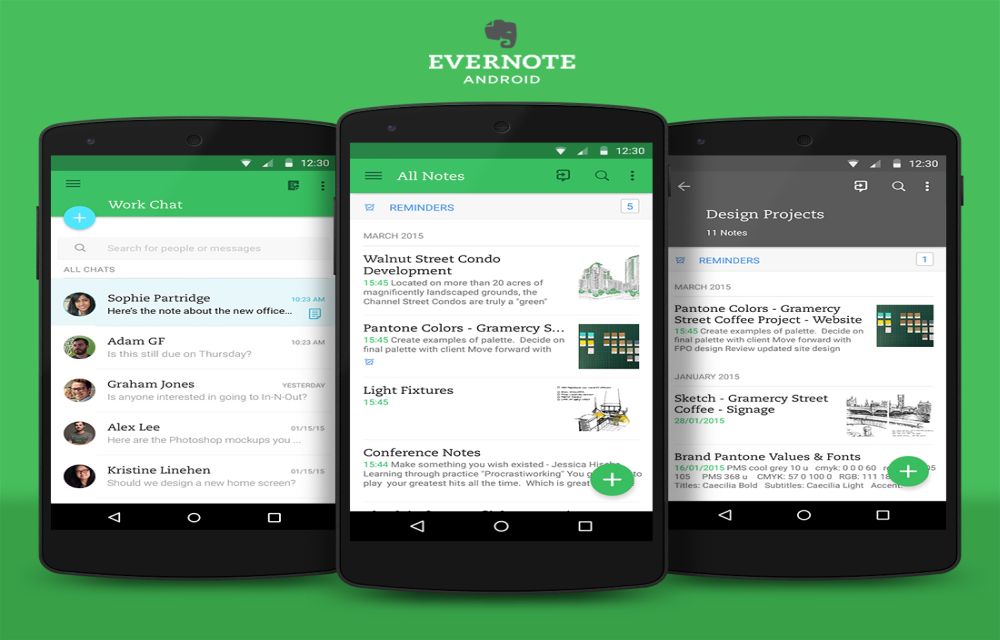
If you’re a user who knows time matters the most, you’d probably be having a note-taking app installed on your device. If you’re not a new Android user, then you must be aware that Evernote is the all-time favorite note-taking app for Android. And, the recent change in price has made users re-think about that. However, if you are an Indian user, you would still love it because there’s no change in price for users in India.
We must admit that Evernote’s the best note-taking app ever. And, it would remain to be the best unless the company takes care of the pricing plans in USD currency. Here, we’ll review the app for you and then you could decide for yourself if it’s a good one you should be having on your Android device.
Let’s get started with the review….

The User Interface
It takes a greener approach for the accent colors, and that’s the brand identity as well. The user interface seems quite good and is totally responsive. If you compare it with the free alternatives to Evernote like OneNote and Google Keep, then Evernote takes the complete edge over others regarding the UI.
The web interface is responsive enough and loads up quite fast even if you’re on a poor Internet connection.
Performance & Package Size
The app runs pretty smooth. We haven’t observed any nasty bugs whatsoever. However, the web version does come with a silly bug if you’re accessing Evernote web through a Linux system. The attached image doesn’t get removed even if you delete it. So, you’ll have to make a fresh note again copying the text to get rid of the attached imaged. They’ll probably fix it as soon as possible.
The package size matters as well because I have never been fond of OneNote app which is around 85 MB. And, it does vary according to the device. However, does 85 MB justify the app? OneNote doesn’t even offer such user experience and features. Come on developers! Evernote comes with an APK package of just around 30 MB, which is acceptable. OneNote doesn’t even let you create a new notebook while you’re offline (that’s bad!).
Features
Evernote provides you the ability to take written notes. However, that would come handy when you have a stylus pen with you, or else if you’re good using your hands to write things on a smartphone, it’s a good addition as well. For now, it restricts the free version to sync across two devices only. Furthermore, if you upgrade the plan to “Evernote Plus” or “Evernote Premium” you would get unlimited sync capabilities across devices. Also, you’ll get a lot more storage offered. Also, you would be able to sync your notebooks offline. Other impressive features include:
- Google Drive Integration
- Scan your Bills & Receipts
- Checklists
- Ability to create Notebooks offline
- Evernote’s Work Chat
Summing Up
Overall, it’s a nice note-taking app. And, for me, it’s the best because I’m a user in India. The cost I pay for Evernote Plus does seem worthy to me. However, the USD pricing is insanely high (I must admit that!)
More in Guides
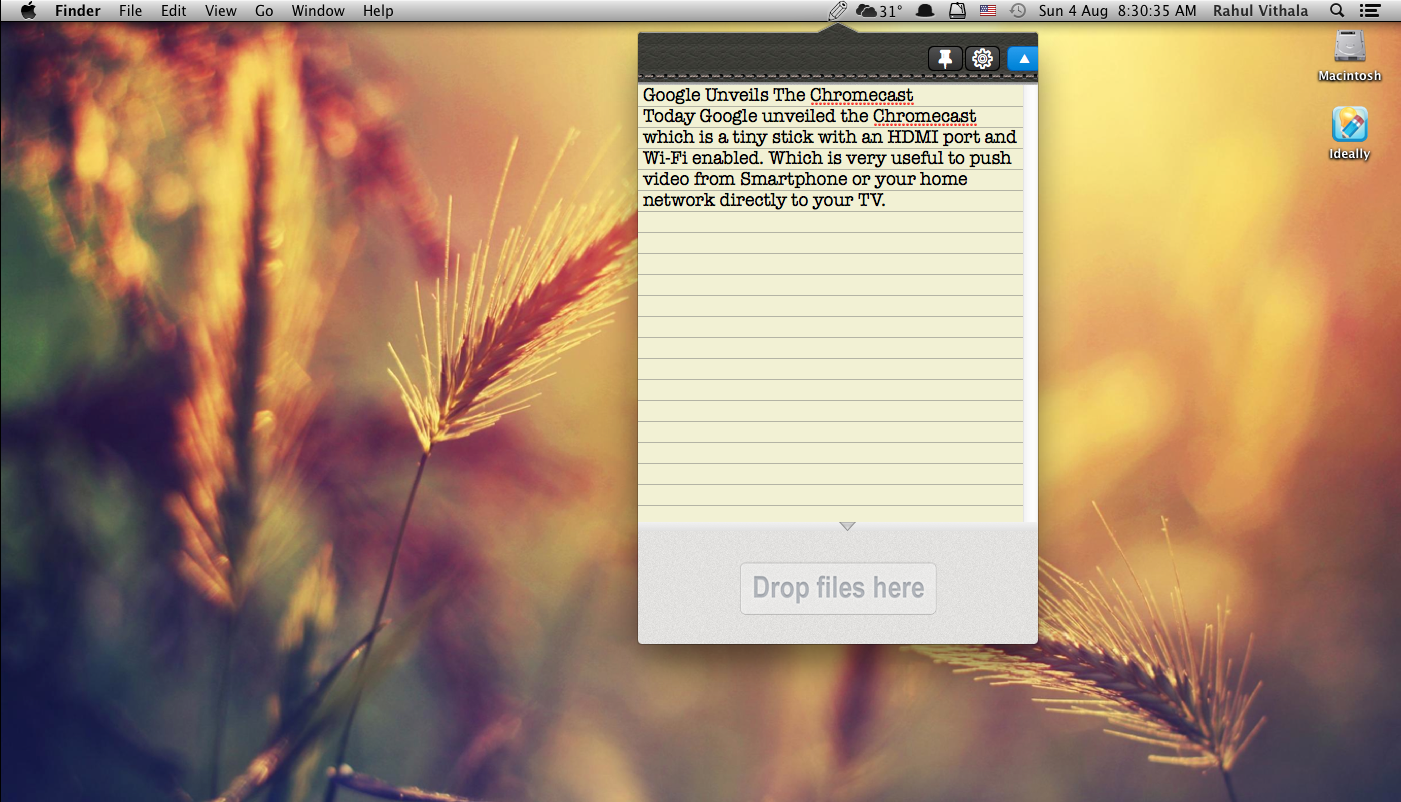
Quickly Take Note In Mac And Sync In Dropbox With Ideally
With a number of note-taking apps available in the App store, it is quite difficult to pick a good one. Ideally is a brand new app for quick note-taking on Mac. It also lets you upload files along with notes in Dropbox, you can backup and restore from Dropbox whenever you want. Not only note-taking…
Top Evernote Alternative Apps With Unique Features and Simplicity
Everyone knows Evernote is a great note taking program available on every platform. It has very interesting features like voice notes, text notes and web clipper feature which saves your favorite article in the Evernote. Evernote comes with free and paid versions. The free version comes with limited space and features. Apart from features, the…

Best Email Clients For Windows To Boost Up Your Productivity
Many of us have more than two to three email accounts these days. Checking email every time on a browser is a time taking process, dedicated email client saves not only your time it also increases your productivity. Windows have a number of email clients, some of which are popular and some may not. Here…
The week in tech, minus the noise.
New reviews, fixes and the stories that matter — once a week, straight to your inbox.
We only use your email to send the newsletter. Unsubscribe any time. See our privacy policy.
Comments