

How to Clean a Scratched CD or DVD
CDs and DVDs are very sensitive and prone to fingerprints and dusty hands. It is a bit complicated to clean a dirty or scratched CD or DVD. You can clean Scratched CDs and DVDs by following simple steps given below. Before applying these steps on your optical media remember that they are very sensitive and delicate…

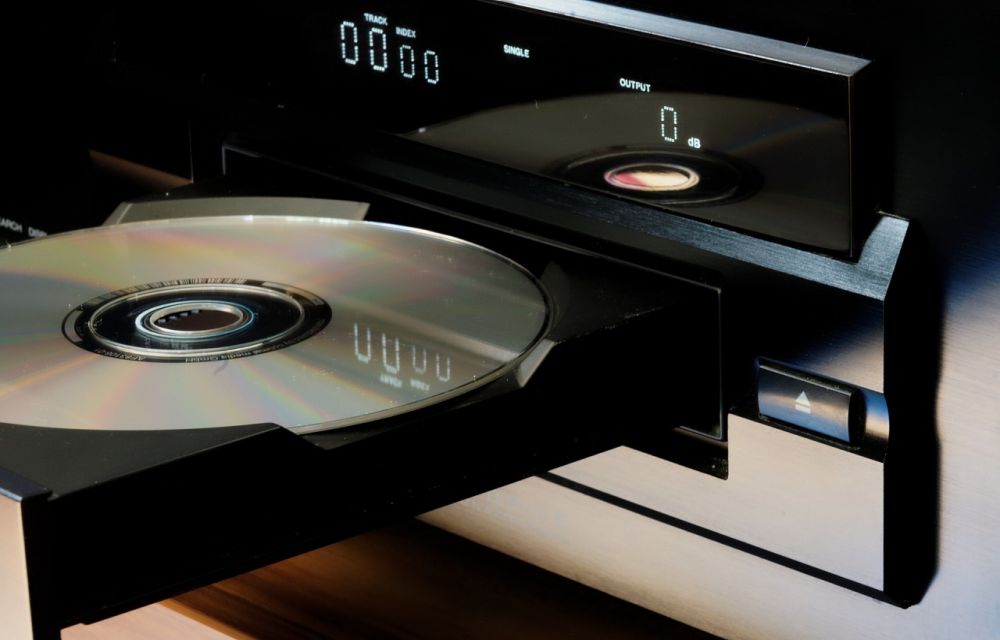
Clean a Scratched CD or DVD
CDs and DVDs are very sensitive and prone to fingerprints and dusty hands. It is a bit complicated to clean a dirty or scratched CD or DVD. You can clean Scratched CDs and DVDs by following simple steps given below. Before applying these steps on your optical media remember that they are very sensitive and delicate you may unintentionally damage the remaining good part of it. So be careful to make them as new.
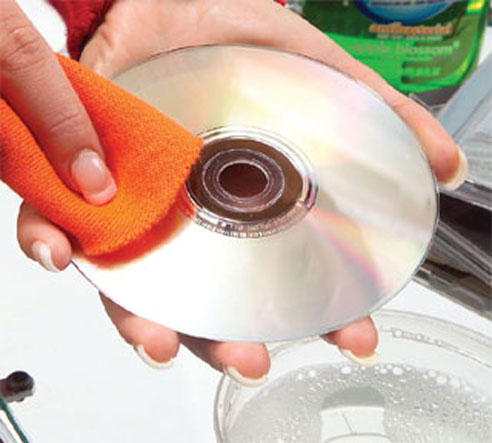
Removing Dust
Very first, I recommend cleaning the dust on the CD or DVD. Many people keep the discs openly after use, it results in a thick layer of dust on the disc. Remove the dust using a small compressed air duster. Clean gently by applying small pressure of air from center to edge of the disc.
Clean CD/DVD Using Soap Water
Take a bowl of water and drop a tablespoon of hand wash soap, put your dirty CD or DVD in the water and leave it for a minute. Remove CD and rinse it using running tap water.
Using Alcohol
Take Isopropyl Alcohol and mix with distilled water in 1:1 ratio. Get a lint-free cloth and dip the cloth into the alcohol and water mixture. And wipe from the center of the disc out to the edges in a straight line.
Using Toothpaste
Take CD or DVD and apply toothpaste as a circle just on the outside of the inner circle, apply your index finger to spread the toothpaste. Leave the toothpaste on about five minutes. Wash off the toothpaste with cool tap water and rinse it. Use a lint-free cloth to clean water remaining on the CD.
Using DVD Polish Products
There are some DVD polish products available in the market. They can repair the scratched surface of CD’s and DVDs.
That’s all for now. Please do share your ideas, views, and comments in the below comment box.
More in How-to
Complete Windows 8 Clean Installation Guide
Complete Windows 8 clean installation guide: Windows 8 is a version of the Microsoft Windows operating system, produced by Microsoft for use on personal computers.
How to fix Windows cannot be installed to this disk issue?
This problem is most common when you are trying to install Windows 11 on an old system. It is mainly because incompatibility issue of Windows 11 with the old hardware. The message represents “Windows cannot be installed on this disk. The selected disk is of the GPT partition style.” This problem comes from partition-style and…
How To Clean Monitor?
Flat-screen monitors and televisions require attention when cleaning. They’re very sensitive to dust, fingerprints, and water drops. Most of us use liquid solutions to clean monitors, but it is strongly not advisable to clean using liquids. Modern monitors, televisions, and other display screens are very sensitive to dust. You can easily notice the soft dust…
The week in tech, minus the noise.
New reviews, fixes and the stories that matter — once a week, straight to your inbox.
We only use your email to send the newsletter. Unsubscribe any time. See our privacy policy.
Comments