

MultCloud Lets You To Manage Multiple Cloud Accounts In A Single Interface
Hard drives used to be considered safe for storing important files and folders, but not anymore. These are not only prone to crashing and losing your important documents but also suffer from a space crunch. Nowadays, cloud storage is becoming the preferred choice. And if you think this form of storage remains a secondary option, think again.…

Hard drives used to be considered safe for storing important files and folders, but not anymore. These are not only prone to crashing and losing your important documents but also suffer from a space crunch.
Nowadays, cloud storage is becoming the preferred choice. And if you think this form of storage remains a secondary option, think again. It provides many more benefits than mere storage – it makes file sharing easier; is universally available to most operating systems and devices; makes it possible to retrieve your important files and folders, in case your hard drive crashes; and, more importantly, is affordable.
Cloud storage service doesn’t need an intro, they became part of our life. We daily save our files, documents, photos and videos in the cloud for backup. Many of us have more than two to three cloud service accounts, but the problem arises when you accessing them individually, it is a time taking process and confusing.


MultCloud is a free web-based service which lets you access all cloud services under one roof. MultCloud supports services like Box, Dropbox, Google Drive, SkyDrive, SugarSync and AmazonS3. To avail this great feature all you need to create an account in MultCloud. Use a valid email account to confirm email for activation.

After successful activation opens the MultCloud site and logs in with your email and password. The main UI of the Dashboard is very simple and intuitive. MultCloud clearly placed the icons of cloud services, by clicking on the icon it lets you ask account details and request API permission.

After adding accounts, you can access them on the left side panel, clicking on any service lets you open files and folders list. Using MultCloud interface you can upload and download any file, add and remove folders and also share your files with your contacts using email.
Overall it is a very good service to save your precious time when accessing multiple cloud services at a time.
More in Internet
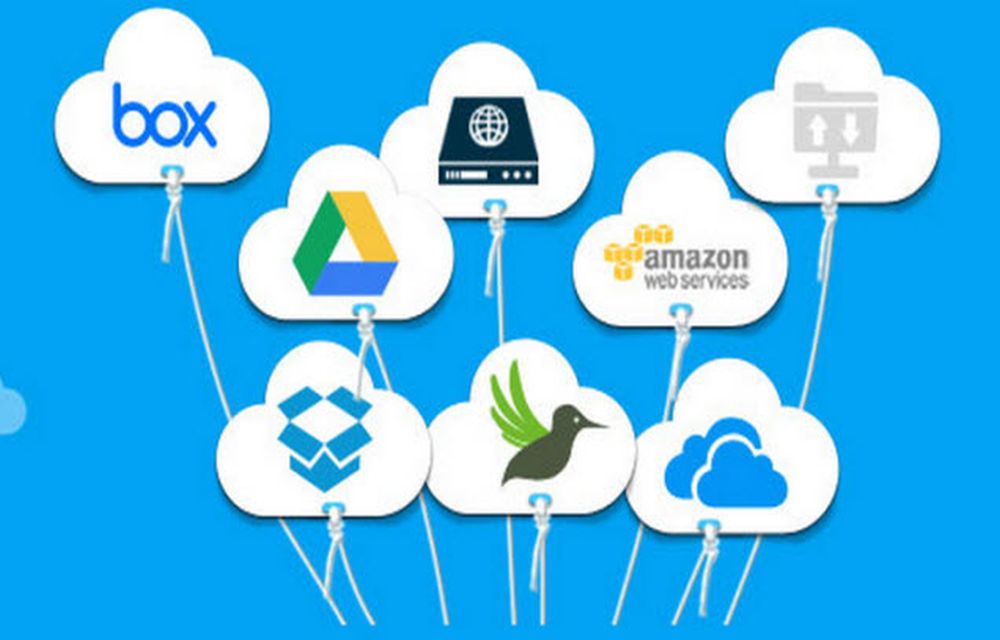
MultCloud-Free App for Managing Multiple Cloud Drives From One Place
Do you have several cloud drives such as different accounts in Dropbox, OneDrive, and Google Drive? If you want to manage these cloud drives, it is necessary to login each account, and then do some upload, download or synchronized operations. Have you ever thought of combining them together to manage just by logging once? MultCloud…
Access Cloud Accounts From Google Chrome Browser With These Extensions
The cloud is a favorite word among all of you. The influence of the cloud technology has changed the market in a very short span of time. Now, in this years, we can’t work better without the cloud storage or cloud technology. Being a cloud dependent, I can assure that the service offered by those storage…
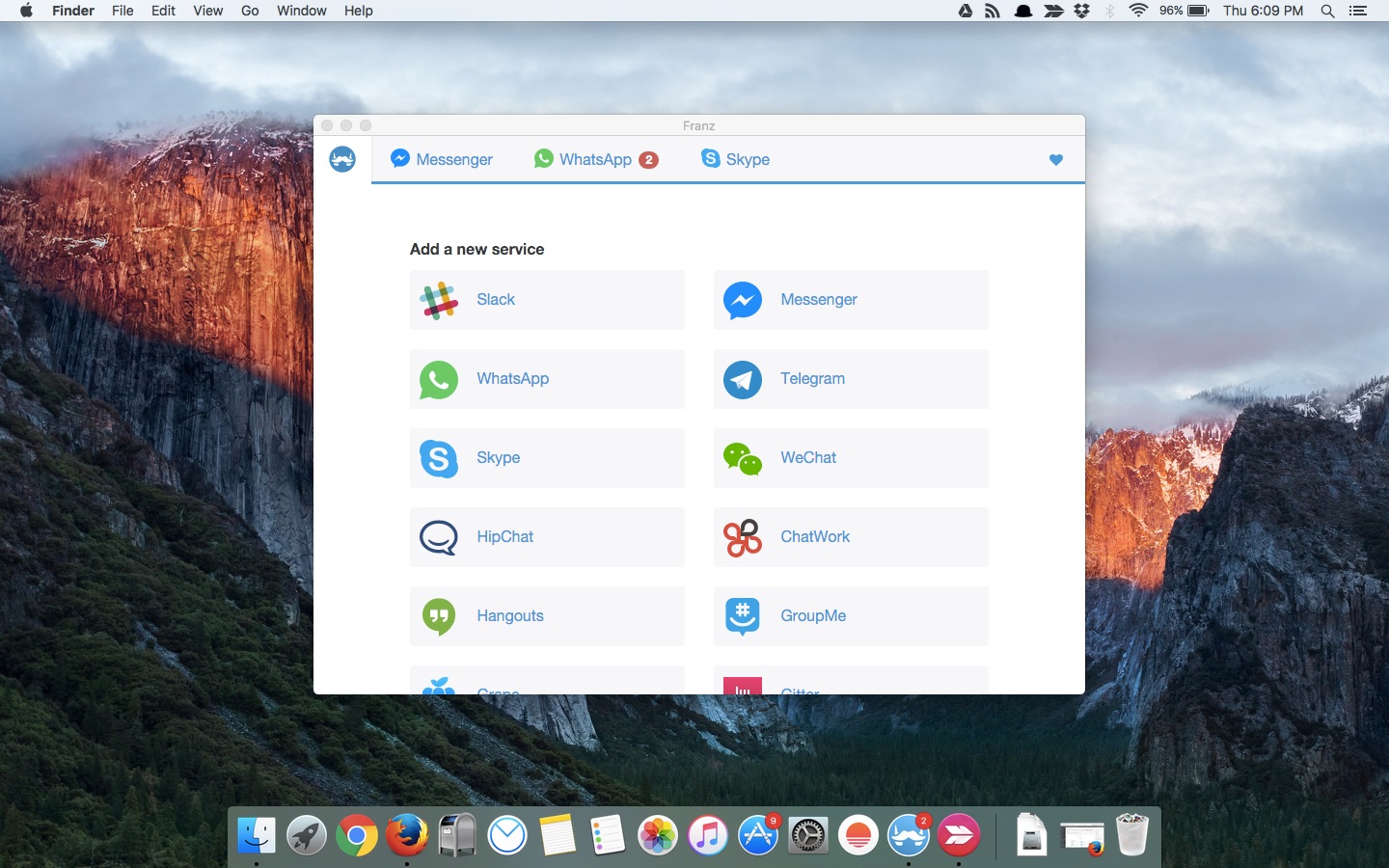
Franz – A Complete Messenger App With Multi Platform Support
If you are a user of multiple messenger service to keep in contact with office colleagues, Facebook friends, WhatsaApp, Slack, WeChat and much more, it is very hard to manage all messaging services with different apps installed on a PC or Mac. If you are looking for a complete all in one solution to maintaining…
The week in tech, minus the noise.
New reviews, fixes and the stories that matter — once a week, straight to your inbox.
We only use your email to send the newsletter. Unsubscribe any time. See our privacy policy.
Comments