

Franz – A Complete Messenger App With Multi Platform Support
If you are a user of multiple messenger service to keep in contact with office colleagues, Facebook friends, WhatsaApp, Slack, WeChat and much more, it is very hard to manage all messaging services with different apps installed on a PC or Mac. If you are looking for a complete all in one solution to maintaining…


If you are a user of multiple messenger service to keep in contact with office colleagues, Facebook friends, WhatsaApp, Slack, WeChat and much more, it is very hard to manage all messaging services with different apps installed on a PC or Mac. If you are looking for a complete all in one solution to maintaining all messenger services in one place, we are here to solve your problem. Franz is a one stop solution for your messaging needs; it simplifies your messaging tasks in a single app.
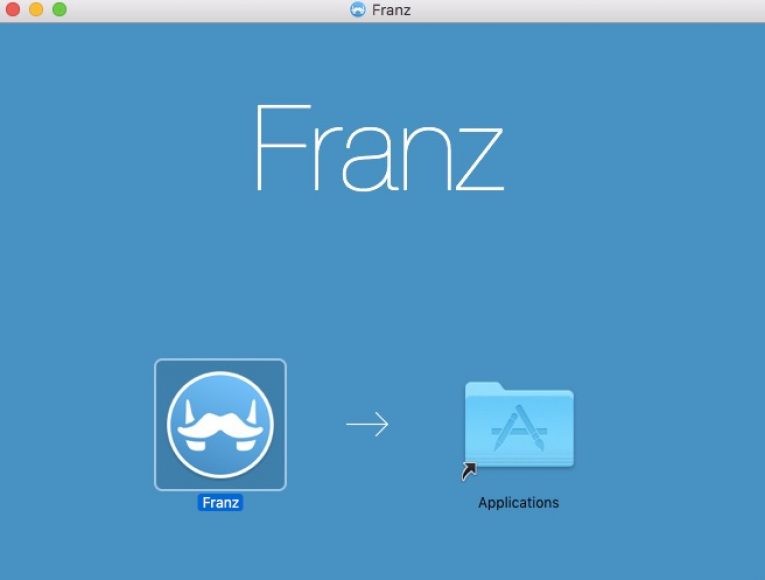
Installation
In the installation guide, we used Mac OSX; all screenshots are related to Mac. Installation of the Fraz is normal like other installations. After installation, you can find the app in Mac Finder.
User Interface
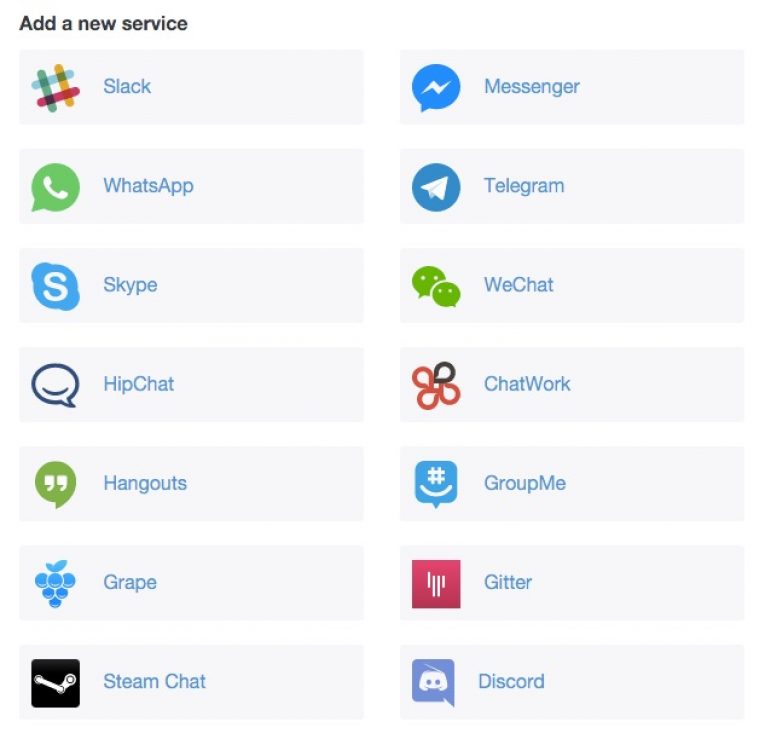
User Interface of Franz carries pretty simple options. In the first run, you will see available services to add. Franz currently supports Slack, Facebook Messenger, WhatsApp, Telegram, Skype, WeChat, HipChat, ChatWork, Hangouts, GroupMe, Grape, Gitter, Steam Chat, and Discord.

To add a service to Franz, simply click on the service name. For example, clicking on the Skype will open a new window like below screenshot. Here, you can change the name or keep it like same. This feature is created for multi-account users; it will differentiate the name in tabs. For example, if you are using three different Skype accounts for Family, Business, and Personal use, you can name it as Skype-Family, Skype-Business or Skype-Personal for easy access. After, clicking on the “Add Skype” it will create a tab in the main user interface. You can add as many as Skype accounts in Franz, multi-account is available for all 14 services.

In below screenshot you will see added services. Now, the user has to add the credentials to start using services. I tested the Franz using multiple accounts and all available services once. The app works like a charm, and it didn’t get any error or lag during the testing. Franz lacks settings option to tweak the program, from the menu available you can zoom in and zoom out, toggle screen options only.

Franz allows you to add each service many times. This makes Franz the perfect tool to manage multiple business and private accounts at the same time. You could even use five different Facebook Messenger accounts at once, if some inexplicable reason urges you to do so.
Conclusion
Overall, Franz is a fantastic messenger app available for Windows/Mac/Linux platforms. It is a must-have messenger app for every multi-messenger service user. You can grab the Franz app from the link provided below.
More in Internet

How To Access Facebook Chat Without Opening Facebook Site
For example, you can access Facebook chat without opening the Facebook website. The easiest way to communicate with your friends on Facebook is through this method. On the internet, there are only a few alternatives to Facebook chat that are available. You will be able to rapidly share your thoughts, photographs, and videos with others…

How to Access US Netflix While in China
Netflix has a unique fan base around the world. Unfortunately, in some parts of the world Netflix unavailable and in some countries they are expecting to launch soon. If you are planning to travel to China or if you are a resident of China, you know the US Netflix is not available in the country.…

MultCloud-Free App for Managing Multiple Cloud Drives From One Place
Do you have several cloud drives such as different accounts in Dropbox, OneDrive, and Google Drive? If you want to manage these cloud drives, it is necessary to login each account, and then do some upload, download or synchronized operations. Have you ever thought of combining them together to manage just by logging once? MultCloud…
The week in tech, minus the noise.
New reviews, fixes and the stories that matter — once a week, straight to your inbox.
We only use your email to send the newsletter. Unsubscribe any time. See our privacy policy.
Comments