

Best Free Photoshop Alternatives For 2017
Adobe Photoshop, a great program created by Adobe to create and edit images. The program is designed for all types of people. But however, the price is limiting the normal users to taste the essence of the software. But luckily, we have great free Photoshop alternatives with equal friendliness and simplicity. The latest Adobe Photoshop…

Adobe Photoshop, a great program created by Adobe to create and edit images. The program is designed for all types of people. But however, the price is limiting the normal users to taste the essence of the software. But luckily, we have great free Photoshop alternatives with equal friendliness and simplicity. The latest Adobe Photoshop CS6 Legacy Version costs $653.74. Normal people can’t afford it for a basic image editing. This is the main reason behind why people looking for a free alternative to Photoshop.
List of Top 5 Free Photoshop Alternatives
If you are not interested in online editing tools, you can go with some free alternatives to Adobe Photoshop, software versions.
#1. Gimp
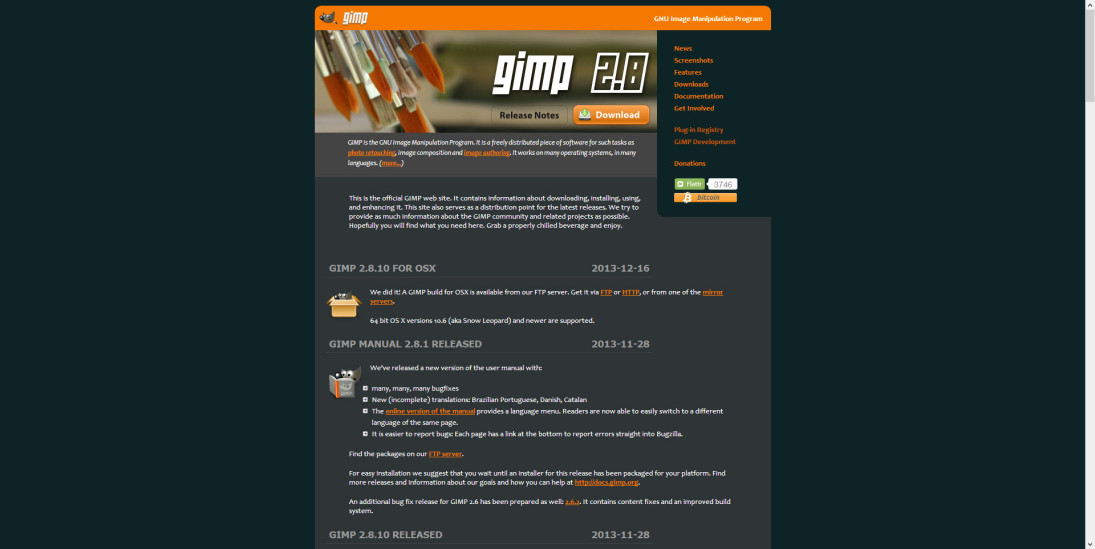
GIMP is an acronym for GNU Image Manipulation Program. It is a freely distributed program for such tasks as photo retouching, image composition, and image authoring. It has many capabilities. It can be used as a simple paint program, an expert-quality photo retouching program, an online batch processing system, a mass production image renderer, an image format converter, etc.
#2. Paint.Net
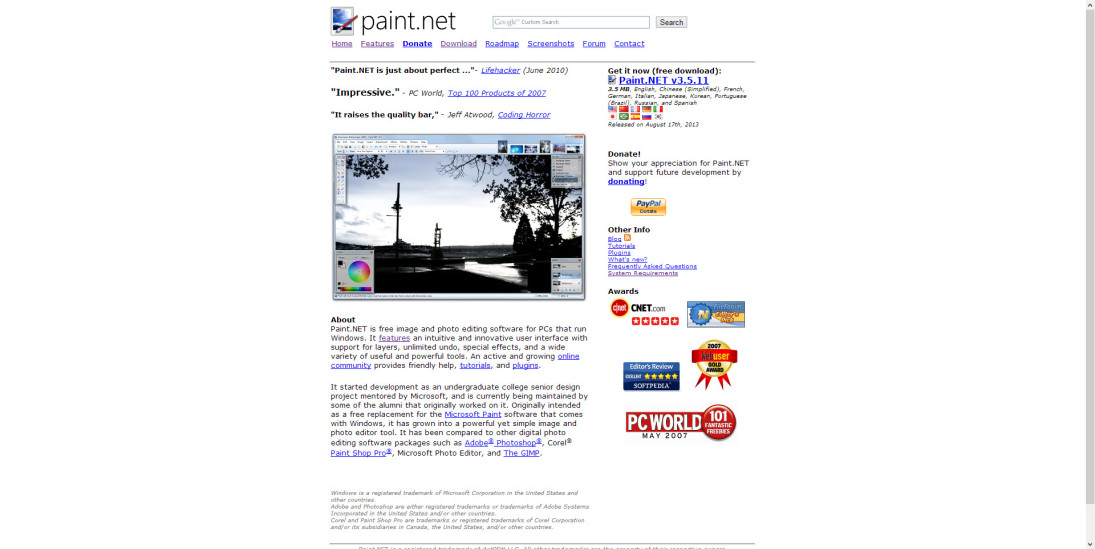
Many special effects are included for enhancing and perfecting your images. Everything from blurring, sharpening, red-eye removal, distortion, noise, and embossing are included. Also included is our unique 3D Rotate/Zoom effect that makes it very easy to add perspective and tilting.
#3. Inkscape
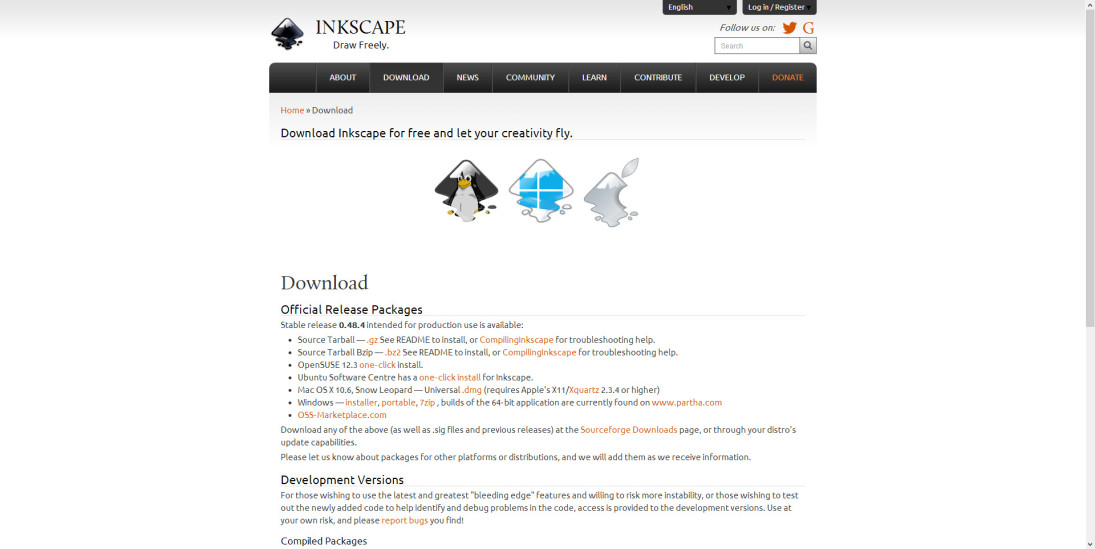
Inkscape is an open-source vector graphics editor similar to Adobe Illustrator, Corel Draw, Freehand, or Xara X. What sets Inkscape apart is its use of Scalable Vector Graphics (SVG), an open XML-based W3C standard, as the native format.
#4. Seashore (Mac only)
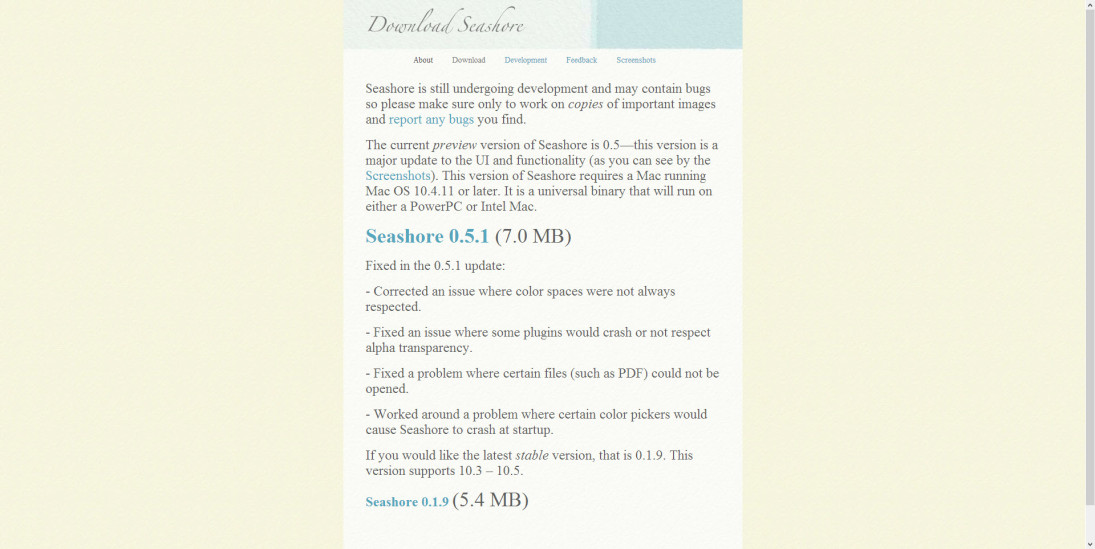
Seashore is an open source image editor for Mac OS X’s Cocoa framework. It features gradients, textures and anti-aliasing for both text and brush strokes. It supports multiple layers and alpha channel editing. It is based around the GIMP’s technology and uses the same native file format.
#5. PhotoPlus
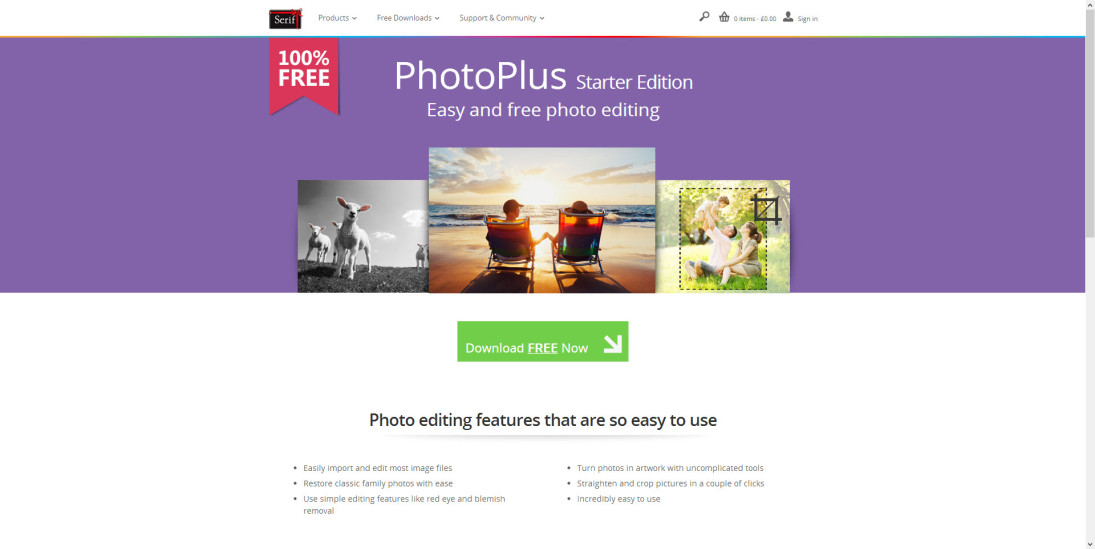
This is a fantastic editing package for photographers looking for a simple way, yet effective way to enhance their images.
Not only in the form of software there are several free online tools available for basic image editing.
More in Best Alternatives
![The Best Alternatives to Photoshop for Designers and Non Designers [Free and Paid]](/wp-content/uploads/2019/11/The-Best-Alternative-to-Photoshop-for-Designers-and-Non-Designers.jpg)
The Best Alternatives to Photoshop for Designers and Non Designers [Free and Paid]
Adobe Photoshop has been a pioneer in the industry of digital arts. When it comes to creating a design or making photos more remarkable, the very first tool that everyone bats their eye on is photoshop. Well, not everyone can afford Photoshop, and it doesn’t have to mean that you cannot create attractive stuff. Here…

Best Banned Chinese App Alternatives You Can Use In 2020
Amidst rising tension on the Indo-China border, the Indian government has taken a bold decision to ban 59 Chinese apps in the country. In a press release, the banned apps have been accused of collecting data from users and sending them to servers located outside India in an illegitimate manner. The list of apps banned…

4 Great Connectify Alternative Tools
Connectify is an excellent Wi-Fi hotspot software. It is not just a well-built software but also offers a lot of features for you to try out in the first try. Of course, you are not going to need all of that features (depends). So, if you want a plain simple Connectify alternative, what would you…
The week in tech, minus the noise.
New reviews, fixes and the stories that matter — once a week, straight to your inbox.
We only use your email to send the newsletter. Unsubscribe any time. See our privacy policy.
Comments