

Top 3 Best Third Party Keyboard Apps For iOS
Apple’s latest mobile operating system already available to the public. We have already seen and used so many apps for managing files, music downloaders, weather apps, Like Android; Apple now allows users to install third-party keyboards on their iOS-powered devices.

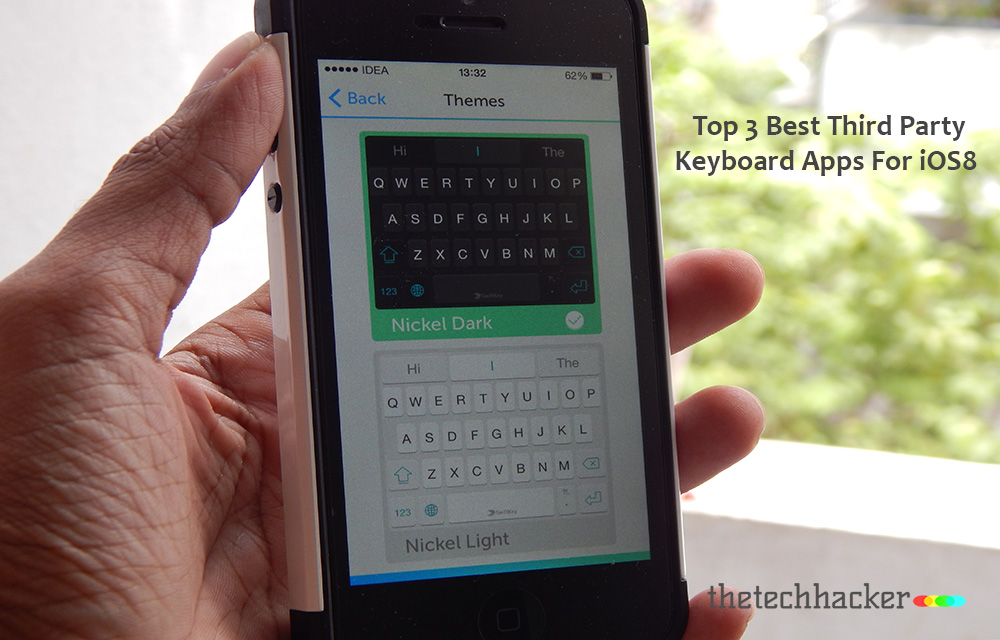
Apple’s latest mobile operating system already available to the public. We have already seen and used so many apps for managing files, music downloaders, weather apps, Like Android; Apple now allows users to install third-party keyboards on their iOS-powered devices. Installing a third-party keyboard will replace the default keyboard offered by iOS. We already have seen plenty of great third-party keyboard alternatives for Android.
There are plenty of features will available in third-party keyboard apps. Users can change the keyboard theme, auto correction options, themes and layouts, gestures support and various languages support. Now it is the time to upgrade your stock keyboard to highly productive alternatives.
Top 3 Best Third Party Keyboard Apps For iOS
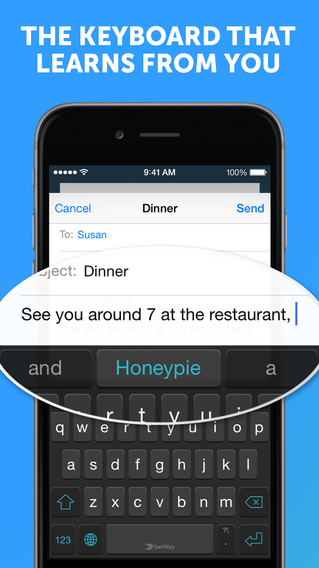
SwiftKey Keyboard
SwiftKey Keyboard is a very popular among Android devices. With the launch of iOS 8, Apple users can install SwiftKey keyboard on their devices. It sports various unique features like gestures, smart learning, powerful auto-correction, predictive text and much more. The usability of the app is very simple and anyone can adopt the usage easily. The features of the Swiftkey are endless, it can predict text, auto space, Themes, GIF’s support, and much more.
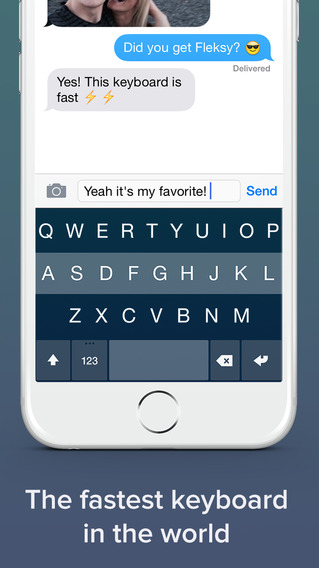
Flesky
Flesky is a sturdy keyboard with robust features like beautiful layout, handy gestures, auto correction, themes and language support. Personally, I liked its gesture support to save a lot of time to type words. Its auto correction feature also works like a charm and simplify your typing skills on a tiny screen.
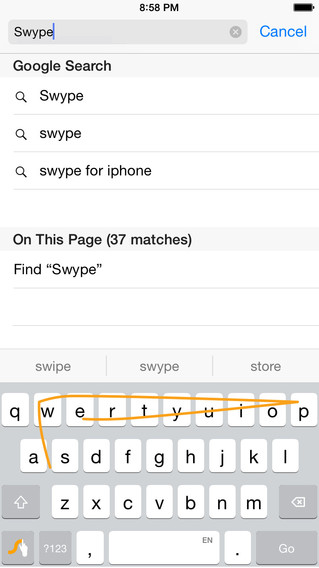
Swype
Swype is one of the great apps from Nuance Communications. It is one of the top killer third party keyboard available for iOS and Android. It is very popular for its swiping feature and very easy to understand the usage. It learns your typing skills, and even you can customize the words from your personal dictionary.
Now it is your turn to reveal your best finger friendly keyboard in the below comment box. We update the above list when we get more user-friendly apps from the store.
More in Mobile

What’s New In iOS8?
Apple launched the next iOS version as iOS8. The latest version includes more features like keyboard,health and iCloud Drive support.
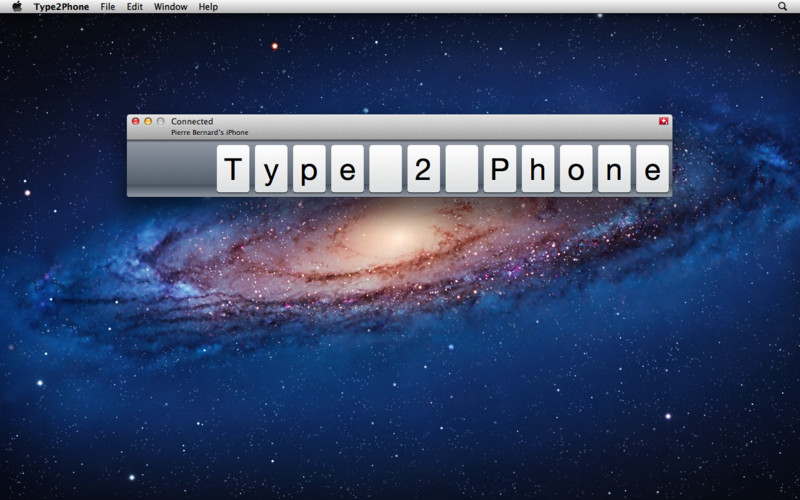
Use Your Mac Keyboard For iPhone With Type2Phone
Typing words on a tiny smartphone screen is a tough task. When you are typing long length emails on phone you feel definitely painful. Well, arguably, one might find it comforting if he/she types fast enough on mobile devices (iPhone). However, it is still prone to error when you write something covering more than 200 words.…
Advantages And Disadvantages Of Google Android
Android is the most used mobile platform now and it is followed by iOS. When you go to choose a mobile that runs on Android, iOS, Windows etc… you need to read these.
The week in tech, minus the noise.
New reviews, fixes and the stories that matter — once a week, straight to your inbox.
We only use your email to send the newsletter. Unsubscribe any time. See our privacy policy.
Comments