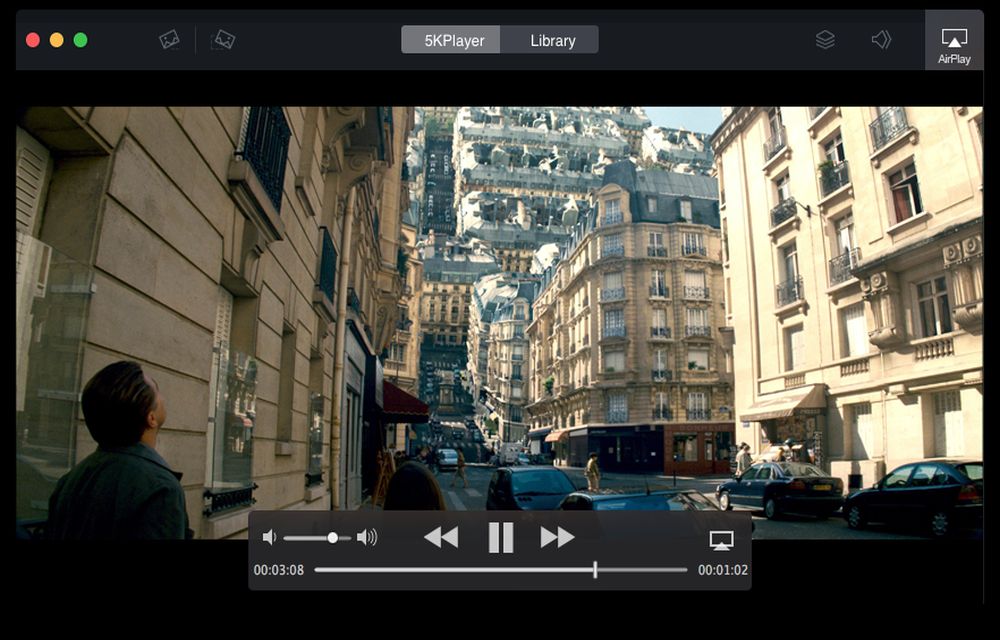
Generally speaking, it’s quite easy for you to find out a free media player to playback your video music files. The same applies to a video audio downloader and AirPlay receiver & sender. But when it comes to dig out one full-featured media player with three features mentioned above, have to admit that it’s exceedingly difficult. Well, difficulty doesn’t mean no chance. Here in thetechhacker, you will know such a remarkable media player-5KPlayer, which cuts the buck in these fields.
5KPlayer can seriously play any video music under the sun without worrying about video audio format, encoding, codecs or even subtitles, see no matter the SD video audio MP4, MOV, AVI, FLV, 3GP, WMV, MP3, FLAC, AAC, or HD video MKV, AVCHD, MTS, 4K, 5K. What else marvels you is that it’s also great at playing broken, incomplete, partially downloaded, or locked files without dying.
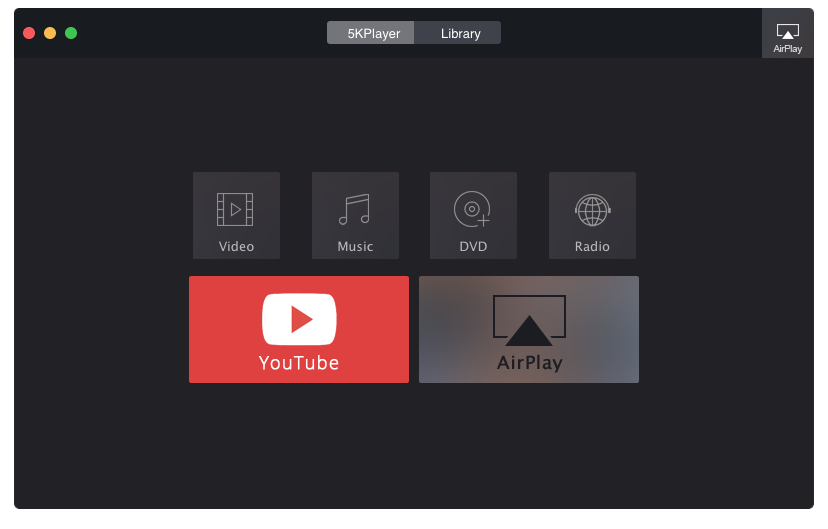
Meanwhile it provides room for you to free download any online video music from over 300 video sites like YT, FaceBook, Dailymotion, Vimeo, Instagram, etc. with merely 30 seconds and batch downloading supported, as well. And if the downloaded video is disoriented or distorted, this all-inclusive video downloader controls to get your video playback looking just the way you like with video rotating (vertically or horizontally), and adjusting playback size or volume, etc.
Additionally, one of 5KPlayer’s claims to fame is that it plays the role as a one-of-the-kind AirPlay receiver & sender, which enables you to AirPlay video music from iPhone iPad iPod to MacBook Pro, MacBook Air, iMac, Windows 8/7, or Apple TV 3 without breaking much of a sweat. With this self-contained AirPlay streaming server in hand, you can watch any video, movie, TV show, music on much bigger screen with better visual-audio effects.
Last but not least, some common pluses include its fast speed, flexibility, ease of use, light on system resources (CPU utilization), and technical supports (user guide, tutorials, etc.).
To sum up, it’s never been the only one, but it always had a reputation for making your multimedia life easier and richer, with video music playing, AirPlay streaming, video audio downloading features into one to let you do anything without looking right and left. Download it for yourself and let the truth speak for itself!
it will not play all media, its invasive, (not happy to be with other players) dominates all media activities, and plays in a small screen, in short its wank!
I haven’t had the problem using 5kplayer. It runs all the listed file types for me, but the only problem I have had with it, is Windows 10 doesn’t seem to like it when I having it running in the task bar and I shut down my computer. The 5kplayer seems to hang and don’t want to close when the computer is shutting down.