

3 Steps to Recover Data from Seagate External Hard Drive
Seagate external hard drives are one of the finest solutions that most people prefer for a reliable storage solution. These portable devices offer high performance and a huge space to store a maximum of data in a normal sized storage device, which is compatible with both PCs or Macs. Seagate external hard drives are mostly…


Seagate external hard drives are one of the finest solutions that most people prefer for a reliable storage solution. These portable devices offer high performance and a huge space to store a maximum of data in a normal sized storage device, which is compatible with both PCs or Macs.
Seagate external hard drives are mostly used for backing up the important and large sized files and folders. Due to the large space capacity, these devices could be a complete backup solution for a computer data.
However, at times, even a well-functioning Seagate external hard drive become inaccessible, which may result in disaster. If you’ve faced similar circumstances and needed to perform recovery, you can try out Seagate external hard drive recovery tools as the delay would only make your data permanently gone.
Specifications of a Seagate External hard drive
- Seagate External hard drives are an easy-to-use solution when it comes add data storage to the system instantly.
- Seagate offers portable hard drive in the range of 500 GB to 6 TB.
- These drives provide USB 3.0 connectivity
- with fast data transfer
- These storage drives can be installed in seconds and can be automatically recognized by the operating systems without any configuration
- These are the energy efficient storage drives
Well, to analyze the issues of the Seagate external hard drive, here we are going to discuss the scenario of the major causes of the problem.
Causes of an inaccessible Seagate external hard drive
- There is a USB-SATA board inside the drive enclosure that can go bad. To test this, you need to remove the drive from the enclosure and install directly on a PC.
- Abrupt power down during the transfer process of data from Seagate external hard drive to the computer using cut paste commands or visa verse. This also can cause loss of data, which was getting transferred.
- Virus infection could be a major cause of inaccessible external hard drive.
- The presence of bad sectors on the Seagate external hard drive can also corrupt data which can result in inaccessible data to the user.
Steps to fix the data
Solution 1: First thing you can try is to plug your inaccessible Seagate hard drive into another computer and check whether it can identify the drive or not. In case it does not work, then try to connect it with a new USB cable.
Solution 2: If the above method won’t work for you, then the only way to make your inaccessible data on work is a data recovery software that supports the recovery of an external hard drive. Although, there is multiple software available that offer you data recovery from an external hard drive, all of them cannot scan your higher capacity Seagate External hard drive. Stellar Phoenix Windows Data Recovery can find lost data from an external or internal hard drive in a few clicks. This tool includes a wide range of modules that can help you to recover your inaccessible data completely.
The software supports a wide verity of file formats and can recover your complete records and folders along with documents, photos, videos, and other multimedia files, which are deleted accidentally or become inaccessible. This tool supports efficient scanning of storage space greater than 2TB and support lost or deleted volumes on Windows hard drive.
More in How-to
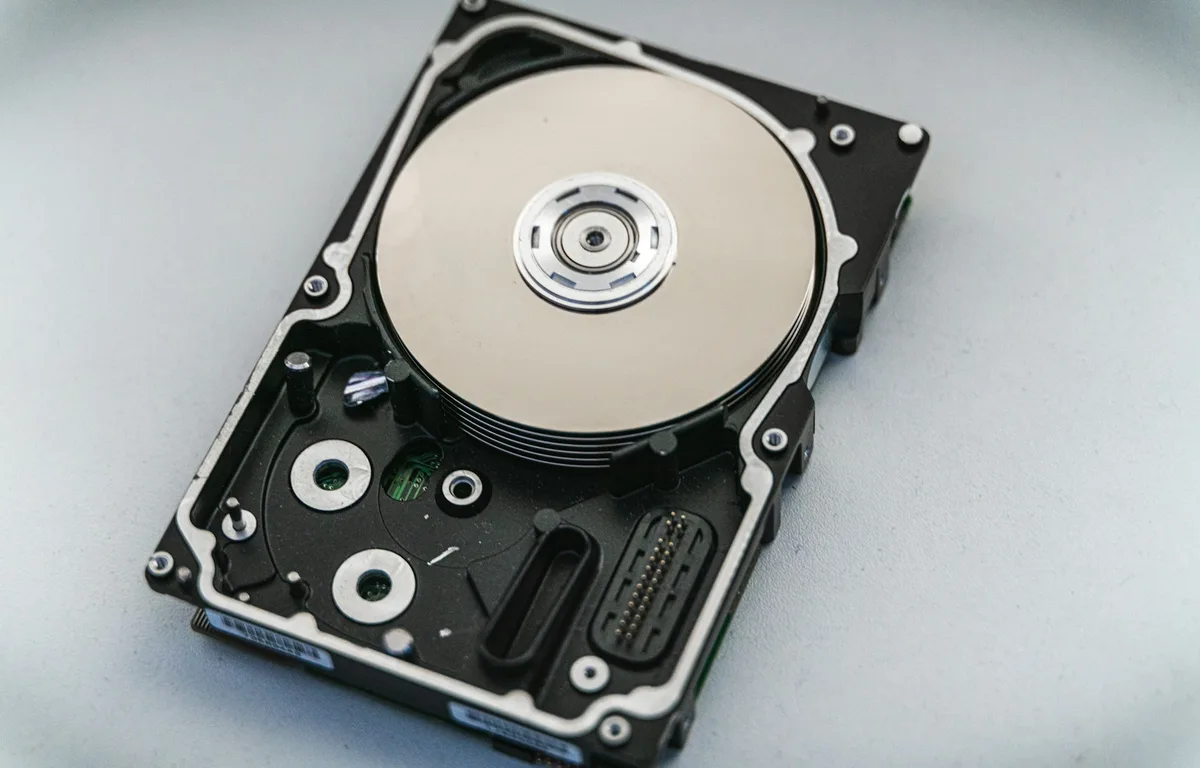
How to Fix an External Hard Drive or SSD Not Showing Up on Windows 11 or Mac
External drive not detected on Windows 11 or your Mac? Here’s how I work through it, from cables and Disk Management to Disk Utility First Aid, and when to stop and call a data recovery service.
How To Recover Data From Invisible Hard Disk Partition On Windows 7
While working on a Windows 7 machine, there are various situations where the partition appears to be invisible. Some of the reasons for invisible partitions are mentioned below. Blue screen error while working on Windows 7 often makes the partitions invisible. It has been seen that after the repair startup only the boot partition is…
How To Fix Slow File Copy Speed In Windows 10
Copying, moving files, and folders on a computer is a regular task. Most of the copying and moving tasks are common between hard disk to another hard disk either internal to external. Recently my friend faced a slow file copying issue and he asked the best suggestion to improve the data transfer speed. He is…
The week in tech, minus the noise.
New reviews, fixes and the stories that matter — once a week, straight to your inbox.
We only use your email to send the newsletter. Unsubscribe any time. See our privacy policy.
Comments