

Best Online Cloud Storage Solutions
Many individuals and businesses are looking to find the best cloud storage solution. Some of you might wonder why is this so. But the answer is pretty obvious – online cloud storage is an integral part of life now. However, with so many different options to choose from, it can be difficult to decide which one to…


What Is The Best Online Cloud Storage For Data
Many individuals and businesses are looking to find the best cloud storage solution. Some of you might wonder why is this so. But the answer is pretty obvious – online cloud storage is an integral part of life now. However, with so many different options to choose from, it can be difficult to decide which one to go with. In this article, we will be going over some of the top cloud storage solutions for data on the market.
Some Of The Best Online Cloud Storage Solutions

We created this list of the top cloud storage services to help you in deciding the best out of the best. We considered several factors in sorting these services such as their service quality, transfer speed, ease in the usage, the security they provide to the stored files, and many more. So, probably, you don’t have to do an extra research on the best online cloud storage.
1. Dropbox

Dropbox is easy among the best cloud storage solutions in the marketplace. It is one of the only services that effectively offers clients for Linux along with Mac OS X, Windows, Android, and iOS. Therefore, you are going to have pretty much full access to your data wherever you go no matter what platform you choose to be on. For consumers, the basic free account comes with a minimal 2GB of storage. Therefore, if you only plan on storing documents here and there, you might be able to get away with it (for a while). However, if you plan on storing any other kind of media including photos, videos, and music, you are likely going to need to upgrade very soon. They have affordable plans for both consumers and businesses.
2. Microsoft OneDrive

Microsoft’s OneDrive is another excellent option for just about anyone because they offer amazing mobile applications and desktop clients for Android, iOS, Windows Phone, and Windows PC. Their basic free account comes with 15GB of free storage. However, if you happen to sign up for Office 365 as well, you are going to end up getting 1TB of storage with it. It means that you are going to be able to utilize OneDrive as your only source for backing up your data if you so choose to. The overall design of Windows OneDrive is beautiful and modern with clean lines. You can create folders and files on the web, and you can sync everything effortlessly.
3. Google Drive

Google Drive is also among the best cloud storage options for both consumers and businesses. Google Drive is particularly useful and excellent for those that are invested in the Android or Chrome operating systems. The reason is that Google integrates it’s entire cloud storage solution with these operating systems along with their Google Apps so well. You will start out with 15GB of free space when you first create your Google account or if you happen to link an existing one. The good thing about Google is you can sync all of your data across all of your devices if you so choose too. Also, there is selective data sync which will allow you to choose the folders to sync up with on either your PC or laptop. The entire interface is clean and straightforward which a lot of users enjoy. However, the data is encrypted in 128-bit AES rather than the 256-bit that is utilized by OneDrive and Dropbox.
4. pCloud
pCloud is perfect for the enterprises to store their data with the best cloud security and extreme speed. pCloud is more than enough to easily organize all your enterprise files, employee data, and almost anything that you have to store while running a business. The plans are scalable according to the usage needs of the user. It comes with a lot of useful features including a remote download functionality which allows users to directly transfer between the servers even without having to place an intermediate download space. pCloud is definitely one of those cloud storage services that you do not want to miss.
5. IDrive

IDrive is another good cloud service out there. The 256-bit AES encryption will protect all your files at a level that you can’t even imagine. No hackers will be able to get into your files stored in the IDrive. They are well known for their security measures. So, if you are more of a security person, you might want to consider IDrive. The performance and transfer speed of the files are also fine. The plans are ranging upto a whopping 12.5 TB.
Ultimately, the best cloud storage solution is going to depend on your individual needs, preferences, and your preferred platform of choice for mobile and desktop. They are all excellent services, and they all do everything well.
More in Internet
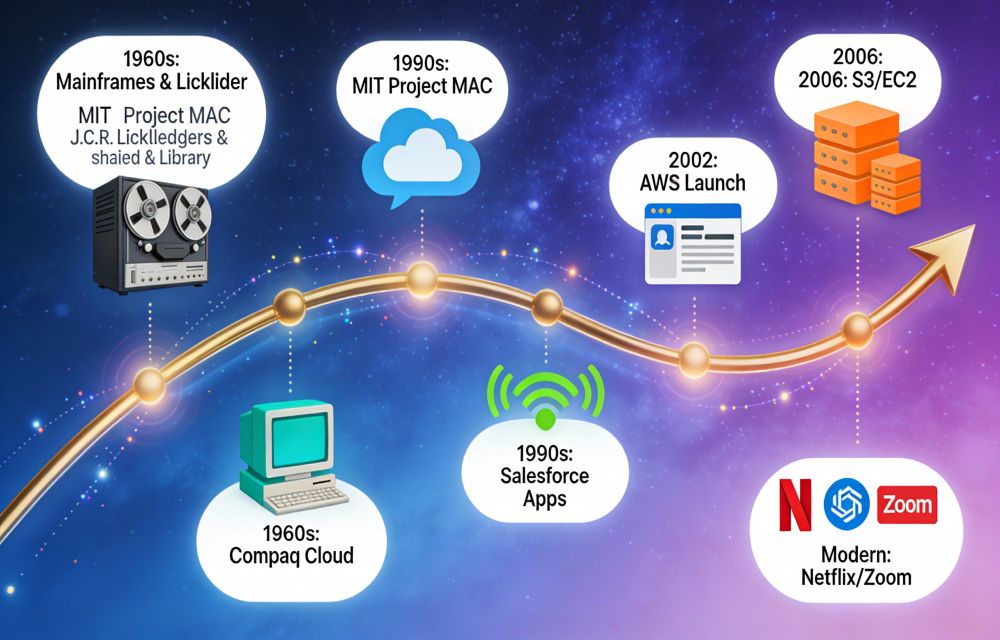
Cloud computing-From Sci-Fi to Everyday Magic
Cloud computing is a model that delivers computers, storage and services over the internet without owning a machine. Imagine renting a car instead of buying one—you get instant access to a vehicle (storage, servers, and apps) over the internet whenever needed and pay only for your drive time- no garage, zero maintenance, and no upfront…

Top 3 Cloud Services That Offer 1TB Of Cloud Storage Space
When it comes to selecting a perfect cloud service it is always tough. The very first point comes in our mind when selecting a cloud service is storage space. All major cloud services are providing cutting-edge technology to the end users. However some of them stand of the crowd in terms of the quality of…

Box’s New iOS App Refreshed With 50GB Of Free Space
Online cloud storage service Box offers 50GB free space to anyone who downloads its new iOS app in the next 30 days. The new updated iOS app gets new user interface and supports preview mode for more than 100 file formats. Box is a simple, scalable and affordable solution to manage documents, media and all your content…
The week in tech, minus the noise.
New reviews, fixes and the stories that matter — once a week, straight to your inbox.
We only use your email to send the newsletter. Unsubscribe any time. See our privacy policy.
Comments