

Leawo Blu-Ray Copy Review
Blu-Ray disks became a lovely way of enjoying the movies in crystal clear quality. If you own one Blu-Ray player and the discs to play in it, you will be probably enjoying it very much. Like any other discs, Blu-Ray discs also need to be copied and reused in some sort of situations. But, it…
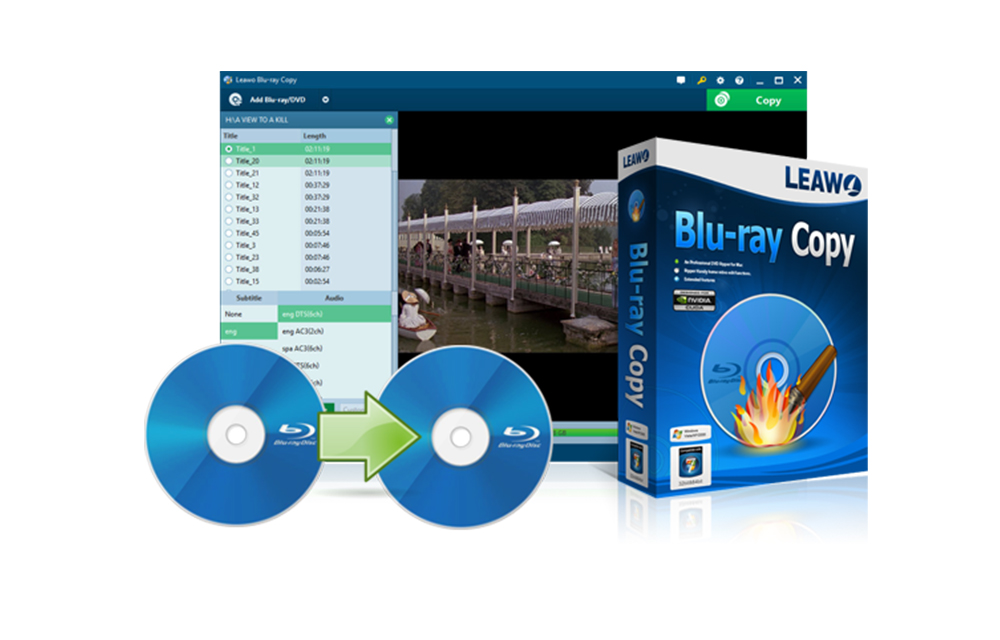
Blu-Ray disks became a lovely way of enjoying the movies in crystal clear quality. If you own one Blu-Ray player and the discs to play in it, you will be probably enjoying it very much. Like any other discs, Blu-Ray discs also need to be copied and reused in some sort of situations. But, it is hard to find a good software that can do the tasks quickly, easily, and effectively. The Leawo Blu-Ray copy is such a Blu-ray copy software that helps to copy and shrink Blu-Ray/DVD, folder and ISO image files to the computer or blank discs. Today, we’ve got this software to review here. So, let’s have a look.
What is Leawo Blu-Ray Copy?
As mentioned, the Leawo Blu-Ray Copy is a software that helps to Copy and Shrink Blu-Ray or DVD as well as folders and ISO images. The software can copy the Blu-Ray to the computer or directly to another disk. It also allows converting Blu-Ray files from numerous from BD50 to BD25, BD25 to DVD-9/DVD-5, DVD-9 to DVD5, etc. It also features many other functions like burning ISO file to Blu-ray or DVD. It can even copy 3D Blu-Ray movies without losing the quality or the effects. If you need further information regarding the usage of the software, you can have a look at this link.
Features of the Leawo Blu-Ray Copy
After testing the software, we found these features making the software stand out of the crowd. Have a look at them for a better understanding of the software.
One click copy of Blu-ray/DVD discs
It is very easy to copy the Blu-Ray or DVD using the software, users just have to follow the onscreen instructions to have an exact copy of the discs either to a new blank disk or the computer.
High-Quality Compression
The software was able to compress the discs very effectively. From our tests, it compressed the file to about 75% of its original size without losing the quality. We also tested it with the 3D videos and the result was almost same.
Good Speed on Copying and Compression
The process of copying or compressing the files are noticeable. Even it is not too fast, regarding the process speed, it is still in front of many competitors on the field.
Various modes to Copy files
There are three different modes are available namely Full Movie, Main Movie, and Custom Mode. In the custom mode, users could select particular chapters, subtitle and audio tracks from the disc.
Can also copy ISO files to Blu-ray/DVD disc
Sweetening the features, the Leawo Blu-Ray Copy software can also copy the ISO files to Blu-Ray/DVD discs. The process is very simple and similar to any other ISO burning softwares. Just browse and start copying the ISO files to the Blu-Rays or DVD discs.
Multi-lingual support
It supports multiple languages such as English, French, German, etc. allowing users to enjoy a customized copy process in case any difficulties with the default English.
What users saying about the software?
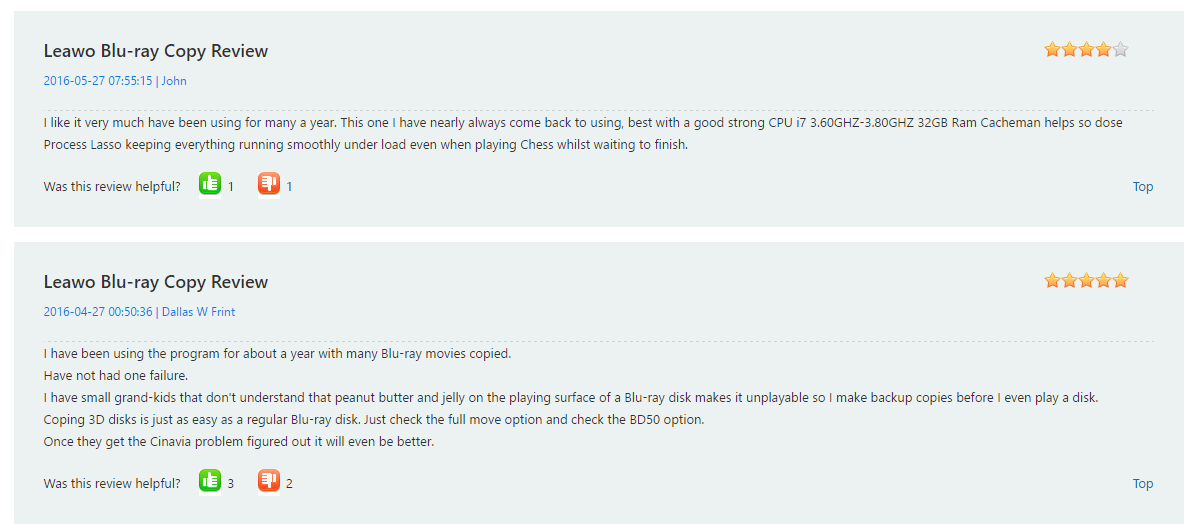
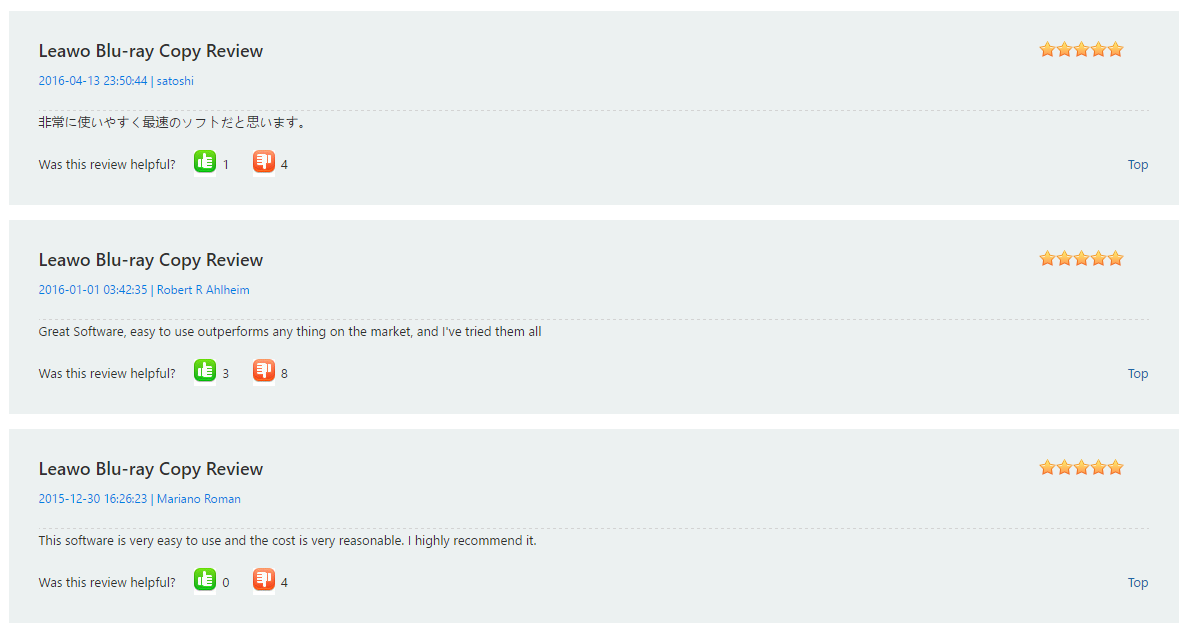
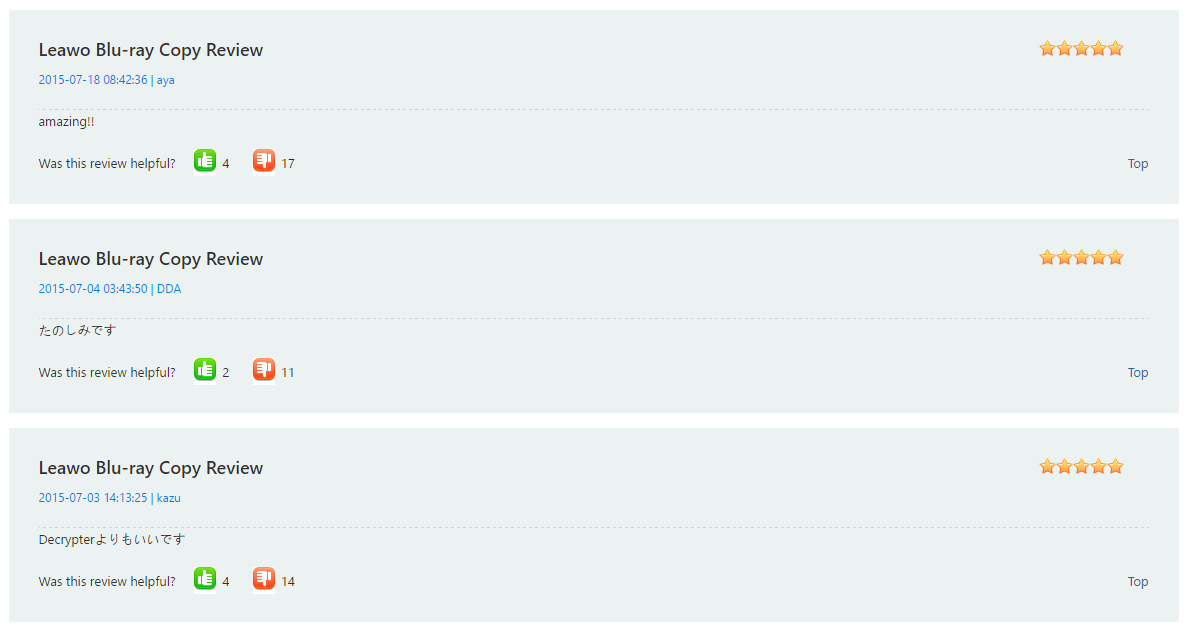
Here are some of the user reviews taken from the developer’s website. It will help you to better determine whether the software is useful or not.
Verdict
Leawo Blu-Ray Copy is a good software that effectively copies Blue-Ray discs within a few minutes. When compared to other software’s of its kind, the software is coming very handy and has a user-friendly interface. The one-click operations make it even useful so that users don’t have dive into the difficult procedure. It costs $44.95 for both Windows and Mac versions. If you would like to give a try to the product, there is also a free trial available. You can visit their website from the following button.
Visit the Leawo Blu-Ray Copy Page
Leawo Blu-Ray Copy
Very good
Leawo Blu-Ray Copy is a good software that effectively copies Blue-Ray discs within a few minutes. When compared to other software’s of its kind, the software is coming very handy and has a user-friendly interface. The one-click operations make it even useful so that users don’t have dive into the difficult procedure.
- Features7
- Performance7.5
- Value for money7.5
No ratings yet — be the first.

You might also like

Leawo Blu-ray to MKV Converter Review
It is an undoubted fact that MKV is a very popular video format with excellent quality output. MKV is a free open standard container format which is capable of holding many videos, audio, and subtitle tracks. Related Reading: Leawo Blu-Ray Copy Review Coming to the article topic, today we discuss converting Blu-ray to MKV format. Recently…
Leawo TunesCopy Ultimate Review – A Complete DRM Removal Tool
In a world of media and streaming services iTunes is a very popular name in the industry. iTunes has changed the music industry to the next level. You can stream and buy any song as soon as they available on the market. When you bought media via iTunes it is fully copyright protected. This content…

Q2 Siri Heart Rate Measurement Smart Watch Review
Q2 Siri Heart Rate Measurement Smart Watch is an elegantly designed leather banded smartwatch with the advanced functions like connections to the voice platforms of the smartphones such as Siri. It can also help the users to make calls and send messages right from the smartwatch without accessing the smartphones. Good design combined with a…
The week in tech, minus the noise.
New reviews, fixes and the stories that matter — once a week, straight to your inbox.
We only use your email to send the newsletter. Unsubscribe any time. See our privacy policy.
Comments