

How to Convert Int to String in Python
If you are a Python programmer, avoiding “TypeErrors” is a necessity. One of the most common ones beginners run into happens when you try to join a number and some text together. The fix is simple: convert the integer to a string first. Converting numbers into strings will also help you to easily align results…


If you are a Python programmer, avoiding “TypeErrors” is a necessity. One of the most common ones beginners run into happens when you try to join a number and some text together. The fix is simple: convert the integer to a string first. Converting numbers into strings will also help you to easily align results into a table, build file names, or print clean messages for your users.
In this tutorial, we are going to show you how to convert an int to a string in Python using the built-in str() function, and a few other handy methods you can use in modern Python. If you have further queries, you can message us through the comments.
Why do you need to convert an int to a string?
Python does not automatically mix numbers and text. If you try to add an integer to a string with the + operator, Python stops and shows an error like this:
TypeError: can only concatenate str (not "int") to str
For example, this code will fail:
age = 25
print("I am " + age + " years old")
Python does not know if you want to do maths or join text, so it refuses to guess. Converting the number to a string tells Python exactly what you want.
Method 1: Convert int to string using str()
The easiest and most common way is the built-in str() function. It takes a number and returns the same value as text.
- Open the Python editor or terminal on your computer (you can also use IDLE, VS Code or any online Python editor).
- Type str(number), replacing number with your integer or variable.
- Press Enter or run the script to see the result.
number = 42
text = str(number)

print(text)        # 42
print(type(text))  # <class 'str'>
Now the earlier example works perfectly:
age = 25
print("I am " + str(age) + " years old")
Example: Take a number from the user, add 7 and print it
Here is an example of the full task. First, you prompt users to enter a number. The input() function always returns text, so you use the int() function to convert it to an integer. After this, you add seven to the integer. Finally, the str() function converts the result back to a string so it can be joined with the message.
answer = input("Enter the integer: ")
number = int(answer)
add_seven = number + 7
print("Adding 7 to your number, we get the answer " + str(add_seven))
If the user types 5, the output will be:
Adding 7 to your number, we get the answer 12
Method 2: Use f-strings (recommended in modern Python)
If you are using Python 3.6 or newer, f-strings are the cleanest way to put numbers inside text. Just add an f before the quotes and place the variable inside curly brackets. Python converts it to a string for you.
score = 98
print(f"Your score is {score}")
f-strings are easier to read than joining strings with +, and they are also a bit faster.
Method 3: Use the format() method
The format() method works in older Python 3 versions too:
items = 3
message = "You have {} items in your cart".format(items)
print(message)
Method 4: Use the % operator
You may still see this older style in existing code:
year = 2016
print("This tutorial was written in %d" % year)
It works fine, but for new code we suggest f-strings or str().
Formatting numbers while converting
Sometimes you want the number to look a certain way when it becomes text. f-strings make this easy:
price = 1500000
print(f"{price:,}")     # 1,500,000  (thousands separator)

order = 7
print(f"{order:03}")    # 007  (padded with zeros)

value = 3.14159
print(f"{value:.2f}")   # 3.14  (two decimal places)
How to convert a string back to an int
Like the same, you can use the int() function to convert text back to a number:
text = "250"
number = int(text)
print(number + 50)  # 300
Be careful: if the text is not a valid whole number, Python shows a ValueError. You can handle this safely with try and except:
user_input = "abc"
try:
    number = int(user_input)
except ValueError:
    print("Please enter a valid number")
Common mistakes to avoid
- Using str as a variable name. If you write
str = "hello", you overwrite the built-in function andstr(5)will stop working. Use names liketextormessageinstead. - Forgetting that input() returns text. Always convert user input with
int()before doing maths with it. - Converting too early. Do all your calculations with numbers first, and convert to a string only when you need to display or save the result.
Frequently asked questions
What is the best way to convert an int to a string in Python?
For a simple conversion, use str(). If you are putting the number inside a sentence, f-strings are the cleanest option.
Does str() work with floats and other types?
Yes. str() works with floats, booleans, lists and most other objects. For example, str(3.5) returns "3.5" and str(True) returns "True".
Why does Python not convert the number automatically?
Python is a strongly typed language. It avoids guessing what you mean, which prevents hidden bugs in your code.
We hope this guide helped you in the process. We will be back with other Python tutorials soon, so stay tuned to our website. If you have any doubts, let us know in the comment section below.
More in Guides

How to Set Java PATH in Windows 10
Java is one of the most used programming languages out there, you might be also using it for developing custom software or applications. When you install java on your computer for the first time, one of the very first things you should do is adding its path to the Windows 10 system variables. This will…

How to Add Python Path to Windows 10
Python doesn’t need any introduction. Being one of the most used programming languages in the world, Python is working on almost all of our devices in one way or another. When you want to start programming in Python, it is necessary to make sure that it is currently installed and ready to run Python scripts.…
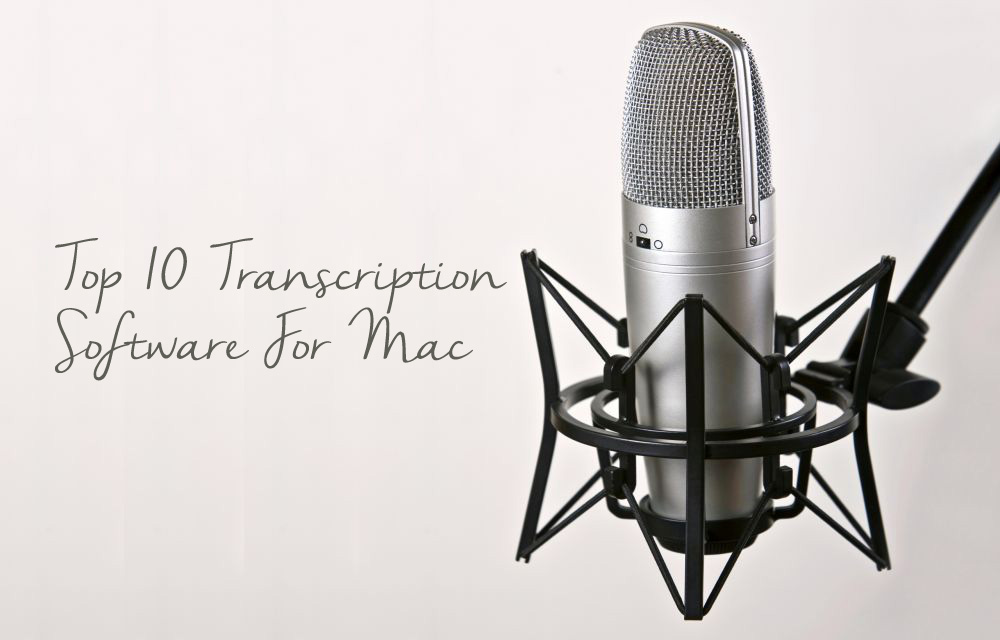
Top 10 Transcription Software For Mac
Typing up hours of conversation, interviews or speeches can be incredibly dull and tedious. Transcription software packages alleviate this problem by converting human speech into a text transcript, or at least by accelerating the process. This list of the top ten transcription software packages has been assembled to help you save precious time and get…
The week in tech, minus the noise.
New reviews, fixes and the stories that matter — once a week, straight to your inbox.
We only use your email to send the newsletter. Unsubscribe any time. See our privacy policy.
Comments