

Android Device Manager Review
Android Device Manager is an app developed by Google Inc. It’s made for great needs such as finding your lost smartphone, resetting the screen lock, and erasing all your data on the phone. It is one of the most needed apps for every Android user as it is common to forget the pin lock and it…
Android Device Manager is an app developed by Google Inc. It’s made for great needs such as finding your lost smartphone, resetting the screen lock, and erasing all your data on the phone. It is one of the most needed apps for every Android user as it is common to forget the pin lock and it is possible to lose your smartphone somewhere. Using the app is very simple and has no difficulties in any of its functions. This app does nothing more than this and simply a tool to be safe with your Android smartphone.
Android Device Manager Review
As mentioned before, the Android Device Manager app features a simple yet beautiful interface excluding the difficult functions that complicates the users. To start using the app, you have to add your device to the Google account, and the app will automatically fetch it from there. No need to add it again to the app as all Google products use the same account and credentials. It’s the time to appreciate Google again for this wise decision of making a single account for all of their products.
You will see a list of the connected devices on the app, and you can effortlessly manage any of them as per the needs. Once you forget any one of the connected devices anywhere and you can’t figure it out even after a long search, the first thing you can do is opening the Android device manager app and tracking your smartphone. It is very simple to do it. Just select your device from the given list, and the app will track the location for you alongside saying the exact distance from your current place.
You could either just locate it and search for it on the location or could move forward with other options such as locking or erasing it. If the location of the smartphone indicates that it is somewhere near you, you could directly ring your smartphone by tapping on the Ring button in the app. So, it is no harder to locate your stolen or lost smartphone.
Features of Android Device Manager App
- Locate the lost or stolen smartphones.
- Reset screen lock PIN.
- Wipe all data on the device.
The Android Device Manager is very handy as well as extremely useful. If you are using an Android smartphone, it is necessary to have this app on any of your devices to get track of your smartphones. As today’s cyber crimes are rapidly increasing the lost smartphones with your details and data is very exposed to them. So, it is necessary to erase them immediately in case you confirmed the theft.
- Genre: Tool
- Developer: Google Inc.
- Age Restriction: 3+
- Installs: 10,000,000 – 50,000,000
- In-app Products: NA
- Developer Website: Google.com

Android Device Manager
Very good
- Features6.5
- Usability8
- User Interface8
- Value For Money8
No ratings yet — be the first.

More in App Reviews
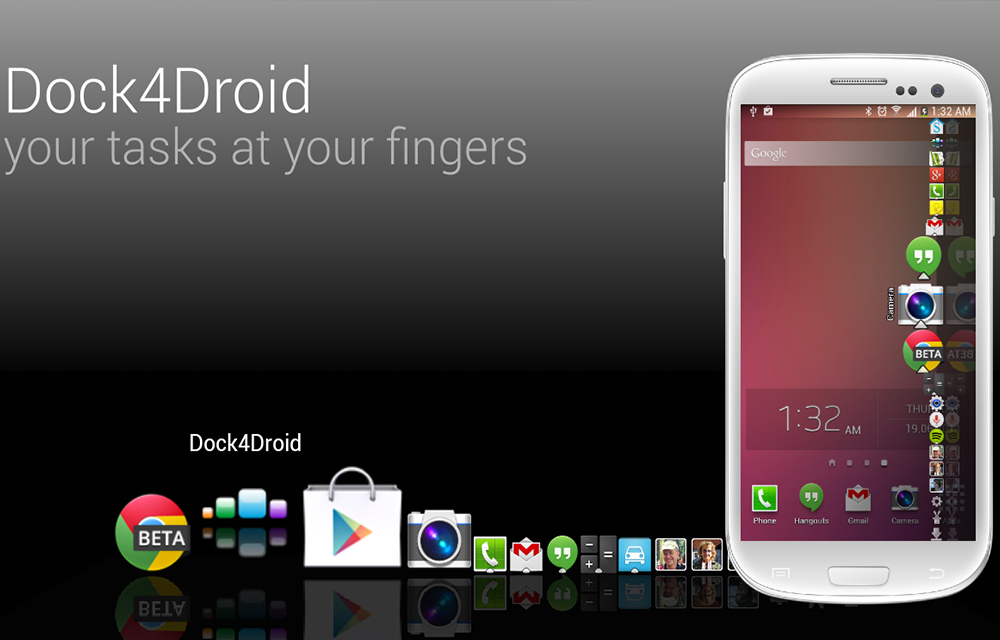
Dock4Droid – Dock Task Manager App Review
Fed up by the traditional task manager system in your android device? Want a little more easy to use task manager for managing the tasks easier? Here is the Dock4Droid app that creates a Dock-like Task Manager in your screen. Instead of the regular task manager that we have seen on the android platform, the…

Power Clean-Optimize Cleaner-Android App Review
The Google Play Store is already flooded with a ton on Android cleaning apps. If you are looking for a simple, free and standalone Android performance improvement tool Power Clean is a suggestion for you. What is Power Clean? Power Clean provides you a simple and uncluttered experience while performing cleaning on your Android device.…

Systweak Android Cleaner App Review
“Android Cleaner” applications can be good utilities for smartphones in case one is expecting better performance. And in spite of their names, they do more than just “cleaning”. This holds true for most such apps present on Google Play Store, and today we have here for review Systweak Android Cleaner, a relatively new entrant in…
The week in tech, minus the noise.
New reviews, fixes and the stories that matter — once a week, straight to your inbox.
We only use your email to send the newsletter. Unsubscribe any time. See our privacy policy.
Comments