

How to Delete Twitter Account
Twitter is no doubt, one of the best social media platforms known today. As per the Analysis and Reports, Twitter is the second most popular social media platform right behind the giant, Facebook. Tweets became most common these days. While the Facebook posts are to express and exhibit information to the outer world, the Tweets…


Twitter is no doubt, one of the best social media platforms known today. As per the Analysis and Reports, Twitter is the second most popular social media platform right behind the giant, Facebook. Tweets became most common these days. While the Facebook posts are to express and exhibit information to the outer world, the Tweets are the quick messages which get results within no time. That’s why these short 180 character Tweets are very popular among the users.
However, there may be situations where you wanted to delete Twitter account. As we’ve already seen in the article on How to delete Gmail account, it is very easy to deactivate your Twitter account as well. No much sweat to be released from your body as it takes a couple of minutes for the entire process. Here are the steps to do so.
Note: Deleting or Deactivating your Twitter account will remove all of your account data, and you will no longer be able to access it from your credentials. So, do it only if you really want to remove all of your account data from Twitter.
To Delete Twitter Account
- Open your Browser (Chrome or Firefox is better).
- Sign into twitter.com with your credentials.
- Go to Account settings of your Twitter account.
- You will see an option namely Deactivate my account at the bottom of the page. Click on it.
- After reading the warning and deactivation information, Click Okay, fine, deactivate account.
- If prompted, Enter your password and verify that you want to deactivate your Twitter account permanently.
That’s it, and you’ve successfully erased your Twitter account. However, Twitter will hold your data on their servers for the next 30 days. If you want to reactivate the Twitter account, you could do that within this period. Even after the account deletion, the data in your account may be visible for few more days which will be removed automatically. Like that, Twitter has no control over the content indexed by the search engines like Google or Bing. But in most cases, the search engines purge their cache if the content is not available for long.
In case, if you want to make your username or email address available for re-use before deactivating your account, follow these instructions.
- Open your browser and login to the Twitter account.
- Then, go to Settings page of your Twitter account.
- In the username field, choose a new username (which might be different from the current one).
- In the email address field, change your email address to a new address you own (which might also be different from the current one).
- You should confirm the new email address in order to successfully use the old username and email.
- Now, the email or username will be available to use on a new account if you choose to sign up again within the 30-day deactivation period provided by Twitter.
- Now you can proceed with the deactivation by following steps given above.
More in Internet

How to Reactivate Twitter Account
Remember the last time you needlessly removed your Twitter account? Wanted to reactivate it? If so, this article is for you. No matter how active you are on the Twitter, sometimes, you may have to get back all those deleted tweets and images in your account. This is very easy as deactivating your account and…

How to Delete WhatsApp Account
WhatsApp is one of the best messaging services available today. With Billion+ users enjoying the service, it became one of the most influential services so far. However, like deleting a Gmail account or a Twitter account, you might also want to delete WhatsApp accounts. If so, this article on the same can help you throughout the…
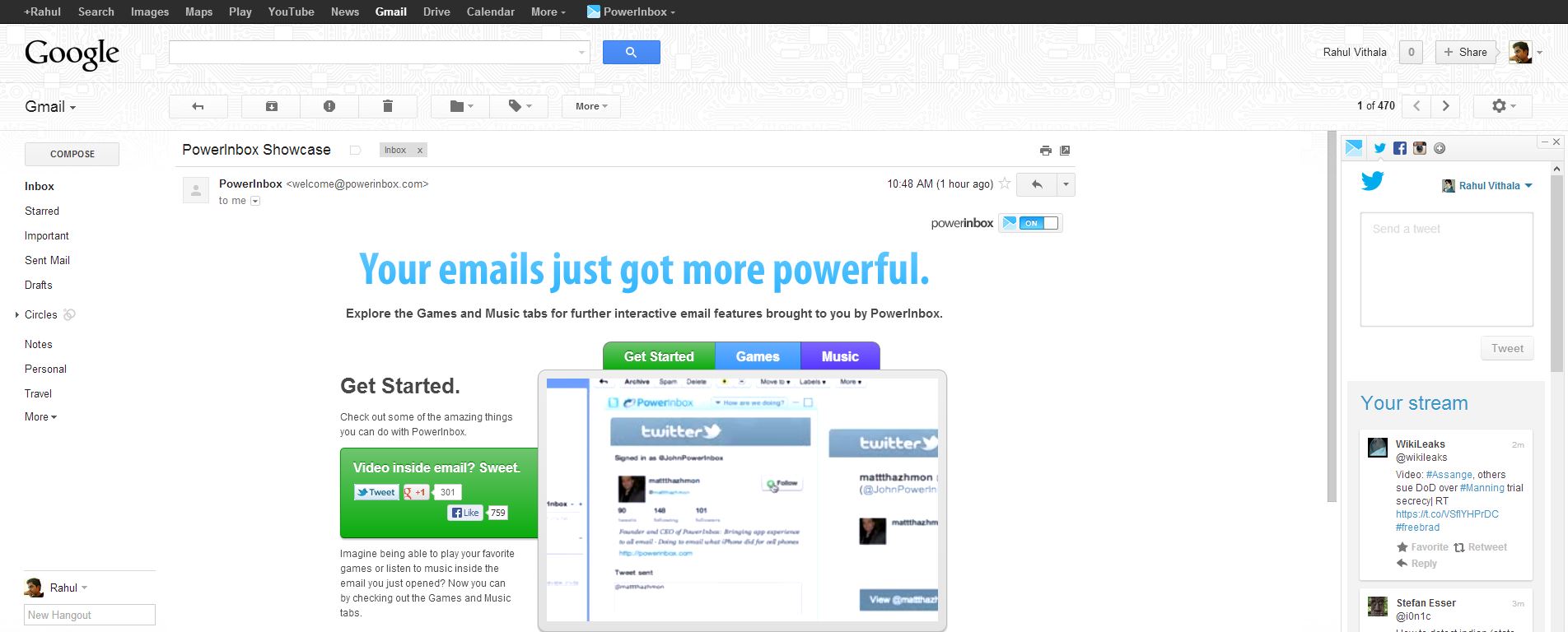
View And Post Social Media Updates From Your Email Account With PowerInbox
Social networking media became an essential part of our life. PowerInbox is an extension for Chrome, Firefox, Safari and Internet Explorer that that integrates with Gmail, Hotmail/Outlook, and Yahoo and works as a sidebar in your favorite email service. It lets you keep updated with Facebook, Twitter, LinkedIn, Instagram and more. It is a simple extension…
The week in tech, minus the noise.
New reviews, fixes and the stories that matter — once a week, straight to your inbox.
We only use your email to send the newsletter. Unsubscribe any time. See our privacy policy.
Comments