

Fastest Browser for Old Android Devices (5.1 Lollipop or Lower)
Still using an old phone or tablet on Android 5.1 Lollipop or lower? The short answer: Opera Mini is the fastest choice on slow connections, Via Browser is the lightest and snappiest on weak hardware, and Firefox (its last Lollipop-compatible version) opens the most secure websites without certificate errors. Chrome and Dolphin still run too,…

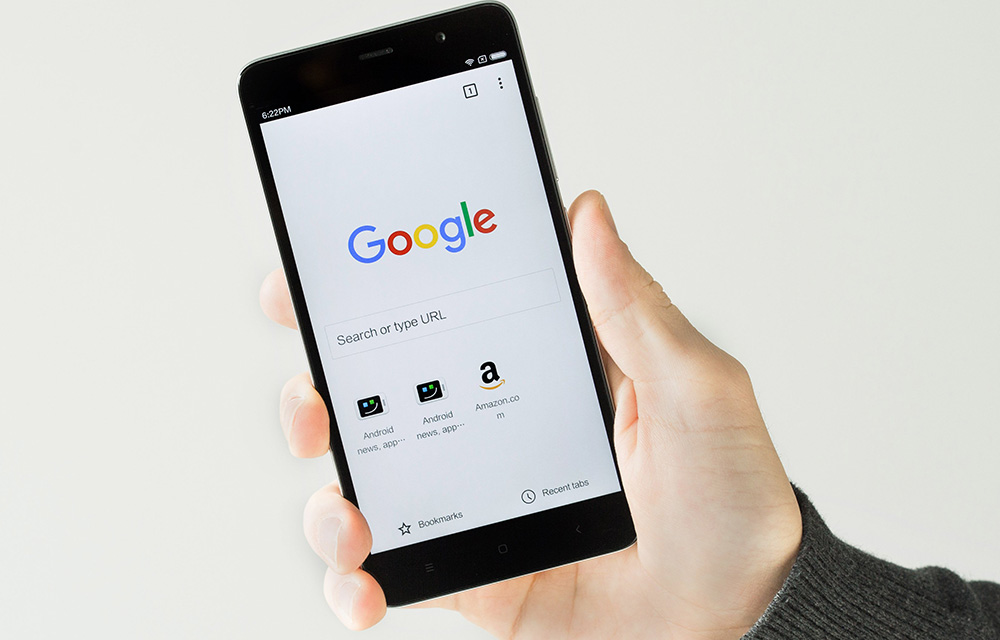
Still using an old phone or tablet on Android 5.1 Lollipop or lower? The short answer: Opera Mini is the fastest choice on slow connections, Via Browser is the lightest and snappiest on weak hardware, and Firefox (its last Lollipop-compatible version) opens the most secure websites without certificate errors. Chrome and Dolphin still run too, but with some big caveats.
A lot has changed since we first wrote this guide. Many popular browsers have quietly dropped support for Android 5.x, and the ones that still install are often stuck on old versions. So we re-checked every browser on this list, removed the ones that no longer work on Lollipop, and added what actually still works on old Android devices.
Quick verdict: best browsers for Android 5.1 and older
| Browser | Best for | Lollipop status |
|---|---|---|
| Opera Mini | Slow or limited mobile data | Older releases support Android 5.0; the newest releases list Android 6.0 |
| Via Browser | Very old, low-RAM phones | Supports Android 4.0 and up |
| Firefox | Secure sites and privacy | Firefox 143 was the last version for Android 5 to 7 |
| Chrome | Familiar experience, Google sync | Stuck on Chrome 95 (2021) |
| Dolphin | Gestures and an all-in-one browser | Recent builds still list Android 4.1 and up; rarely updated |
1. Opera Mini

Opera Mini has been the go-to browser for slow phones since the Nokia S40 and Symbian days, and it’s still the fastest option when your connection is the problem. In its data-saving mode, Opera’s servers compress pages before sending them to your phone, so pages load quicker and use far less data. That makes a big difference on 3G, weak signals or capped data plans.
It also includes a built-in ad blocker, a night mode and a simple download manager, all in a small app that is light on RAM.
Lollipop status: Opera Mini supported Android 5.0 throughout 2025, but its newest 2026 releases list Android 6.0 as the minimum. On a Lollipop device, the Play Store may now say it isn’t compatible; if you already have it installed, it keeps working on the last version your phone received. The downside, as before, is the news feed and notifications, which you can turn off in settings.
2. Via Browser
Via is the browser we now recommend for the oldest and weakest devices. The app is tiny, uses very little RAM, and its minimum requirement is still Android 4.0, so it installs fine on Lollipop and even KitKat. It includes an ad blocker, a text-only/no-images mode and a clean, simple interface.
Via is fast because it doesn’t ship its own engine; it uses the phone’s built-in Android System WebView. On Lollipop, WebView stopped getting updates at version 95, so some very modern websites may not display perfectly. Make sure Android System WebView is updated to the latest version the Play Store offers your phone. Via is available on the Google Play Store.
3. Firefox Browser

Firefox is one of the best private browsers, with tracking protection built in and support for add-ons such as uBlock Origin, which also speeds up pages by blocking heavy ads and trackers.
It has one more big advantage on old Android: Firefox carries its own list of trusted security certificates instead of relying on the phone’s outdated list. Since late 2024, many websites secured by Let’s Encrypt certificates can show security errors in browsers on Android 7.0 and older. Firefox doesn’t have this problem, so it opens more secure sites on Lollipop than any other browser here.
Lollipop status: Mozilla raised Firefox’s minimum to Android 8.0 starting with Firefox 144 (October 2025). Firefox 143 was the final version for Android 5, 6 and 7, and it no longer receives updates or security fixes. If it’s already on your phone, it keeps working. New installs on Lollipop may not be offered by the Play Store.
4. Chrome Browser
Chrome comes pre-installed on most Android phones, so it’s the one most people already have. It’s quick to use and syncs your bookmarks and passwords with Chrome on your PC.
Lollipop status: Google ended Chrome support for Android 5.0 and 5.1 with Chrome 95 in 2021. Your phone can keep using it, but it hasn’t received security updates for years, and more websites are starting to show “browser not supported” warnings. Chrome is also heavier on RAM than Opera Mini or Via, so on a phone with 1 GB of RAM or less, it can feel slow. Use it if you depend on Google sync, but don’t rely on it for banking or payments.
5. Dolphin Browser

Dolphin is one of the oldest Android browsers and is still on the Play Store. Recent builds still list a very low minimum Android version, so it installs on Lollipop. It offers gesture shortcuts, tabs, themes and an ad blocker. Page-loading speed is similar to other WebView-based browsers.
The catch is that updates have become rare, and like Via, it uses the phone’s outdated WebView. It’s a reasonable choice if you like its gestures, but we’d pick Via for speed or Firefox for security.
Browsers we removed from this list
To keep this guide honest, here are browsers from our older version (and a few popular suggestions) that no longer make sense on Android 5.x:
- Lightning Browser: The version we listed is no longer available on the Google Play Store.
- Jelly (by LineageOS): It only ships as part of LineageOS custom ROMs and isn’t on the Play Store. The standalone versions are years old.
- Puffin: Current versions require Android 7.0 or later and have moved to a subscription model.
- UC Browser: Recent international versions require Android 8.0 or later, and it has long had privacy concerns.
- Kiwi Browser: Often recommended for old phones, but it was discontinued in early 2025 and removed from the Play Store.
A quick security warning about old Android browsers
Every browser that still runs on Lollipop is, to some degree, out of date. Chrome stopped updating in 2021, Firefox in 2025, and Android 5.x itself hasn’t received security patches in many years. Google has also stopped updating Google Play services for Lollipop, so many apps can no longer be installed or updated.
That doesn’t mean your old phone is useless. It’s still fine for reading news, looking up recipes, watching videos or as a kids’ or kitchen tablet. But we recommend not using it for online banking, payments, shopping with saved cards or important accounts. Use a newer device for those.
Tips to speed up browsing on an old Android phone
- Block ads. Ads and trackers are the biggest slowdown on old phones. Use Opera Mini’s or Via’s built-in blocker, or uBlock Origin in Firefox.
- Keep only a few tabs open. Every open tab uses RAM, and old phones usually have 1 to 2 GB.
- Use data-saving or no-images mode on slow connections.
- Request the mobile site. Turn off “Desktop site” so pages stay lighter.
- Clear the browser cache now and then in Settings > Apps > your browser > Storage.
- Update Android System WebView to the latest version the Play Store offers. Via, Dolphin and many other apps depend on it.
- Free up storage and remove apps you don’t use. A nearly full phone slows down everything, including the browser.
- Disable unused pre-installed apps (Settings > Apps) so they stop running in the background.
- Restart the phone every few days to clear memory.
Still not working?
If websites show “Your connection is not private” or certificate errors, first check that the phone’s date and time are correct, as a wrong date breaks secure sites. If the errors continue, try Firefox, which uses its own certificate list. If the Play Store says a browser is “not compatible with your device”, that app has dropped support for your Android version, and you’ll need to pick another browser from this list.
FAQs
What is the best browser for Android 5.1 or 5.1.1?
Opera Mini if you’re on slow data, Via if your phone is short on RAM, and Firefox 143 if you mainly need secure websites to open without errors.
Does Chrome still work on Android 5.0 and 5.1?
Yes, but it’s stuck on Chrome 95 from 2021 and receives no security updates. Some modern websites may not work properly in it.
Does Firefox still support Android Lollipop?
No longer. Firefox 143 was the last version for Android 5 to 7. It keeps working if installed, but it won’t get updates.
Which browser uses the least RAM on an old phone?
Via Browser and Opera Mini are the lightest. Chrome is the heaviest of the browsers on this list.
Is it safe to browse on an old Android phone?
For general reading and videos, mostly yes. For banking, payments or sensitive accounts, use a newer, updated device.
Do you know another browser that still runs well on Android 5.x or older? Let us know in the comment section below, and we’ll test it for the next update.
More in Android
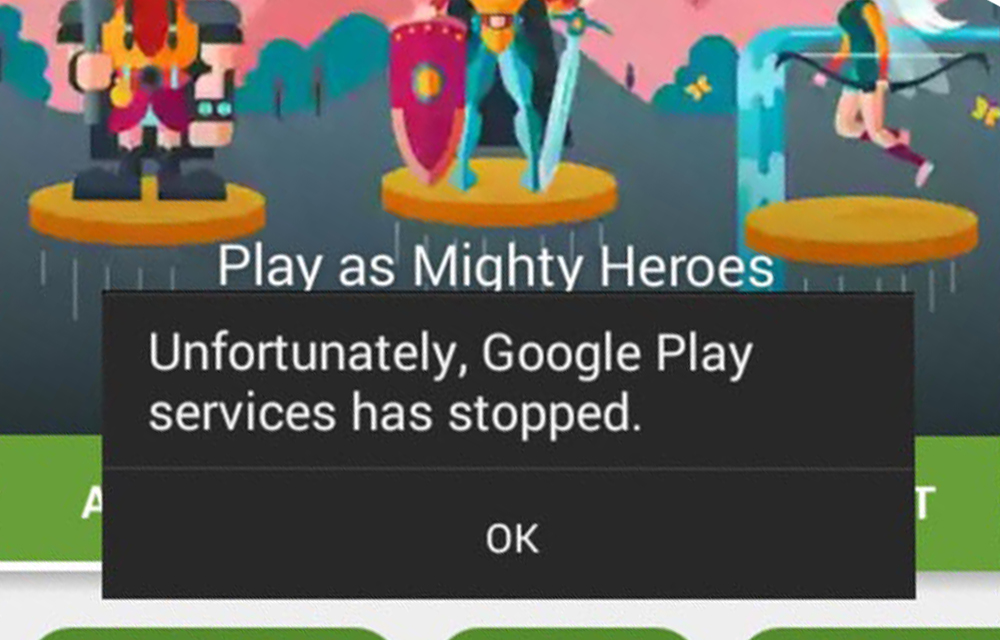
How to Fix “Google Play Services has stopped” Error
The error message “Google play services has stopped” reported by many of our readers is popping up in Android 5.0 or Android 5.1 Lollipop based phones and tablet. So, we are going to provide some of the effective methods to fix this issue. The error may happen due to many problems like a very old…
How to Update Android Smartphone, Tablet or Phablet
Updating Android OS is always important to keep your device safe and secure with the latest android version improvements. Either you are having a Lollipop or the Marshmallow as the android version, it is necessary to step over to the next level for a better-optimized performance of your smartphone or tablet. An update is the only way to…
Top 3 Productive Addons For Firefox For Android
Firefox is an excellent browser available for multiple platforms. Android is one of the platforms which has Firefox support. With more than 100 Million downloads Firefox for Android is an unbeatable browser. Firefox add-ons are very popular for improved productivity in a desktop version. In Android version too you can enjoy add-ons support. In this…
The week in tech, minus the noise.
New reviews, fixes and the stories that matter — once a week, straight to your inbox.
We only use your email to send the newsletter. Unsubscribe any time. See our privacy policy.
Comments