

Hypocam – Android Camera App Review
Nowadays, we have a wide range of smartphones at our disposal for capturing beautiful and colorful pictures. The use of the smartphones has gone beyond imagination with manufacturers pushing the sales in an aggressive manner. Moreover, you can see plenty of companies releasing the phones on a weekly basis. You can capture color images by…

Hypocam
Nowadays, we have a wide range of smartphones at our disposal for capturing beautiful and colorful pictures. The use of the smartphones has gone beyond imagination with manufacturers pushing the sales in an aggressive manner. Moreover, you can see plenty of companies releasing the phones on a weekly basis. You can capture color images by applying a wide range of filters with these smartphones. However, the Black & White photos including selfies are of great relevance today. You can capture black and white images by applying filters. The quality will not be on par with the actual image. Hence, you need to make use of an alternative method. We wanted to present you the best available solution. Let’s introduce Hypocam, which is an exclusive Android app for capturing Black & White images including selfies.
Features
Touted as an ultimate app for black and white photography, the Hypocam mobile app provides live-view controls, which enables you to experience the real quality of photography. You will be able to capture the actual essence of the object being captured.
The app includes unique editing tools developed exclusively for capturing real-world black and white images. You can work with a wide range of preset and tools.
The integrated news feeds help you to stay updated with the latest trends in the monochrome photography. The highlight of the Hypocam app is that you will be able to share the images via various social media platforms such as Facebook, Instagram, email and much more. For example, after capturing a photo, you can share on Instagram with the hashtag #hypocam, which will be noticed by the company. The team will like the image and your image will get popularity.
Working
To work with Hypocam, you need to download the app from the Google Play Store. Search using the keyword “Hypocam”, select the option and install the app.
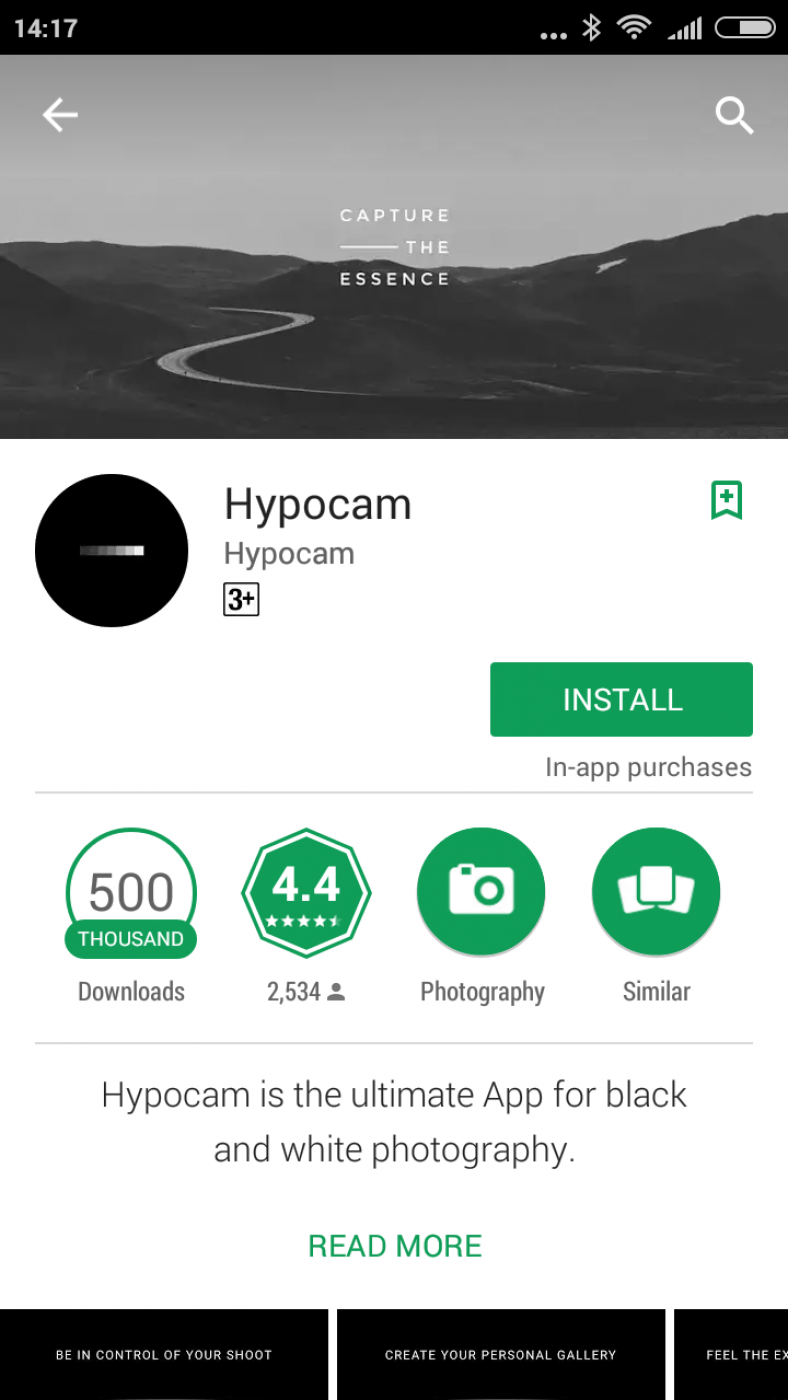
Since the size of the app is less than 10MB, you will be able to install the app quickly over either Broadband connectivity or high-speed 4G LTE.
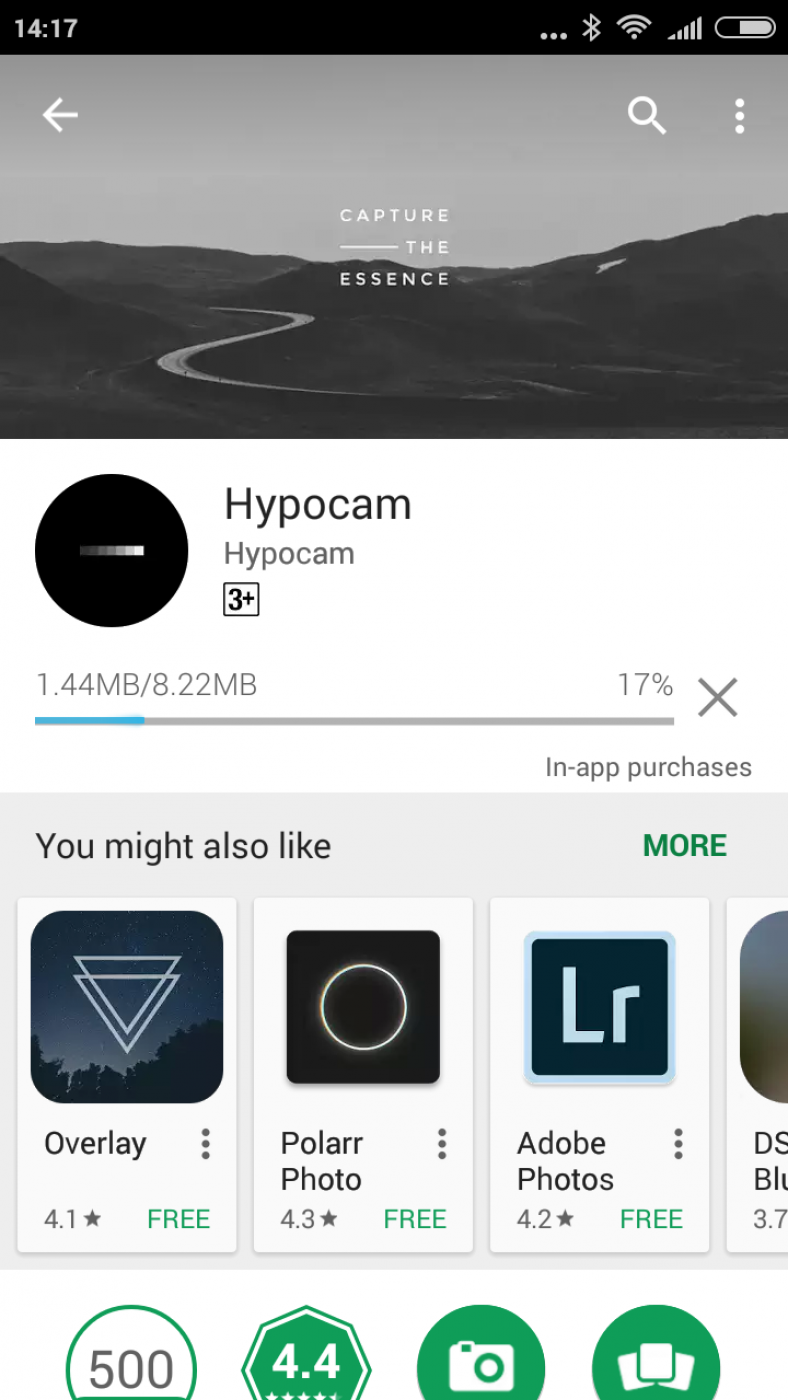
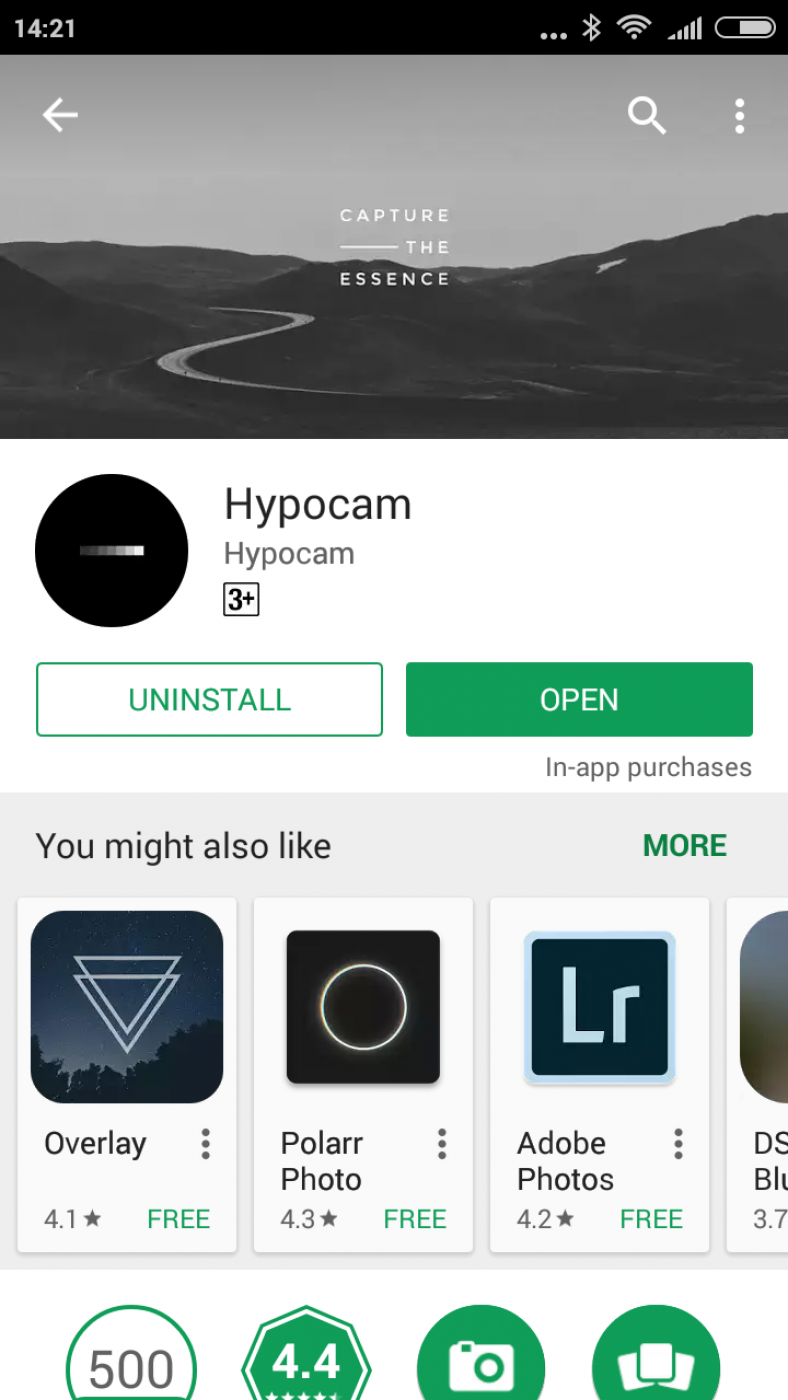
After the installation, you can either select Open button directly or tap on Hypocam icon from the phone.
You will view a series of horizontal and vertical lines with options on the top. On the bottom side, you will view three icons as options.
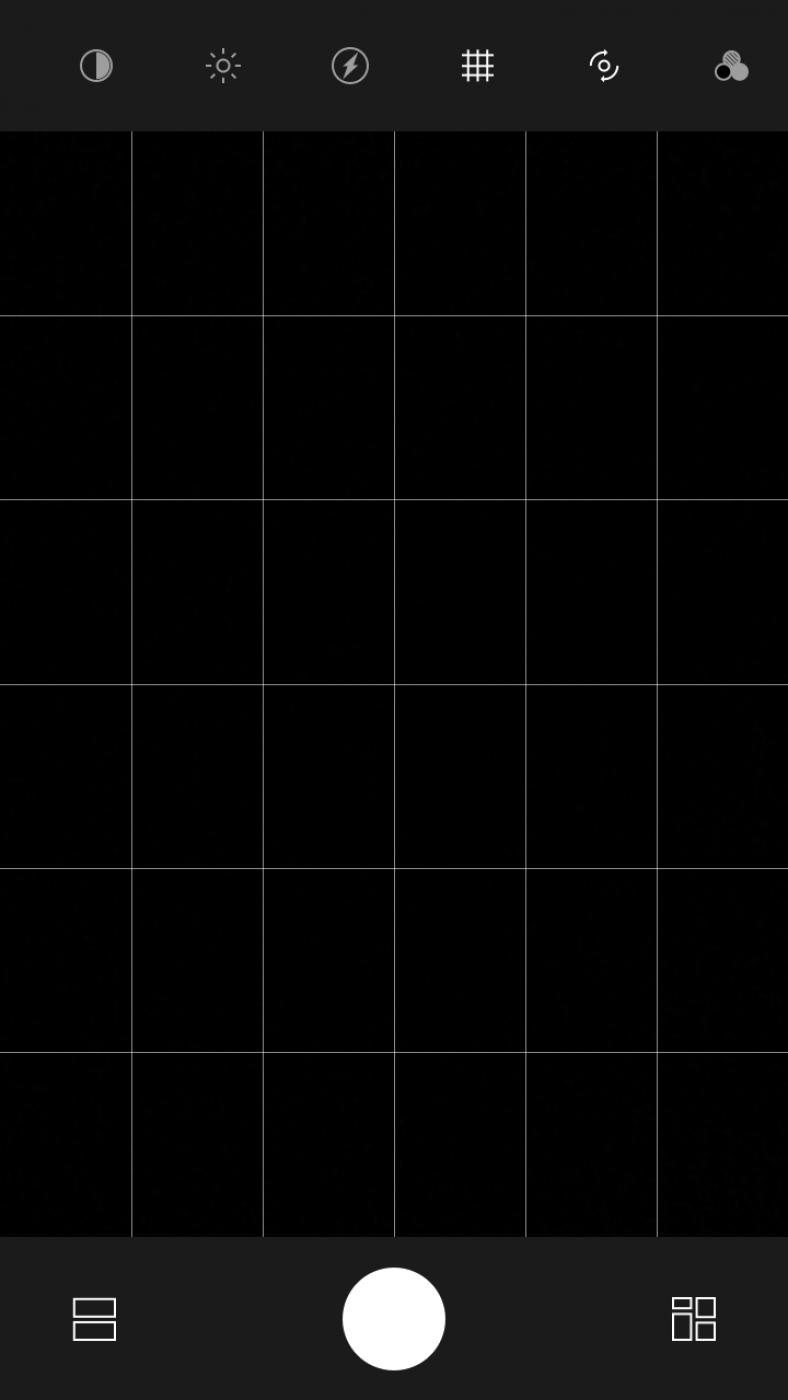
If you select the first option, you will be able to view few select images from the web. The circle located in the middle helps you to capture images. The grid type symbol located on the right side of the bottom help you to view the captured images.
If you select an image, you will be able to share any one or multiple images by selecting the share icon on the top middle. If you select Other, you will be able to share to other social media platforms such as Twitter, Telegram and much more.
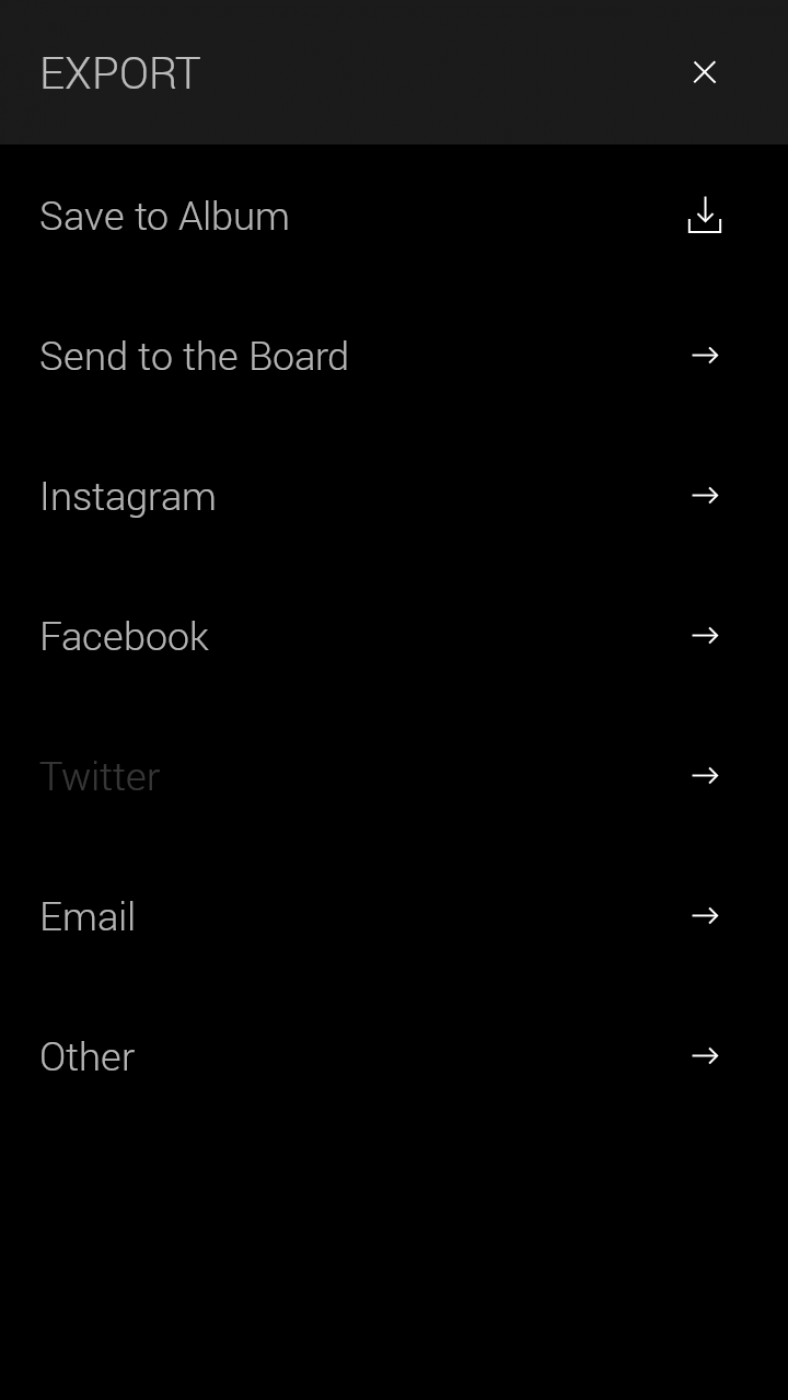
You can edit the image by selecting it and tapping the second icon located on the top. You can begin by selecting HC|01 and play around. You can adjust the contrast and brightness by selecting the first two options from the small icons placed on the top. You can also activate flash by selecting the next icon. It is possible to capture black and white selfies by tapping the fifth icon located on the top.
Pros
- Easy to use
- Lightweight
- Ability to share images
Cons
- Inadequate explanation of the various options
- Hard to learn initially
Verdict
Hypocam is a beautiful and tiny app using which you capture real black and white images. You can capture wonderful scenic pictures and travel back to 50 years to experience the true beauty of the black images. The app will not consume huge system resources. Hence, you should install it and use it when required to feel the real between color and black images.
Hypocam – Android Camera App
Outstanding
Hypocam is a beautiful and tiny app using which you capture real black and white images. You can capture wonderful scenic pictures and travel back to 50 years to experience the true beauty of the black images. The app will not consume huge system resources.
- Features8.5
- Usability9
- User Interface9
- Value For Money9.5
No ratings yet — be the first.

You might also like
Fotor Photo Editor App Review
After the launch of smartphones, photography becomes everyone’s hobby. Parallelly Android and iOS platforms have tons of image editing, styling and sharing apps. If you take plenty of photos with your smartphone you need a powerful photo editor to your images. Fotor is one of the most robust App based photo editing tool out there…

LEO Privacy Guard – Android App Review
Leo Privacy Guard Android app is one of the most popular Privacy apps in Play store. This app is basically an App locker with privacy settings features. We look at their App page in Google Play Store. It is very impressive. This app is about to cross 100 million downloads soon in the play store.…

KINGZONE N5 Android Smartphone Review
I started searching for a mid-range phone for my personal purpose, a good camera, gaming performance and a fantastic screen for watching videos. After a lot of research, I finally found my budget oriented mid-range pick. KINGZONE N5 Android Smartphone, a feature rich phone among the crowd.
The week in tech, minus the noise.
New reviews, fixes and the stories that matter — once a week, straight to your inbox.
We only use your email to send the newsletter. Unsubscribe any time. See our privacy policy.
2 comments
What about the Mac version?
Does it have any significant difference in software or usage?
I’ve had great difficulty downloading and installing on an iPhone SC. Is that to be expected?
Is there a more easily used alternative, either app or phone?
Android? only? How is it that it’s on my iPhone SE?