

Coolmuster Android Assistant Review
Coolmuster Android Assistant is a software that allows to backup and restore the Android smartphones. When we say, Android backup, it covers everything. Your contacts, messages, photos, videos, music, apps, books, and almost everything on your Android device will be backed up. Like that, you can restore them whenever you need with a single click…


Coolmuster Android Assistant is a software that allows to backup and restore the Android smartphones. When we say, Android backup, it covers everything. Your contacts, messages, photos, videos, music, apps, books, and almost everything on your Android device will be backed up. Like that, you can restore them whenever you need with a single click of a button. It is very easy to backup your Android smartphone as a precaution for any of the possible data losses in the future. And it is even easier to restore them.
So, after getting too many review requests, we finally decided to present a review of the Coolmuster Android Assistant software. We will be analyzing its features and functions, and we will provide our final verdict on the product. So that you can easily decide whether to buy it or not by spending some of your hard-earned money. Without wasting your time, here is the review.
Coolmuster Android Assistant Interface
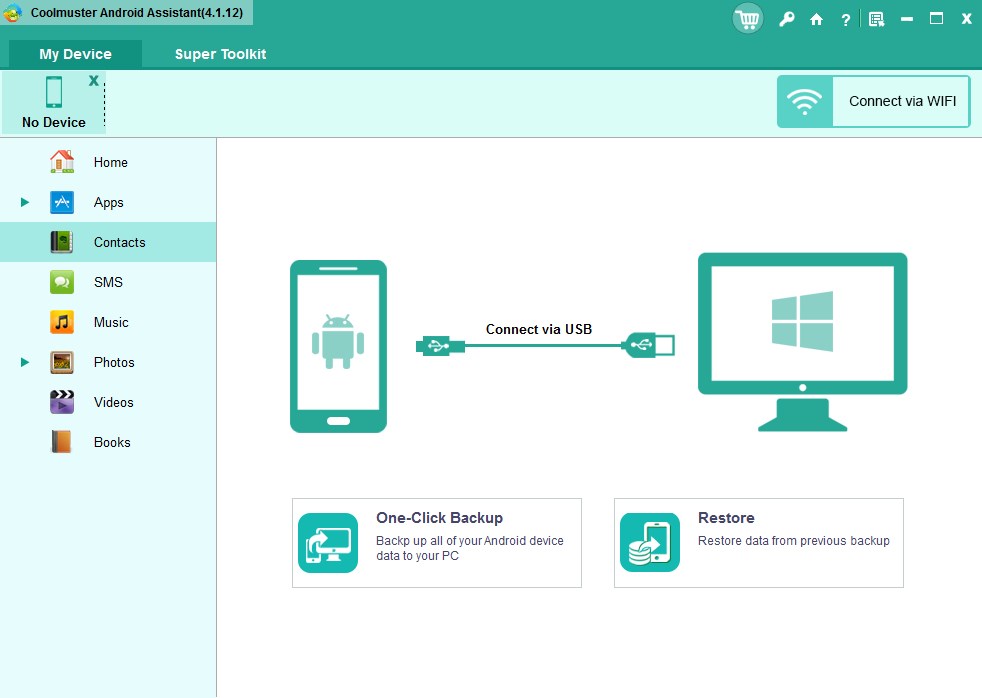
The interface of the software is just like any other backup or restore tools that we see around. The file types are listed on the left side where you can find individual files in your backup. Even without the backup, you can explore them and organize it as per your requirements. At the first run, you will be asked to connect your smartphone to the PC either using the USB cable or the Wifi. We tried both methods and two of them working perfectly. Be sure to turn on the USB debugging your smartphone in order to the software to work. Don’t worry if you don’t know the steps, the software will guide you throughout the process.
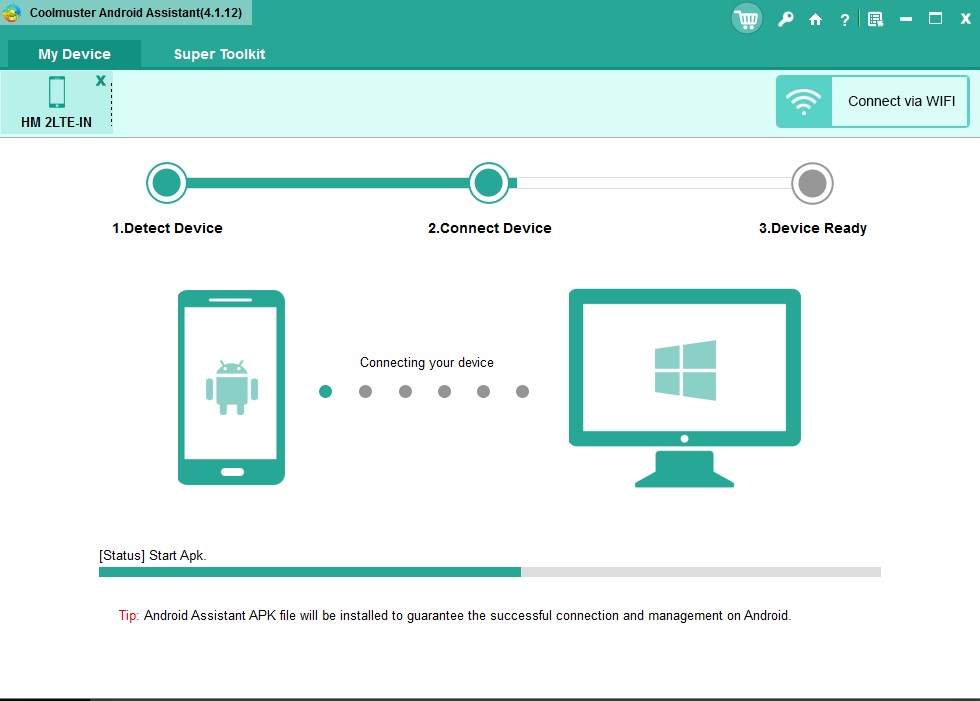
After connecting, the software will now list all the data in your smartphone on the interface. You can browse through it and organize it if needed. The process is comparatively quick that we never had to wait for a long time. The backup and restore processes are also fast, and it does the job really well. We never faced a problem during the process which impressed us. So, in the interface section, the Coolmuster Android Assistant has no noticeable problems.
Coolmuster Android Assistant Features
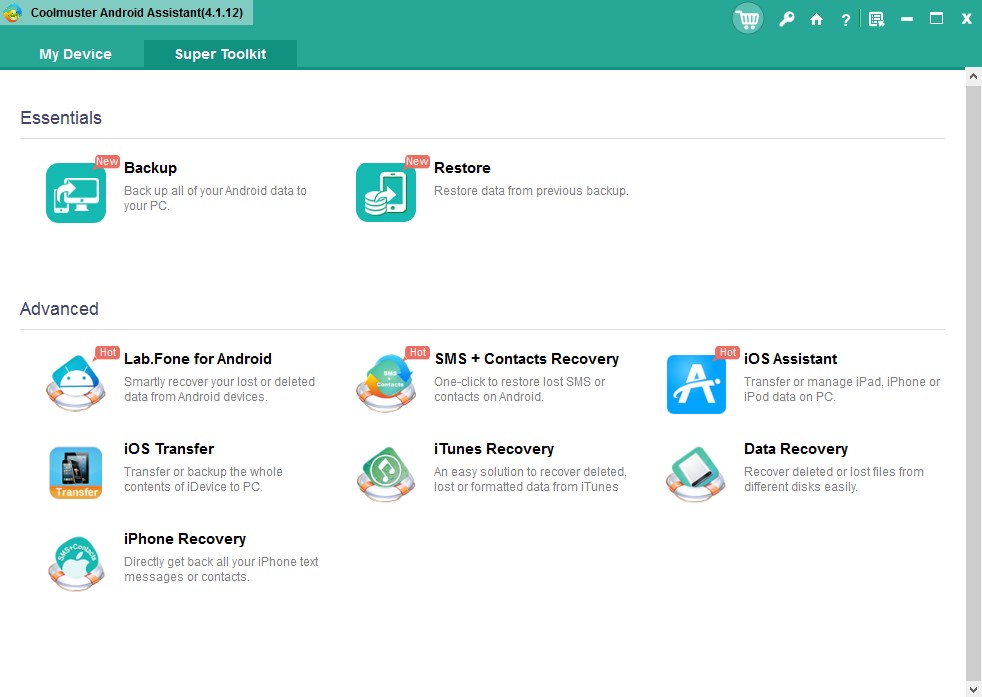
While talking about the features of this Android Assistant, there are several features to mention. But without listing each one of them, we decided to list the most noticeable features. So, if you want to know more about the Coolmuster Android Assistant, here are its features.
1-Click Backup and Restore
Like already mentioned, it is super-easy to take backups and restore them as per your convenience. All you have to do is going to the Super Toolkit section of the software and clicking on either Backup or Restore as per your needs. Then follow the simple procedure as guided by the software. That’s it, the backup or restoration process will start instantly, and it won’t take a long time to finish it. But it really does depend on the size and number of files that you have to process.
You can export any of your videos, photos, music, contacts, SMS, apps, etc. from Android phone or tablet to your computer and restore all of them later to any other device. This can be extremely helpful especially if you change your smartphone and wanted to migrate all your data quick and effectively.
Fast Process
I already mentioned that it is fast, but it surely deserves few more words. In my case, the backup process was lightning fast while the restoration was slightly slower but comparatively fast when compared to the competition. Apart from that, none of the files were damaged during the backup or restoration process. I thoroughly went through all of my media files such as photos, videos, music files, etc. and I couldn’t find any problems at all. So, it is one of the best tools to backup and restore your Android smartphone.
A Perfect Contacts & SMS Assistant
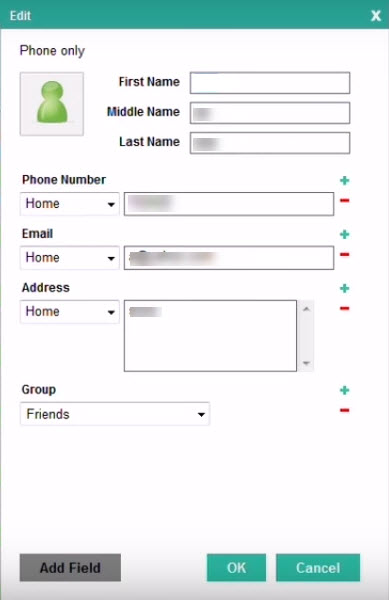
Like the company advertised, the software is a perfect contact and SMS assistant for you. Ever wanted to easily manage your contacts or send bulk SMS? Then this software is the answer for you. Coolmuster Android Assistant let you organize your contacts and SMS right from your PC. This makes it extremely easy to manage a huge number of contacts. Also, you can even send messages right from your PC. For those who want to message all their friends at once, this is a blessing.
Also read: Coolmuster Lab.Fone For Android – Easy Way To Recover Lost Data
Compatible with Almost All Android Devices
We tested the software with around 5 different smartphone models, and it worked on all of them without any problems. The software successfully fetched all the data on the smartphones, backed them up well, and no problems were found during the restoration. These made us to the conclusion that the software is compatible with almost any known Android devices in the market. So, you do not have to worry about the compatibility between this Coolmuster software and your device.
Verdict
After testing and analyzing the Coolmuster Android Assistant for several days on different devices, we reached a conclusion that it’s a good software to easily backup, restore, and organize your smartphone data. The interface is good, features are good, and the product is available for around $25.95. It is not a high price when taking the features into account.
So, If you are in search of a perfect Android Assistant, you could give a try to the Coolmuster Android Assistant software. If you want to test it before spending some money, you could download the trial version of the software and upgrade later. So, give it a try.
More in Software Reviews

Coolmuster Data Recovery For iPhone iPad iPod Review
Even after creating a plan to disaster-proof data backup sometimes we fail to protect. Sometimes iTunes itself can erase all data stored on your iOS device in syncing error issues.
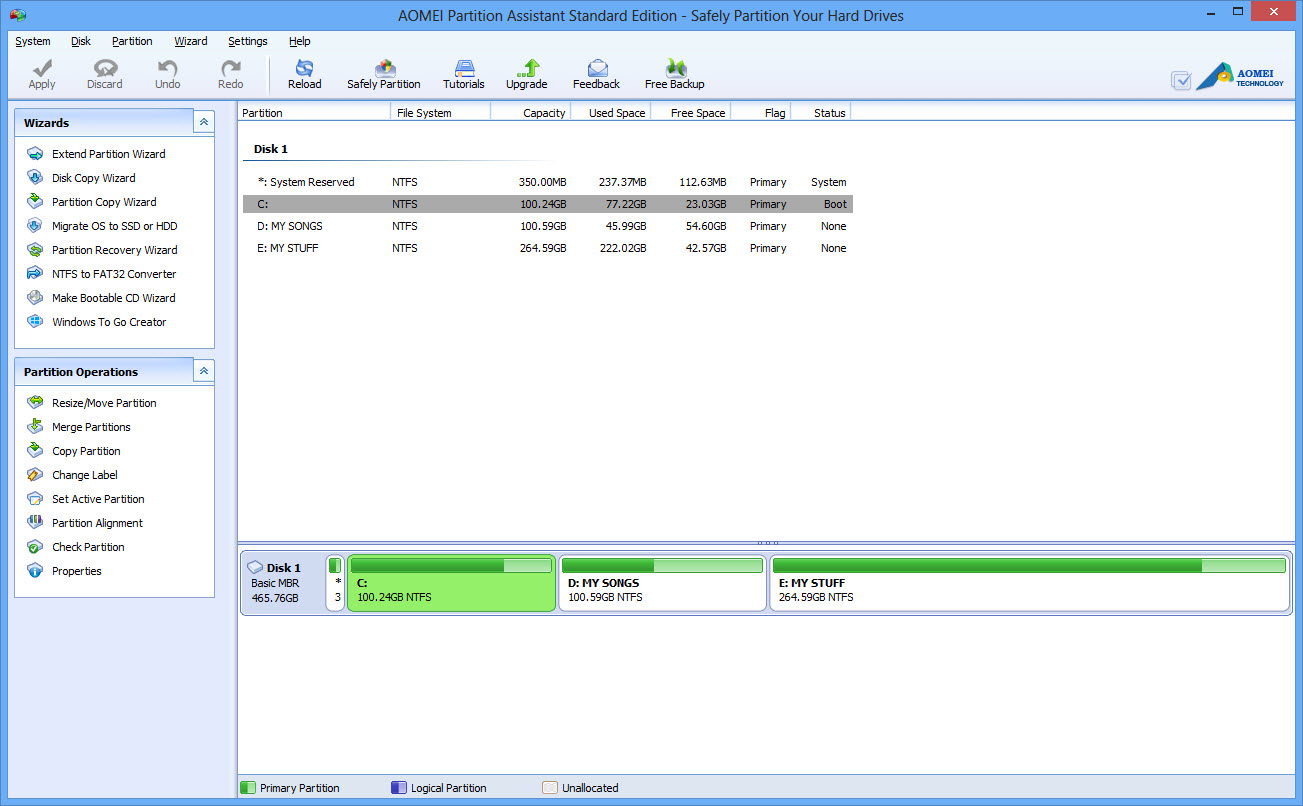
Extend, Copy, Migrate Your Hard Disks Easily With AOMEI Partition Assistant – Review
Choosing perfect partition assistant for your traditional hard disk or SSD is a tough process. In the software market, we have tons of free and pro partition tools available. If you are looking for a high quality and decent performance oriented partition assistant definitely go for AOMEI Partition Assistant.

Recover Android Files With FonePaw Android Data Recovery
It’s common to accidently delete data in your smartphone. Either you deleted them accidently or knowingly, your data is lost. But in the long run, once you need it back, there will be no way better than running a data recovery. For this, numerous data recovery software’s are out there that help users to find…
The week in tech, minus the noise.
New reviews, fixes and the stories that matter — once a week, straight to your inbox.
We only use your email to send the newsletter. Unsubscribe any time. See our privacy policy.
2 comments
Thank you Muhammed; I found this the most helpful article written by an unbiased party. I plan on making the investment but will try the trial first as you mention. Again, Thanks Roger
Be careful, in the fine print it is a yearly subscription. I feel scammed.