

How to Find and Remove Duplicate Files in iTunes
I’m an Apple user and simply follow the Apple ecosystem. The main reason for this following is iTunes. iTunes is a great music management tool, it has all options to manage your music library. However, there is a downside too. By default, iTunes doesn’t care about duplicate files present on the Mac or Windows. Duplicate…


How to Find and Remove Duplicate Files in iTunes
I’m an Apple user and simply follow the Apple ecosystem. The main reason for this following is iTunes. iTunes is a great music management tool, it has all options to manage your music library. However, there is a downside too. By default, iTunes doesn’t care about duplicate files present on the Mac or Windows.
Duplicate files on iTunes look like a mess when you try to organize them neatly. Also, they consume the space on hard disk. What if your iTunes has 3 or 4 albums of duplicate files? this makes your search more complicated, consumes disk storage and sometimes you will find the same song playing again and again. to resolve this annoying situation follow our guide.
How to Find and Remove Duplicate Files in iTunes
Here are the steps to finding and removing duplicate files in iTunes.
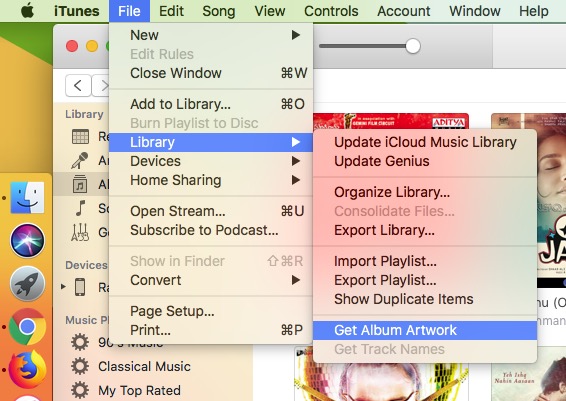
1.Open iTunes on your PC or Mac
2.Now go to File->Library->Show duplicate items.
After finding the duplicate songs on iTunes, just right click on the duplicates and delete them from the library.
How to Disable Import of Duplicate Songs
iTunes has an option in Preferences for disabling the importing of same music twice until you force to add it. This option is come enabled by default, you can check the settings in the following path.
Preferences->Advanced tab.
Here check both the boxes if they are not enabled.
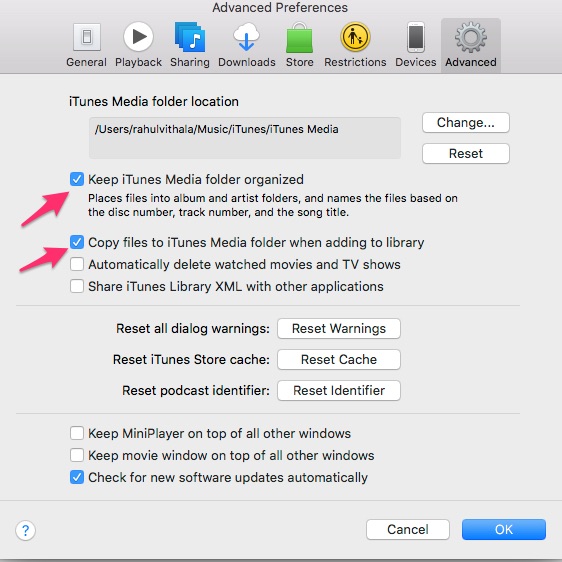
Make sure that “Keep iTunes Media folder organized” and “Copy files to iTunes Media folder when adding to library” are checked on.
Using Third-Party apps to remove duplicate songs in iTunes
There is a third option for removing duplicate songs in iTunes. Yes, there are plenty of apps available to clean the task. TuneUpMedia is one of the apps which fixes your messy iTunes library to a cleaner one. This app not only fixes the duplicate content, it also capable of getting artwork for missing albums to identify better when in use.
TunesSweeper is yet another interesting app for finding duplicate songs in iTunes. This app manually checks your entire iTunes library and shows the available duplicate entries in groups. After checking you can delete the unwanted duplicate song from the group easily. You can set the preferences for the finding of duplicate entries based on highest quality, longest duration, latest played etc. TunesSweeper is available for both the Mac and Windows.
iTunes Duplicates Cleaner is our next tool to do the job. This program is available for both Mac and Windows. The whole process of cleaning unwanted media files on iTunes is very simple with few clicks.
That’s all for now. I hope you enjoyed our article. Please do share your valuable comments in the below comment box.
You might also like
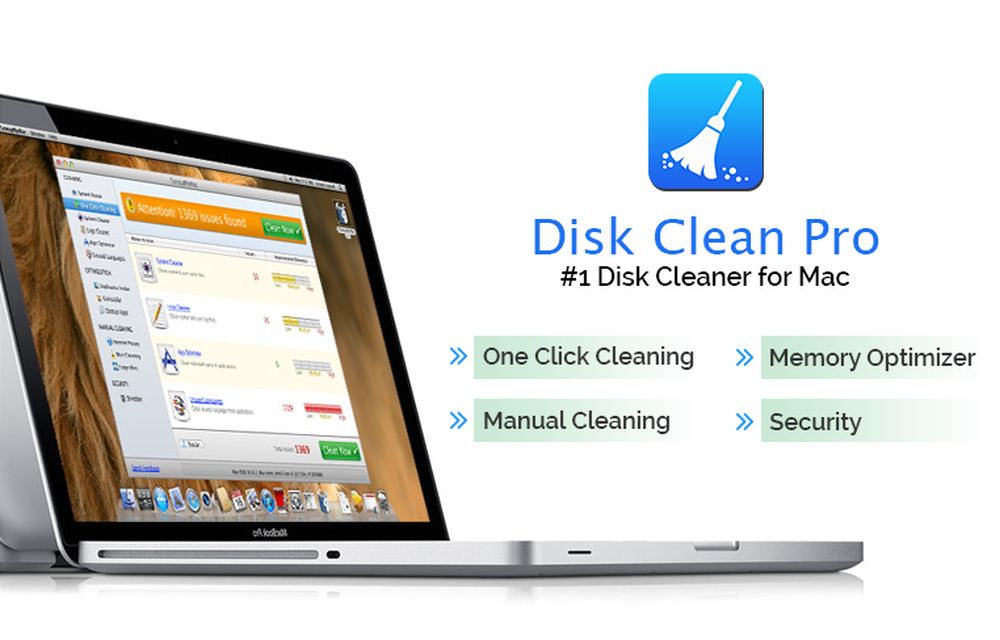
Disk Clean Pro: An App to Clean Mac Disk Space
If you are looking forward to installing a Mac-cleaning application, there is no shortage of available options. Whether you are searching for a quick solution to boost your Mac’s speed or looking for an affordable way of keeping your computer agile for years to come, cleaning applications tick the right boxes. But not all apps…

Locate iTunes Library File, Change Backup Location & Delete iTunes Duplicates in Windows 10
iTunes usually gets installed in the C drive, unless the user chooses otherwise. However, there are some disadvantages of installing iTunes in the default installation location as the backup itself is stored in the same location. A Windows corruption can cause irreversible damage and loss of iTunes data in this case. So it is wise…
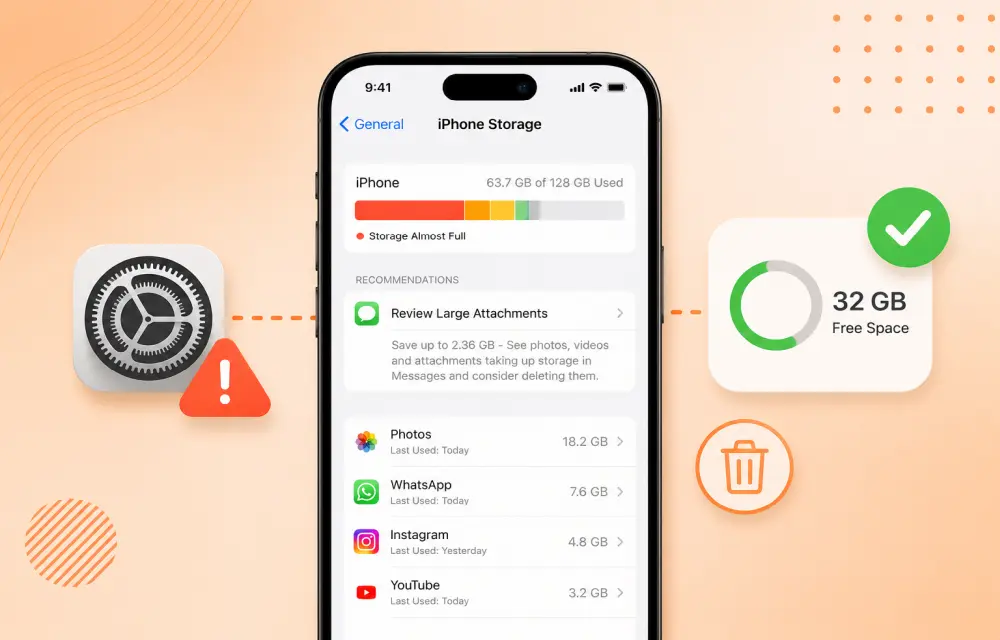
How to Fix iPhone Showing Low Storage Space When You Still Have Free Space
If your iPhone keeps showing a Low Storage Space warning even though you clearly have enough free space, the issue is usually caused by an iOS storage indexing glitch, cached files, or a software bug rather than a real storage shortage. In many cases, the warning appears while the phone is still calculating storage or misreading how…
The week in tech, minus the noise.
New reviews, fixes and the stories that matter — once a week, straight to your inbox.
We only use your email to send the newsletter. Unsubscribe any time. See our privacy policy.
Comments