

Organize Your Photos on Windows with the PhotoMove App
If you are a long time Windows user, you must be having a Desktop full of icons. These may contain pictures of yours which are not organized properly at all. However, you must have pledged to organize them at some point in the future. That time never comes and believe me, we all have through that.…


Organize Your Photos on Windows with the PhotoMove App
If you are a long time Windows user, you must be having a Desktop full of icons. These may contain pictures of yours which are not organized properly at all. However, you must have pledged to organize them at some point in the future.
That time never comes and believe me, we all have through that. Recently at the Apple Developer conference, Apple announced a feature called Stacks for Mac OS Mojave. Basically, Stacks will organize the files into folders automatically with the help of Machine Learning. This helps in at least organizing all the pictures in a single folder.
Sadly, no such feature has been bundled by Microsoft in Windows 10. However, we have plenty of third-party apps which do a job similar to this. One such application is named as the PhotoMove app and is available for Windows.

This app analyzes the location where you keep your photographs by reading the EXIF data and then automatically creates folders to store your pictures. This is what we meant by machine learning and the power of it. By default, PhotoMove will organize the photos with the date at which the photos were shot. Therefore, if you have a long collection of photos than you will have plenty of folders with various dayes for every month.
There is also a premium version of the PhotoMove app and it has a very interesting feature. This is the ability to eradicate duplication of photos. For this, PhotoMove will read the Exif data and if it finds same data for both, it will rename the same picture with some different names.
This will let you easily search for the picture as the name will be different. The PhotoMove app’s paid version costs just $9 and offers plenty of features over the free one. So, if you are a clumsy organizer than this is the app for your needs.
More in Tech Stories

You Can Now Create Custom Stickers for Instagram Stories With This App
Instagram has always been a place where people love to share their photos. There are many people are in the world are active Instagram followers, who admire beautiful photos online. Also, it has become a trend nowadays to use the filters on each and every photo that has been posted. And we would agree that…
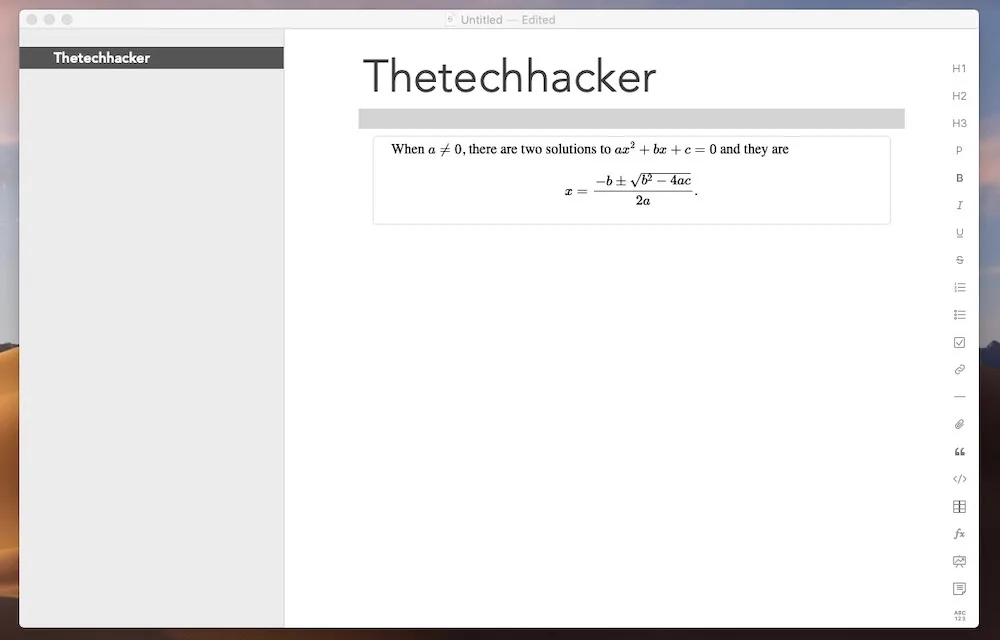
Strike is a Collaborative Writing App for Mac and iOS
Mac/iOS: There are several apps available for distraction-free and collaborative writing on Mac and iOS. Everything is perfectly made on Strike app. It lets you type freely in a distraction-free environment. The features like smart markdown, tables support, attachments and photos, text sorting, tags, and many other features make Strike as a perfect app for…

Thought Train App for MacOS Lets You Track Your To-Do List in One Place
We all know that it is very important to stay organized in our lives. We feel that the best things happen to us when we have not planned them or occur unknowingly. However, there are some things in life where we need some sort of organization. One of these is our work and the planning…

The week in tech, minus the noise.
New reviews, fixes and the stories that matter — once a week, straight to your inbox.
We only use your email to send the newsletter. Unsubscribe any time. See our privacy policy.
Comments