

Windows
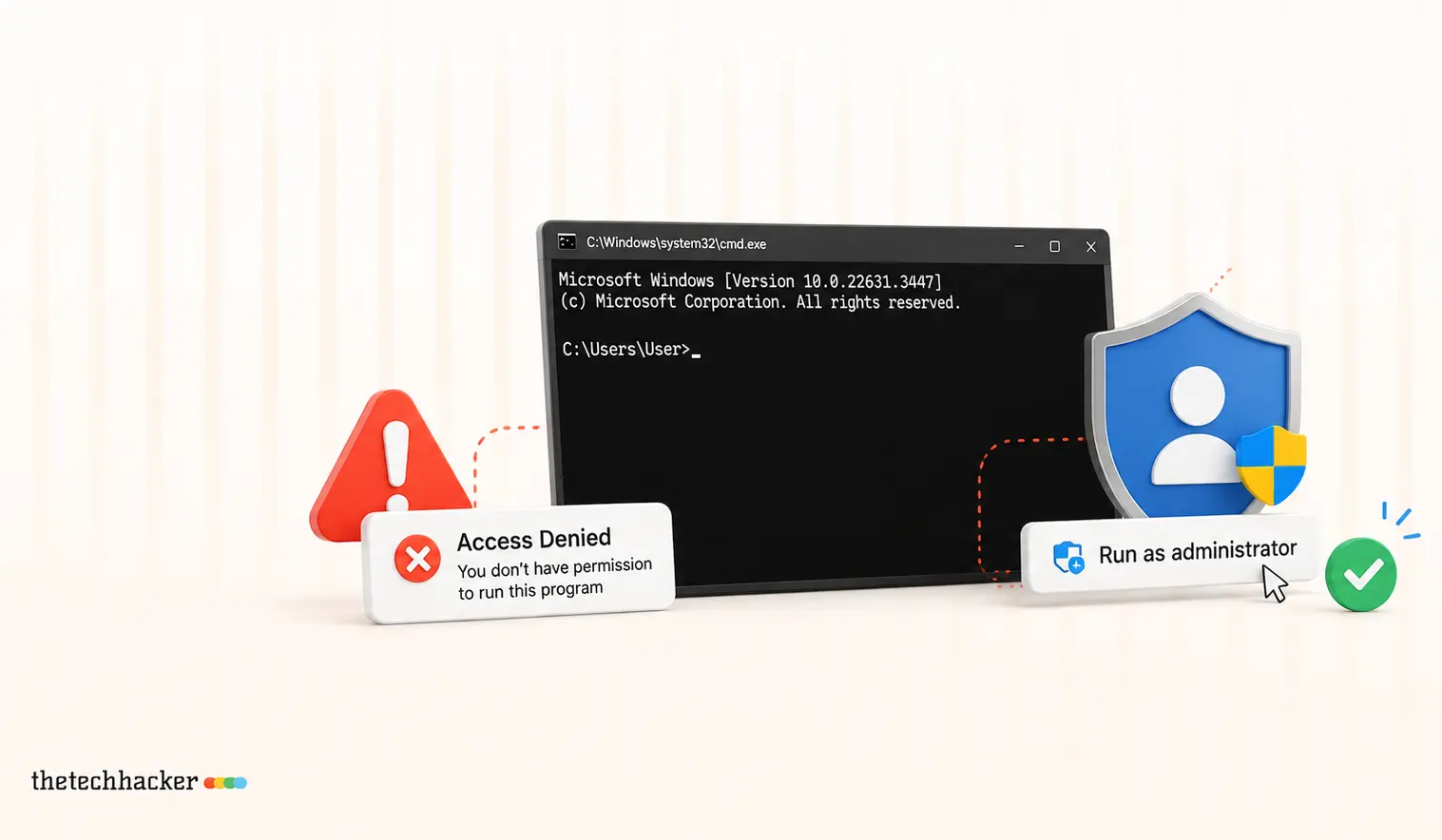
How To Fix ‘Run as Administrator’ Access Denied in CMD
Learn how to resolve the ‘Run as Administrator’ access denied issue in Command Prompt.
How to Fix Windows 11 Widgets Not Working
Windows 11’s Widgets panel gives quick glances at weather, news, stocks, and more right from your taskbar. But if clicking the icon does nothing, shows a blank screen, or fails to load, it’s a common technical glitch. Often tied to missing components like Edge WebView2 or the Windows Web Experience Pack, these fixes get most…
How to Fix Microsoft Edge Crashing When Printing on Windows
If Microsoft Edge crashes, freezes or stops responding when you try to print, the quickest fix is to press Ctrl + Shift + P to print with the Windows system dialog instead of Edge’s own print preview. If that works, the problem is Edge’s print preview, and the fixes below will sort it out for…
How to fix application was unable to start correctly 0xc0000018 error in Windows
This application was unable to start correctly 0xc0000018 error in Windows error appears when launching an app and usually closes the program with only an OK button. In most cases it is fixable with a few steps. Follow the sequence below from simple to advanced, and stop once the error disappears. Always reboot and test…

How to fix Windows 10/11 users report “can’t create new folder” bug
A number of Windows 10 and 11 users are seeing a strange issue where the “New > Folder” option disappears, stopping fresh folders from being created. The glitch is usually fixable with a few quick steps. Below are seven practical solutions, arranged from simplest to advanced, along with a registry repair that restores the missing…
What Is The Difference Between Windows Reset And System Restore In Windows?
Are you unable to run your computer due to several unwanted reasons? Windows reset and system restore are the best handy options to recover the system from issues. But there is a lot of confusion with both the names Windows Reset and System Restore. In this article, we will know which option works for the…

How To Mute Microphone On Windows 10 With Keyboard Shortcut
Muting the microphone on Windows 10 can be a useful feature when you need to block out background noise or take a break from speaking during an online meeting or call. In this article, we will show you how to mute your microphone on Windows 10 using a keyboard shortcut. Method 1: Use the Mute…
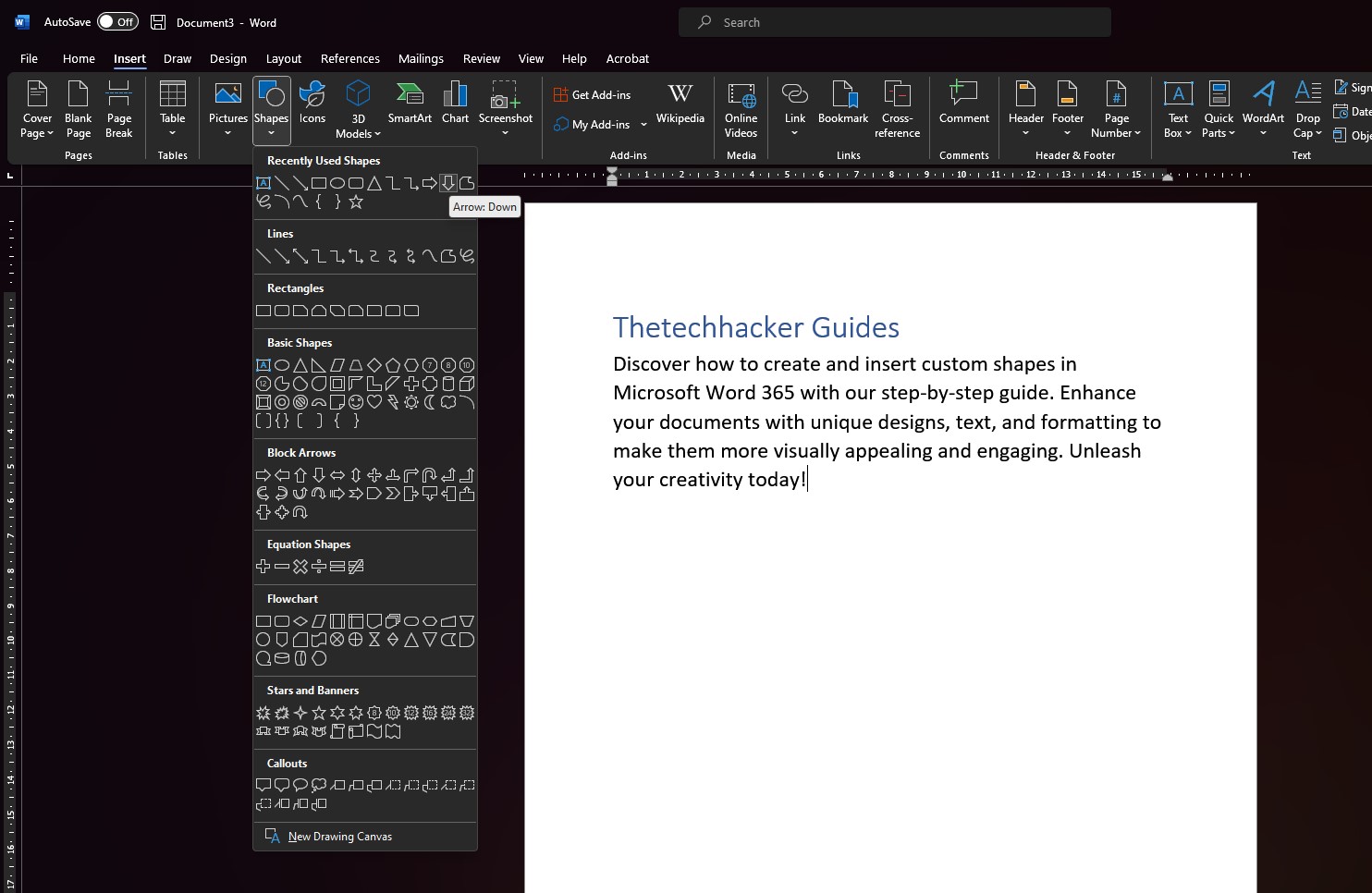
How To Design Custom Shapes in Microsoft Word 365
For millions of professionals all over the world, Microsoft Word 365 is an essential piece of software. It provides a wide variety of functions and features, ranging from the most fundamental aspects of text processing to the most complex aspects of design. Your documents can be elevated, making them more aesthetically appealing and engaging, thanks…

How to connect Apple Airpods on Windows
To all those apple users who still think that you cannot connect your Apple Airpods on Windows 11, You can! It is possible to connect even without taking any help from third-party applications. AirPods are designed to work only with Apple products but we can use them in Windows as well without even compromising on…

How To Turn Off Automatic Updates in Skype for Windows 10
As a regular Internet user, I can say Skype is one of the best communication apps which is suitable for both personal and business use. Skype has exceptionally clean navigation, situation friendy emo’s, fluid user-interface and a ton of great set of features which gives tough competition to the other apps. Skype regularly pushes the…
How To Fix The Product Key You Entered Cannot Be Used On This Machine Error 25004 In MS Office
MS Office is a hot favourite for everyone who is related to business and education. This 25004 error in MS Office usually occurs when a user is trying to enter the product key after a trial period. If you see “Product Key You Entered Cannot Be Used On This Machine Error 25004 In MS Office”…

How To Fix FPS Drop While Gaming In Windows 10
Gaming on Windows is a blissful experience. Windows 10 is a favourite operating system for millions of users around the world. It lets you play any kind of game without giving any troubles. However, sometimes the FPS rate will drop suddenly during the game. It is a small error, and we can easily fix in…