

How To Delete LinkedIn Account In No Time
LinkedIn is the only platform that helps you to make business contacts, also it is an interesting tool for hunting new jobs. If you have already created an account for one or the other of these things, but over time, it has stopped interest you, you will still have the option to delete it. And…

How To Delete LinkedIn Account In No Time
LinkedIn is the only platform that helps you to make business contacts, also it is an interesting tool for hunting new jobs. If you have already created an account for one or the other of these things, but over time, it has stopped interest you, you will still have the option to delete it.
And that’s precisely what we’re going to teach you today, to permanently eliminate your LinkedIn account and prevent the social network from continuing to store your personal data. The process and we warn you that it’s much simpler than Facebook or Twitter, so it will not take more than a few minutes.
How To Delete LinkedIn Account
Here are the few steps to finish with LinkedIn:
- The first thing you have to do is enter your LinkedIn Account. Once you are inside, you will see a drop-down menu under your profile picture. Click on it and choose an option called ‘Settings and privacy.’
- Go to ‘Basic information‘ within the Account category. Then at the end, you’ll come to an option called Close your LinkedIn account.
- When you click on it, it will show a dialog box telling you that you will lose the contacts. It will also remind you that closing your account will lose all those validations that you have accumulated over time, messages and recommendations.
- Ignore it and go down a little lower on the same tab and tell them the reason why you want to close it. Choose the option that best suits your situation and click on the Next button.
- In the last step, you need to type username and password to confirm the closure of your account.
And that’s it, you have been successfully deleted your LinkedIn Account. Although LinkedIn will give you 20 days in which you can recover the account.
That’s all for now. Please do share your views in the comment box below.
More in How-to

How To Recover Deleted Gmail Account – Detailed Guide
Most of you might be using, at least, one Gmail account. Some of you have even multiple accounts. The beginners on Gmail may create multiple accounts and once they aware of the basic operations or if they find a better Gmail id, They may switch it to the new one. This happens several times in…

How To Delete Gmail Account Permanently – Guide
If we have multiple Gmail accounts and some of them are not needed for anymore. Probably, we must delete it. Then, How to Delete Gmail account? Our simple and definitive guide on How to delete Gmail account will definitely help you to remove your unwanted Gmail address.
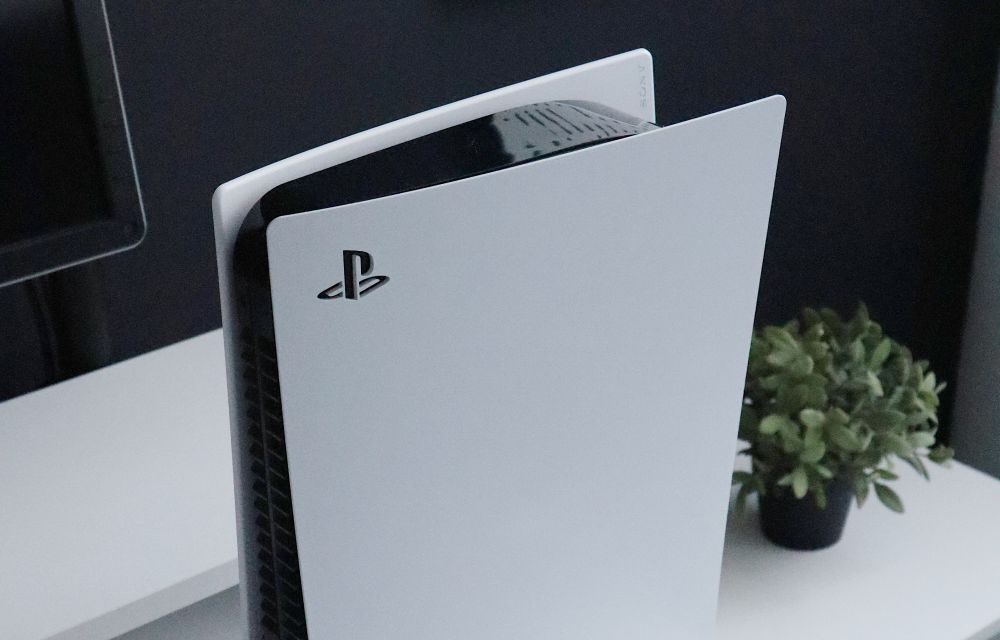
How To Delete A User On PS5?
Are you trying to delete a user on PS5 console which is not using? If yes, this article will help you to delete unwanted user account from PS5. If you have multiple user accounts created on your PS5 and if you are not using, then you may wish to deleted unwnated user accounts from PS5.…
The week in tech, minus the noise.
New reviews, fixes and the stories that matter — once a week, straight to your inbox.
We only use your email to send the newsletter. Unsubscribe any time. See our privacy policy.
Comments