

Guides
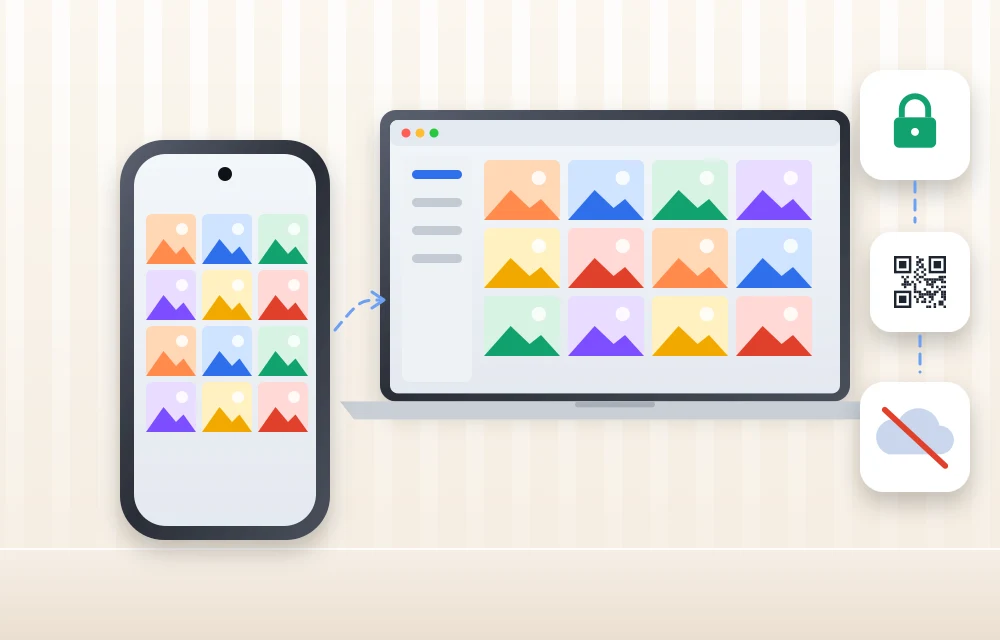
TonfotosSync Review: A Private Way to Back Up Phone Photos Without the Cloud
Most of us take hundreds, sometimes thousands, of photos every year. Family moments, travel memories, birthdays, work screenshots, receipts, children’s photos, pet videos, and random images we may never look at again all live inside our phones. The problem is simple. Phones can be lost, stolen, damaged, or suddenly stop working. Cloud storage solves part…

How to Fix Samsung Keyboard Lagging on an Android Phone
Samsung phones and tablets come with Samsung Keyboard as the default keyboard. For many users, it works well for messaging, searches, emails, and everyday typing. But sometimes the keyboard starts responding slowly, misses taps, freezes briefly, or takes a moment to appear. That can make even a simple message frustrating. You could switch to Gboard…

How to Build a Better Editing Workflow for AI-Assisted Content
AI can speed up drafting, but a fast first draft is not the same as finished content. AI-assisted writing can contain vague statements, repetitive phrasing, factual errors, awkward transitions, or a tone that does not quite fit the intended reader. A better editing workflow separates these problems instead of trying to fix everything in one…

How to Review AI-Assisted Content for Accuracy, Clarity, and Consistency
AI-assisted content can speed up research, outlining, drafting, and editing, but a fast draft is not automatically a reliable one. Generative AI can produce confident statements that are inaccurate or unsupported, so human review still matters. A strong review process should go beyond spelling and grammar. It should check whether the facts are correct, whether…

How Small IT Teams Handle Urgent Server Access After Business Hours
Small IT teams face a recurring challenge when critical server issues arise outside standard business hours. Remote support tools enable technicians to access and troubleshoot systems from any location, eliminating the need for physical presence at the office or data center. This capability has become essential for maintaining uptime and resolving urgent problems quickly. Remote…

How to Turn Written Content Into Audio Without Recording It Yourself
That matters because people increasingly consume information while commuting, walking, or cooking. The trick is not to treat audio as a second-rate version of an article. It works best when you adapt the content for ears rather than simply making every paragraph talk. Why Turn Text Into Audio? The obvious advantage is flexibility. A long…

Simple Ways to Improve Your Digital Safety in Everyday Life
The internet has become an essential part of today’s life. These days, we use digital services for everything from banking to shopping, tele-working to watching movies, to staying in touch with family and friends. Such amenities are also changing the way we live and work, but they’ve increased the importance of online security and privacy…

30 Websites to Find Remote Jobs in 2026
Remote work is no longer just a temporary work-from-home trend. For many professionals, it has become the preferred way to build a career. Developers, marketers, writers, designers, virtual assistants, customer support specialists, project managers, and business professionals are now actively looking for jobs that give them location flexibility. But finding a real remote job is…

Proxy or VPN: Which One You Actually Need, and What to Check Before You Pay
Search for privacy tools and you will get VPN recommendations, because that is where the affiliate money is. Proxies barely come up, even though for several common jobs they are the correct tool and a VPN is not. The two get confused constantly, so it is worth being precise about what each one does. A…
How to fix Siri does not respond or answers correctly
Having trouble with Siri after an iOS update? Here’s how to fix it!

10 Premium Apple Watch Band Brands Worth Buying Instead of Generic Amazon Straps
You spent $400 or more on an Apple Watch, then strapped it to your wrist with a $9 band from a brand name that looks like someone fell asleep on a keyboard. Sound familiar? Most of us have done it at least once, and most of us have also watched that band crack, fade, or…
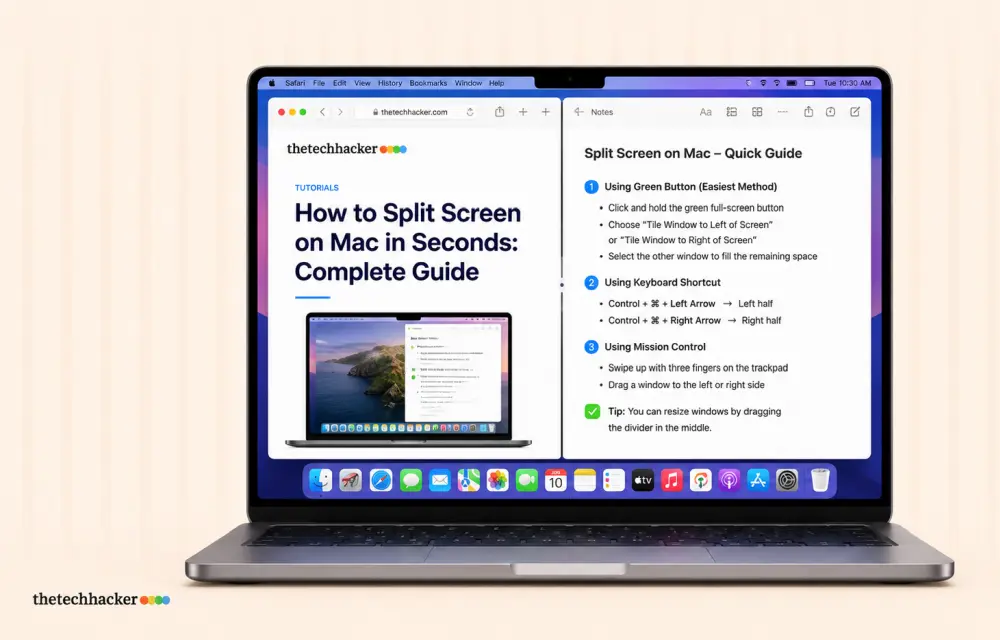
How to Split Screen on Mac in Seconds: Complete Guide
Learn how to split screen on Mac to view two apps side by side. This guide walks you through Split View setup, keyboard shortcuts, and troubleshooting tips.