

Enable Always On Top Behavior For Windows Using Window On Top
In work sometimes we need to keep a windows or program top of the all windows. But when you operate other windows your desired window automatically goes to background. This can be very unpleasant sometimes especially when you are doing some important job which needs reference from one window for another. You can get rid…

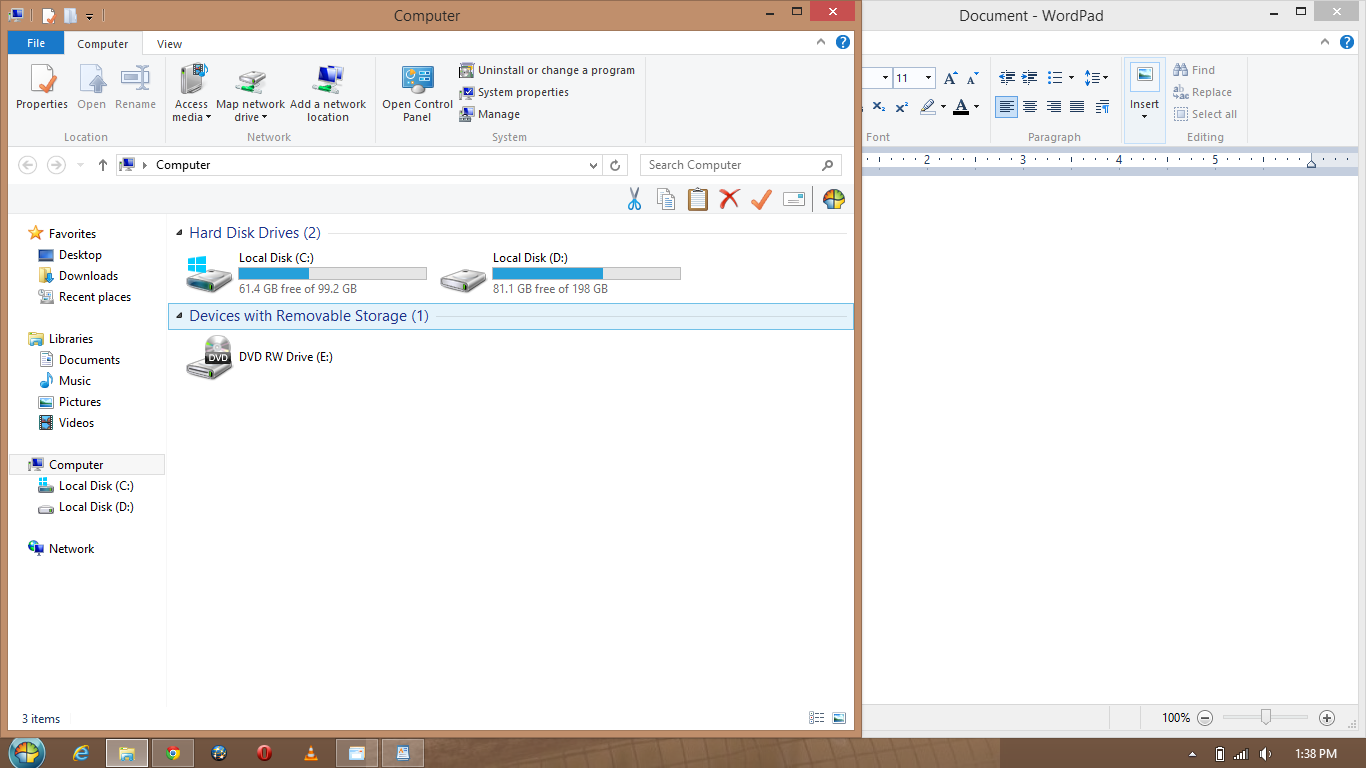
In work sometimes we need to keep a windows or program top of the all windows. But when you operate other windows your desired window automatically goes to background. This can be very unpleasant sometimes especially when you are doing some important job which needs reference from one window for another. You can get rid of this situation using the Window On Top software for Windows.
What is Windows on Top?
Windows on Top is a simple software which allows users to set a specific window, folder, applications, media player, photos, videos, documents, etc. on top of all other active windows. The software does the job very well and no complications were found during the usage. Also it is very easy to operate using the shortcuts on the software.
Install Window On Top on your system. It is a very light weight program around 1.39MB. After installation it is available in the system tray. It can keep folders, applications, media players, document and photo editors on the top. To set a desired window always open on front and top just press Control+T while the window is active. Now, that specific window that you chose will always stay on top until you revert it (by pressing the same Ctrl+T keys again) or use another window instead. It works on Windows XP, Vista, Windows 7 and 8 versions.
Features of Windows on Top
There are several features for the Windows on Top software all focused on making the windows on top. Here are few of them.
- Lightweight
- Easy to Use
- Easy windows sticking with the shortcode
- Remove the sticky window anytime with the same shortcode
Who can utilize Windows on Top software?
Well, actually anyone can. This software is useful for any people who need to keep a certain window on top while working on others. For example, a content writer who needs to look at the reference and write another content on the related topic can utilize the software. As the resource page always stays on top, there is no need to worry about the window being pulled back.
Like that, for a blogger who often need multiple browser screens to operate and configure his blog can also utilize the Windows on Top feature. These are just two examples of the usage, and the uses are wide like an ocean.
So, if you need to keep any window on top in your Windows OS, you should consider using the Windows on Top software.
More in Windows

How to Enable Live Wallpaper in Windows 10?
Live wallpapers are a great way to enhance the beauty of your desktop. If you have enough resources to spend on the always working wallpaper animations, you can go for it without thinking twice. However, for small systems with fewer resources, it may not be the best thing to do. We recommend sticking to the…
How To Always Run PowerShell As Administrator In Windows 10
Windows PowerShell is a useful option that comes pre-packaged with the windows 10. As it is a very useful feature that can help the users to get access to many restricted areas and to tweak windows. But, for this all, running the PowerShell as an administrator is necessary. There are also several other occasions where…
How to Enable Hibernate in Windows 10
Hibernate mode is very useful for those who want to turn off their computer without leaving the progress of their works inside the Windows. As sleep mode just holds the PC by keeping it powered on and consumes some amount of power, Hibernate mode does the same without using any power but actually in a…
The week in tech, minus the noise.
New reviews, fixes and the stories that matter — once a week, straight to your inbox.
We only use your email to send the newsletter. Unsubscribe any time. See our privacy policy.
Comments