

What Is The Difference Between Windows Reset And System Restore In Windows?
Are you unable to run your computer due to several unwanted reasons? Windows reset and system restore are the best handy options to recover the system from issues. But there is a lot of confusion with both the names Windows Reset and System Restore. In this article, we will know which option works for the…

Microsoft Windows 10
Are you unable to run your computer due to several unwanted reasons? Windows reset and system restore are the best handy options to recover the system from issues. But there is a lot of confusion with both the names Windows Reset and System Restore. In this article, we will know which option works for the system failure conditions in a simple way.
System Restore and Windows Reset are two of the most regularly utilized tools for troubleshooting a Windows PC. Both can be useful in some situations, but they operate in distinct ways and have different impacts on your computer.
1. Windows Reset
Windows Reset is a Windows function that allows you to restore your computer to its factory settings. This means that all of your personal files, programs, and settings will be wiped, and your computer will be returned to its original configuration. Windows Reset is useful if you want to start over with a clean slate or if you’re having major computer difficulties that can’t be addressed any other way.
Windows Reset comes in two different versions: “Keep my files” and “Remove everything.” The first option allows you to reset your computer while retaining your personal files, but it will delete all of your programs and settings. The second choice will wipe your computer clean, erasing all data, programs, and settings.
When to use Windows Reset:
- If your PC is running slowly or experiencing other performance issues
- If you’re selling or giving away your computer
- If you want to start fresh with a clean slate
- If you’re experiencing serious problems with your computer that can’t be fixed any other way
How to use Windows Reset: To use Windows Reset, follow these steps:
- Go to the Start menu and click on “Settings”
- Click on “Update & Security”
- Click on “Recovery”
- Under “Reset this PC”, click on “Get started”
- Choose either “Keep my files” or “Remove everything”, depending on your needs
- Follow the on-screen instructions to complete the reset process
2. System Restore
System Restore is a Windows tool that allows you to restore your computer to a prior state. This means that any modifications made to your computer since the restore point was created, including changes to programs, settings, and system files, will be undone. System Restore is important if you’ve installed a program or driver that’s causing problems with your computer, or if you’ve made changes to your computer that you want to reverse.
When you make a restore point, Windows saves a snapshot of your computer’s settings as a restore point. This restore point can then be used to undo any modifications made to your machine since it was created.
When to use System Restore:
- If you’ve installed a program or driver that’s causing problems with your computer
- If you’ve made changes to your computer that you want to undo
- If your computer is behaving erratically and you’re not sure why
How to use System Restore: To use System Restore, follow these steps:
- Go to the Start menu and type “System Restore” in the search bar
- Click on “Create a restore point” in the search results
- Click on “System Restore”
- Click on “Next” and choose a restore point from the list of available options
- Follow the on-screen instructions to complete the restore process.
Differences between Windows Reset and System Restore
The key difference between Windows Reset and System Restore is the extent of their effects. Windows Reset can fully erase your computer, returning it to its original settings. All of your personal files, programs, and settings will be wiped as a result. whereas, System Restore will only undo modifications made to your machine since the restore point was created. This implies that your personal files will be undisturbed, but any altered programs or system settings will be restored to their original configuration.
More in What is?
What is OS (Operating System)
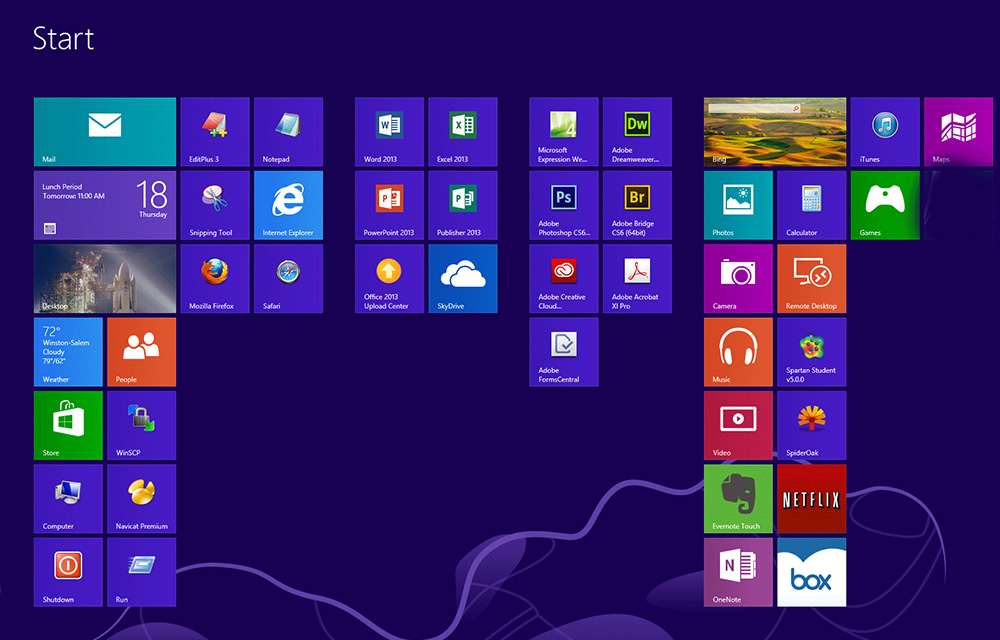
An OS or Operating System is a computer program that makes it possible the communication between the hardware and software. In other words, operating systems act as a mediator between the hardware and software in a computer. When the computer was first brought into the business, it was having a command line interface which might…
What is Software
Software is the intangible parts of a computer which is essential to operate it. In other words, it is a general tag of the programs used to operate computers and other devices. While the hardware referred to as the tangible parts of the computer which include CPU, RAM, HDD, etc. the software include the intangible parts…
What is GUI (Graphical User Interface)
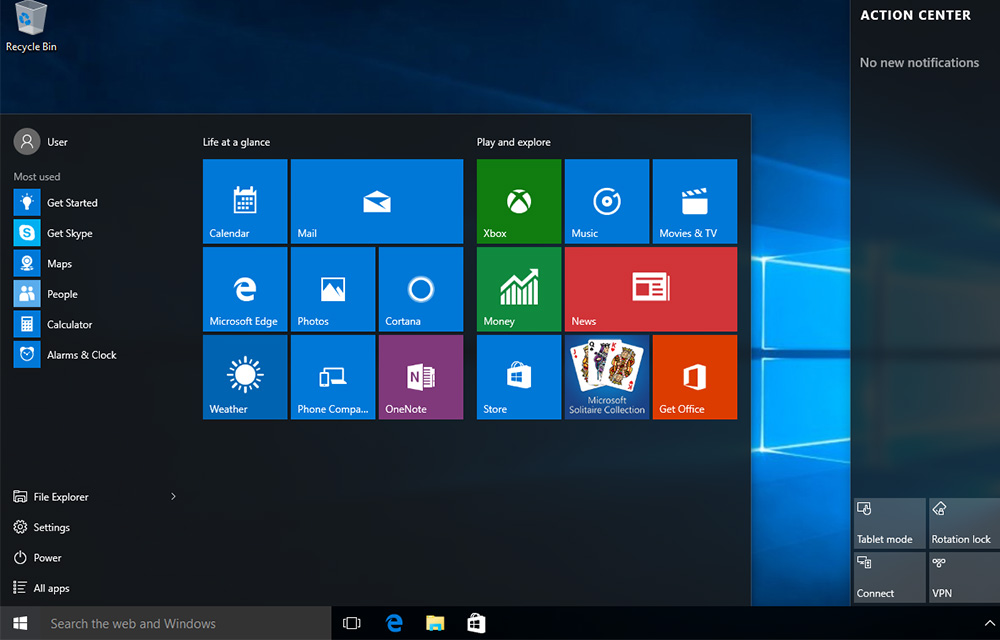
GUI or Graphical User Interface is used in the modern day computers which utilize the input devices to navigate through the monitor. Users can take advantages of specific icons and objects on the screen in order to navigate to different features and functions of the operating system and software. In the old days, the command line…
The week in tech, minus the noise.
New reviews, fixes and the stories that matter — once a week, straight to your inbox.
We only use your email to send the newsletter. Unsubscribe any time. See our privacy policy.
Comments