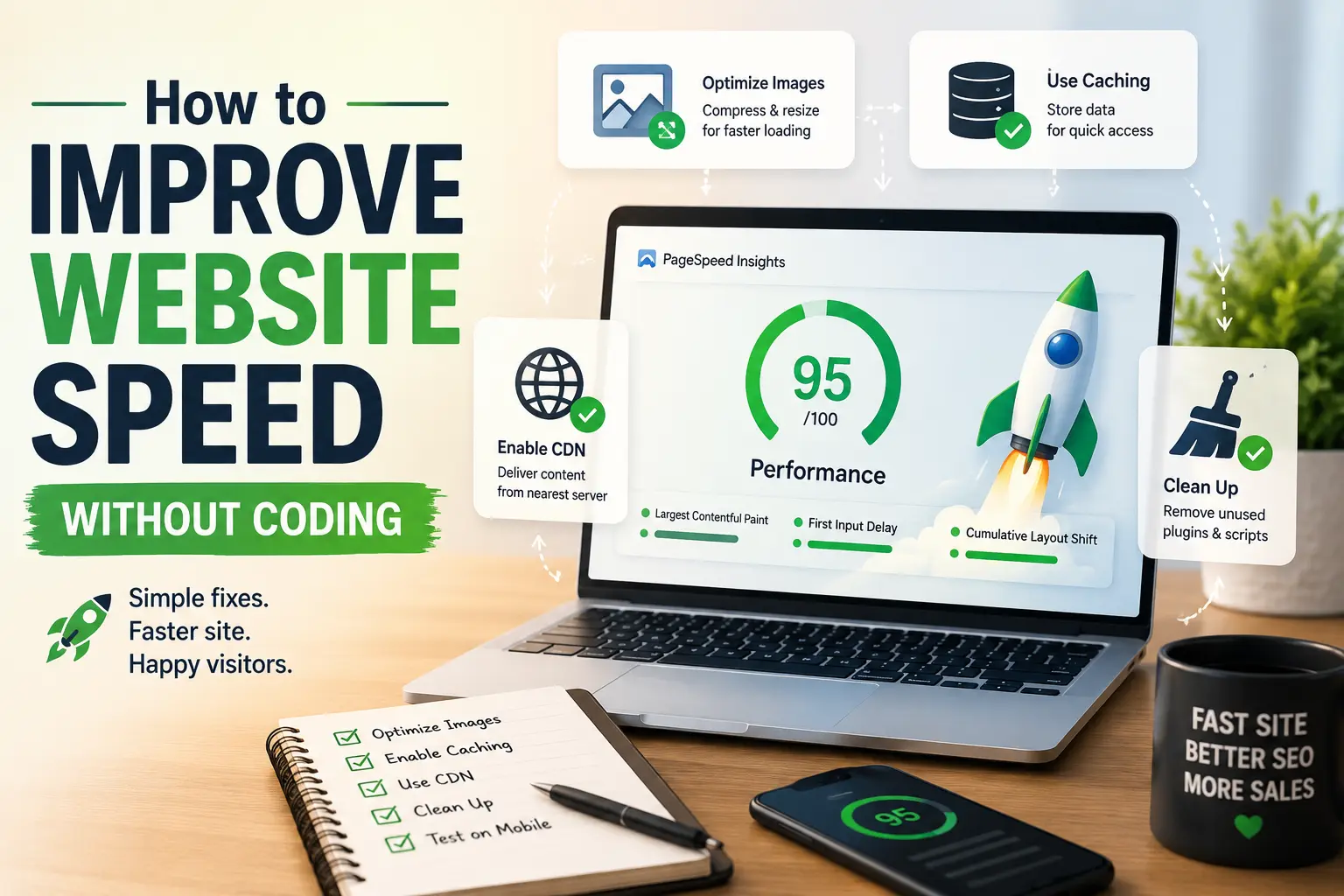
Making your website fast is like tidying a shop before customers walk in – clear the clutter from the aisles, put the heaviest boxes in the back, and suddenly people can actually find what they came for. You don’t need to be a carpenter to rearrange a shop floor. You don’t need to be a developer to make a website fast either.
Where This Obsession With Speed Came From
Rewind to the dial-up days of the 1990s, when a single image could take a full minute to appear line by line on screen, and nobody blinked twice – that was just the internet. Broadband arrived in the 2000s and impatience arrived right behind it; suddenly a five-second wait felt unbearable instead of normal. Google noticed. By 2010 they had quietly started factoring page speed into search rankings, and website owners who’d never thought about “load time” in their life suddenly had to care.
Then came smartphones, and with them, patchy mobile networks, tiny batteries, and users scrolling on the move who’d abandon a page before it even finished loading. Google formalized the whole thing in 2020 with Core Web Vitals – actual named metrics like Largest Contentful Paint and Cumulative Layout Shift – turning “feels slow” into something measurable. What started as forgiving dial-up patience has become a world where a one-second delay is treated like a business emergency.
Why Speed Became a Business Metric, Not Just a Tech One
A fast website isn’t a technical flex – it’s a trust signal. Visitors decide whether to stay or bounce within seconds, often before they’ve even registered your logo. Speed quietly touches search rankings, conversion rates, ad ROI, and plain old customer trust, all at once. Like a shop with a jammed front door, it doesn’t matter how good what’s inside is if people give up before getting through.
The Core Pillars
Every fast website, regardless of platform, is really just juggling three things well:
Weight – how much stuff (images, scripts, fonts) the browser has to pull down before anything shows up.
Delivery – how far that stuff has to travel, and how efficiently it’s packaged along the way.
Housekeeping – how much unused, outdated, or redundant baggage (old plugins, dead redirects, forgotten scripts) is still quietly running in the background.
Get all three right and pages feel instant. Ignore even one, and a beautifully designed site can still feel like it’s wading through mud.
Speed Fixes in Everyday Website Life
Picture a store owner compressing product photos before uploading them—that’s weight being trimmed without anyone noticing the difference in quality. A CDN can quietly serve a visitor in Chennai from a server in Mumbai instead of one in Virginia, keeping delivery fast and efficient behind the scenes. Finally, deleting a chat widget nobody has used since 2023 is a perfect example of housekeeping paying off months later in improved load times, even if the reason isn’t immediately obvious.
Here’s where most of that speed work actually happens, no coding required:
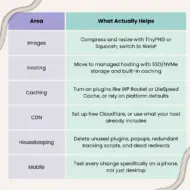
Area what actually helps images compress and resize with TinyPNG or Squoosh; switch to WebPHosting. Move to managed hosting with SSD/NVMe storage and built-in caching. Caching turn on plugins like WP Rocket or LiteSpeed Cache, or rely on platform defaultsCDNSet up free Cloudflare, or use what your host already includes Housekeeping. Delete unused plugins, popups, redundant tracking scripts, and dead redirects mobile. Test every change specifically on a phone, not just desktop
The 30-Minute Quick Wins
If you’re short on time, start here:
- Run Google PageSpeed Insights to see where you actually stand
- Compress and resize every image on your homepage
- Turn on caching, if it isn’t already
- Set up a free CDN like Cloudflare
- Delete plugins and scripts you forgot you installed
- Re-test on mobile before calling it done
Wow – no code, no developer on payroll, just fewer things standing in the way? That’s the quiet magic of a fast website.
Sit back, think – how many invisible boxes are still cluttering your site’s aisles, slowing down every visitor who walks in?
Leave a Reply