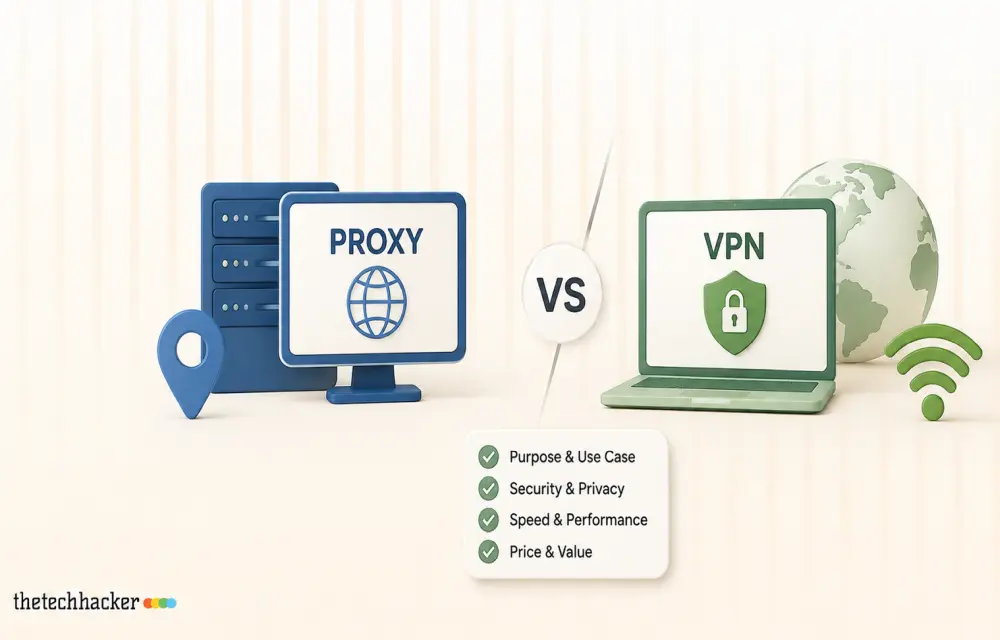
Search for privacy tools and you will get VPN recommendations, because that is where the affiliate money is. Proxies barely come up, even though for several common jobs they are the correct tool and a VPN is not. The two get confused constantly, so it is worth being precise about what each one does.
A VPN encrypts everything leaving your device and sends it through one server you chose. A proxy changes the address on specific traffic, usually per browser profile or per script, and typically gives you access to many addresses rather than one. That difference in plurality is the whole story.
What each one is genuinely good at
| Job | Better tool | Why |
| Public Wi-Fi safety | VPN | Encrypts all traffic on an untrusted network |
| Hiding activity from your ISP | VPN | Single encrypted tunnel, nothing leaks by app |
| Checking prices in five countries at once | Proxy | Many addresses in parallel, one browser each |
| Running two accounts on one platform | Proxy | Each profile keeps a separate consistent address |
| Collecting public data at scale | Proxy | Rotation and per request control |
| Streaming a home service abroad | Either, usually neither well | Both are detected by major platforms |
| Company network access | VPN | That is what corporate VPNs exist for |
The four types of proxy, and who each is for
This is where most buying guides go vague. The type matters more than the brand.
- Data center proxies. Addresses that belong to hosting providers. Fast, cheap, and easy for a site to identify as non residential. Fine for uptime monitoring, price feeds from tolerant sources, and load testing your own systems.
- Residential proxies. Addresses assigned by consumer internet providers to real homes. Slower and far more expensive per gigabyte, but they look like ordinary visitors. This is what people mean when they say a proxy that works.
- ISP proxies, sometimes called static residential. Hosted in a data center but registered to a consumer ISP. You get residential reputation with server speed and a fixed address, which matters for anything that dislikes an address that keeps changing.
- Mobile proxies. Addresses from carrier networks. The most tolerated category, because blocking one means blocking thousands of real phone users. Also the most expensive.
What to check before you pay for anything
The proxy market has a lot of resellers and a small number of networks underneath them. Five checks separate a usable service from a repackaged one.
First, pricing model. Residential access is normally sold by bandwidth, so a gigabyte figure is the number that matters, not an IP count. ProxyWing residential proxy provider plans follow that pattern, and so do the serious competitors. Anyone quoting you unlimited residential bandwidth for a flat monthly fee is either reselling someone else’s pool with hidden throttling or counting on you not using it.
Second, where the addresses come from. Ethically sourced networks pay people to opt in, usually through an app that offers something in return. Networks that acquired their addresses through bundled SDKs users never noticed are a legal problem you inherit. Ask, and read the answer carefully.
Third, session control. You want to choose between a rotating address on every request and a sticky session that holds for ten minutes or an hour. Anything without sticky sessions will break every login flow you attempt.
Fourth, real country coverage. A provider claiming 195 countries usually has meaningful pools in twenty and a handful of addresses in the rest. If you need a specific market, ask for the pool size in that country and test it during the trial.
Fifth, the trial itself. Any provider confident in its network will give you a small paid trial. Use it to measure success rate against the actual sites you care about, not against a speed test page.
Things a proxy will not do for you
It will not encrypt your traffic. A proxy changes the address, not the contents, unless you are on HTTPS, in which case the site’s own encryption is doing that work anyway. If your goal is safety on hotel Wi-Fi, buy a VPN.
It will not make banned accounts come back. Platforms tie bans to accounts, devices and payment methods, and an address change on its own resolves nothing.
It will not reliably unlock streaming services. Every major platform has spent years identifying commercial address pools of all four types. A residential address helps, but no provider can honestly promise a specific service will work next month.
How to test a provider in one afternoon
Trials are short, so do not waste them browsing. Decide in advance what a pass looks like and measure it.
- Pick the five sites or endpoints you actually care about. A provider that works everywhere except your one important target is useless to you.
- Send a hundred requests to each, spaced a second apart, and record the status codes. Success rate matters far more than speed, and anything below about 95 percent on a tolerant target means the pool is tired.
- Time the responses and note the spread rather than the average. A pool with a 300 millisecond median and a 9 second worst case will feel broken in daily use.
- Hold a sticky session for the full advertised duration and confirm the address does not change underneath you. This is where cheaper resellers fail most often.
- Check the country of every address you receive against a geolocation database of your own. Claimed location and actual location diverge more often than the marketing suggests.
Keep the numbers. When the same provider is 20 percent worse in three months, which happens as pools get reused across customers, you will have a baseline instead of a feeling.
A sensible default
If you want privacy on untrusted networks and nothing more, buy a reputable VPN and stop reading here. If you need to see what the internet looks like from somewhere else, or run several parallel sessions that must not look like one person, you need proxies and the type you pick should follow the tolerance of the target. Start with data center addresses because they are cheap, and move up only when you measure failures.
The mistake people make is buying the expensive category first. Residential bandwidth burns quickly, and a lot of what people use it for would run perfectly well on cheaper addresses.
FAQ
Are proxies legal?
Using one is legal in most countries. What you do through it is judged the same way it would be judged without one, so terms of service and data protection rules still apply.
Can I use a free proxy list?
For anything you care about, no. Free proxies are usually open relays or compromised machines, and traffic passing through them can be read or modified.
What is the difference between an ISP proxy and a static residential proxy?
In practice nothing. Both describe an address registered to a consumer provider but hosted on server hardware, which is why the two names get used interchangeably.
How much bandwidth does normal browsing use?
Roughly one to three megabytes per page with images, more with video. A gigabyte covers a few hundred pages, which is why bandwidth pricing feels expensive until you disable images.
Do I need a proxy and a VPN at the same time?
Rarely. Chaining them adds latency and failure points. Pick the one that matches the job.
Leave a Reply