

Best Headless CMS in 2026: Sanity vs Strapi vs Payload vs Storyblok vs Contentful
Picking a headless CMS is one of those decisions that looks small in week one and turns into a two-year commitment by week ten. Your content model, your editors’ daily workflow, your API bill and even your hosting setup all hang off it. In 2026 the field has also shifted under developers’ feet: Salesforce now…

Photo by Emile Perron on Unsplash
Picking a headless CMS is one of those decisions that looks small in week one and turns into a two-year commitment by week ten. Your content model, your editors’ daily workflow, your API bill and even your hosting setup all hang off it. In 2026 the field has also shifted under developers’ feet: Salesforce now owns Contentful, Figma owns Payload, and almost every vendor has bolted AI features onto its editor.
This guide compares five headless CMS platforms that US development teams shortlist most often, using pricing and plan limits from each vendor’s own website as of November 2026. I have not run benchmarks on these platforms for this article, so the comparison sticks to what each vendor documents: how it is hosted, what the free tier allows, and where the paid plans start.
What “headless” changes for a dev team
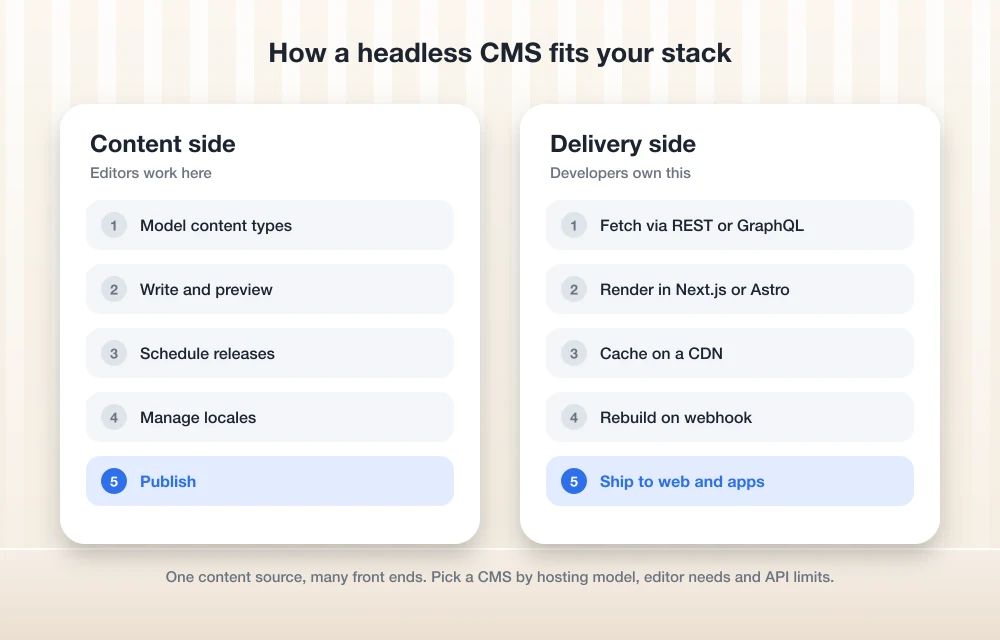
A traditional CMS stores content and renders the pages. A headless CMS only stores and serves content through an API, usually REST or GraphQL, and your own front end does the rendering. That front end might be a Next.js site, an Astro blog, a React Native app or all three at once.
The upside is freedom: you choose the framework, deploy wherever you like and reuse the same content across channels. The cost is that you now own things the CMS used to handle, such as previews, routing, image handling and cache invalidation. Every pick below solves those problems a little differently, which is why the hosting model matters more than the feature checklist.
Headless CMS comparison at a glance
| CMS | Hosting model | Free tier | First paid tier (USD) |
|---|---|---|---|
| Contentful | SaaS only | Free plan: 10 users, 100K API calls/month | Lite: $300/month |
| Sanity | SaaS content lake, open-source Studio | Free: 20 seats, 10K documents, 250K API requests/month | Growth: $15 per seat/month |
| Strapi | Self-hosted or Strapi Cloud | Community edition: free, MIT license | Cloud Starter: $35/month; self-hosted Growth: $45/month |
| Storyblok | SaaS only | Starter: 1 seat, 100K API requests/month | Growth: $99/month ($90.75/month billed yearly) |
| Payload | Self-hosted inside your Next.js app | Open source, free to self-host | Check Payload’s site for enterprise options |
Prices and limits change often, so confirm them on each vendor’s pricing page before you commit.
The 5 headless CMS platforms worth shortlisting
1. Sanity: best free tier for small teams
Sanity stores your content in a hosted backend it calls the Content Lake, and you edit it in Sanity Studio, an open-source React app you configure in code. That code-first setup is the main reason developers like it. Your schema lives in your repository, gets reviewed in pull requests and deploys like everything else.
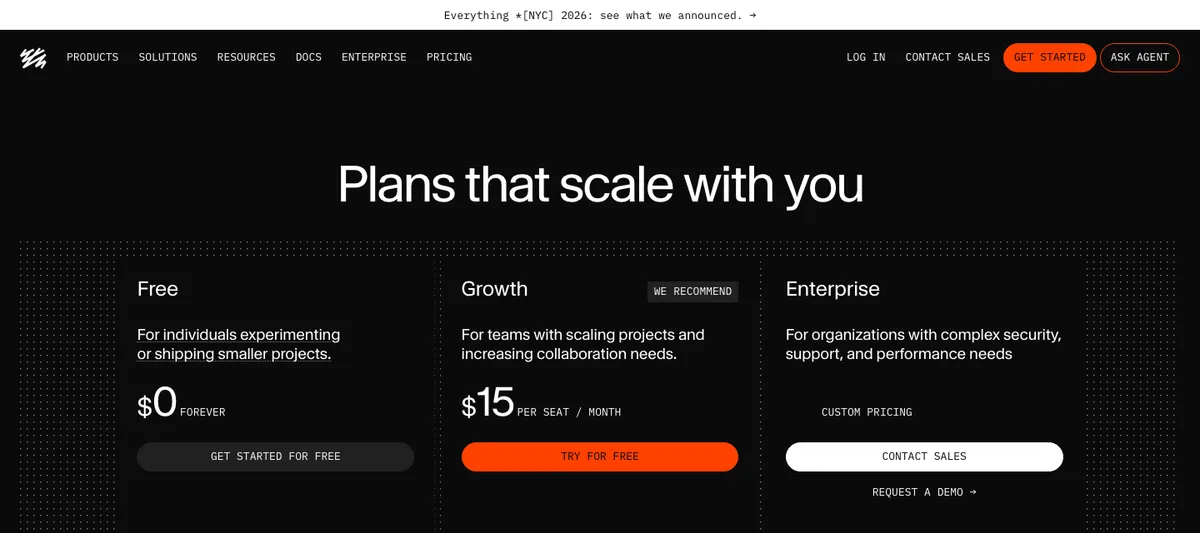
On pricing, Sanity’s Free plan is listed at $0 forever with 20 seats, 10,000 documents, 250,000 API requests per month and two datasets (public only). The Growth plan is $15 per seat per month, and Enterprise is custom. For a startup or agency side project, that free allowance is the most generous of the five.
Watch out for: the free datasets are public, so anything sensitive needs a paid plan. Sanity also uses its own query language, GROQ, alongside GraphQL, which means a short learning curve for your team.
2. Strapi: best open-source option you can self-host
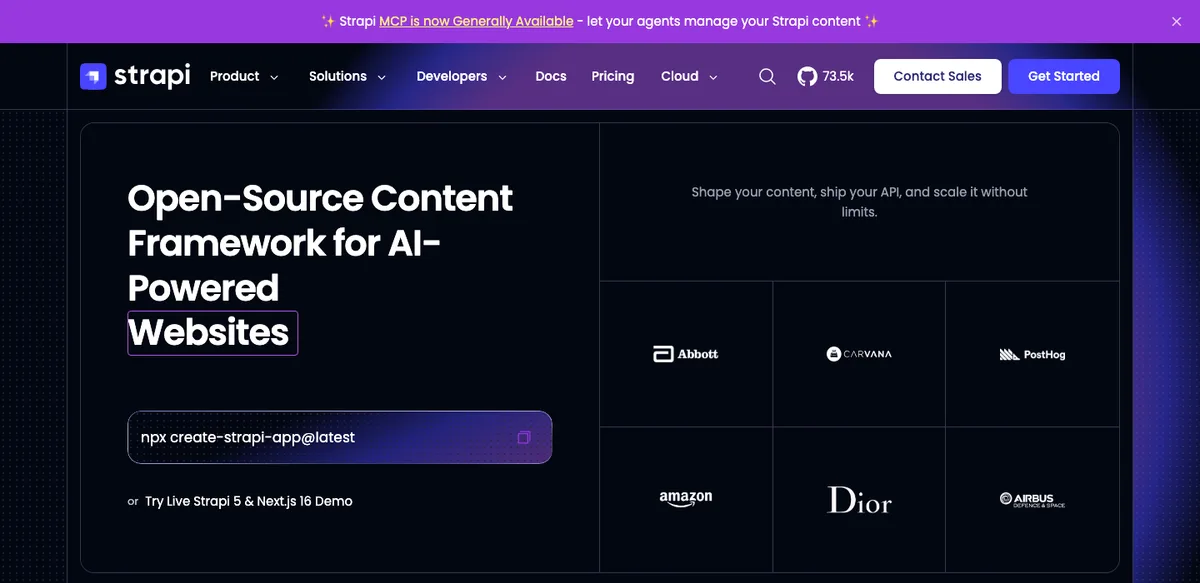
Strapi is a Node.js CMS you can run on your own server. Its self-hosted Community edition is free forever under the MIT license and includes role-based access control, REST and GraphQL APIs and unlimited usage, according to Strapi’s pricing page. If you already run a VPS or containers, you can host Strapi next to your app and keep the database under your control.
When you need more, Strapi sells two routes. Self-hosted Growth is $45 per month with three users included and $15 per extra user, adding Live Preview, Releases and Content History. Strapi Cloud, the managed version, starts at $35 per month per project on the Starter plan (100,000 API requests, 50 GB of asset storage) and goes to $90 for Pro and $450 for Business. Note that Strapi says Starter projects sleep when idle, so it is a better fit for staging than for a busy production site.
Watch out for: self-hosting means you own upgrades, backups and security patches. Major version upgrades in Node.js projects can break things, which is exactly the kind of problem we covered in our guide to fixing Node.js errors after upgrading to Node 26.
3. Payload: best for Next.js projects
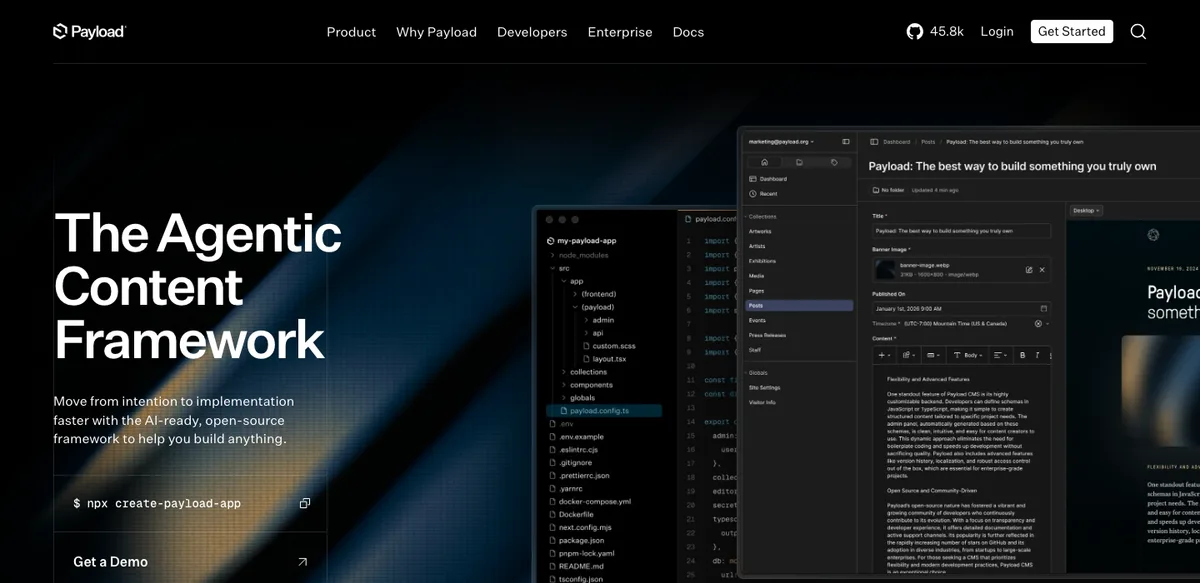
Payload takes a different approach from everything else here. Instead of running as a separate service, it installs directly into your Next.js app, so the admin panel, the API and your front end share one codebase and one deployment. You define collections in TypeScript, and Payload generates the admin UI and APIs from that config. Getting started is a single command, npx create-payload-app.
Payload is now part of Figma. In its June 2025 announcement, Figma said Payload “will remain an open-source product” and that nothing was changing for users in the immediate future. Because the core is open source and self-hosted, your main costs are your own hosting and database.
Watch out for: it ties you closely to Next.js. If your front end is Astro, SvelteKit or a mobile app only, a standalone CMS will probably be simpler.
4. Storyblok: best for marketers who want visual editing
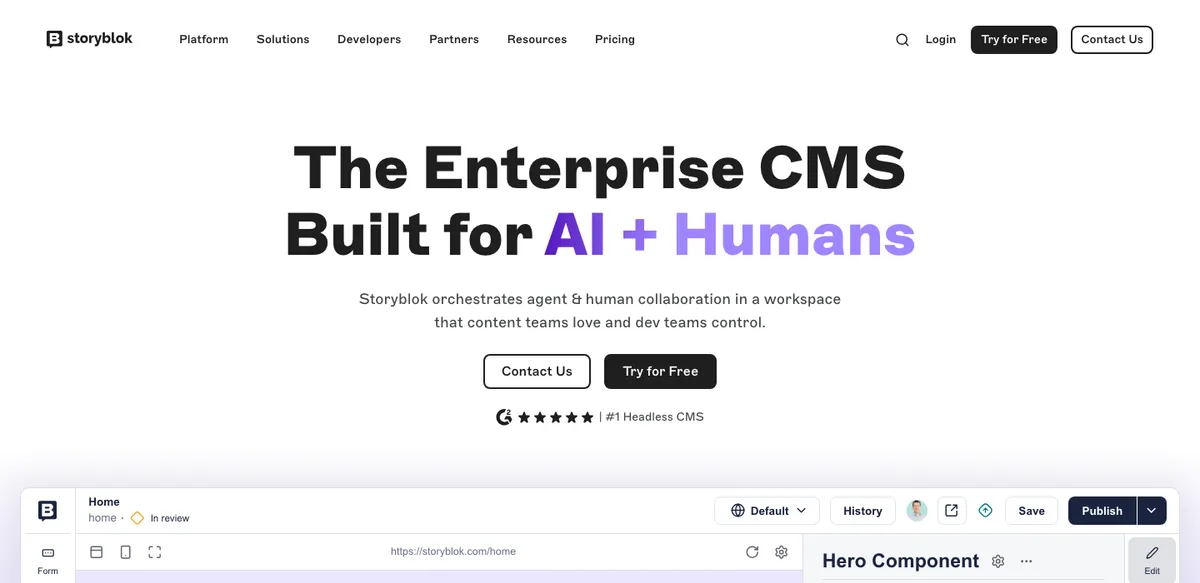
Storyblok’s selling point is its visual editor. Editors see the actual page while they change components, which removes a lot of “where does this field show up?” questions. Developers map Storyblok’s nestable components to front-end components, so the content model mirrors the design system.
Storyblok’s free Starter plan includes one seat (up to two), 100,000 API requests and 100 GB of traffic per month, one space and two locales. Growth costs $99 per month, or $90.75 per month billed annually, and Growth Plus costs $349 per month. Premium and Elite are custom-priced.
Watch out for: the jump from a single free seat to $99 a month is steep for very small teams. It pays off when non-technical editors build lots of landing pages.
5. Contentful: best for enterprise and Salesforce shops
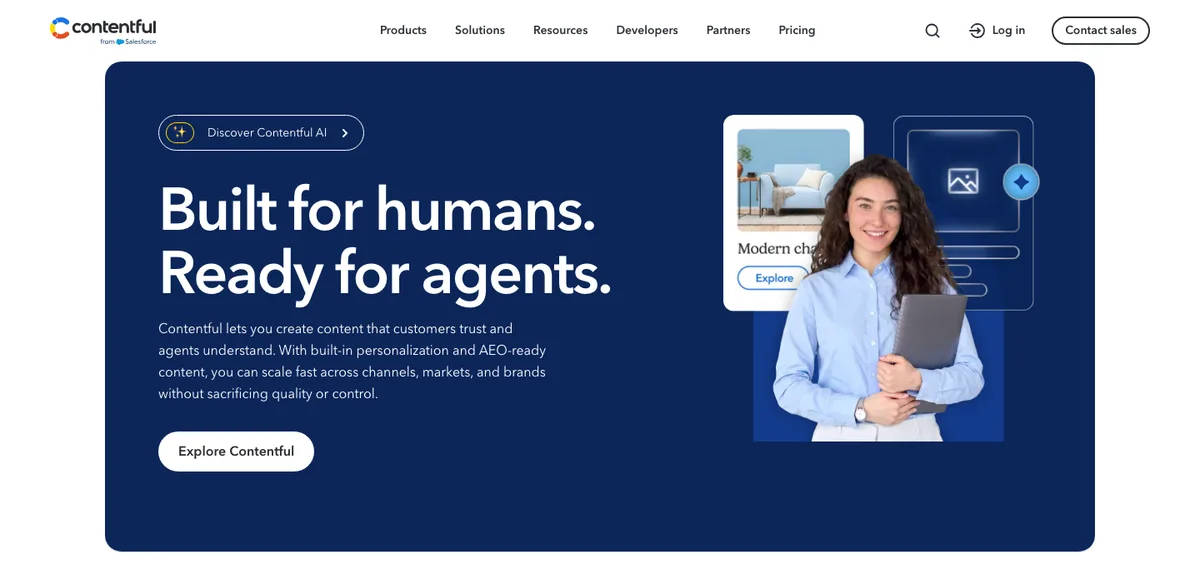
Contentful is one of the longest-running headless platforms and is built around structured content, multiple spaces and environments, and strong localization. The big 2026 change is ownership. Salesforce announced a deal to acquire Contentful on June 1, 2026, and its newsroom says the acquisition was completed on September 1, 2026. Contentful’s site now carries “from Salesforce” branding, and Salesforce says it plans to connect Contentful with its Customer 360 platform.
Contentful’s pricing page lists a Free plan with 10 users, two locales and 100,000 API calls per month, with hard limits rather than overage charges. The Lite plan is $300 per month for one project and raises limits to 20 users and 1 million API calls. Larger plans are quote-based.
Watch out for: the step from free to $300 per month is the biggest in this list. It makes the most sense when you need enterprise governance or already run marketing on Salesforce.
What about headless WordPress?
WordPress can run headless too, and it is worth a look if your editors already know it. WordPress ships with a built-in REST API, and you can add GraphQL through a plugin. Your front end then pulls posts the same way it would from any of the platforms above.
TheTechHacker itself works this way: our site runs a Next.js front end that pulls content from a headless WordPress backend. The trade-off is familiar editing and a huge plugin ecosystem in exchange for maintaining a PHP server and plugins yourself. If you want hosting for that kind of setup, our guide to the best web hosting for small business websites covers the main options.
How to choose the right headless CMS
- Who edits the content? Developers editing Markdown-like content will be happy with Sanity or Payload. Marketing teams building pages usually prefer Storyblok’s visual editor.
- Can you run servers? If yes, Strapi Community and Payload cost nothing beyond hosting. If not, stick to SaaS or Strapi Cloud.
- Where will you hit limits first? API requests are the usual ceiling. Cache responses at your CDN, and the free tiers stretch much further.
- How painful is leaving? Check export options before you start. Self-hosted, open-source tools are the easiest to move away from.
If you don’t need a custom front end at all, a hosted builder may be a better fit, and our comparison of the best website builders for small business covers Wix, Squarespace, Shopify and WordPress.
FAQs
What is the best free headless CMS?
Sanity has the most generous hosted free plan, with 20 seats and 250,000 API requests per month. If you can self-host, Strapi Community and Payload are open source and free, so you only pay for hosting.
Is Strapi still free and open source?
Yes. Strapi’s self-hosted Community edition is free under the MIT license. Paid options are self-hosted Growth at $45 per month and Strapi Cloud plans starting at $35 per month.
Who owns Contentful and Payload now?
Salesforce completed its acquisition of Contentful on September 1, 2026, according to Salesforce. Payload joined Figma in June 2025, and Figma said Payload would remain open source.
Can WordPress be used as a headless CMS?
Yes. WordPress includes a REST API, and a GraphQL plugin can be added, so a framework like Next.js can render the front end while editors keep using the WordPress dashboard.
Featured image: Emile Perron on Unsplash.
Disclosure: TheTechHacker has no paid relationship with any CMS vendor mentioned here. Prices were taken from official vendor websites in November 2026.
You might also like
Microweber-A Quick Glimpse Of New User Friendly CMS
A good content management system makes publishers work very easy. WordPress, Joomla, Drupal are the popular CMS available in the internet industry and the list is slowly increasing. Microweber is a new entry in the content management system programs, it is aimed to deliver maximum ease to the publisher.

How To Fix Windows Defender Won’t Start In Windows 10
Windows Defender is a default security program to fight against threats like Virus, Spyware, Malware, Trojan and many more on Windows. Due to some unknown reasons, the Windows Defender may fail to start with the Window sometimes. Technically, there are some reasons behind the issue and in this article, we will discuss how to fix…
How to Find Windows 10 Product Key
If you want to activate your Windows, you need a product key. Not only in the latest version of the Microsoft OS. But a product key (in some form including digital license) is necessary to activate any previous versions as well. It allows preventing unauthorized access and piracy of the most popular computer OS the…
The week in tech, minus the noise.
New reviews, fixes and the stories that matter — once a week, straight to your inbox.
We only use your email to send the newsletter. Unsubscribe any time. See our privacy policy.
Comments