

Best Website Builders for Small Business: Wix vs Squarespace vs Shopify vs WordPress (2026)
Comparing Wix, Squarespace, Shopify, WordPress and GoDaddy for US small businesses, using official pricing and help pages. Covers payment fees, bookings, domains, ownership and the gap between intro and renewal prices.


Photo by Michał Kubalczyk on Unsplash
Every website builder ad says the same three things: easiest, best for SEO, amazing value. Then the checkout page shows a number that has very little to do with the banner. I’ve clicked through enough of these to stop trusting the homepage.
So here I’m only going by what Wix, Squarespace, Shopify, WordPress and GoDaddy put on their own pages. Plans, card fees, bookings, domains and that sneaky jump from year-one pricing to renewal. Anything I couldn’t confirm, I’ll flag.
And yes, prices move. Wix and Squarespace both say so on their own pages. Double-check on the day you buy.
Quick answer: For most brochure sites and service businesses that take appointments, Wix is the easiest all-rounder, and Wix says bookings are included from its Core plan ($29 a month billed yearly). If selling products is the main job, Shopify is built for it, starting at $39 a month or $29 a month paid yearly, per Shopify. Pick self-hosted WordPress if you want full ownership and the freedom to move hosts, and consider Squarespace for design-led sites once you’ve checked its current prices.
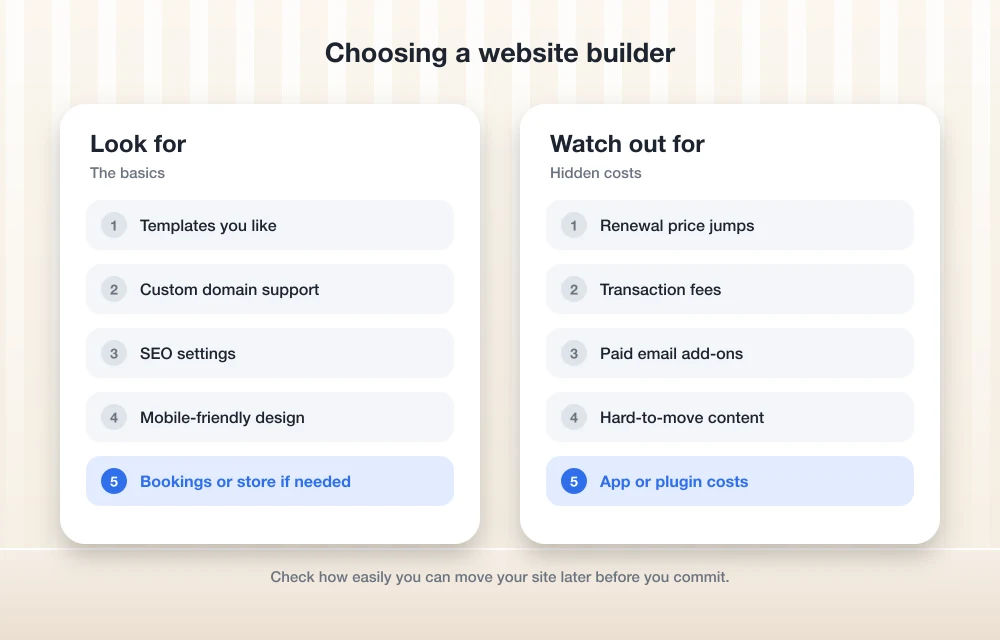
What Actually Matters When You Choose a Website Builder
Templates get all the attention, but with decent photos nearly any of them look fine. The real test is month six, when you’re changing your holiday hours at 11 p.m. and the editor fights you. Play with a free plan or trial first. Wix has a free plan and a 14-day money-back window on paid ones, per Wix.
SEO tools get oversold. Google’s own SEO Starter Guide focuses on stuff you control, like helpful content, clear page titles and a site Google can find and understand. A builder can make that easier. It won’t write your service pages for you, though.
Payment fees are where the real money goes if you sell anything. There are usually two layers. A processing fee is what you pay to accept a card, typically a percentage plus a few cents per sale. A transaction fee is an extra cut some platforms take on top of that, usually on their cheaper plans. On a few hundred dollars a month? Pocket change. On a busy store it can cost you more than the plan itself.
Ownership and portability is the one people forget about. With hosted builders like Wix, Squarespace and Shopify, your site lives on their platform. Self-hosted WordPress is different, because the software is yours to install and move between hosts. If you ever want to leave, that difference matters a lot (and I mean a lot).
Speed depends partly on the platform and a lot on you. Huge uncompressed photos plus a pile of add-on apps will drag down any site, doesn’t matter which builder it’s on.
Domains, business email and renewal pricing get their own sections further down, because honestly that’s where most of the surprise bills come from.
Quick Comparison Table
Everything in this table comes from each vendor’s official pages. Where it says “Not confirmed”, I couldn’t verify it from an official source for this update.
| Builder | Paid plan prices | Online store | Bookings | Card fees | Move to another host? |
|---|---|---|---|---|---|
| Wix | Light $17, Core $29, Business $39, Business Elite $159 a month (yearly billing, before tax) | From Core | From Core, no extra cost | Not confirmed | Not confirmed |
| Squarespace | Not confirmed | All plans | Not confirmed | Basic: 2% transaction fee plus 2.9% + $0.30; Advanced: 2.5% + $0.30, no transaction fee | Not confirmed |
| Shopify | Basic $39 a month, or $29 a month paid yearly | Yes, its main job | Not confirmed | Basic: 2.9% + 30¢ online (US); extra 2% with outside processors | Not confirmed |
| Self-hosted WordPress | Software free; you pay for hosting and domain | Through plugins | Through plugins | Depends on your payment provider | Yes |
| WordPress.com | Not confirmed | Not confirmed | Not confirmed | Not confirmed | Not confirmed |
| GoDaddy Website Builder | Not confirmed | Not confirmed | Not confirmed | Not confirmed | Not confirmed |
The Best Website Builders for Small Businesses
1. Wix

Best for: brochure sites and service businesses that want bookings without bolting on extra add-ons.
Wix has a free plan plus four paid ones: Light, Core, Business and Business Elite. Its pricing article lists them at $17, $29, $39 and $159 a month, with yearly billing paid upfront, before tax. Wix says those prices are current as of November 2026.
The free plan shows Wix branding and gives you a wixsite.com address. Fine for testing. Not for a real business. Light is where it starts getting usable. Wix says it connects your own domain, removes Wix ads and includes 2 GB of storage, basic marketing tools, a free custom domain for one year and two site collaborators.
For most businesses, I’d treat Core as the real starting point. Wix says it adds payments, basic ecommerce, scheduling, 50 GB of storage and five collaborators, and it calls Core the starting plan for a store that takes payments. Wix also says its booking system is included from Core upward at no extra cost, which is really handy if you run a salon, a tutoring service or a repair shop. Up at the top, Business Elite adds unlimited storage, an advanced developer platform and room for 100 collaborators.
What I couldn’t confirm: renewal prices after the first year, what your domain costs to renew, Wix’s card processing rates, and whether you can export a Wix site to another host. That last one’s a big deal, so check the Wix Help Center before you build anything big.
2. Squarespace
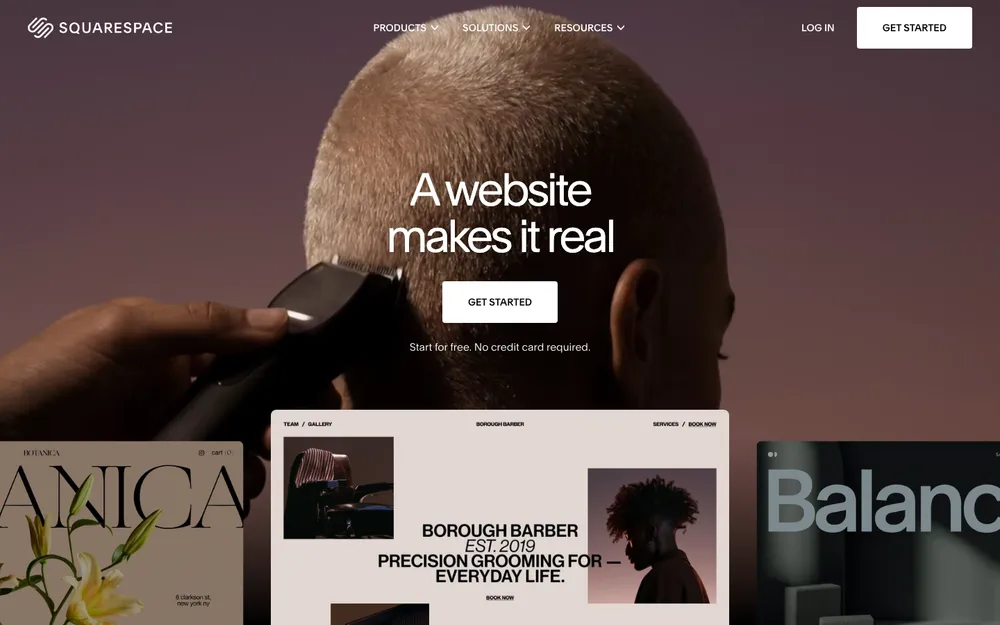
Best for: design-led brochure sites, small product catalogs, and anyone who wants to sell courses or memberships.
Squarespace’s current plans are Basic, Core, Plus and Advanced. Its help center says every plan lets you build a site, send invoices and sell products, courses and memberships, and the higher plans get lower fees and more features.
Read those fees closely, seriously. According to Squarespace’s plan guide, Basic charges a 2% commerce transaction fee on top of a Squarespace Payments fee of 2.9% + $0.30 on domestic cards. Core drops the transaction fee but keeps the 2.9% + $0.30 rate. Plus brings the card rate down to 2.7% + $0.30, and Advanced takes it to 2.5% + $0.30, both with no transaction fee.
Quick math. On $1,000 of sales, that 2% on Basic is an extra $20 on top of processing. Sell regularly? Core may well pay for itself. Squarespace says Basic also includes a 7% Digital Products fee, 30 minutes of video storage, unlimited products and a free custom domain for one year.
Here’s the thing with giving you a monthly price, though. I couldn’t confirm Squarespace’s current plan prices from its official pricing page for this update, and I’d rather not guess. Check squarespace.com/pricing yourself. Squarespace does say discounts come off your first annual payment, so the intro price and the renewal price won’t match. I also couldn’t confirm what its booking options look like right now.
3. Shopify

Best for: businesses where selling products is the main job, whether that’s online or in person.
Shopify is a store first and a website second. That’s kind of the whole point. Shopify’s own articles list the Basic plan at $39 a month, or $29 a month when paid yearly, with a free trial. Its base plans go Basic at $39, Grow at $105, Advanced at $399 and Plus at $2,300 a month.
For US online sales on Basic, Shopify lists a standard card rate of 2.9% + 30¢ and says Shopify Payments has no separate monthly or setup fee. The catch? On Basic, if you use an outside processor like Stripe or PayPal, Shopify adds 2% per transaction. Stick with Shopify Payments and you skip it.
Shopify does in-person sales too, which matters if you’ve got a shop, a market stall or pop-ups. It lists in-person card rates of 2.6% + 10¢ on Basic, 2.5% + 10¢ on Grow and 2.4% + 10¢ on Advanced, and says POS Pro costs $89 a month per retail location.
If it’s just a brochure site with nothing to sell, though, Shopify is more than you need. I couldn’t confirm the current trial length or the online card rates for Grow and Advanced, so check Shopify’s pricing page before signing up.
4. Self-hosted WordPress
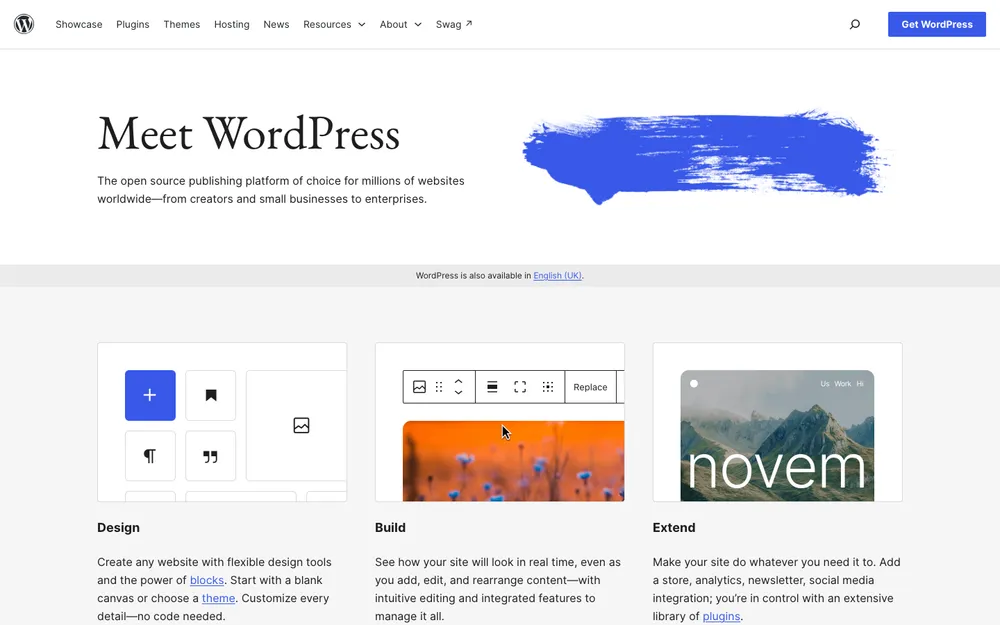
Best for: owners who want full control and the freedom to move, and don’t mind a bit of upkeep.
This is the WordPress software from WordPress.org, installed on your own hosting account. The software itself is free and open source. You pay separately for hosting, your domain and any premium themes or plugins (those are add-ons that bring features like a store, booking forms or contact forms).
The big win here is ownership. Your site isn’t locked to one company, so if prices go up or service slips, you can move it to another host. The trade-off is that the stuff a hosted builder handles for you becomes your job, like keeping WordPress and plugins updated and making sure you actually have backups.
Before you buy hosting, check WordPress’s official server requirements page and make sure the plan meets them. I’ve compared hosts that suit small business sites in my best web hosting for small business roundup, so if you’re going this way, that’s your next stop.
5. WordPress.com
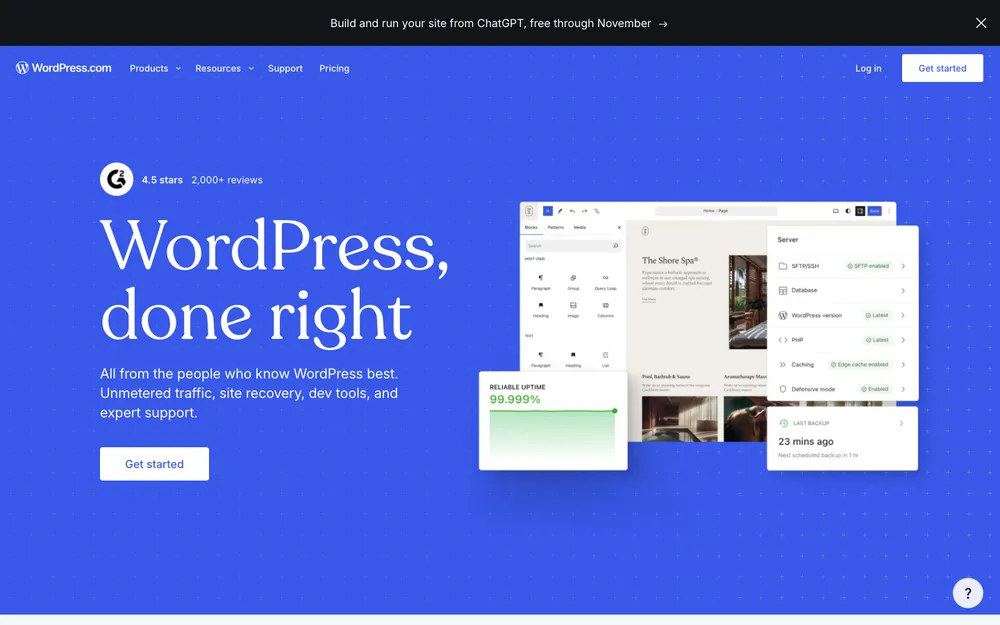
Best for: people who like WordPress but really don’t want to manage hosting.
WordPress.com is a hosted service that runs WordPress for you. That’s not the same as installing the free software yourself, and that’s the appeal: you get the WordPress editor without babysitting a server.
I’ll be real with you here. I couldn’t confirm WordPress.com’s current plans or prices from its official pricing page for this update. From memory, installing your own plugins and themes has been limited to its higher tiers, but don’t rely on my memory. Check wordpress.com/pricing and confirm exactly which plan allows plugins before you pay, because that’s the feature most small businesses end up needing.
6. GoDaddy Website Builder

Best for: people whose domain already sits at GoDaddy and who want everything in one account.
If your domain already lives at GoDaddy, its builder is the obvious one to check out. But I couldn’t confirm its current plan names, prices, renewal terms, or whether business email is included, from its official page for this update.
So my advice is pretty practical. On GoDaddy’s website builder page, look for the price you’ll pay at renewal, not just the first-term price. And check whether email is part of the plan or an extra. If both answers work for you, sure, give it a trial.
Which Builder Fits Your Type of Business
Brochure sites (a few pages on who you are, what you do and how to reach you) don’t need much at all. Wix Light covers a custom domain with no Wix ads. Squarespace Basic works too if you like its templates. And if you’d rather own the site outright, self-hosted WordPress is fine, just budget a bit of time for maintenance.
Restaurants need a clear menu, hours, location, phone number and, a lot of the time, a way to order. That last part is the tricky bit. Restaurant online ordering can run through your point-of-sale (POS) system, which is the tablet or terminal that takes orders and payments, rather than through your website builder. I’d sort out the POS first, then pick a builder that links to it. My guide to the best POS systems for small business is a decent place to start. I couldn’t confirm restaurant-specific ordering features for any of these builders, so ask each one directly.
Service bookings? That points to Wix. Wix says booking is included from Core upward at no extra cost, which keeps things tidy for salons, trainers, consultants and repair shops. Squarespace might suit you too, but I couldn’t confirm its current booking setup.
Online stores are Shopify’s home turf. Squarespace Core and above can work for a smaller catalog, since those plans drop the transaction fee. Wix Core offers what Wix calls basic ecommerce, and that may be enough if you’ve only got a handful of products.
Domains, HTTPS and Business Email
A custom domain is your own address, like yourbakery.com, instead of a free subdomain like yourbakery.wixsite.com. It looks way more trustworthy. And if it’s registered in your name, you can take it with you if you ever switch builders.
Wix Light and Squarespace Basic both include a free custom domain for the first year, and Wix says most yearly or multi-year plans come with a one-year domain voucher. Notice the words “first year.” Find out what renewal costs before year two shows up.
Make sure the domain sits in an account you control. Not your web designer’s. Small thing, saves big headaches later.
Once your domain is connected, open the site in Chrome and look at the address bar. See a “Not secure” label? Then your HTTPS certificate isn’t working properly, and visitors will notice. I’ve got a separate post on how to fix the Chrome “Not secure” warning.
Business email ([email protected]) is one more cost to plan for. Squarespace sells Google Workspace at $84, $168 or $264 per user per year for Starter, Standard and Plus, and notes those prices may differ from Google’s own promotional pricing. I couldn’t confirm email options or prices for the other builders here.
Intro Price vs Renewal Price
This is the bit that catches people out. Squarespace says straight up that discounts come off the first annual payment, so your renewal will look different. Wix’s listed prices are for annual billing paid upfront, and I couldn’t confirm what Wix charges at renewal. Shopify’s Basic plan is $29 a month on a yearly plan versus $39 month to month, per Shopify.
My rule is simple. Before you pay, write down what year two would cost you for the plan, the domain and email all together. Then stick the renewal date in your calendar a month early. That way you’ve got time to switch plans or move if the number jumps.
When to Hire a Developer Instead
A builder covers most small businesses just fine. I’d bring in a developer when:
- Your site has to sync with an inventory, ordering or accounting system that doesn’t have a ready-made connection.
- You’re moving an existing site with lots of pages or products and you don’t want to lose your search traffic.
- You need custom features that no template or app offers.
- You just don’t have the hours to build and maintain it yourself (totally fair).
Even then, a builder isn’t off the table. Wix says Business Elite includes an advanced developer platform, and WordPress is open source, so a developer can extend either one. Ask any developer who’s going to own the site, the domain and the logins when the job’s done. The answer should be you.
My Take: Which One I’d Pick
Running a service business or just need a good-looking brochure site? I’d start with Wix on Core, mostly because bookings and payments come included. If you sell products, go Shopify and use Shopify Payments so you dodge the extra 2% on Basic. If owning your site matters most to you, go self-hosted WordPress with a solid host. Squarespace is a strong pick for design-focused sites once you’ve confirmed its current pricing. WordPress.com and GoDaddy are worth a look too, but read their pricing pages carefully, since I couldn’t confirm their details.
And the website is only one piece of the puzzle, honestly. The SBA’s marketing and sales guide is a free read on the bigger job of actually finding customers. Whichever builder you go with, use the free plan, trial or refund window, build a couple of real pages, and see how it feels before you sign up for a year of fees.
Frequently Asked Questions
Which website builder is cheapest for a small business?
Wix has a free plan, but it shows Wix branding and uses a wixsite.com address. According to Wix, its cheapest paid plan, Light, is $17 a month billed yearly and connects a custom domain. Self-hosted WordPress software is free, but you still pay for hosting and a domain. Prices change, so check each vendor’s pricing page.
Which website builder is best for appointment bookings?
Going by its official pages, Wix is the easiest fit. Wix says its booking system is included from the Core plan upward at no extra cost. I couldn’t confirm the current booking setup for Squarespace or the other builders.
Do I have to use Shopify Payments?
No. But on the Basic plan, Shopify adds a 2% fee per transaction if you use an outside processor such as Stripe or PayPal. Using Shopify Payments avoids that fee, and Shopify says it has no separate monthly or setup fee.
Do website builders include a free domain?
Some do, for the first year. Wix Light and Squarespace Basic both include a free custom domain for one year, and Wix says most yearly or multi-year plans come with a one-year domain voucher. After that you pay to renew, so check the renewal price before year two.
Can I move my website to another platform later?
With self-hosted WordPress, yes, you can move your site between hosts. I couldn’t confirm export options for Wix, Squarespace, Shopify, WordPress.com or GoDaddy, so check each one’s help center before you build a large site.
Featured image: Michał Kubalczyk on Unsplash.
You might also like

Top 10 Squarespace Alternatives to Build your Website
Squarespace is an online platform to create websites and blogs easily. But just like any other platforms, it also has its own cons. For example, if you want to build an extremely feature rich website with those on click actions, Squarespace may not be enough to meet that requirement. If you are facing such a…

Best Web Hosting for Small Business Websites (2026)
How to choose web hosting for a US small business site, from shared and managed WordPress plans to cloud servers and website builders, plus the renewal-price traps to avoid and how to migrate safely.
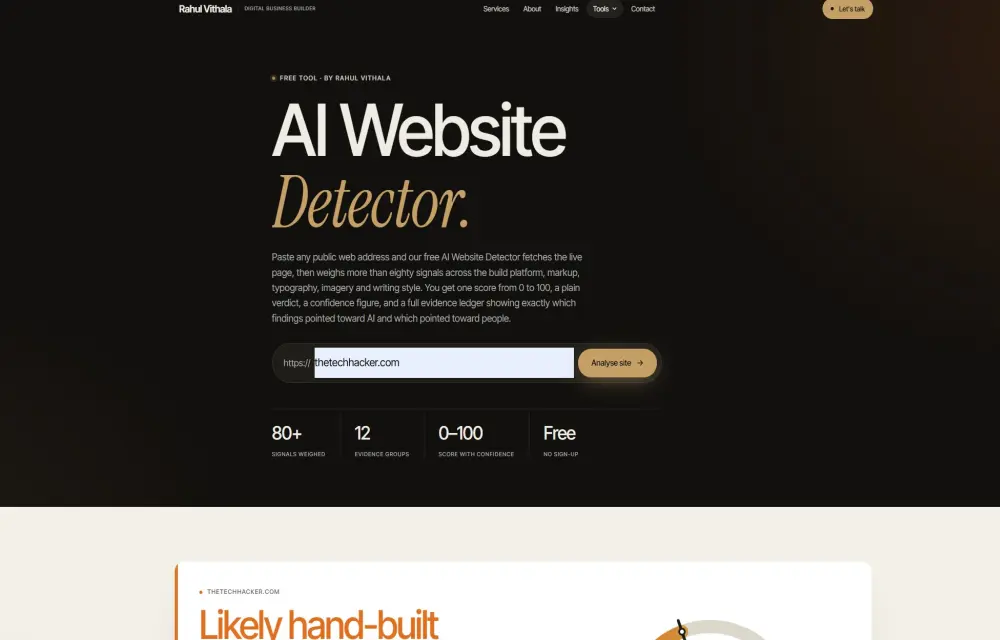
Was This Website Made With AI? Introducing the AI Website Detector
Today, this is becoming a very common question. You visit a website. It looks clean. The layout is modern. The colours are perfect. The sections are well aligned. There is a large heading, a gradient background, rounded cards, neat icons, client testimonials, and a strong call-to-action button. But then you start wondering: “Was this website…
The week in tech, minus the noise.
New reviews, fixes and the stories that matter — once a week, straight to your inbox.
We only use your email to send the newsletter. Unsubscribe any time. See our privacy policy.
Comments