

Muhammed Swalih

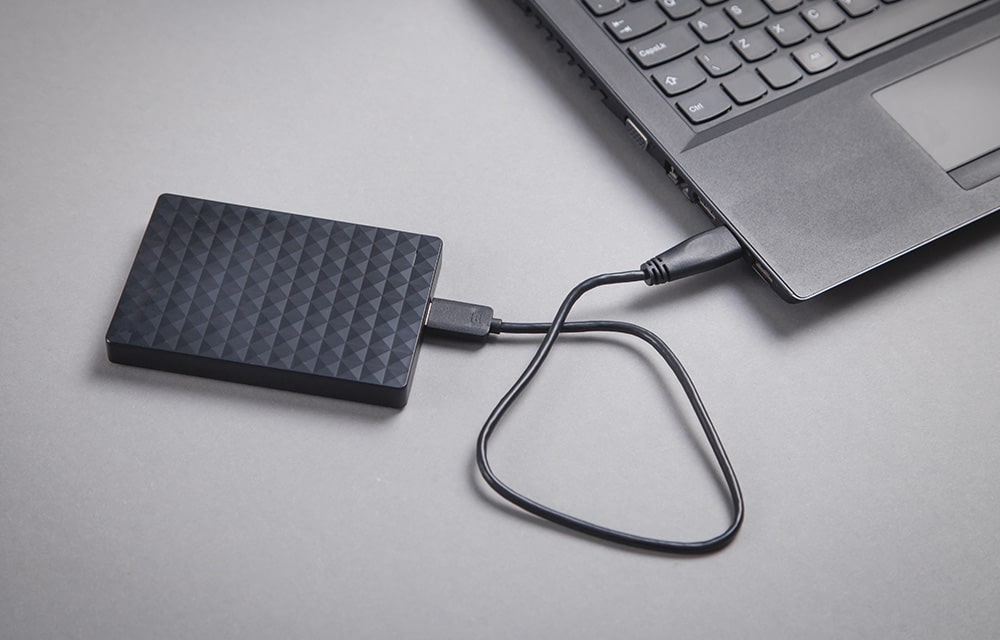
How to Create a System Image in Windows 10
A Windows system image is the best way to backup your entire device without worrying about losing your data due to an accident or any similar problems. We all make mistakes, so backing up your computer is very important especially if you keep a lot of important stuff in there. Whether it is a memorable…

How to Calibrate your Monitor in Windows 10
Calibrating your monitor every once in a while will make sure that it is output in the best picture quality possible. If you are experiencing some issues with the quality of the pictures on your screen while using Windows 10, you should make sure that the screen is calibrated properly. In this article, we are…
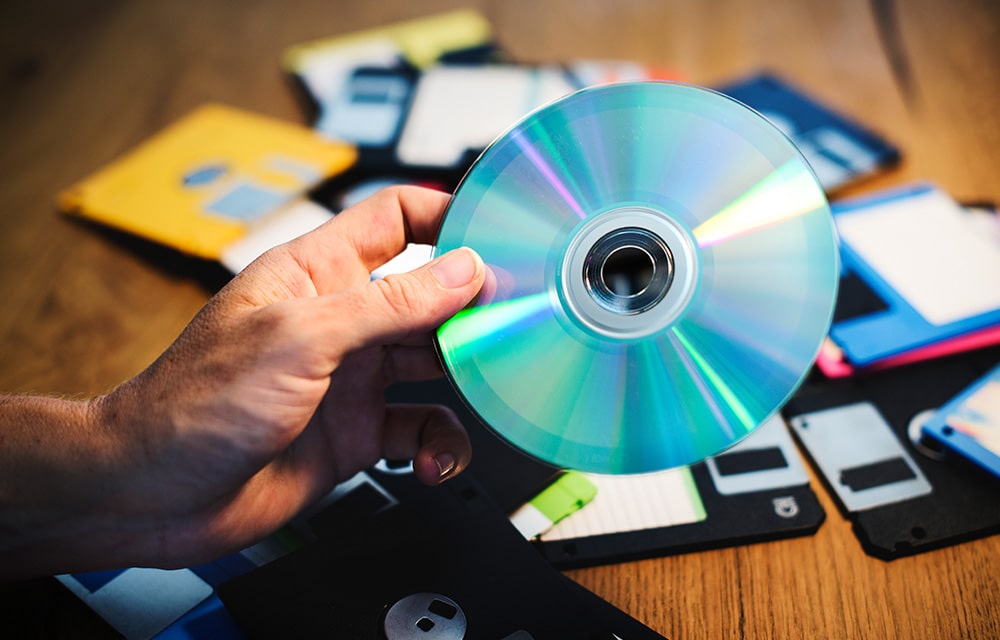
How to Burn a CD/DVD in Windows 10
From the person who just getting started with a computer to the computer scientist, everyone wants to burn a CD or DVD. Even with the existence of super-computers and 10 terabyte SSDs, CDs and DVDs still being used to store data. Especially if the data is pretty small and important. Compared to other storage media,…
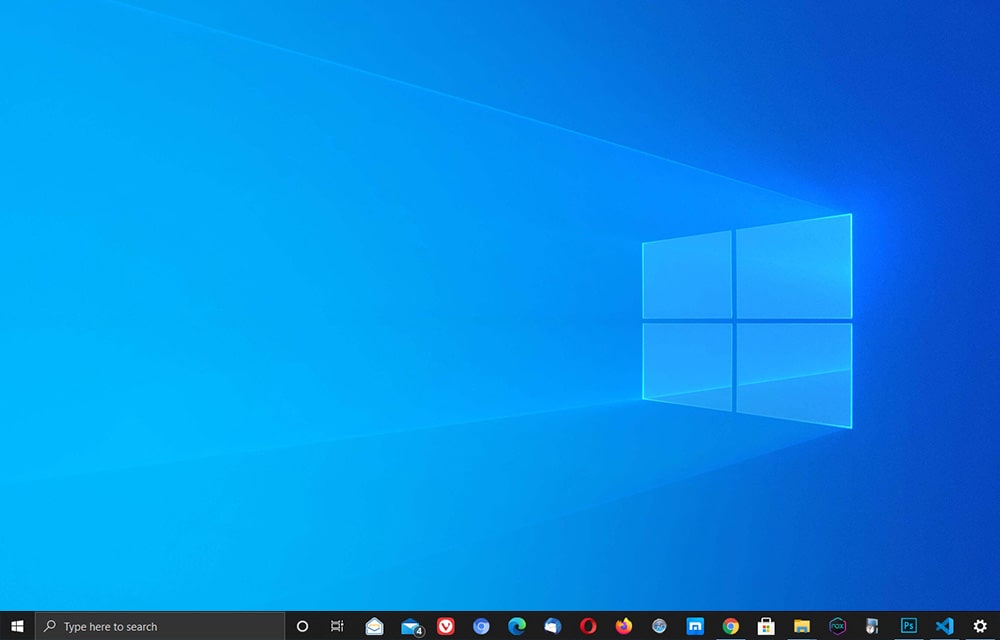
How to Hide Taskbar in Windows 10
Windows taskbar is one of the most important features improving productivity at a huge scale. No one wants to spend time searching for the desired program just to launch it. That’s why there is a taskbar in Windows that can be used to pin the shortcuts to your most used applications. This saves a ton…
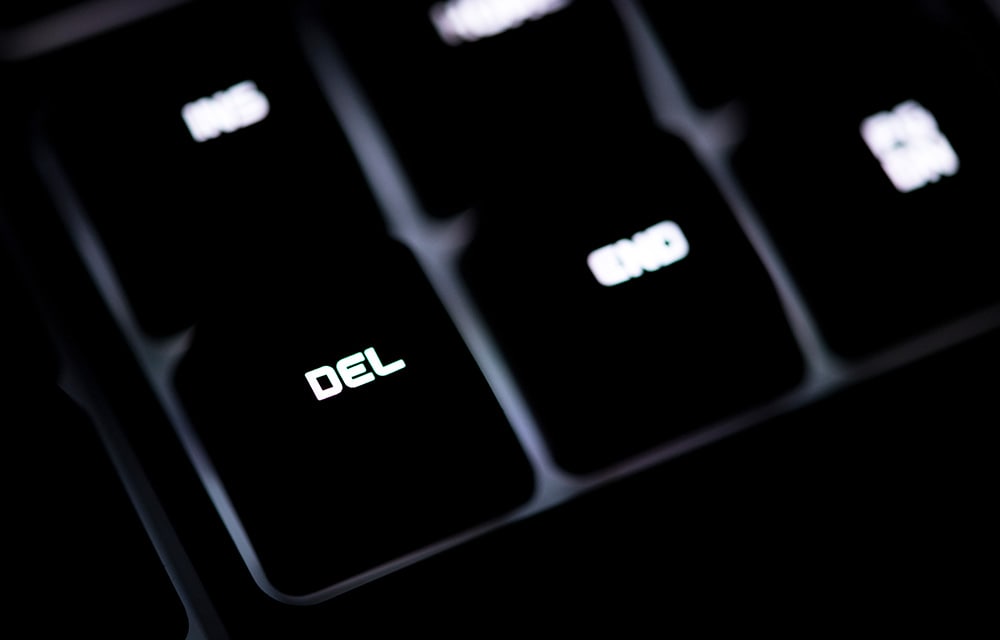
How to Force Delete a Folder in Windows 10
It is not rocket science to delete a folder in Windows 10. That’s why there is a delete button on almost every keyboard out there. Well, unless you specifically made a keyboard or got one custom-made for your taste. But still, there is no reason why there shouldn’t be a delete button. Anyways, that’s not…

How to Encrypt a Folder in Windows 10
You might have very important data residing on your computer. Even though there are several security mechanisms in place to protect unauthorized access to computers such as passwords, an extra layer of security won’t hurt. Especially if the data is extremely important and you do not want to let anyone access it even when they…
How to Change Keyboard Layout in Windows 10
Windows 10, by default, comes with a pretty standard keyboard layout suitable for almost any kind of usage. But, it may not be suitable for your specific usage case. For example, if you frequently use a lot of special characters while typing or type in a different language, you might wanna experiment with another keyboard…

How Fast is 5G?
By now, we all heard about the 5th generation of the mobile network. Some say it’s bad, some support it. But let’s not discuss it for now. Let’s focus on how fast the next generation of the mobile network is going to be. While the 4G already provides more than enough speed for almost anything…

How to Lock Windows 10
We all know how to lock our smartphones. But how can you lock Windows 10? We are not talking about permanently putting it in a lock to safeguard it with military encryption. Instead, just like temporary protection to prevent someone else from using your computer when you are moving away from the device. Luckily, there…

How to Enable Live Wallpaper in Windows 10?
Live wallpapers are a great way to enhance the beauty of your desktop. If you have enough resources to spend on the always working wallpaper animations, you can go for it without thinking twice. However, for small systems with fewer resources, it may not be the best thing to do. We recommend sticking to the…

How to Speed Up Opera Web Browser
Do you use Opera instead of many other web browsers out there? Even though it is not the best browser you can use, Opera has a bunch of features that make it unique. The in-built VPN, the ability to control the look and feel of the browser are some of them. However, running based on…
How to Increase C Drive Space in Windows 10
C drive is the place where most people install their operating system. Unless you are an expert in computer systems or a curious person who tries out different things, your Windows 10 might be also installed in the C drive of your hard disk. By default, Windows chooses the C drive to install its files…