

Muhammed Swalih


TONOR TRL-20 12” Selfie Ring Light Review
Who wouldn’t want to record amazing videos with excellent quality or participate in Zoom conferences with confidence even in a low lighting condition? Selfie rings are on the market for a while now, popularly used by Tik Tokers, silently helpful for many, selfie rings are everywhere. They provide an excellent way to increase the quality…

How to Download and Setup iTunes in Windows 10
iTunes is a great media manager not only for your Mac but also for your Windows 10 system. With millions of songs and artists to choose from and the abundance of features you can make use of, iTunes is the perfect media manager you can ever dream of. If you still haven’t downloaded iTunes on…

How to Turn Windows 10 Airplane Mode ON/OFF
You might be familiar with the Airplane mode on your smartphone. It is no different on Windows as well. It simply prevents any wireless communication such as connecting to the internet, turning on Bluetooth, GPS, NFC, etc. If you want to turn on the Airplane mode while traveling, or just want to turn it off,…

Best Payment Gateways for US Business Owners
Want to make it easier for your customers to pay you? Looking forward to integrating a payment gateway into your website for better, faster payments? Look no further. In this article, we will discuss some of the best payment gateways in the US. So, if you are a business owner in the United States, you…
How to Activate Windows 10
Activating Windows 10 is a necessary thing to get rid of that activation message. If you are using the Pro or Enterprise versions of Windows 10 that comes with additional security benefits and features, activating it will let you make use of it. As Windows 10 standard version is available for free at the moment,…

How to Clear Windows 10 Search History
In certain situations, you may be required to clear the search history on your Windows 10 OS. Whether it is to make the Windows 10 search faster or for some other reason, clearing it or completely disabling it is very easy. You can follow the steps we mentioned in this guide to clear the search…

How to Transfer Everything Including WhatsApp Messages and Contacts from Old Phone to New Phone
Are you planning to change devices? Want to transfer everything from the old device to the new phone? What about your WhatsApp messages and contacts that will be missing in many of the data transfer tools? How can you easily transfer literally everything on your old smartphone to the new one easily? We are going…

Penji Review: Amazing Designs at Affordable Rates
There are a lot of places on the internet where you can get a graphic design done. But there aren’t many that combine quality with speed and cheapness. Wherever you go, the prices will be always out of your budget or it would take ages to get it done. Unless you don’t care about the…

How to Choose the Perfect Television?
Choosing the right TV for your home or office can be difficult. With hundreds of models reaching the market every year with new technologies and mindblowing features, it is understandable why you are confused. From the cheap and affordable smart TVs to the 8K Ultra QHD televisions that can express each one of those pixels…
How to Fix ‘Error 5: Access is denied’ in Windows 10
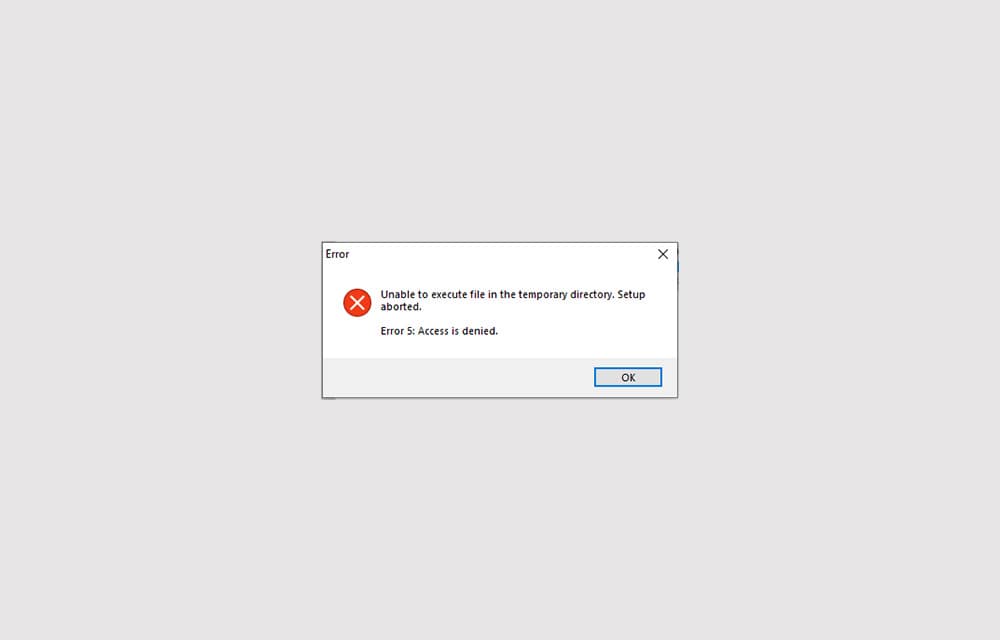
Error 5: Access is denied is an error that shows up when Windows doesn’t have enough permission to perform the operation. Usually, the error is related to the Windows directory permissions and can be fixed by setting the correct permissions or giving access to the user to perform the action. In some other cases, the…

How to Turn Off Login Password in Windows 10
Securing your computer with a password is one of the most important things you should do. Especially if the system holds your important business documents and personal details. However, sometimes, you may not have such important things that you want to protect and need quick access to the OS without waiting for the login screen.…
Windows Startup Repair: How to Perform it?
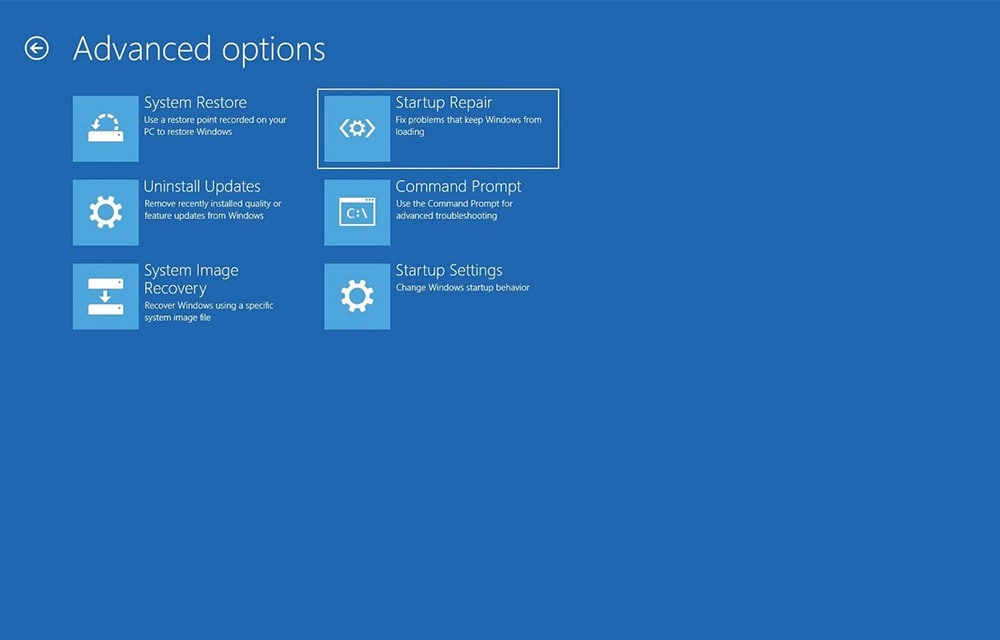
Windows Startup Repair is a very useful utility that allows you to resolve common startup problems in Windows. If you don’t know what is causing the issue and you are not able to get into Windows, the first thing you have to try is performing a startup repair. It simply goes through a series of…